
Mobile menu toggle

Search results for: Apple One

Cult of Mac Is Going To PAX For A Heady Dose Of Geeky Gaming Glee

By

Washington Convention Center

PAX CoM Banner

The Penny Arcade Expo, or PAX, for the initiated, is an annual gaming conference held in Seattle. It was created in 2004 by the authors of the Penny Arcade webcomic, Jerry Holkins and Mike Krahulik, who wanted to go to a gaming show that focused on their own passions: console games, computer games, and tabletop games.

PAX got big, fast. Billed as a celebration of gamer culture, PAX, and spin-off conference PAX East, is more of a giant nerd gathering, contrasting nicely with the hard-pounding media-fest of the Electronics Entertainment Expo (E3) or the academic and developer focus of the Games Developer Conference (GDC). PAX is for gamers, by gamers, of all stripe and affiliation.


You Deserve Joining Hands 2, The Cutest Little Puzzle Game [Review]

By

Joining Hands 2

The Peablins are back.

Joining Hands 2 by 10tons, Ltd.
Category: iOS Game
Works With: iPhone, iPad
Price: $2.99, $0.99 launch sale

The Peablins, for those not in the know, are the stars of 10tons’ hit iOS game, Joining Hands, a cute little puzzler that challenged players to connect a bunch of cute, gentle creatures across a variety of landscapes and levels.

The sequel takes the warmth and cute-factor of the first game and just knocks it out of the park. It helps that Joining Hands 2 is also a pretty fantastic little puzzle game, too.

BioShock Infinite & SimCity Are Now Available For Your Mac

By

BioShock-Infinite

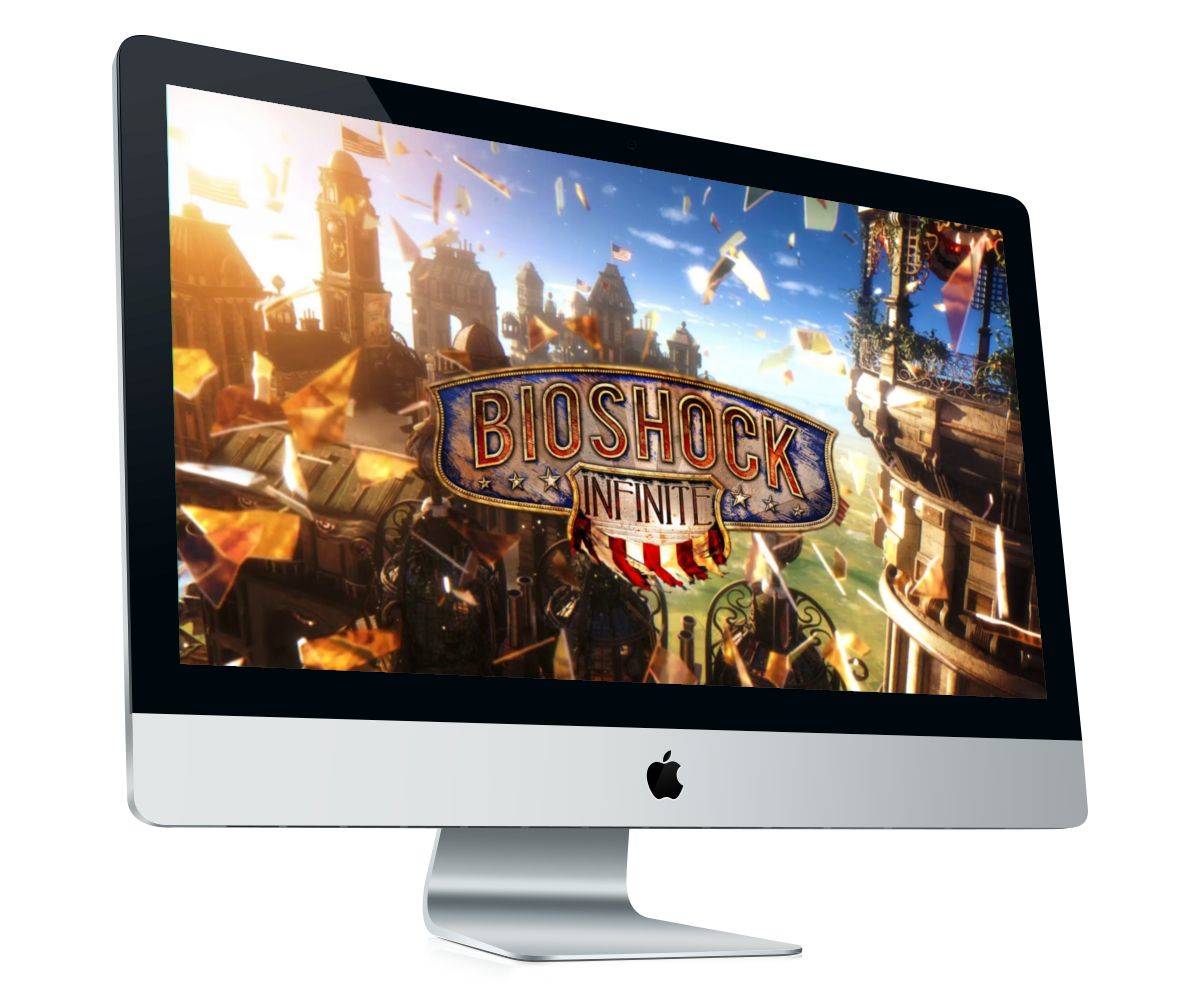
Clear your schedule for the weekend because you won’t want to leave the house. After a lengthy wait, BioShock Infinite and the new SimCity are now available for your Mac. You can download BioShock Infinite from the Mac App Store or from Steam, where it’ll cost you $39.99; while SimCity is available through EA’s Origin platform starting at $39.99.

But both titles can be downloaded for free if you already purchased them for PC.

How To Sign A PDF Form On Your Mac Without Printing It [OS X Tips]

By

PDF Signatures

As it turns out, I end up having to sign a lot of documents, such as contracts, IRS forms, and the like. Many of these are in PDF form (bravo), and some even let me fill them out via my keyboard (even better).

Unfortunately, they still expect us to print these babies out, sign them with a pen, and then get them back into some sort of digital format, via a scanner or picture with our iPhone or something.

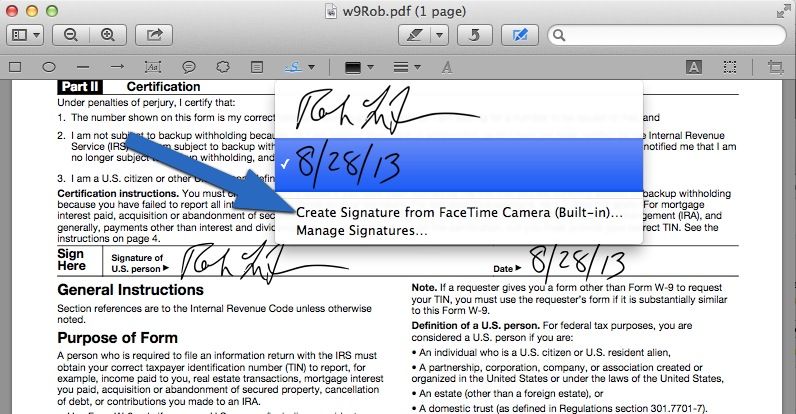
Luckily, Apple’s own Preview makes all that superflous. It’s super easy to get your pen and paper signature onto a PDF. Here’s how.

Photoristic Tries To Be A Pro Version Of Snapseed

By

photoristic

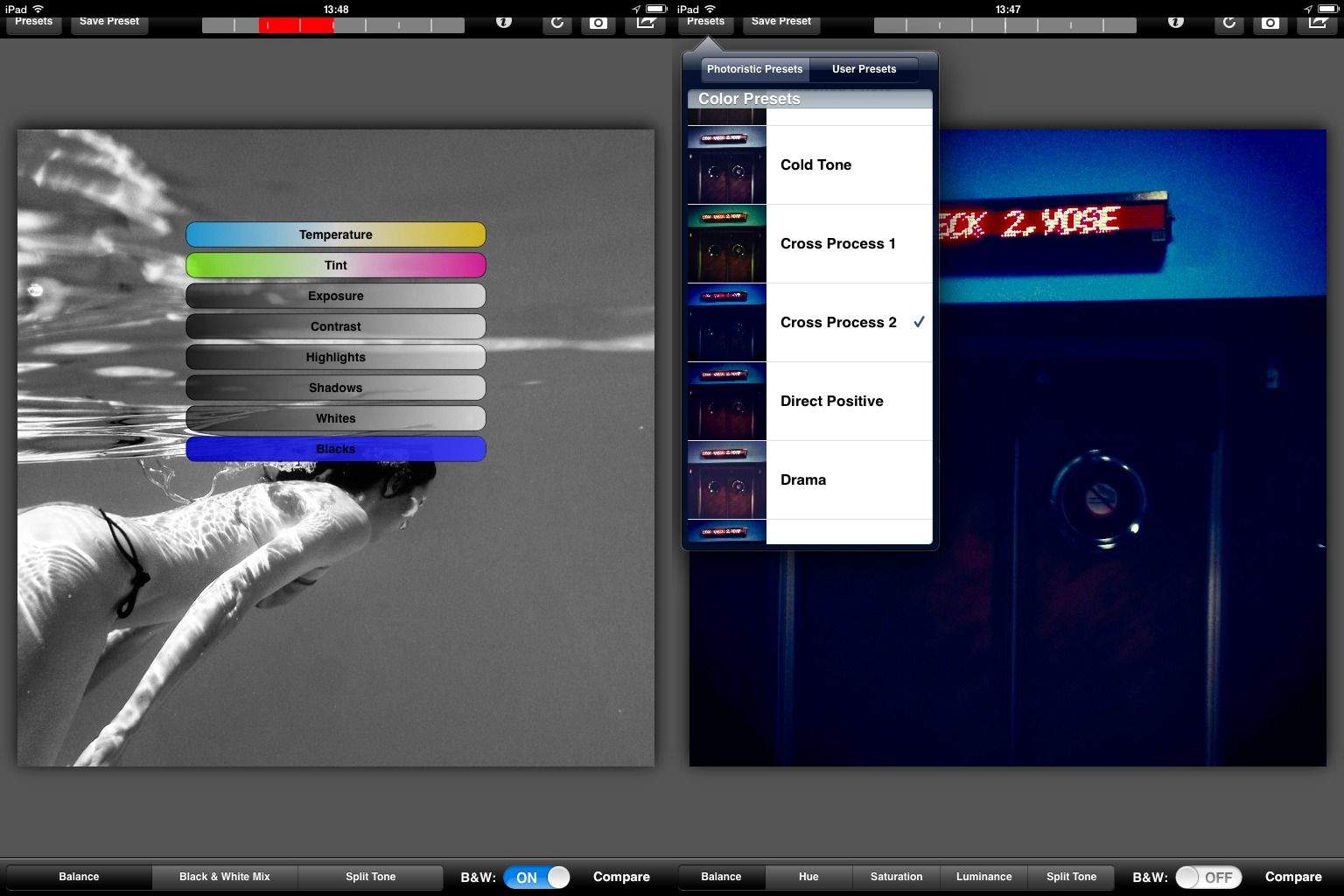
Did you ever find yourself using the amazing Snapseed and thinking to yourself, “man, I love this app more than a man should love a piece of photo-editing software, but I sure wish it could do more. Like, what if it could save my edits as presets?”

Well, you lucky, app-loving deviant, you: your wish has been answered. No, not by Snapseed, which Google will surely kill off soon enough anyway, but by a brand new app called Photoristic.

Hue Menu Lets You Control Philips Hue Bulbs From The Comfort Of Your Mac

By

HueMenu

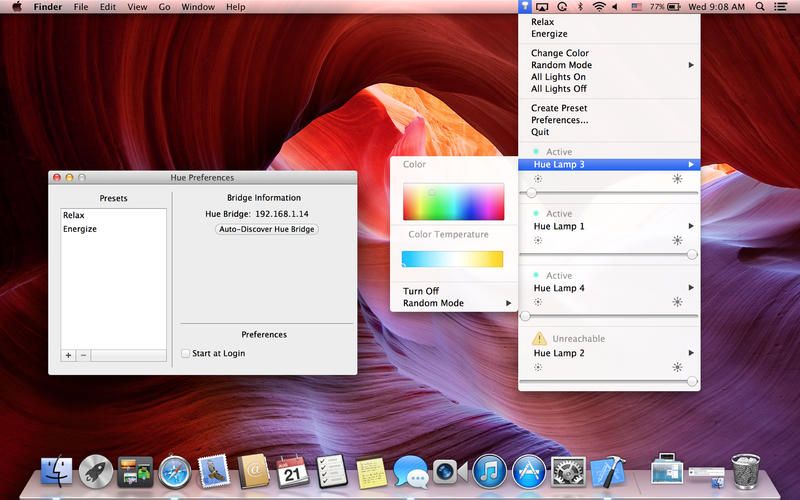
Philips Hue lights have quickly become one of favorite new iOS accessories thanks to a bunch of neat hacks and apps that have take advantage of the connected lights. Until now, Hue has mainly been controlled via an iOS app, but Hue Menu for OS X makes it so you can finally control Hue from your Mac.

Hue Menu is a new menu bar app that not only allows users to turn their Hue bulbs on/off, but you can also change the colors, create presets, pick custom colors using your own photos or the Mac OS color Picker and more. At $2.99, the app is an easy buy for Hue owners, plus the developer behind it says upcoming features will include alarms, timers, and geo-fencing.

Here are the full release notes: