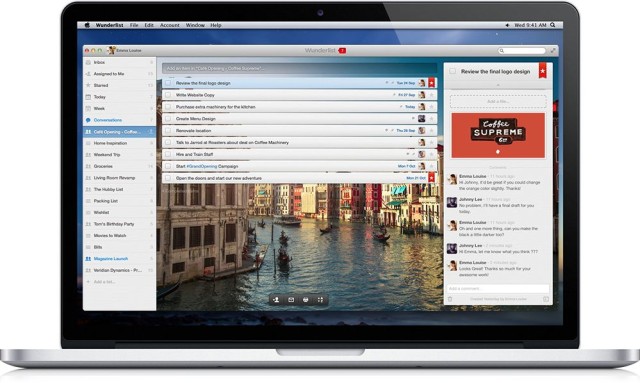
Wunderlist, the hugely popular cross-platform productivity app that now boasts over 5.3 million users worldwide, got a new feature called Comments this week, which brings the conversation to your to-do list. If you use Wunderlist in a professional environment, you can now discuss tasks and projects with your team within individual to-dos.
What’s more, you can now try Comments — as well as Files and Assigning — for free for a limited time, without signing up to Wunderlist Pro.
Apple is expected to unveil the fifth-gen iPad and second-gen iPad mini at an October event, and we’ve been seeing part leaks for the devices since the beginning of this year. Now that the iPhone 5s has come out with different color variations, it looks like Apple will be bringing a new look to the iPad as well.
Fresh parts from prolific leaker Sonny Dickson have hit the web, and they show what is believed to be the next iPad in “Space Grey.”
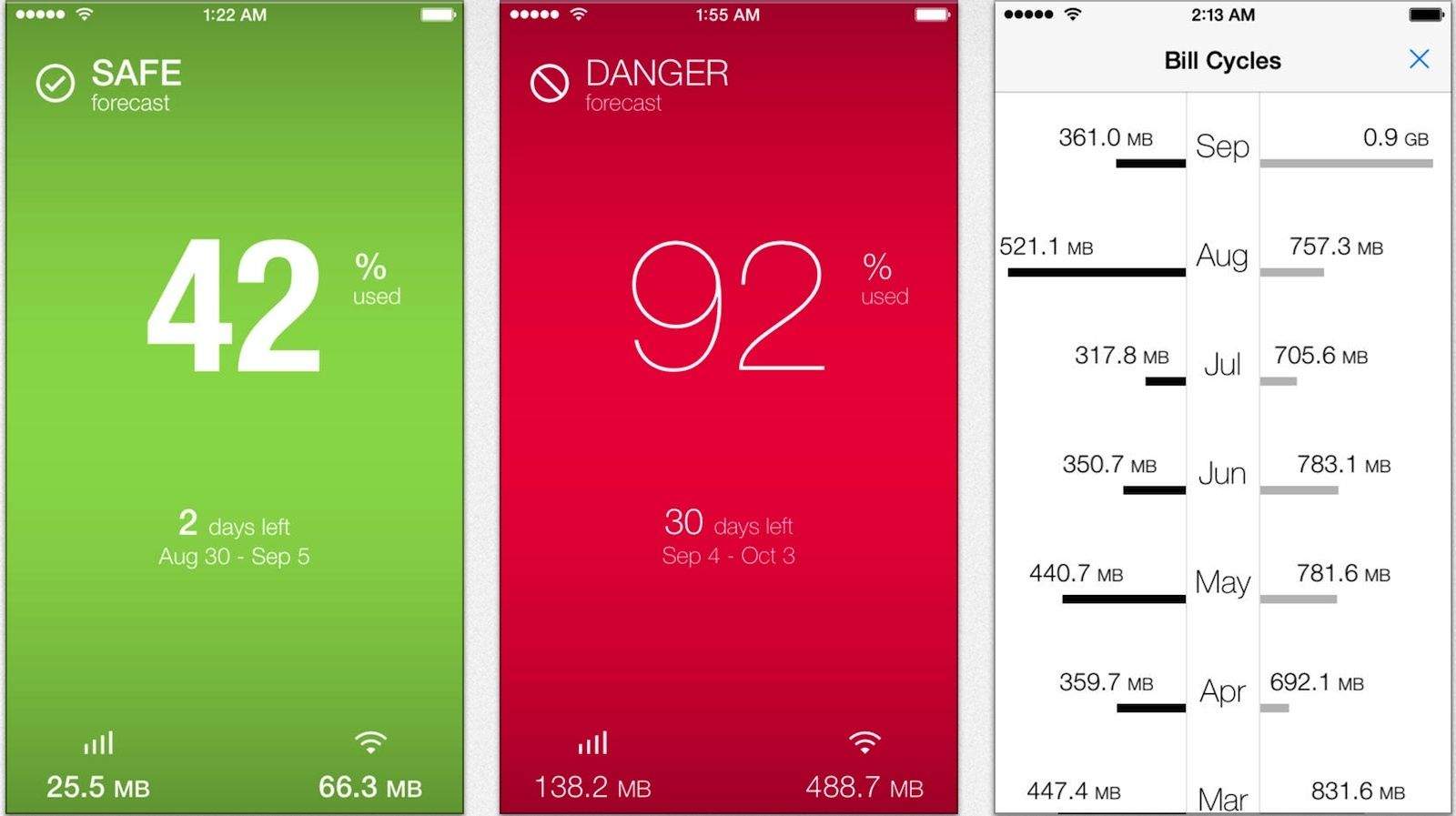
Two of the versions are on sale till the end of the week: The most basic version, DataMan Next, is free (from a buck); and DataMan Pro is on sale at $5, which is half off its regular $10 price. The Pro version also now reports hourly data usage by app, which pretty much makes it the most detailed data-tracking app out there.
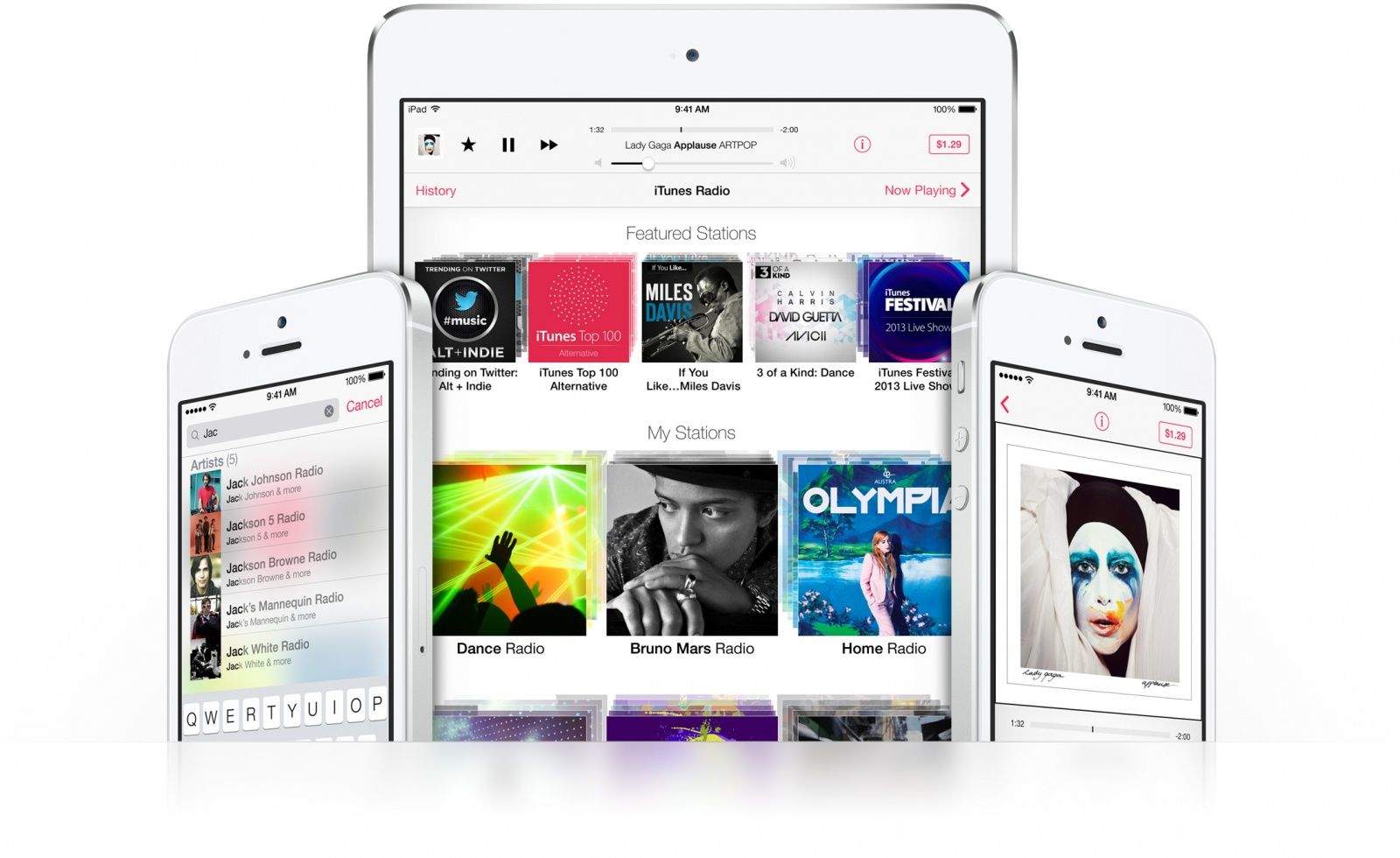
With last week’s iOS 7 launch, Apple also released iTunes Radio, its long-awaited internet radio service that’s available for free on all iOS devices and iTunes on the desktop. While iTunes Radio was thought to be a Spotify-killer before Apple’s Eddy Cue unveiled it at WWDC in June, how it works is more similar to Pandora. You listen to stations based on artists or genres you like, and more importantly to Apple, you can quickly buy played songs through iTunes.
I’ve had access to iTunes Radio all summer through the iOS 7 beta, and I maybe used it for a total of 10 minutes. Since everyone got access last week, I’ve tried using it more to see how well it works post beta. My experience was largely one of frustration. It’s obvious that iTunes Radio still has a lot of growing up to do.
Pixelmator, a popular photo editor on the Mac, was updated today to version 2.2.1. Don’t let the number fool you; the new version packs some big improvements. Most notably, the app’s overall speed has been increased twofold and edits are now automatically saved in the background.
I have a confession to make: I was probably the only human being on the planet not playing the original Angry Birds when it came out all the way back in 2009. As much as I love both birds and giant slingshots, I never really saw the appeal. I played for about five minutes, shot some birds into some things, and then shrugged and gave up.
Angry Birds Star Wars II by Rovio Category: iOS Games Works With: iPhone, iPad Price: $0.99
Apparently, the game’s developer, Rovio Entertainment, saw this happen and did not approve, so it spent the next few years trying to come up with a way to get holdouts like me to buy in to its anti-pig propaganda machine. And so we received Angry Birds Star Wars, a dangerous cocktail of addictive, deceptively simple, physics-driven gameplay and just straight-up, unabashed nerditude. It was in many ways the perfect mobile game: accessible to everyone and irresistible to giant geeks like myself. But still, I resisted.
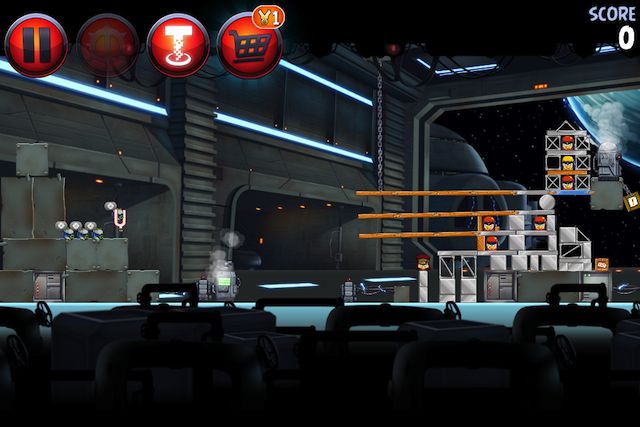
Now Angry Birds Star Wars II is out, however, I’m totally in.
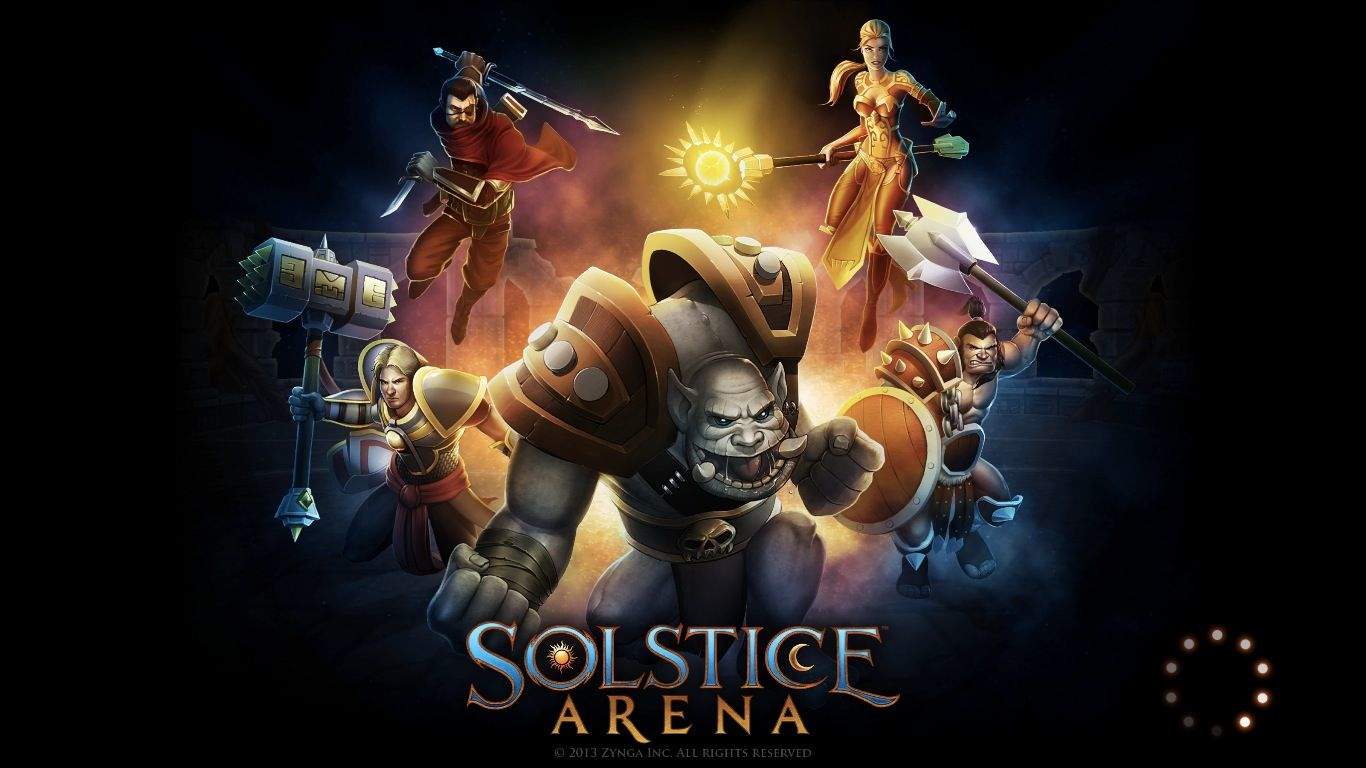
You’ve got to admire a game that matches its own intent so perfectly that you suddenly can’t visualize how else the genre should be done. That’s certainly the case here with Zynga’s Solstice Arena. It’s currently my favorite MOBA game on any platform, which is great, since it plays well on both iOS and the Mac. I’m reviewing the Mac version here, but assume that–aside from touch controls–the game plays exactly the same on iOS. This is a good thing.
Solstice Arena by Zynga Category: Mac Games Works With: OS X Mac Price: $Free
As a genre, the action real-time strategy (ARTS), or multiplayer online battle arena (MOBA), has a history reaching back to modified RTS game maps for Starcraft and Warcraft. Recently, League of Legends from Riot Games has taken on the mantle as the most well-known game of its type, moving into the lucrative world of eSports, as well.
Zynga may be more known for Farmville and other Facebook games, but the San Francisco games publisher has delivered a much more midcore game than I expected. Developer A Bit Lucky has created a streamlined, compelling take on the ARTS genre, and while the game may not surpass more traditional entries in the field, Solstice Arena still engages players of all levels without sacrificing too much of the strategic depth of the game type.
With all the excitement over the recent release of Apple’s mobile operating system, iOS 7, it’s easy to forget that the Cupertino-based company has another OS in the works, OS X Mavericks Beta. Currently at version 8 of the Developer Preview, or beta, OS X Mavericks continues to quietly update in the background, with more refinements over time.
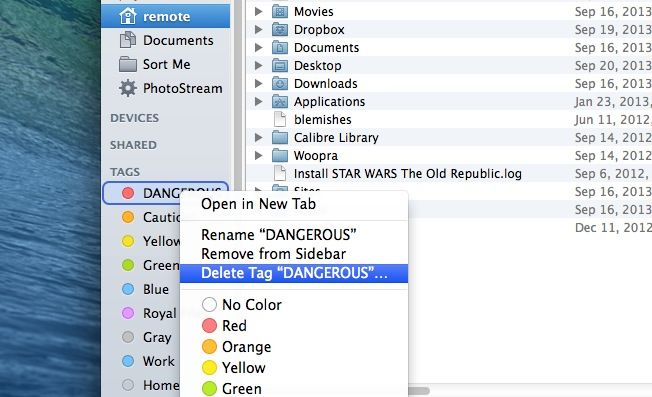
One of these improvements is the ability to delete tags from the sidebar. As you may recall, we showed you how to add and modify tags to the list in the Finder sidebar, as well as how to drag and drop files to tag them.
It turns out, though, that now you can actually delete tags as well, completing the tag circle of life. Here’s how.
Less than a week after Apple released iOS 7 to the world, the majority of iPhone and iPad owners around the world are using the operating system, and if the past is anything to go by, that adoption rate won’t slacken until only a tiny sub-fraction of users are left boasting out-of-date versions of Apple’s mobile operating system.
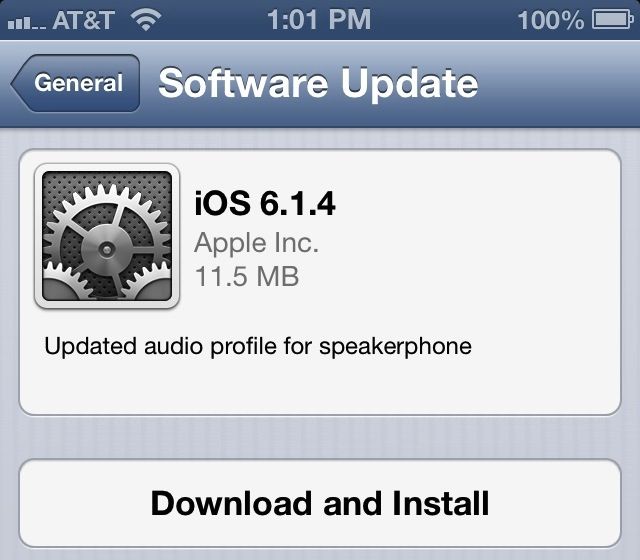
It’s ironic, then, that a week after iOS 7 was released, the iOS 6.1.4 jailbreak is almost done.
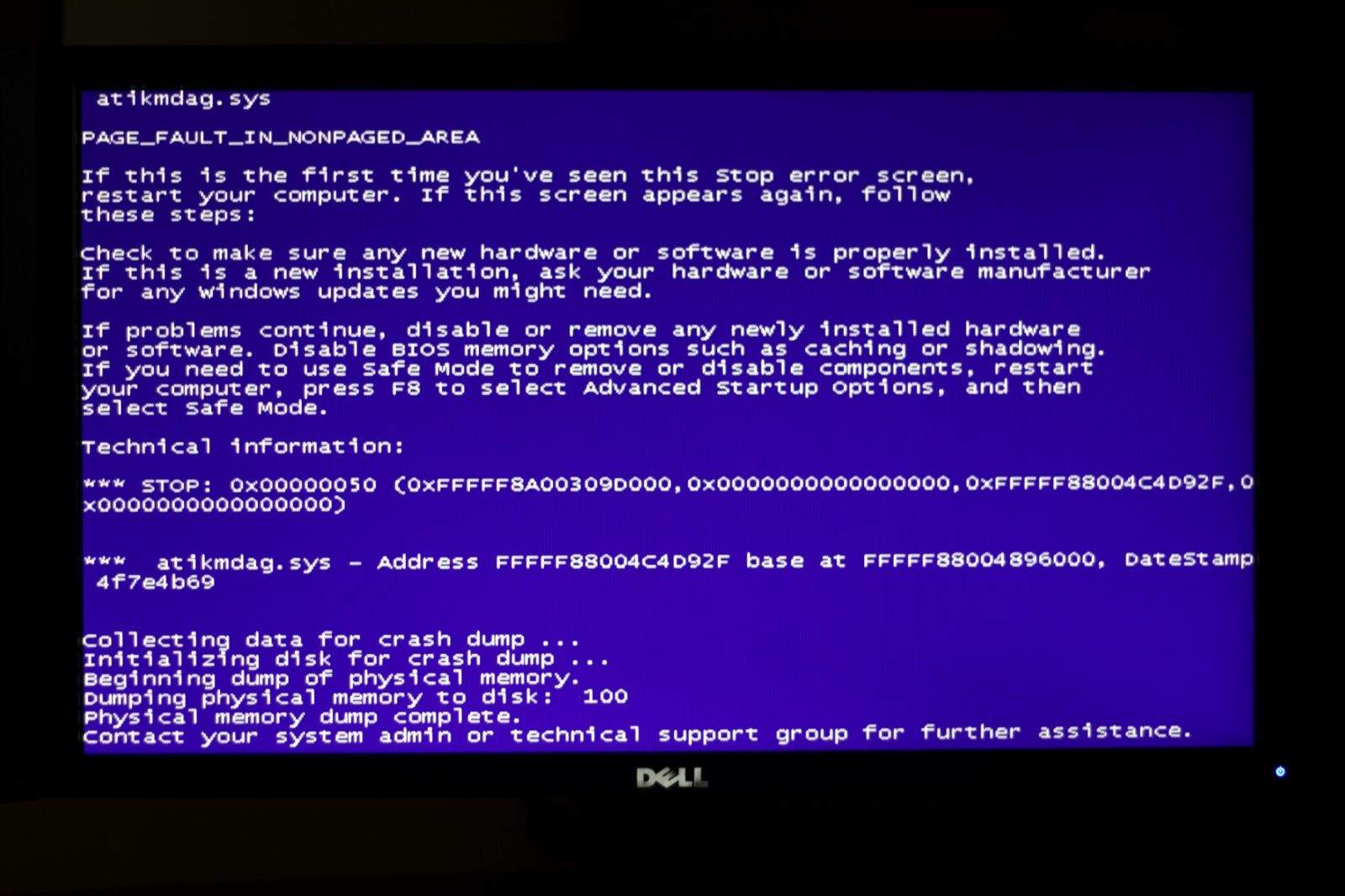
Oh, ignoble irony, how bitter your sting. A new bug in iOS 7 that is striking some iWork users is crashing their devices with the fabled Blue Screen of Death.