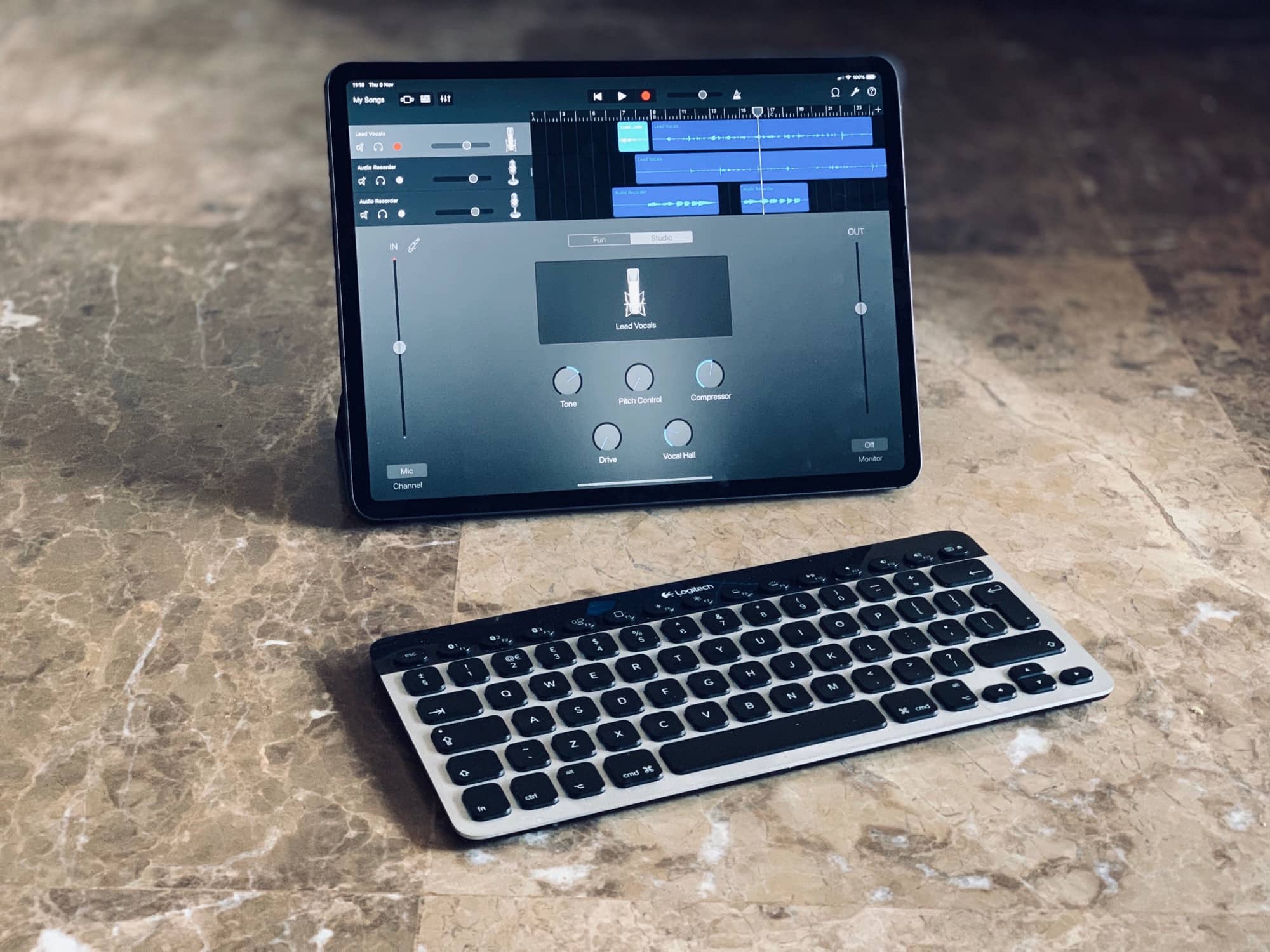
Finally, GarageBand can be controlled from a keyboard. Photo: Charlie Sorrel/Cult of Mac
GarageBand for iPad just got a great new update, adding three new drummers, gimmicky face-controlled audio effects, and one huge game changer: Keyboard shortcuts.
iBot comes in tangerine and Bondi blue. Photo: Philip Lee
Before the brushed aluminum and sharp angles of today’s desktop Mac, the iMac G3 was bulbous, plastic and colorful. Some would say cute.
Toy designer Philip Lee raises the cute factor on the beloved piece of personal computing history with two new Classicbots that come in tangerine and Bondi blue.
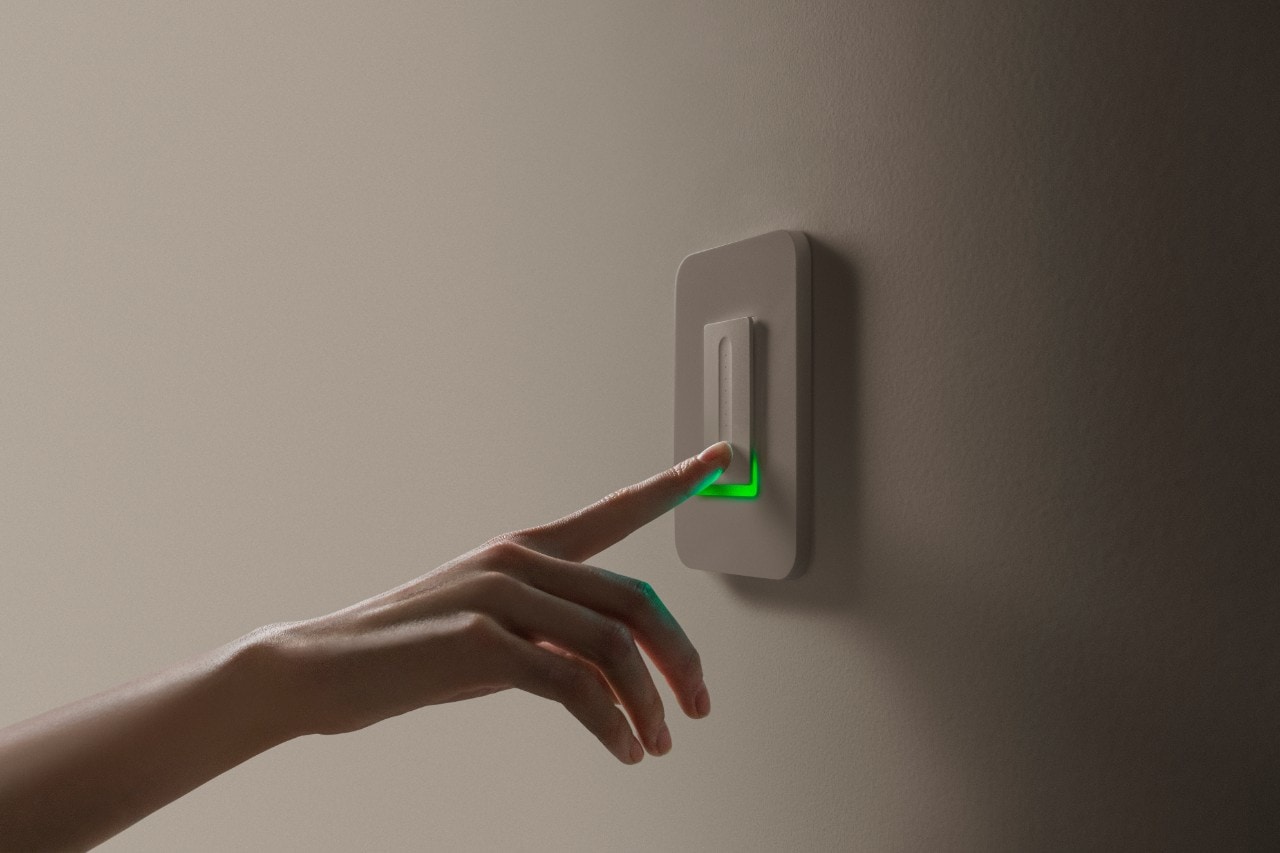
The Wemo WiFi Smart Dimmer just got a little smarter. Photo: Belkin
A software update adds native HomeKit compatibility to the Wemo WiFi Smart Dimmer today.
The in-wall dimmer switch brings smart lighting capabilities via Apple’s Home app and/or the updated Wemo iOS app. As with other HomeKit devices, you can control the dimmer with your voice via Siri from an iPhone, iPad, Apple Watch, HomePod, Apple TV or Mac.
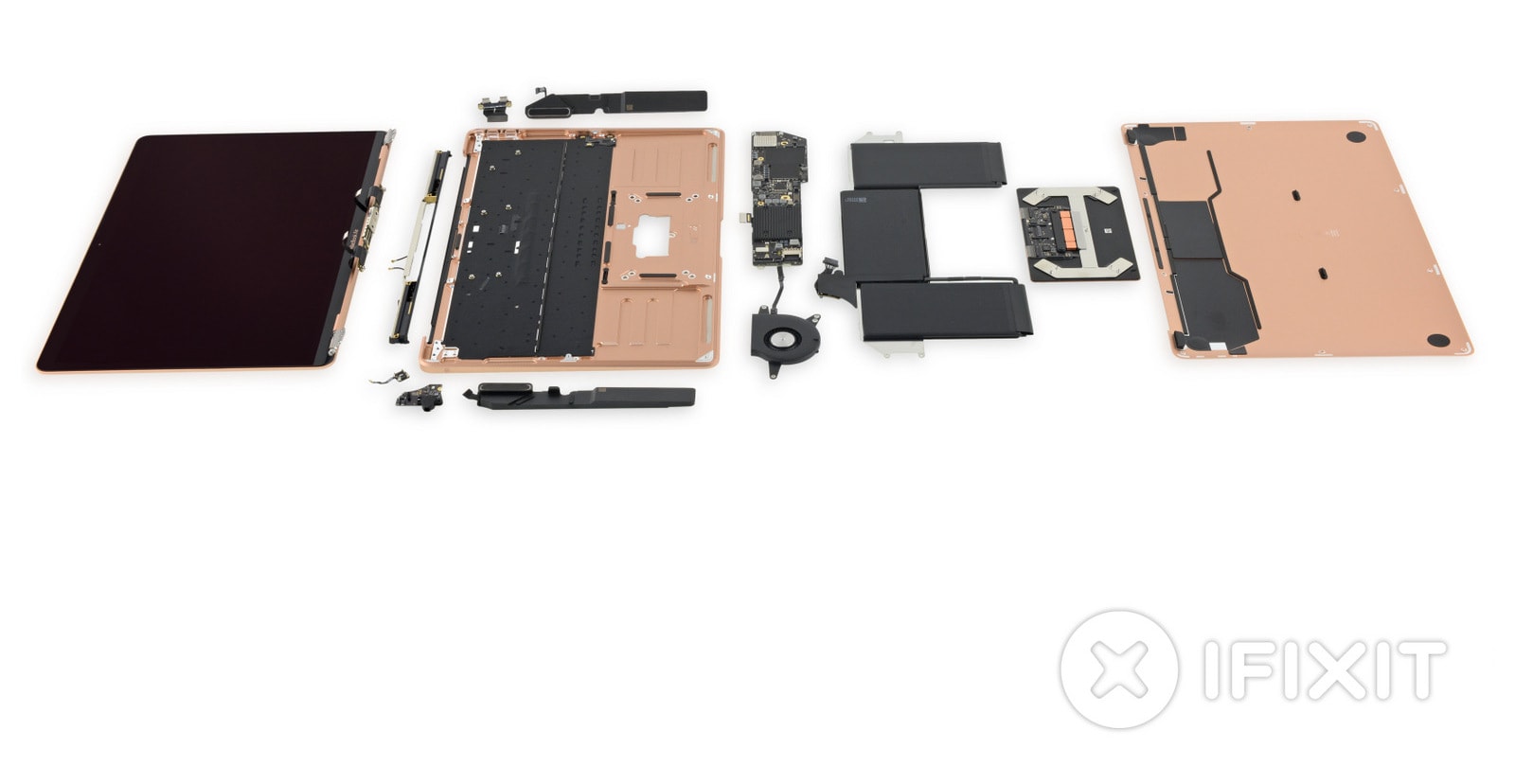
See what's inside the new MacBook Air. Photo: iFixit
Even if you take good care of your new MacBook Air, there’s always a small chance something could go wrong. But it is a lot easier for Apple and its Authorized Service Providers to fix the new ultraportable than other Apple notebooks.
A new teardown reveals all the changes Apple has made to make swapping components simpler.
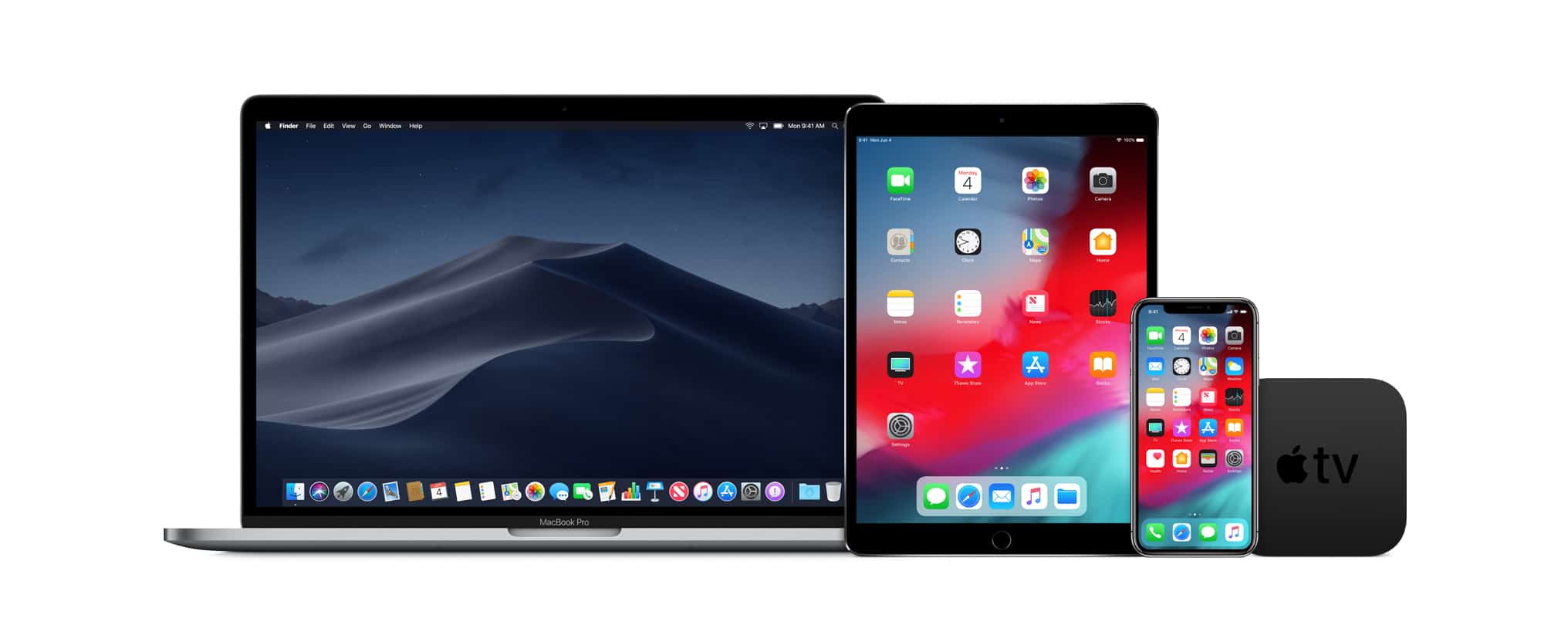
This isn't even all the devices that will run the betas Apple released today. Photo: Apple
Developers and the public just got their hands on the second betas of iOS 12.1.1 and tvOS12.1.1.Not to be left out, macOS 10.12.2 beta is also available to everyone.
In addition, developers got their vey first gander at watchOS 5.1.2.
Apple just added some big updates to Clips Photo: Apple
Apple’s quick video editing app, Clips, just got a big update today that adds new features that take advantage of the TrueDepth camera on the iPhone XS, XS Max, XR and iPad Pros.
The new update brings new Selfie Scenes, stickers, soundtracks more, making it even easier for iPhone and iPad users to create fun videos on-the-go.
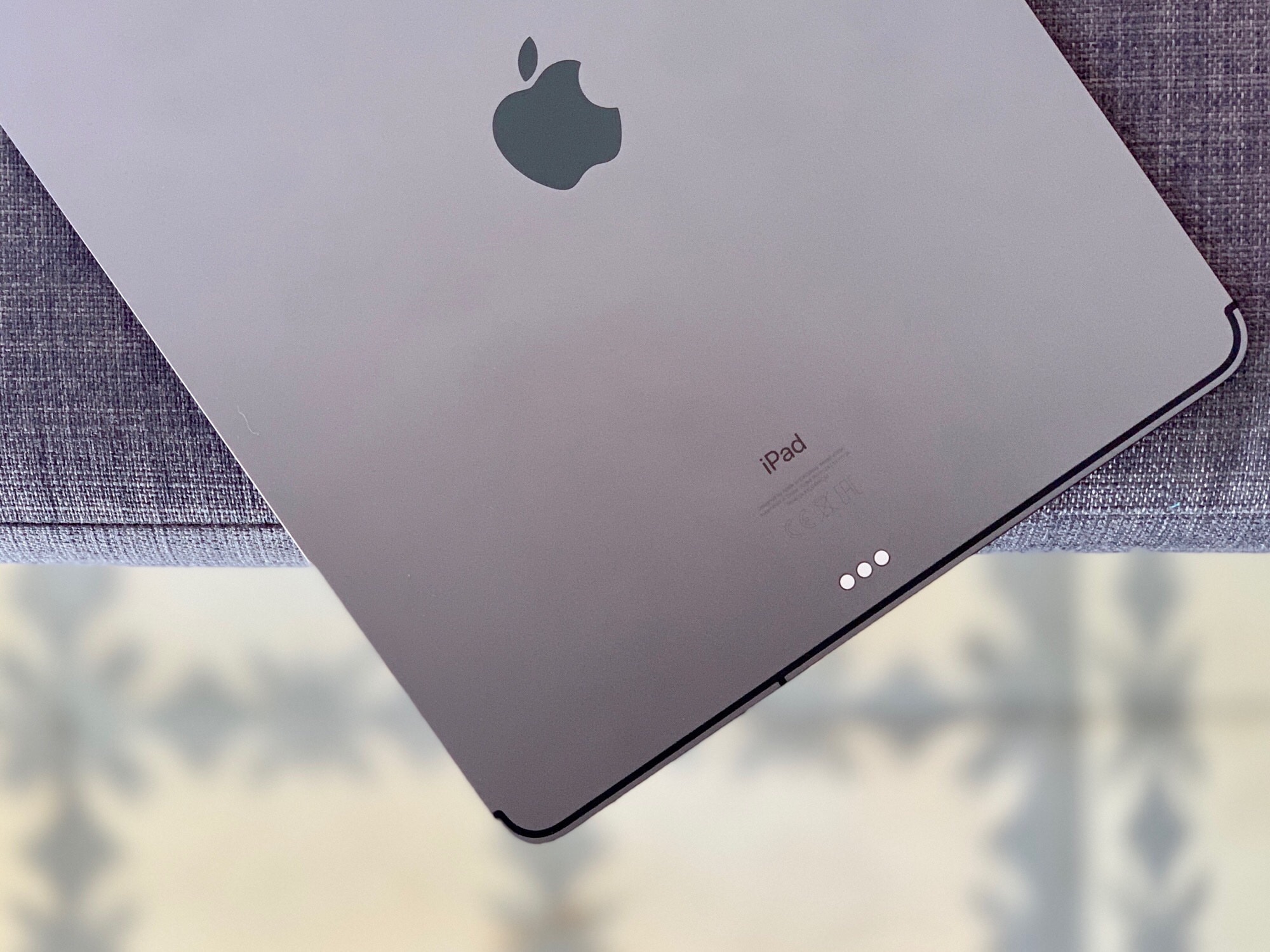
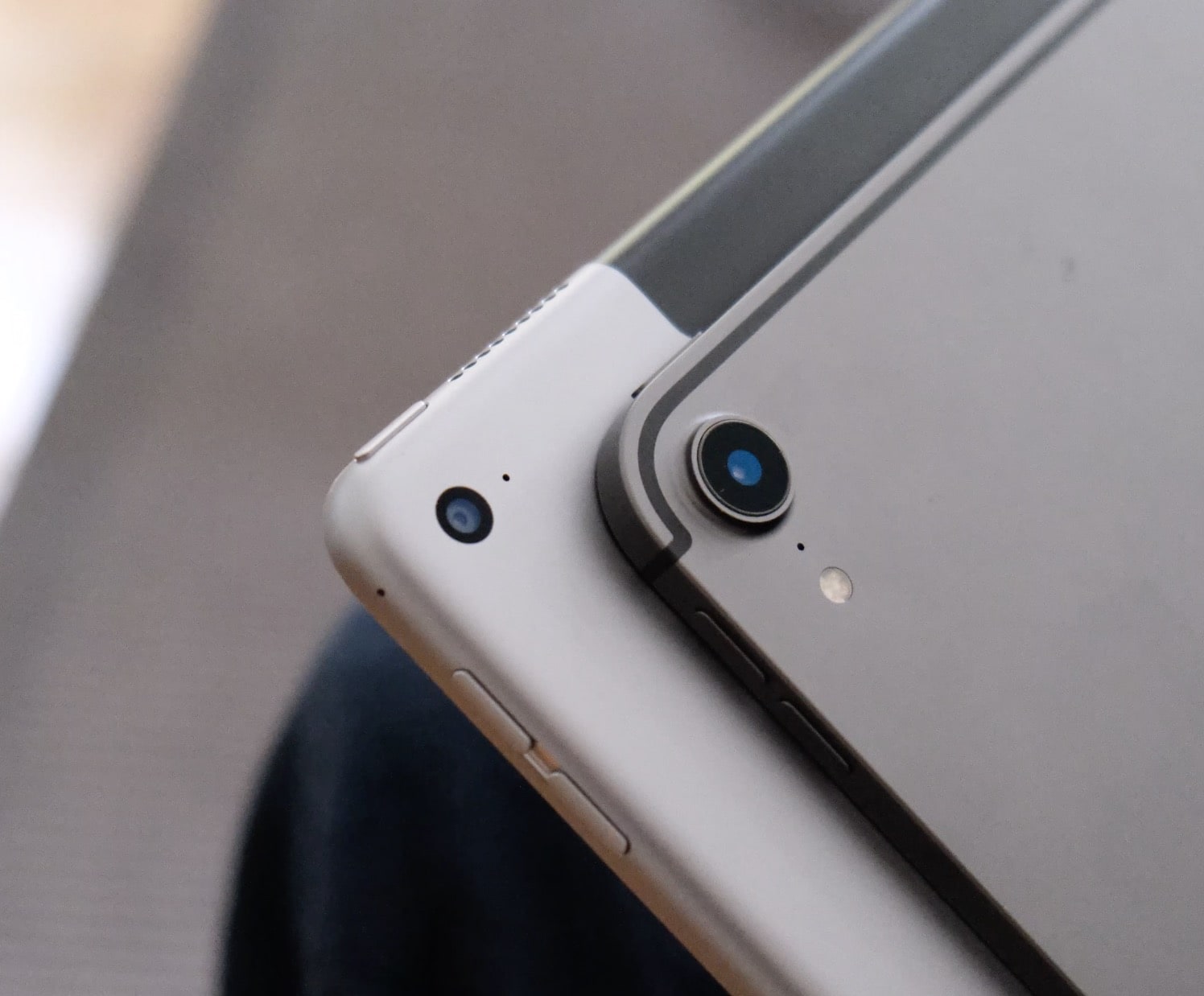
The new 2018 iPad Pro is a lust object you probably don’t need. Photo: Charlie Sorrel/Cult of Mac
Every 2018 iPad Pro review I’ve read seems to be written by someone who doesn’t use the iPad like a pro. Most of the reviewers focus on using Apple’s new tablet they way most people do: reading the internet, doing some mail and watching lots of video.
Which is a shame, because there’s a lot to like in this iPad for “power” users, aka folks whose everyday carry is an iPad. People like me. The iPad has been my most-used device for years. I do everything on it. (Everything, ironically, except writing articles — but that’s because my ancient 27-inch iMac still works fine, and I like to use a trackpad for editing text.)
Rather than reviewing the iPad Pro from the point of view of a “normal,” I’m going to talk about this gorgeous new device like someone who uses an iPad for work every day.
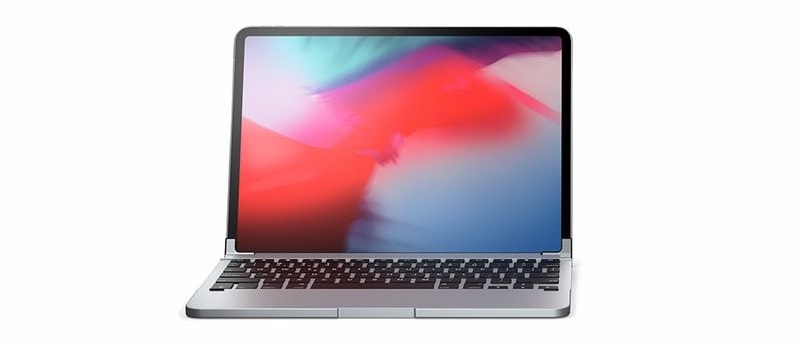
The awesome new 2018 iPad Pro deserves some awesome accessories. Photo: Andrea Nepori
You’ve got your new iPad Pro, and it’s all set up. Now, you might want to start tricking it out with accessories. The bad news is that most of your old accessories won’t work. The good news is that some of them will, and the rest can be replaced, or hooked up with dongles. Let’s check out the best accessories for the new 2018 iPad Pro.
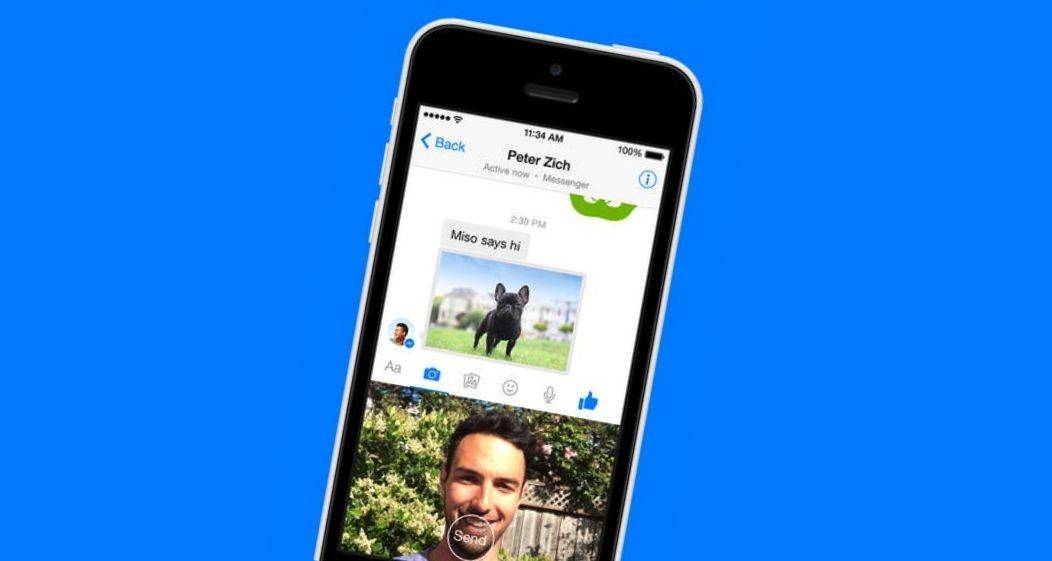
Look out for Messenger's unsend option soon. Photo: Facebook
We’ve all sent messages we regret, which is why many messaging platforms now give us the option to recall a text. Facebook Messenger is finally following suit, but it won’t give you much time to fix a potential disaster.