Mobile menu toggle

Search results for: Apple One

Check out these great hidden features in iOS 13’s Reminders app

By

iOS-13-reminders-app
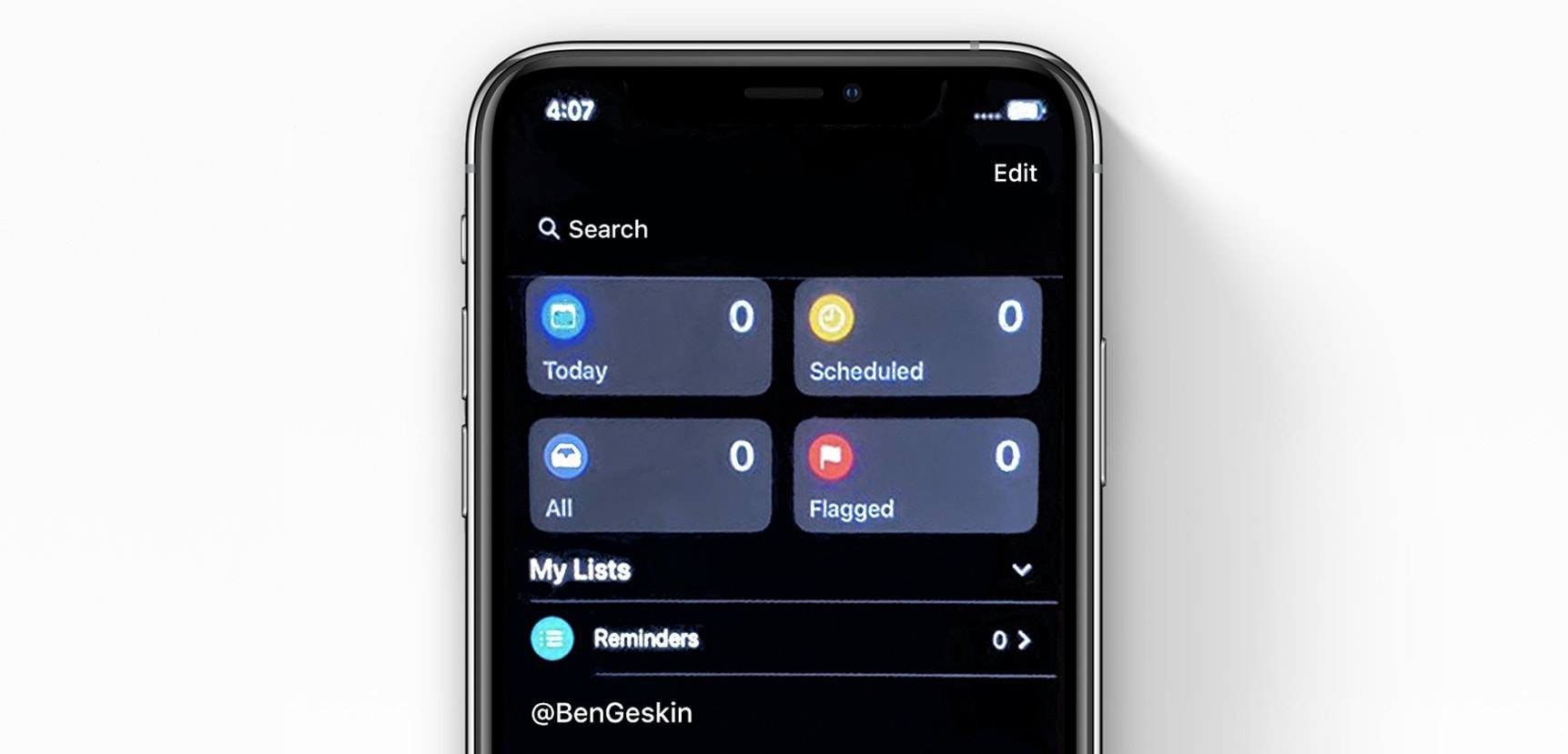
The new iOS 13 Reminders app.
Photo: Ben Geskin

Apple’s Reminders app gets a massive update in iPadOS and iOS 13. It’s no longer a joke app that needs a million taps just to set a notification time on your action item. We already know about the new layout, which splits tasks into Today, Scheduled, All and Lists, and we also know about the excellent new natural-language input, which makes typing a reminder as easy as dictating it to Siri.

But the big update also brings some other new features you likely haven’t heard about yet: Today Notifications and Type to Siri (right there in the Spotlight screen).

Check out the amazing new iOS 13 video-editing features

By

iOS 13 video editing
Confused?
Photo: Charlie Sorrel/Cult of Mac

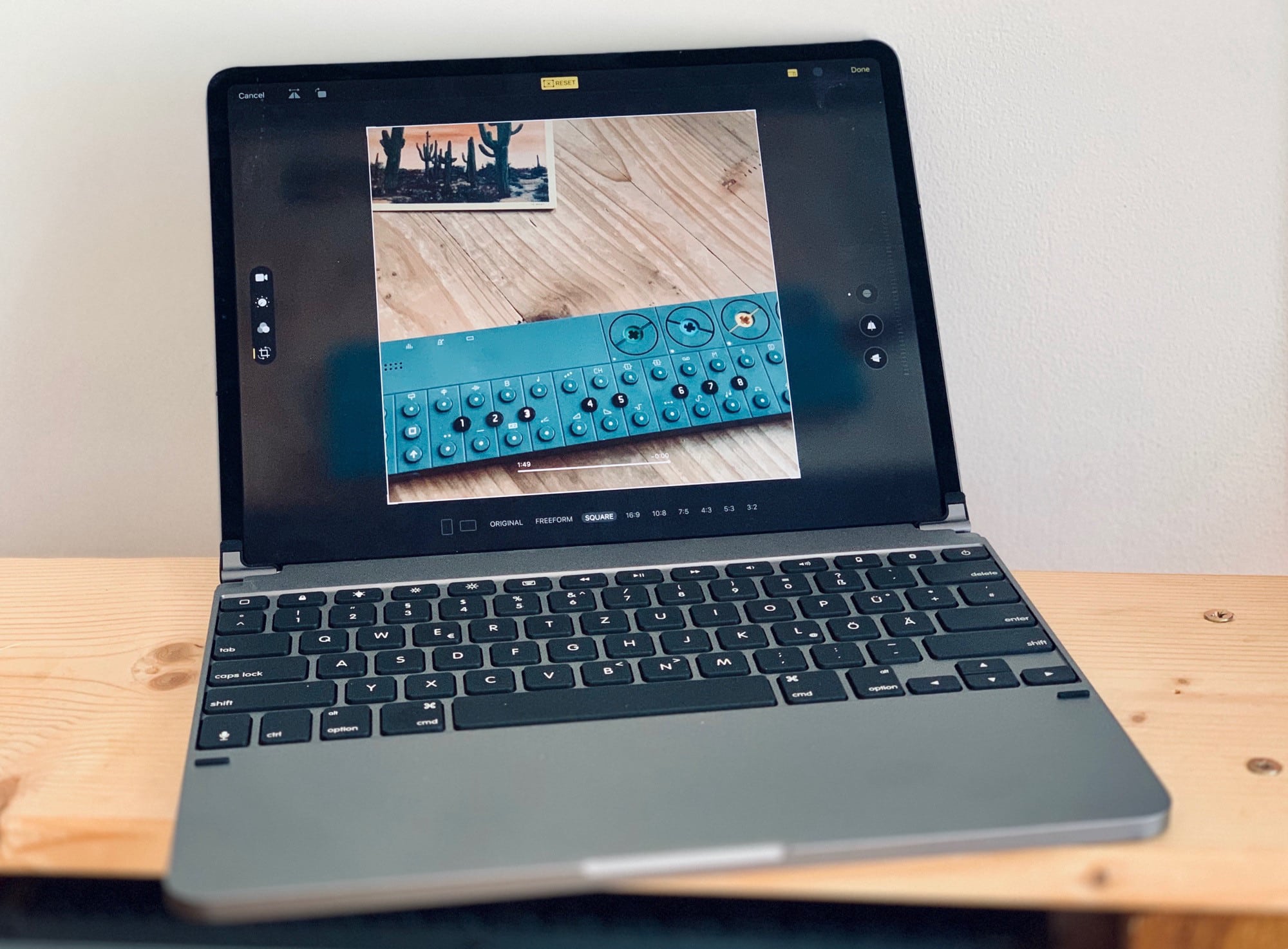
In iPadOS and iOS 13, you can edit videos just the same way you’ve always ben able to edit photos. You can crop them, rotate them, add filters and adjust their color. And — finally — you can simply save the edited version instead of spawning a copy every time you make a simple trim. No need for iMovie — the iOS Photos app can now perform radical edits to videos. This isn’t limited to the iPhones 11, either. You can do all this on any iPhone or iPad running iOS 13.

Check out the great new iOS 13 video editing features:

3 ways to block annoying calls and messages in iOS 13

By

Red pillarbox
It's even simpler to block email, messages and unknown callers in iOS 13.
Photo: Charlie Sorrel/Cult of Mac

The trouble with modern technology is that anyone can try to reach you, at any time. Your boss can leave a passive aggressive email at the top of your inbox overnight, so you see it when you want to check personal mail. Anyone can send you an SMS or iMessage. And anyone with your phone number can spam you, any time.

Currently in iOS, you can block iMessage senders. But in iOS 13, you gain two new ways to keep stalkers, weird friends and over-sharing co-workers out of your digital life. Now you can block unknown phone callers and email senders.

Check out the next-level photo editing tools in iOS 13

By

In iOS 13, Photos is now an image-editing powerhouse
Photo: Charlie Sorrel/Cult of Mac

The Photos app in iOS 13 is now good enough that you may never need another app to edit your photos, for regular edits at least. Somehow Apple made the app even easier to use, and added some new features, while making existing features far easier to find.

For instance, Portrait Mode now gets its own tab; the automatic magic wand tool can now be fine-tuned (as can the built-in filters); and the crop tool now fixes perspective, and mirror-flips your photos.

iOS 13 is out now, but here’s why you might wait to install it

By

iOS 13
iOS 13 is loaded with new features.
Screen capture: Apple

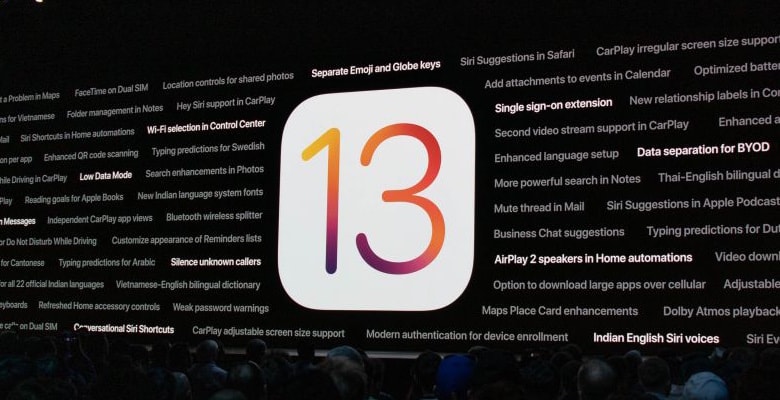
The long wait for the next version of iOS is finally over. Apple just released the upgrade to iOS 13 to iPhone users, bringing Dark Mode, a better version of Safari, and lots more improvements.

iPad users won’t get their version until next week. And even iPhone owners might consider holding off until that same time.

How to use Safari’s amazing new settings in iOS 13

By

safari
Not this kind of safari.
Photo: Cult of Mac/Charlie Sorrel

Safari’s new “desktop-class” features are getting all the press in iPadOS, but the new download folder, and better website support aren’t everything. There’s also a new in-app settings panels with a ton of options — per-site text size, for example — and even a new font in the Safari Reader View. Let’s check it out.

How to use the new copy, paste and undo gestures in iPadOS 13

By

iPadOS productivity gestures
This is how text editing used to feel on iOS.
Photo: Jason Leung/Unsplash

It wasn’t until I installed iPadOS on my regular iPad that I realized how great iOS 13 is. It’s one thing to run it on an old, battered test unit, but a whole other thing to use it day to day. And, surprisingly, it’s the small features that make the biggest difference. The per-page view setting in Safari, for example. Or the new multi-app Slide Over panel. And, more than anything else, the new text-editing gestures, which are finally good enough to replace a mouse and a Mac.

Let’s take a look at how to use iPadOS 13’s new copy, paste, undo and redo gestures, plus text selection in general.

Everything you need to know about iOS 13

By

Pile of usb junk
iOS 13 lets you plug almost any USB device into your iPhone or iPad.
Photo: Charlie Sorrel/Cult of Mac

iOS 13, which launches today, focuses more on adding a range of incredibly useful features and tweaks rather than pursuing a bold, overarching new direction. For instance, Safari on iPad now functions as a full desktop browser, just like on your Mac. Another great addition is the redesigned share sheet, which includes a top row of one-tap buttons for easily sharing with friends via iMessage. If you’re curious about when someone shares their location how do you see it, iOS also introduces enhancements to location-sharing features, which you can learn more about here.

Or, in iPadOS 13, which ships at the end of the month, you can plug in pretty much any USB device and it will work. Hard drives, SD cards full of movies, anything.

So, while you’re waiting for the new version of iOS to install on your device(s), check out all the new iOS 13 features right here.

10.2-inch iPad’s entry-level specs match its budget price

By

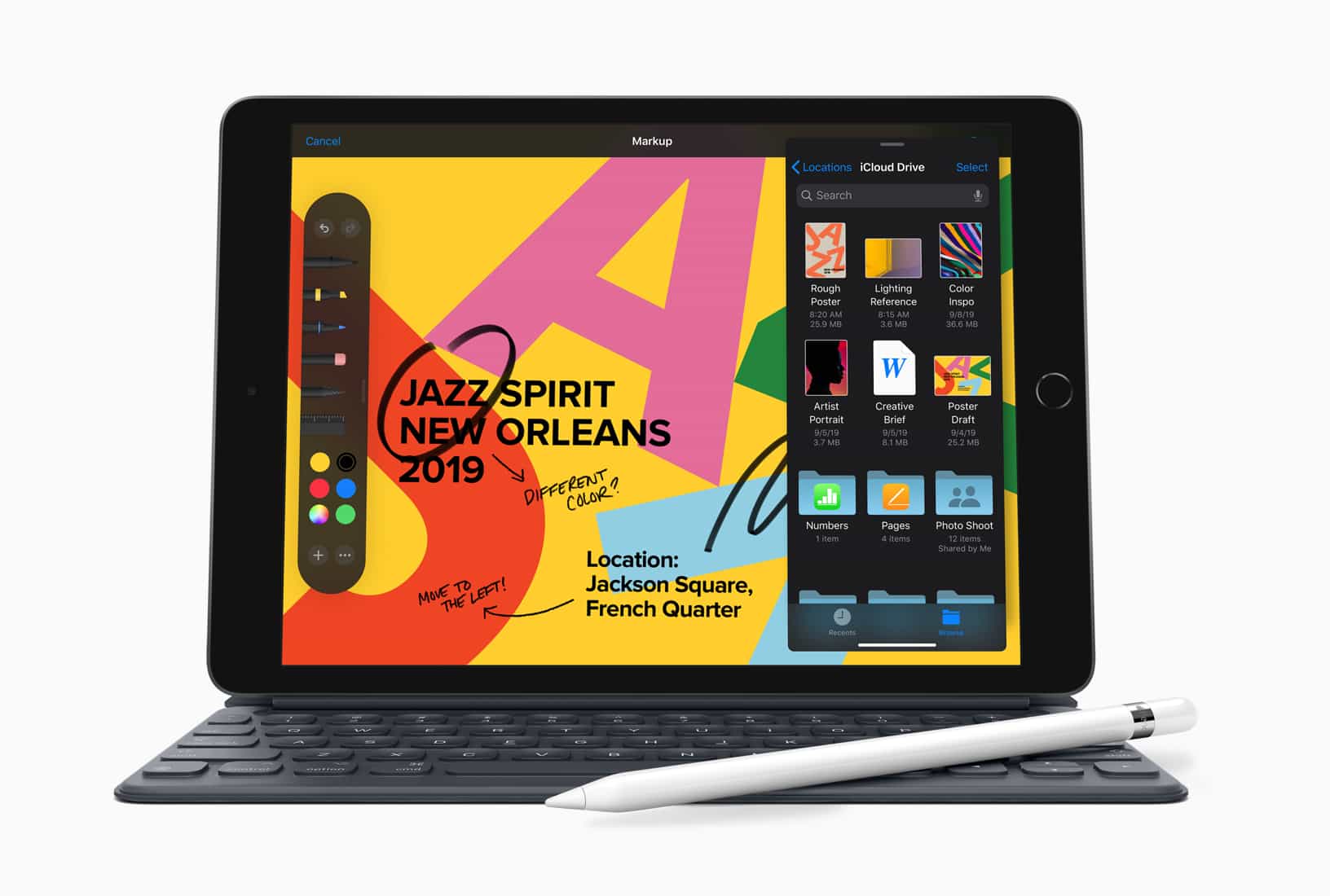
Here’s the 10.2-inch iPad for 2019.
Despite a larger display, the 2019 iPad has much in common with last year’s model.
Photo: Apple

The recently-announced 10.2-inch iPad replaces the 9.7-inch iPad in Apple’s lineup, but it’s not a big jump in internal specifications.

That said, Apple’s latest tablet reportedly has more RAM than its predecessor.

Facebook eyes 2023 launch for smart glasses project

By

Facebook messaging apps
Zuckerberg has reportedly asked that the project be made a priority.
Photo: Facebook

Apple’s long-rumored AR glasses project could get some competition from the world’s biggest social network company.

Facebook is reportedly developing its own augmented reality glasses. The social network recently struck a partnership with Ray-Ban parent company Luxottica to speed the product along, according to a new report.