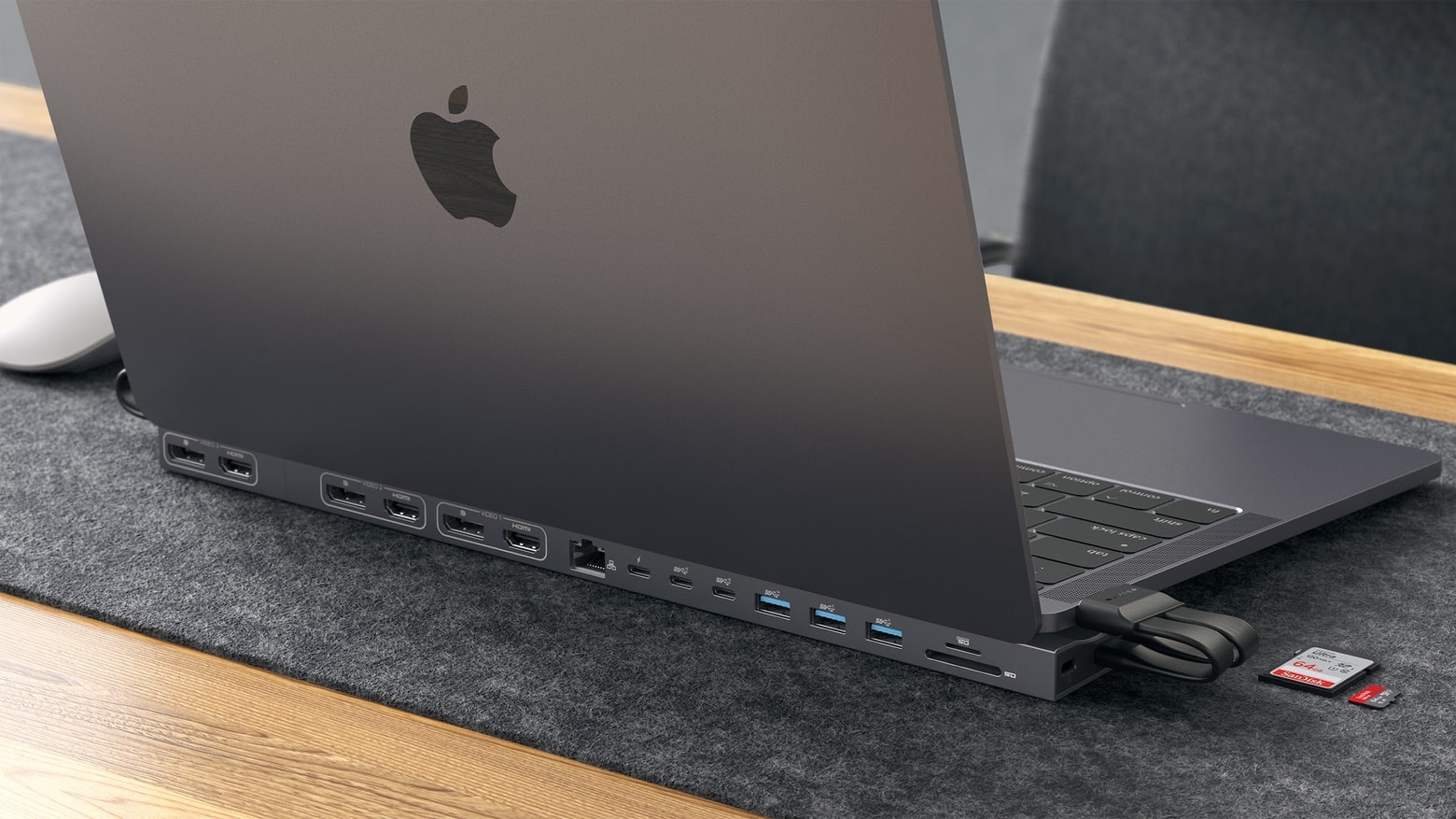
Add up to 15 ports to a MacBook with a new USB-C hub/dock from Hyper. Photo: Hyper
The HyperDrive 4K Multi-Display Docking Station for 13”-16” MacBook has room for 15 ports, including a trio of HDMI ports that support 4K 60Hz. There’s also Gigabit Ethernet, a trio of USB-A ports, a trio of USB-C ports, memory card readers and more.
Rather than sitting beside or behind the laptop, Hyper’s latest dock props it up.
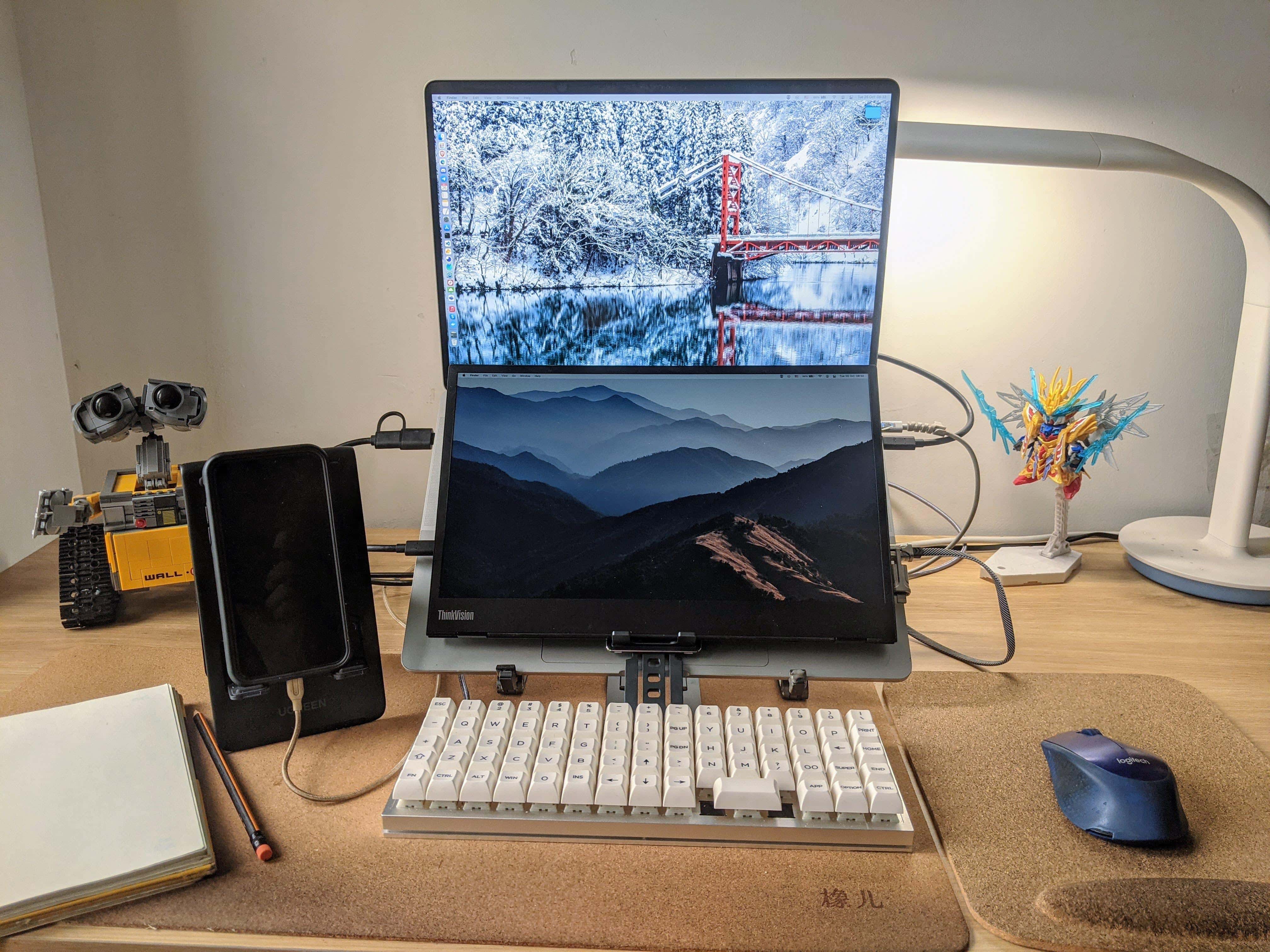
A portable monitor is mounted over the MacBook Pro's keyboard and an ortholinear-layout keyboard is the main input device. Photo: [email protected]
We see a lot of dual- and multi-display workstations here at Setups Central, but we can’t recall seeing a “dual-display laptop” or a “laptop monitor stack.” Those are terms we made up for a second portable display mounted under a laptop’s screen and on top of its keyboard, as in today’s featured setup.
Learn how to create your own apps for iOS and Android. Photo: Cult of Mac Deals
Whether you want to embark on an exciting new career as an app developer, or build your own apps to make some serious cash on the App Store, you can learn the skills you need with this great online course.
And right now, you can grab the Complete Mobile and App Development Bundle — one of the best educational bundles around — on sale for just $44.99 (regular price $1,791). With nine separate courses included, that works out to less than $5 a course.
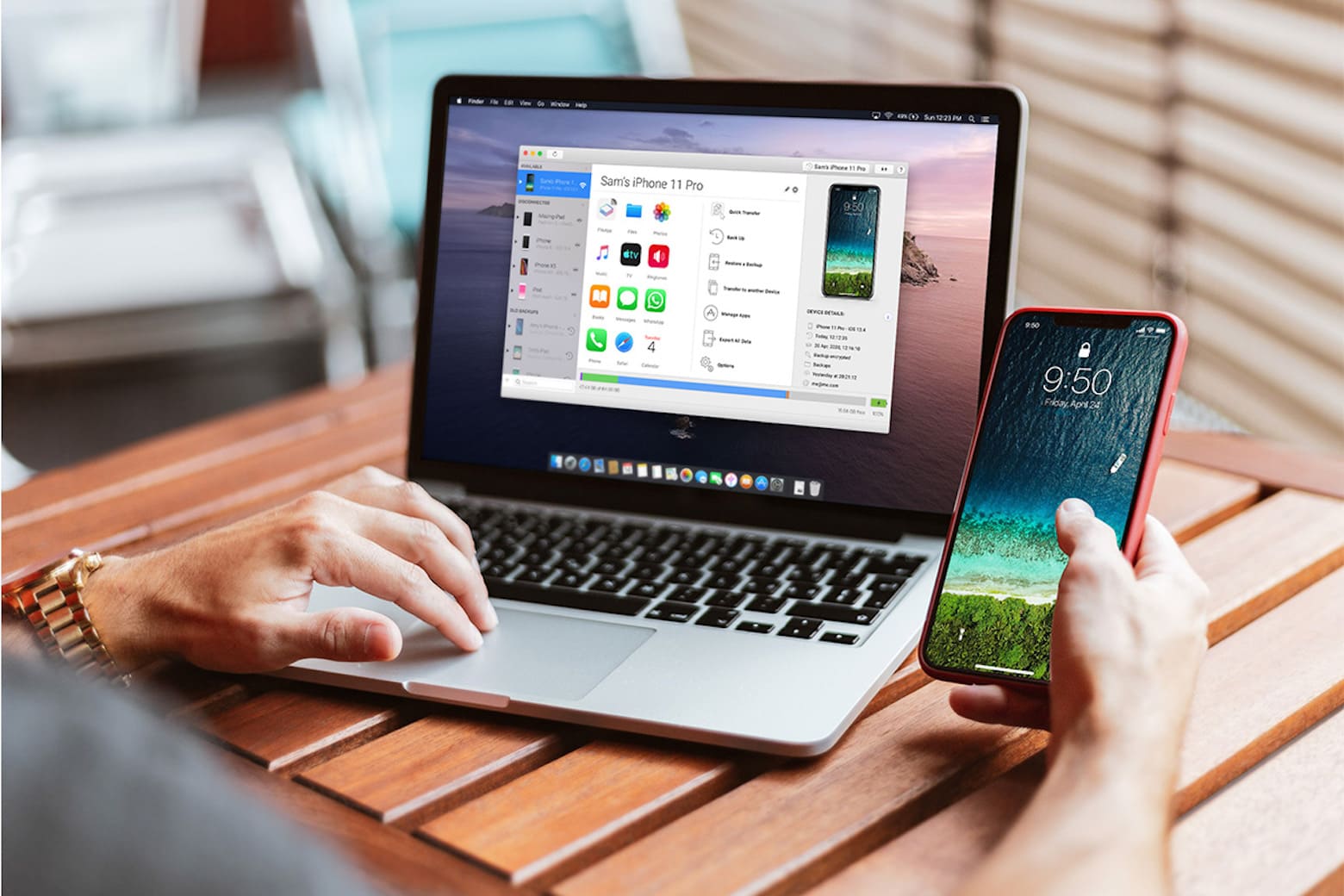
Experience total freedom without jailbreaking your iPhone with this top-rated app. Photo: Cult of Mac Deals
Did you know you can take total control over your iPhone’s documents, data and media? The secret is in using the game-changing iMazing app — and right now, it’s heavily discounted in our Pre-Black Friday Sale.
Usually starting at $34, you can take a further 15% off the sale price for a limited time when you enter code SAVE15NOV at checkout. That drives the price all the way down to just $12.74.
The new MacBook Pro's MagSafe might just be too strong! Image: Killian Bell/Cult of Mac
This week on Cult of Mac’s podcast: Reports of MagSafe connectors being too strong on the new MacBook Pros leave us scratching our heads. Is MagSafe-gate for real? It’s always something when Apple releases a killer new product….
Also on The CultCast:
Tech companies seem in a frenzy to get new MacBook Pros in their employees’ hands.
Apple storms into the MDM game.
And an all new Under Review!
Listen to this week’s episode of The CultCast in the Podcasts app or your favorite podcast app. (Be sure to subscribe and leave us a review if you like it!) Or watch the video livestream, embedded below.
The M1 Mac mini is paired with a 32-inch Samsung 4K monitor, a Keychron Q1 mechanical keyboard and a Logitech MX Master 3 mouse. Photo: PJ Flordeliz
Sometimes you see a workstation and you can pretty much tell by the gear what its owner does for a living. Today’s featured setup has an M1 Mac mini, a 12.9-inch M1 iPad Pro and an Acer laptop, plus a custom mechanical keyboard, a network switch and a huge external hard drive. That led me to guess the person might be a IT staffer or a software developer. And I was right.
Enjoy Home screen widgets and Picture in Picture support. Photo: Google
Google this week rolled out a bunch of rather significant updates for Gmail, Meet, and Sheets on iPhone and iPad that add a number of neat new features and improvements. You can download them from the App Store now.
Gmail now offers a Home screen widget that lets you see your inbox at a glance, while Meet now features Picture in Picture support so you can carry out remote meetings while you continue to do other things on your device.
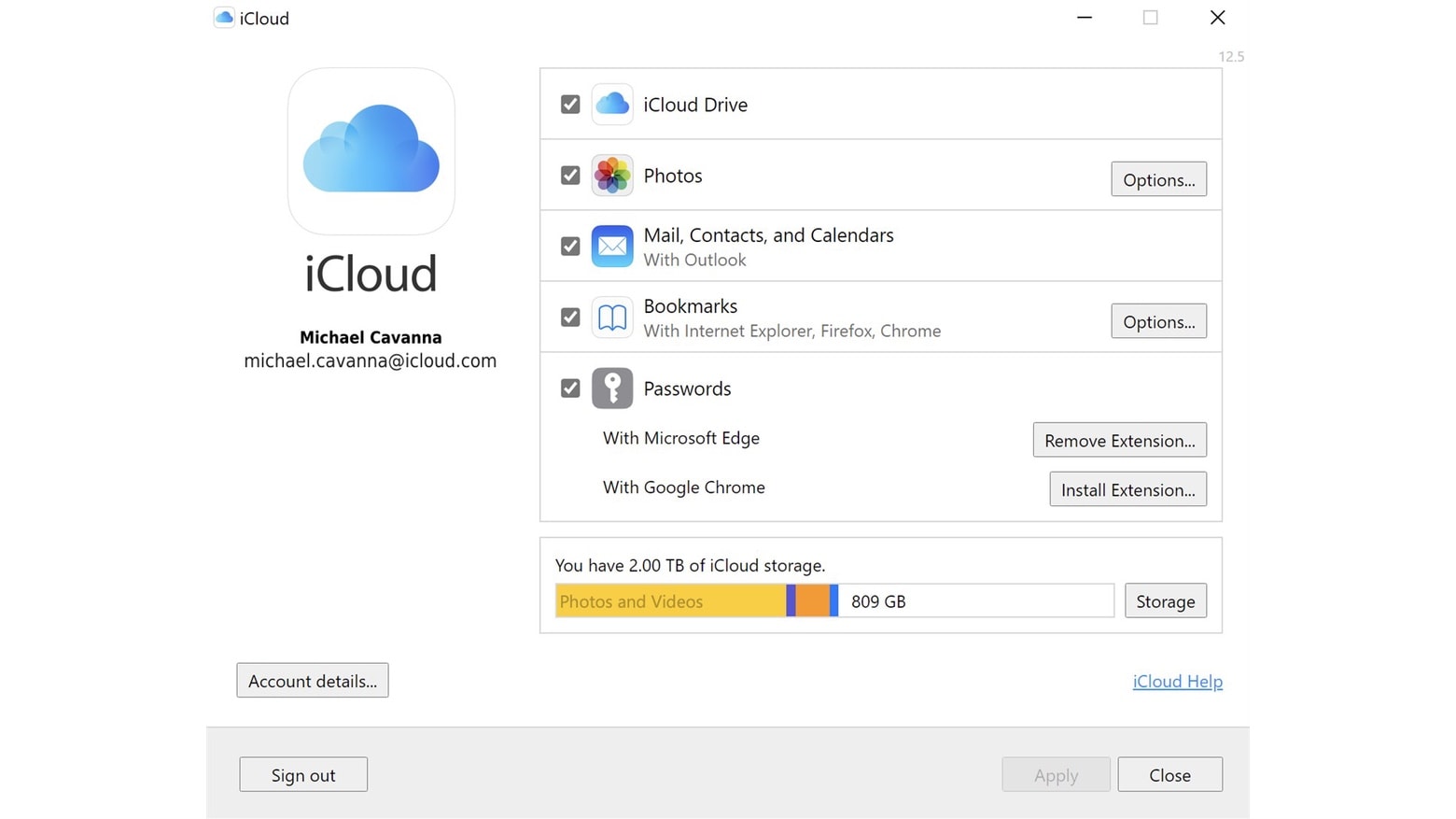
There are multiple new features in the PC version of the iCloud app. Photo: Apple
Apple threw a bone to iPhone owners who are also PC users on Wednesday. iCloud for Windows version 13 adds support for Apple ProRes videos and Apple ProRaw photos.
And there are other new features in the free app too, like greater control over iCloud Drive and the ability to generate strong passwords.
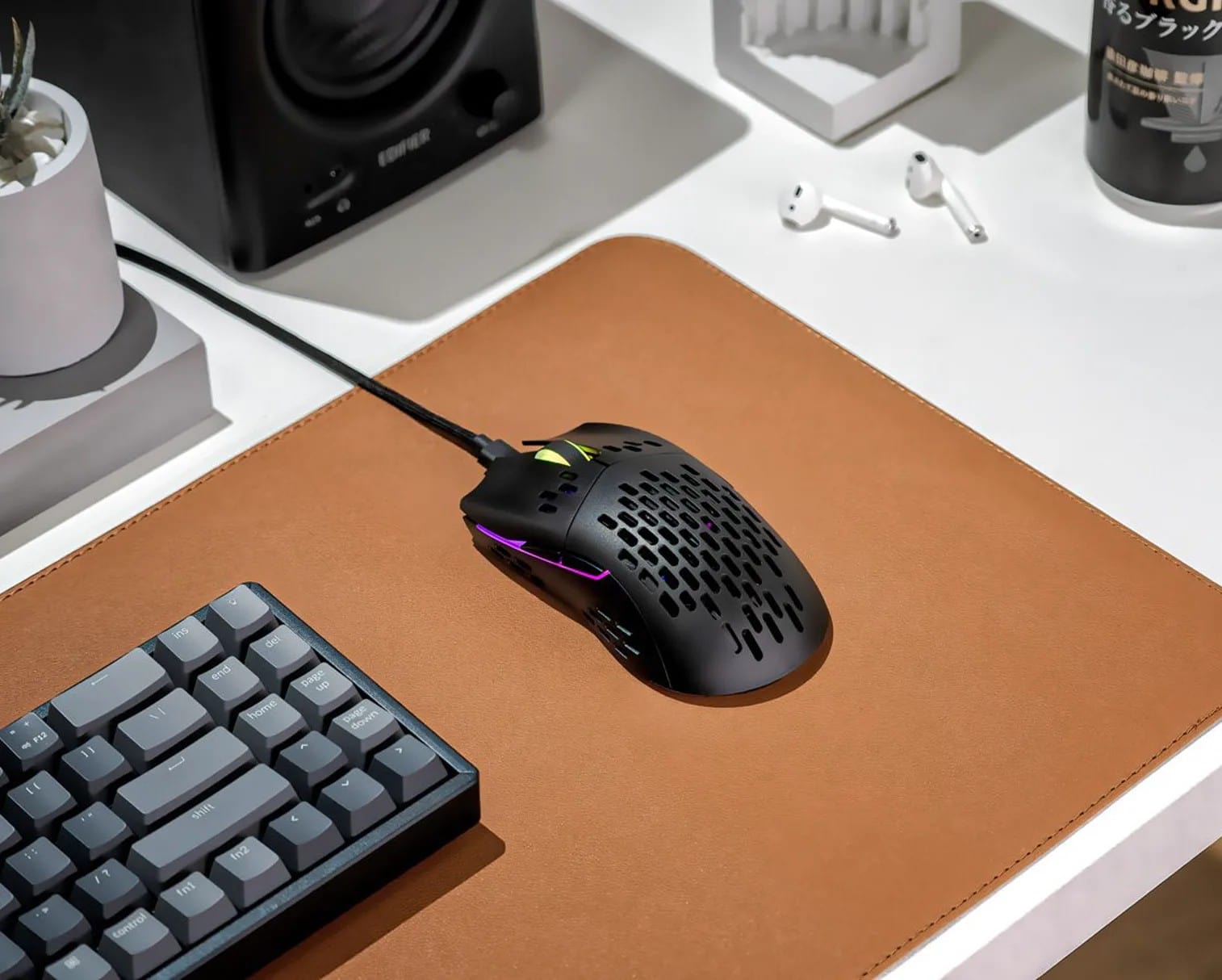
The new Keychron M1 Mouse is billed as slim, lightweight and customizable. Photo: Keychron
Over the past several years, Keychron has gained justifiable fame for its affordable mechanical keyboards, which appeal to a variety of users. Now it plans to release its first mouse, the M1 (not to be confused with Apple’s world-beating Silicon chipset).
Keychron said its M1 mouse comes with the “strongest, most competitive grade” sensor chip available — as well as a raft of RGB light effects.
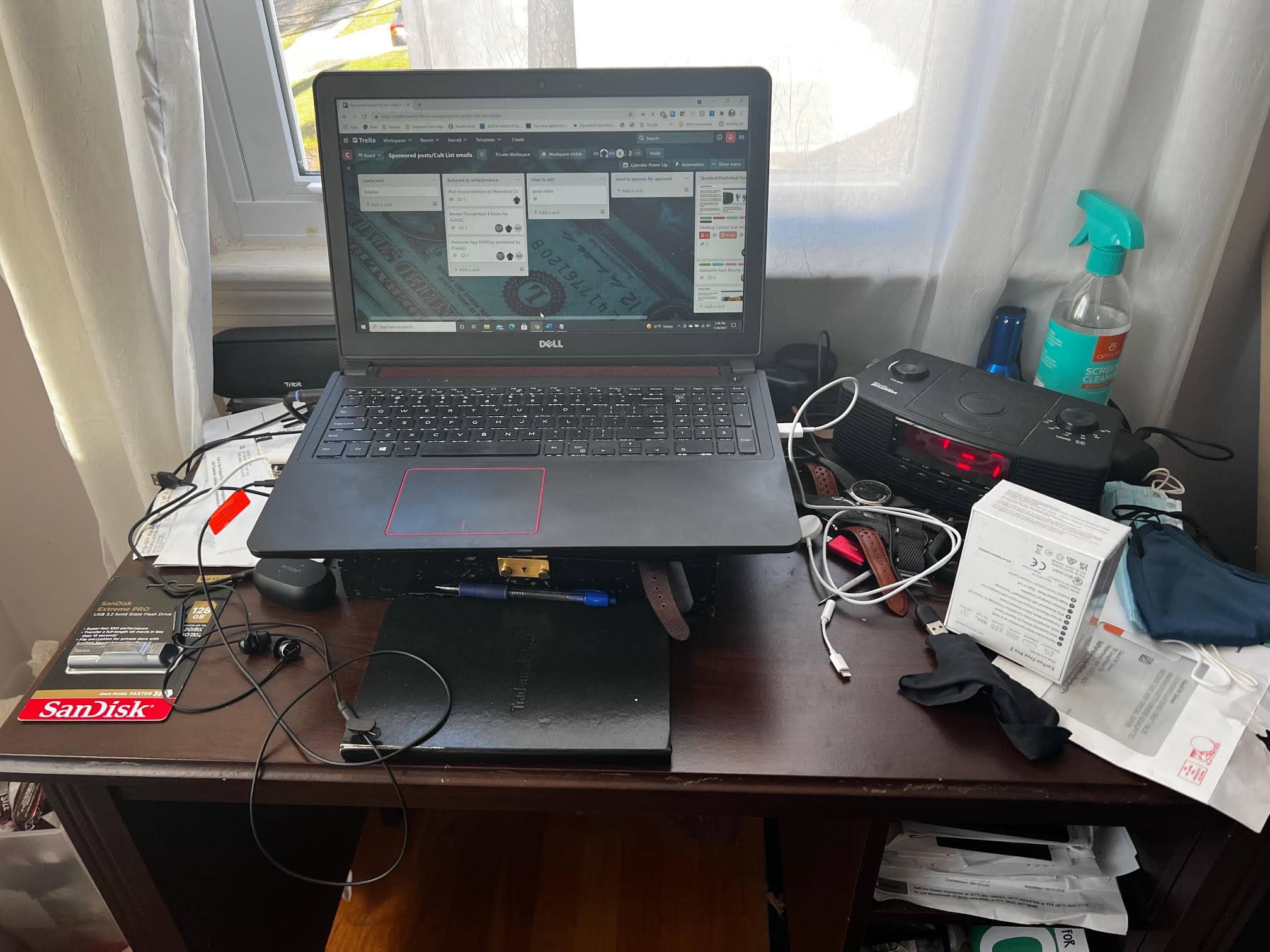
BEFORE: A fine Dell Inspiron laptop perched atop a mess. Photo: David Snow/Cult of Mac
Not long ago I sold, gave away or trashed most of my possessions and moved across the U.S. Soon after arrival, I found my computer unresponsive. The ol’ HP Pavilion laptop stopped powering on reliably. So I borrowed a perfectly good Dell laptop from my brother and kept on writing, mainly for Cult of Mac. I just happened to be “between Macs” at the time. But now I have a brand new 14-inch M1 Pro MacBook.
Thanks to the swanky new Apple laptop plus a few other bits and pieces I quickly acquired, as of today I no longer wallow in a PC laptop pigsty (yeah, the photo above is genuine, though I swear it wasn’t always quite that messy). I’ve got a proper Mac computer setup for the first time in a while.