Apple's newest set-top box includes 1080p video and a beefier chip.
With all the attention deservedly going to the new iPad, it can be easy to forget that Apple also launched a third-gen Apple TV set-top box at its March 7th media event. The little hockey puck included 1080p HD video support and a faster processor, but that’s basically it. Not much has changed since the last Apple TV.
Apple has given early review units of the new Apple TV to certain publications to review. Here’s what they have to say:
Oh, Samsung. We know you have a complicated relationship with Apple, building components for them with the one hand, suing with the other. But can’t you stop mouthing off about the components you’re building them about Cupertino’s top-secret upcoming projects? Keep this up and you’re likely to find yourself wearing concrete shoes at the bottom of the local reservoir.
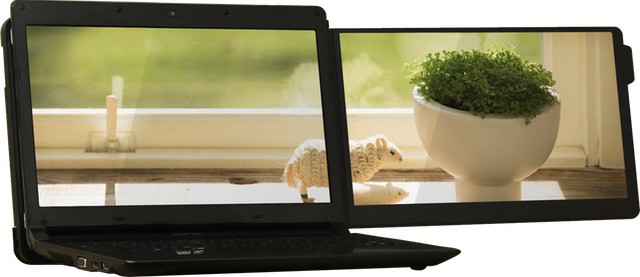
Hanger-on. This USB display works with your Mac, iPhone or even your camera
Ever struggled to juggle apps around your MacBook Air’s small screen as you work? And have you ever taken a look at that screen and though how much better it would be if there was another LED panel hanging off the side like an errant dust-jacket flapping in the breeze? If your answer to these two questions is “yes” and you have around £120 ($190) to waste spend, then the GeChic On-Lap Dual Monitor 1301 could be just the thing for you.
The MacBook Airs are wonderful machines, let down only by the still-small storage offered by today’s SSDs. Worse, whilst external Thunderbolt drives are finally trickling into stores, they’re neither cheap nor plentiful.
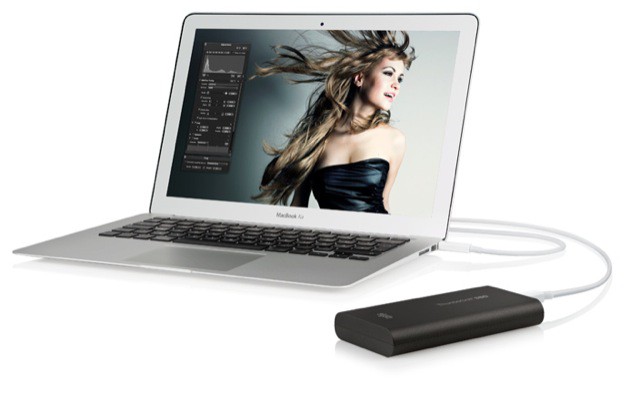
Alas, Elgato’s rather awesome-looking Thunderbolt SSD drive combines the worst of both worlds — a high price and low capacity. Then again, I imagine this things is fast enough to burn a hole in your desk.
Apple’s new Thunderbolt ports are already the fastest connection ports on the market, but if Intel has their way they’ll be even faster in the near future. In order to boost the performance of Thunderbolt, Intel is working to support PCI-Express 3.0 protocols which will significantly boost data transfer rates.
If you make anything but iPad cases, you’d be a fool to announce a new product on the same day as an Apple keynote. So, it’s a sign of how smart the folks over in San Francisco-based Waterfield designs are that they held off announcing their new bag until now. It’s a smart little waxed canvas number called the Muzetto Outback.
Developers of iOS apps spent last night absorbing all the news from Apple, and trying to figure out how they might be able to make the most of the new iPad’s features.
Here’s a round-up of some of the comments we got back from the developer community. If you make apps and want to have your say, get in touch – or let loose in the comments.
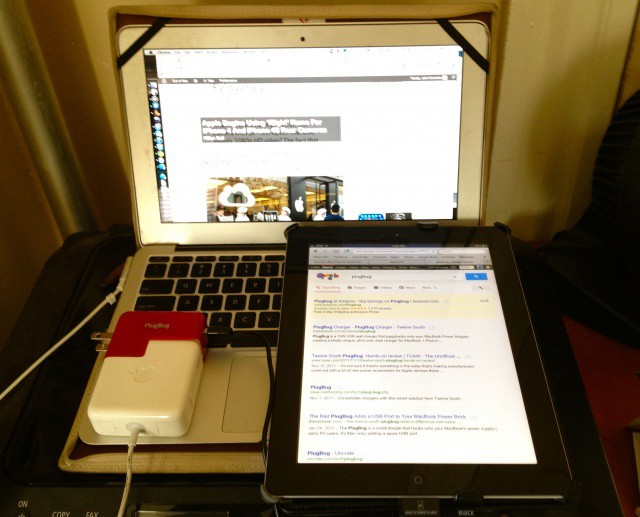
Over the last couple of years, I have developed an obsession with traveling light that has been wonderfully encouraged and cultivated by Mssrs. Cook, Ive & Co. When I go out of the house and need to work remotely, my bag is as light as I can possibly make it: an 11-inch MacBook Air, an iPad 2, my iPhone 4S, a couple pens and a steno-pad for notes. Despite the sheer amount of silicon and tech stuffed into my shoulder bag, it’s always light, always svelte, always uncluttered. As they have done with so many other things when it comes to consumer electronics design, they have turned making gadgets thin into a cutting-edge art.
Well, except for one thing. The chargers.
The standard Apple MacBook Charger is easily two to three times thicker than my MacBook Air. The same can be said about the Apple 10W USB charger, which is just a brick compared to the thin slate it powers. Between the bricks and the cords, Apple’s chargers add an extreme amount of thickness and ungainliness to a streamlined gadget bag… and since my MacBook Air, at least, doesn’t have 10W USB ports, I can’t piggy back charging my iPad off of just the one charger.
Well, not without TwelveSouth’s ingenious, button-cute accessory, the <a href=”https://twelvesouth.com/products/plugbug/”>PlugBug</a>, that is.
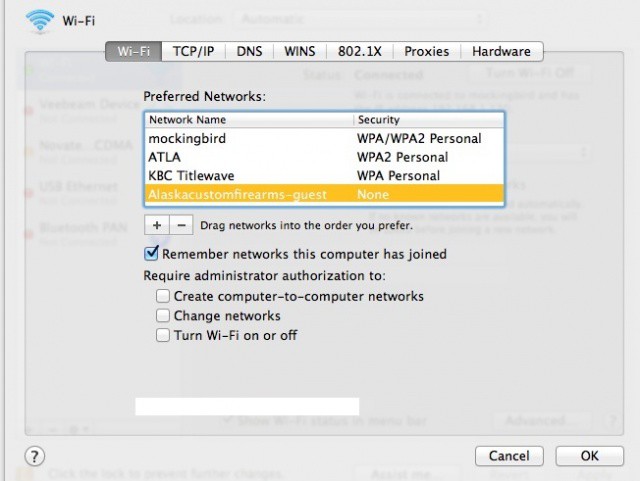
I myself have had issues with OS X Lion not remembering my home wireless network. Or, more accurately, not choosing it when waking my MacBook Air from sleep. So when I came across this tip, I figured I’d share with the rest of you.
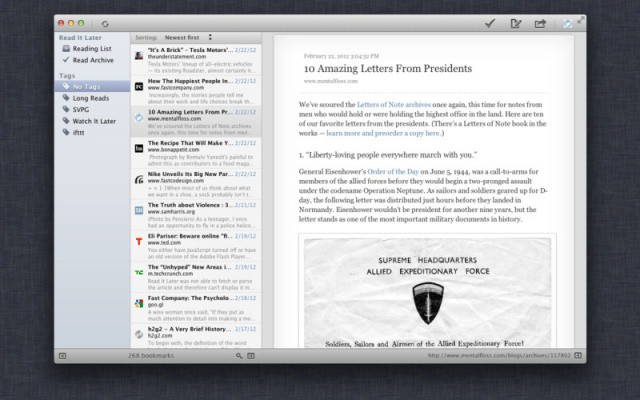
Y’all know Instapaper, right? It’s the amazing read-later service from Marco Arment which lets you save anything your find on the web to read at your leisure on your iPhone, iPad or Kindle. Now a new, free, Mac App Store app called Read Later will let you read your articles on your Mac.