Here’s your chance to get your hands on a huge 27-inch Thunderbolt Display from Apple for free with Cult of Mac Deals.
Enter for your chance to win a 27-inch Apple Thunderbolt Display [Deals]
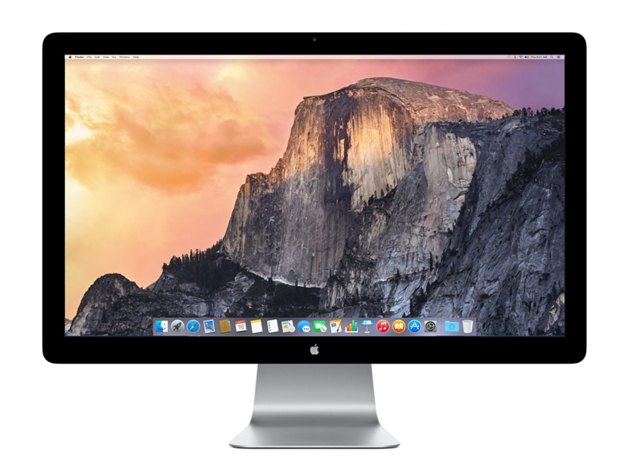

Here’s your chance to get your hands on a huge 27-inch Thunderbolt Display from Apple for free with Cult of Mac Deals.
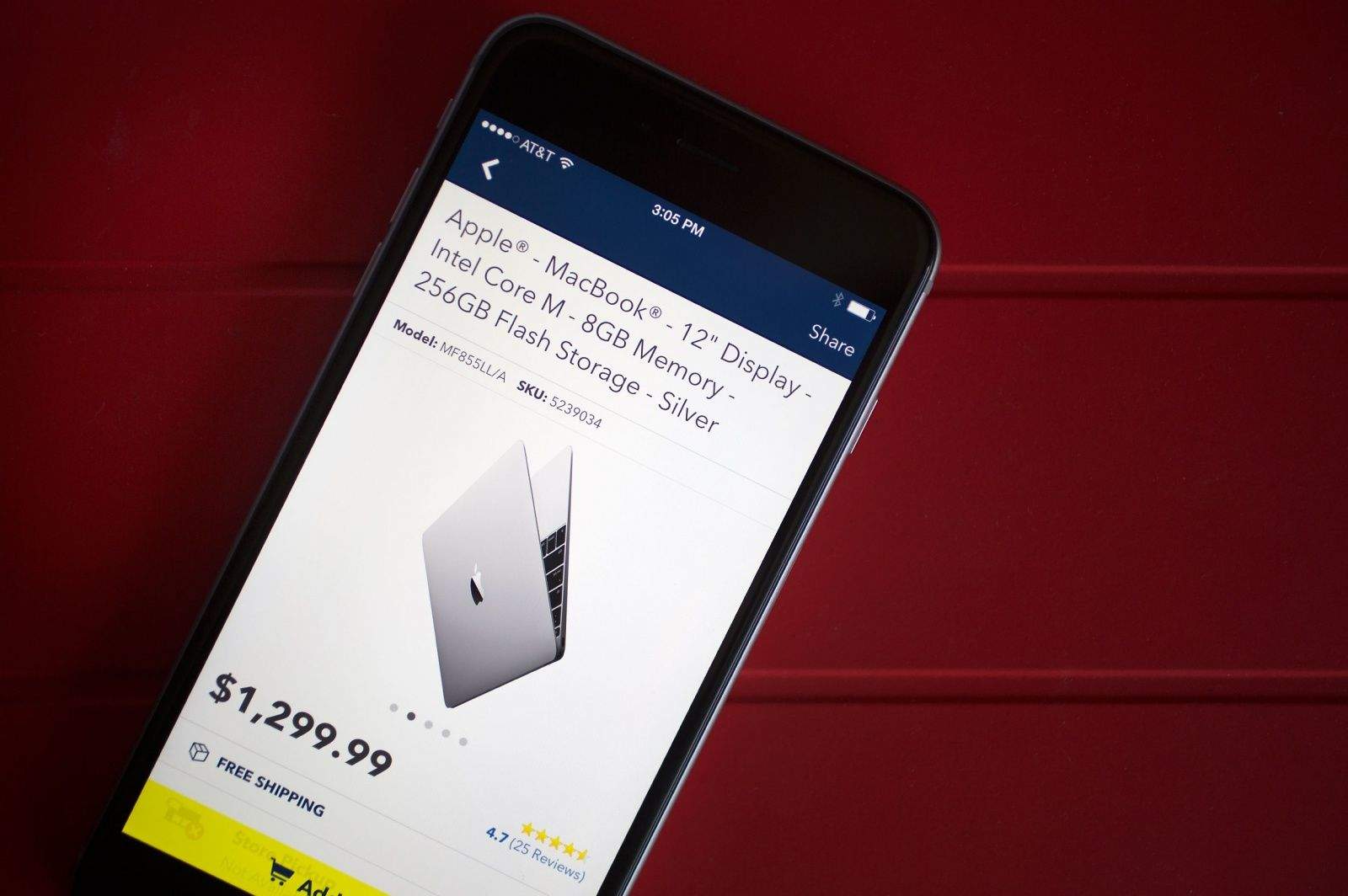
The iPhone 6 is a monster hit, China is now bigger than US for iPhone sales, and Tim Cook is delighted with the world’s response to the Apple Watch. And those are just some of the key insights from today’s Apple earnings call.
Here are the top 11 takeaways about Cupertino’s blockbuster second quarter, which once again set financial records.
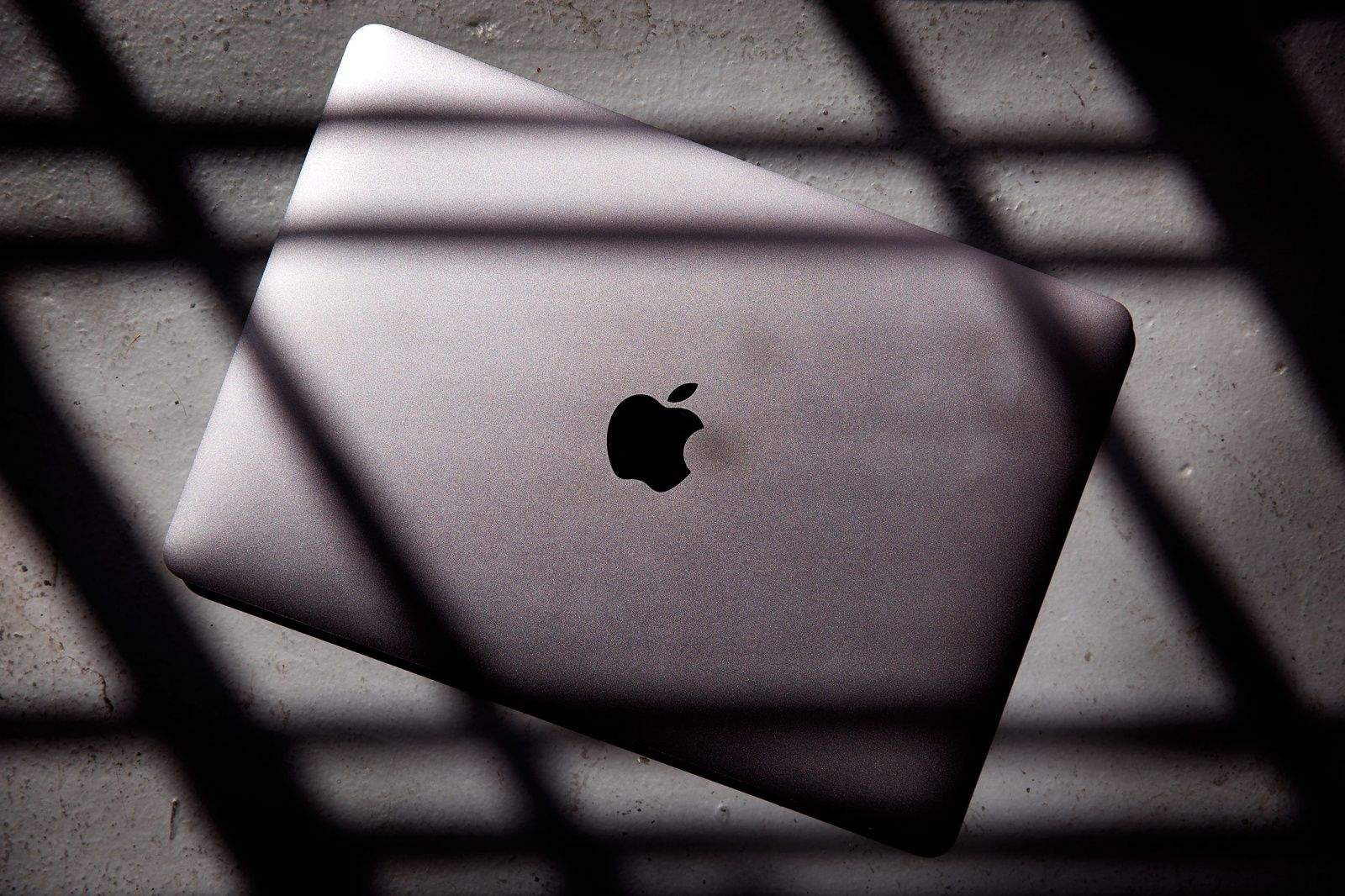
Imagine an iPad Air sliced in half. The top half peels up to reveal a pin-sharp high-res screen. The other half has a full-size keyboard that’s almost flat.
This is the new MacBook. As usual, Apple’s latest crazy-thin laptop is dividing the tech punditsphere.
Because it comes with only one port, some think this machine is too radical, too new. It’s been called a glorified netbook — short on features, and, to really rub it in, high on price.
But I’m smitten. We have one in here at the Cult of Mac offices, and I’ve been putting it through its paces. Here’s what I found.
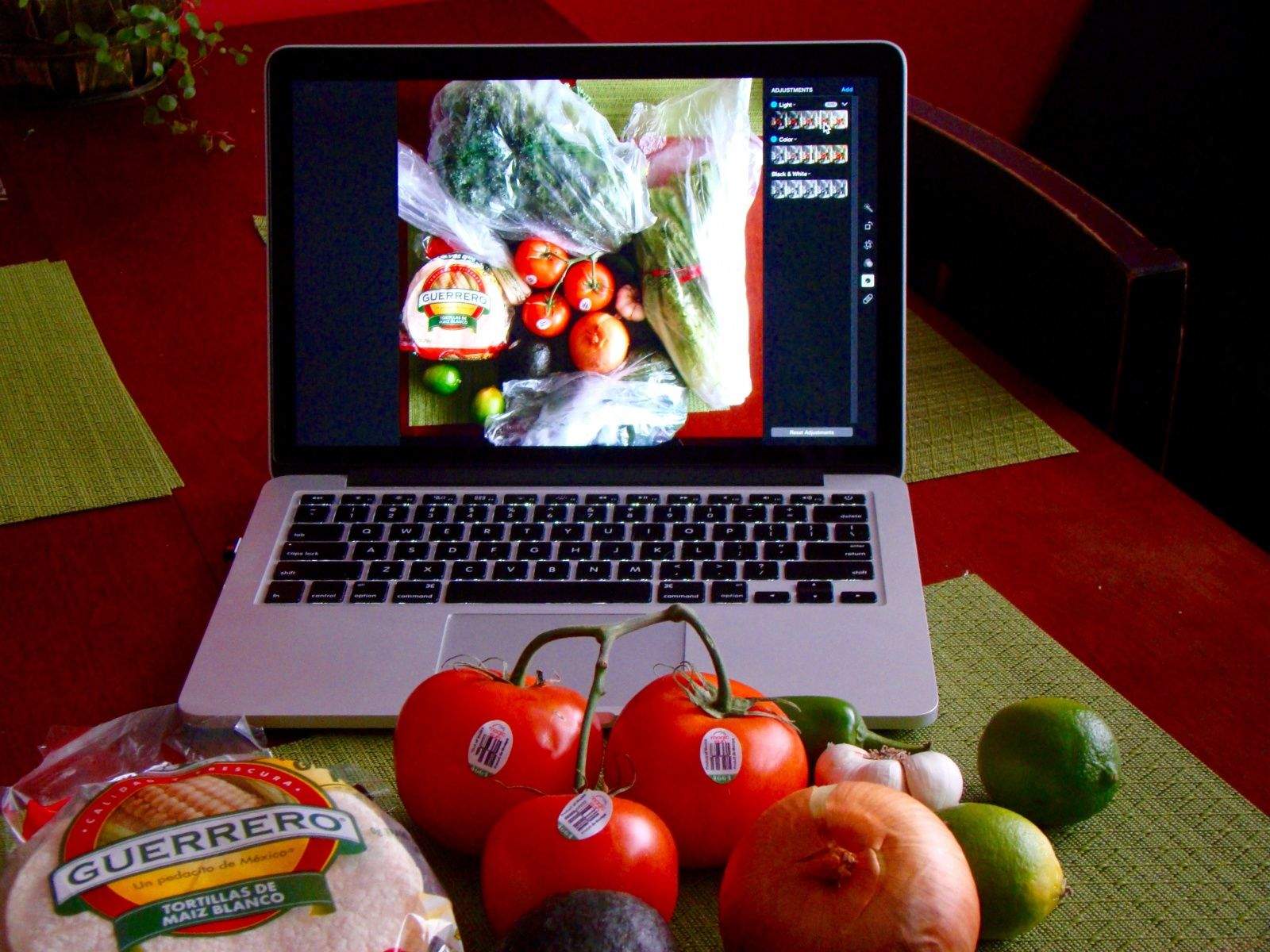
One of the cooler hidden features of Photos (and iPhoto before it) is the ability to create more than one photo library. You can make one for your home photos, work photos, photos from a different camera, or those racy photos you don’t want the kids tripping over.
It’s pretty simple, but not totally intuitive – there’s no menu item to select to create a new library.
Follow our recipe to create as many different libraries as you like for separate but equal Photos access.

This week: get’em while they’re hot! The Apple Watch is ready for pre-order, but the reviews are in, and they’re a mixed bag. Plus: what’s good in iOS 8.3 and OS X 10.10.3; Robert Baratheon makes HBO NOW a no-brainer; Samsung is up to their old tricks; the new Macbook didn’t benchmark well, but it might not matter; and things get weird in an all-new Get to Know Your Cultist!
Our thanks to Squarespace for supporting this episode. Squarespace 7 is live, and it’s their biggest update in years. Now building a beautiful website is faster and easier than ever. Learn more at Squarespace.com/seven and use code “CultCast” at checkout for 10% off any order.

Full show notes ahead!
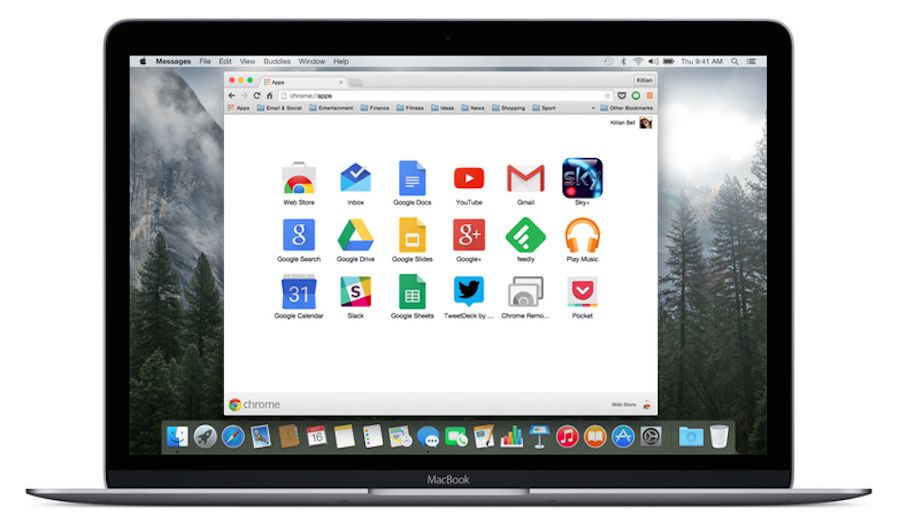
There’s no question that Google Chrome is one of the best web browsers you can get, but it’s long been a resource hog under OS X. By simply avoiding it on the new MacBook, your battery could last more than three hours longer in between charges.
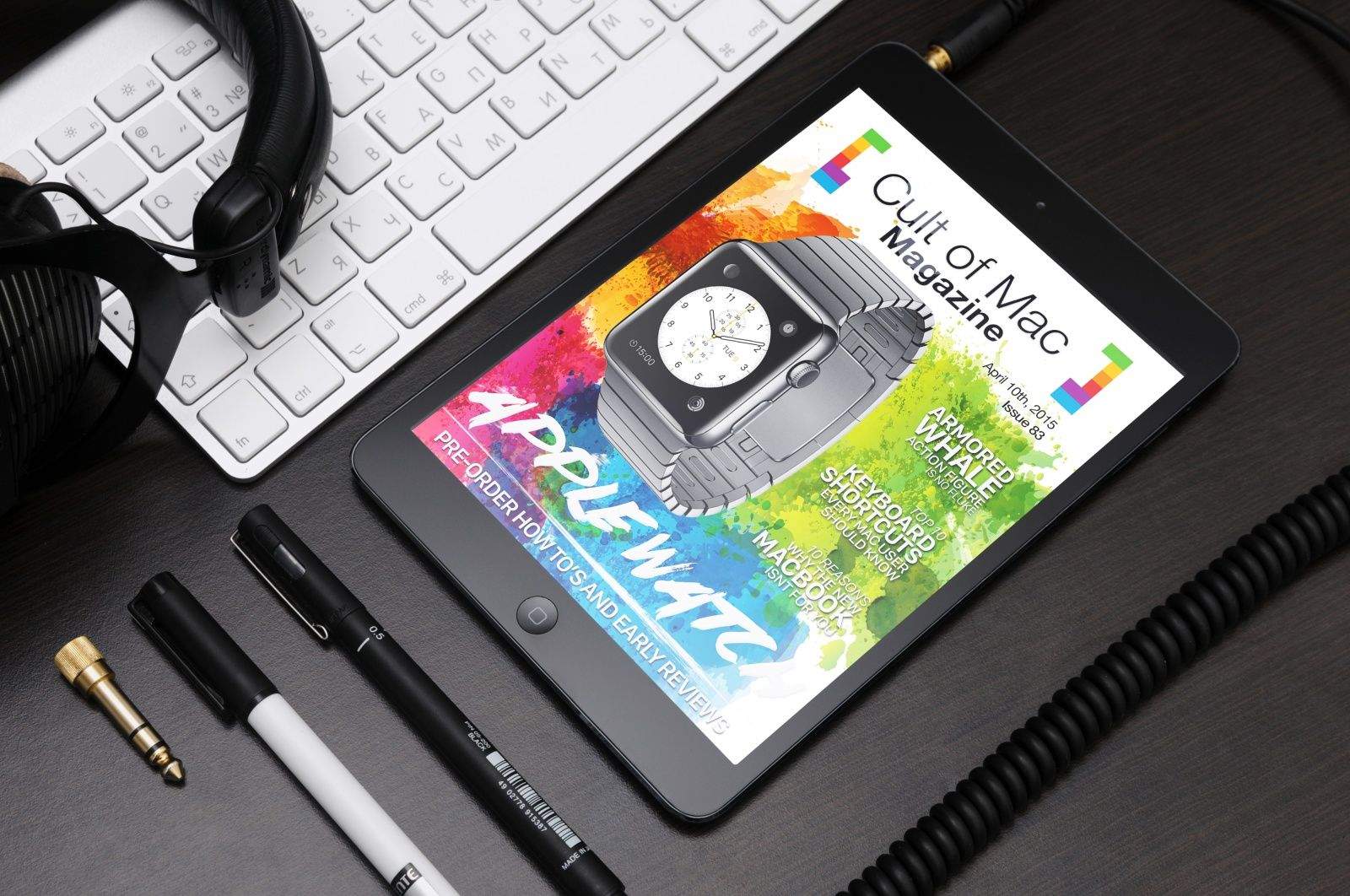
This week, Lewis has the inside look at the best way to pre-order that Apple Watch, Buster and Luke have a ton of insight on the wristband based on early reviews, and there’s even more, like the straight dope on the new Macbook from Buster, top keyboard shortcuts for all Mac users from Rob, and a fascinating piece from David about custom action figures, including an armored whale that’s no fluke!
Check it all out in this action-packed–yet still free–April 10th issue of Cult of Mac Magazine!
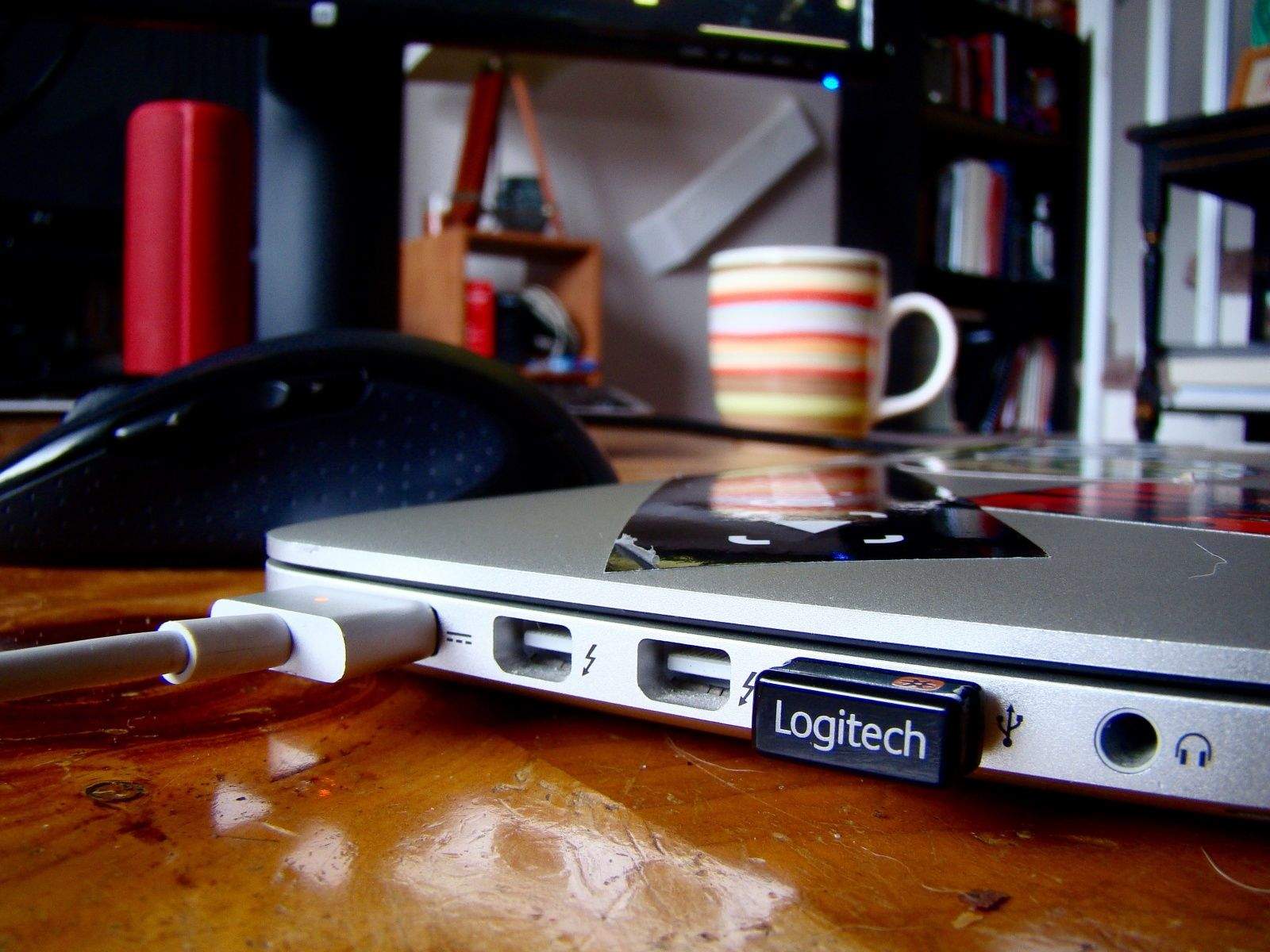
I was setting up my MacBook Pro with Retina display to work with a new external monitor today, thinking that when I connected to the monitor via HDMI and closed the lid, I’d see the display up on the new monitor.
I was disappointed when I saw absolutely nothing up on my new monitor, so I went searching to find out how to make it work. Is it a special setting in the System Preferences? I haven’t had an external monitor for a while, now; maybe things are more complex.
Luckily for me (and you!), it turned out to be much simpler to make happen. Here’s the recipe.
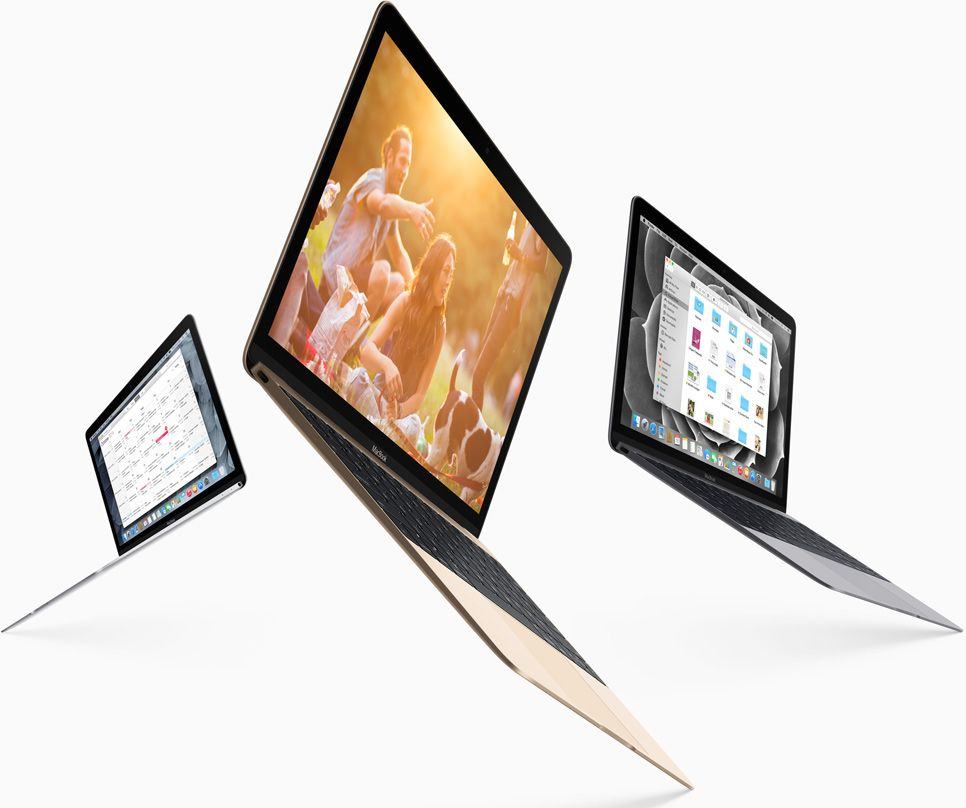
The new MacBook goes on sale this week, and while the first reviews have raved about its incredible design, unbelievable thinness and jaw-dropping display, it’s probably not for you.
While early critiques might have alleviated concerns that the new MacBook’s CPU is about as powerful as a 2011 netbook, there are a few other issues you should know about before you rush to the Apple Store to snap up a shiny gold MacBook.
These are the new MacBook’s 10 biggest flaws:
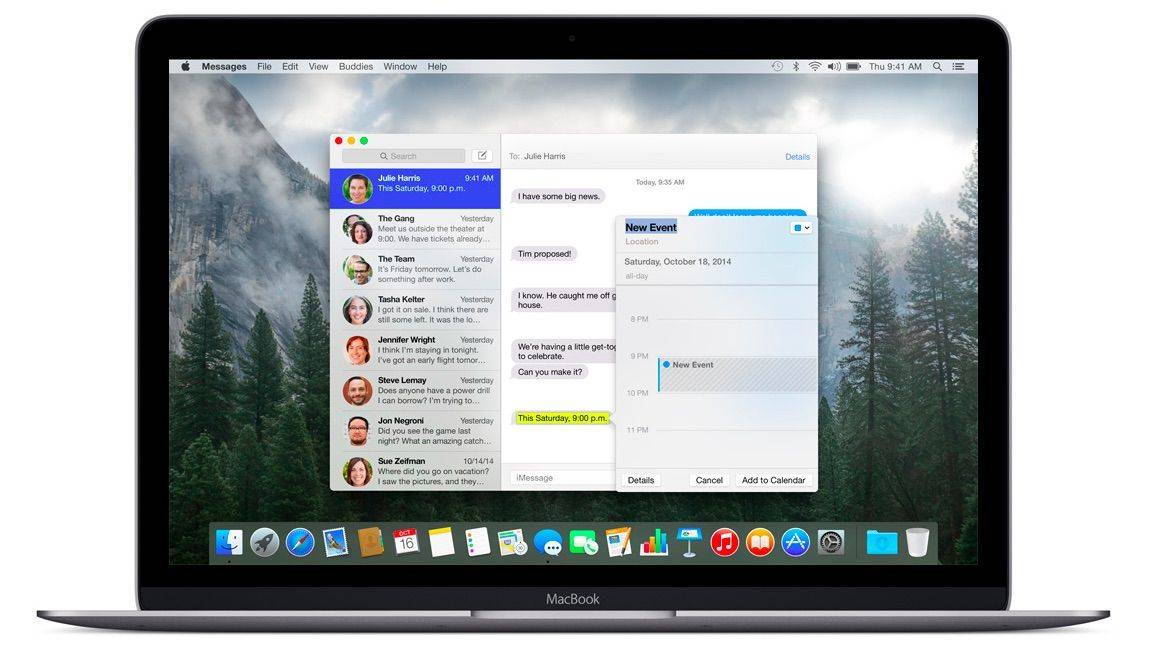
Apple Watch has been hogging so much of the tech spotlight lately that you could be forgiven for forgetting that Apple is also about to release a revolutionary new computer.
The first reviews of the new MacBook landed on the web to remind us that the first gold MacBook will be available to order tomorrow, too. According to the experts, it’s the most beautiful computer ever created. But should you buy it?
Here’s the good and the bad of the new MacBook.