Mobile menu toggle

Search results for: "MacBook Air"

Add dual 4K displays to your Intel Mac with OWC’s new adapter
By

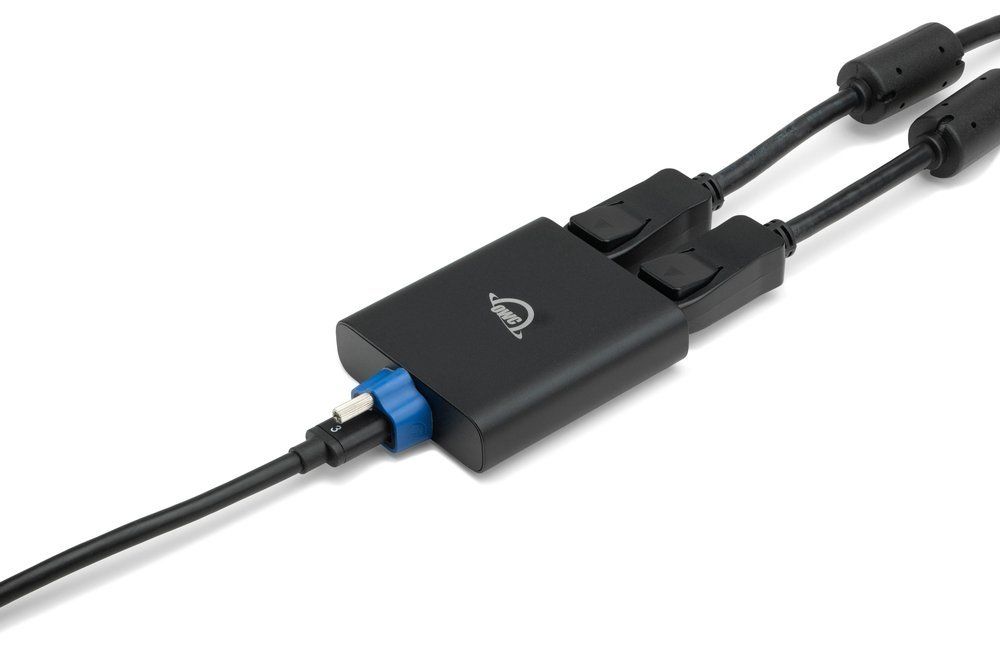
OWC's new adapter helps you drive two displays with your Intel-based Mac or iPad.
Photo: OWC

At Cult of Mac we’re always going on about M1 Macs, but here’s something for the Intel Mac crowd. OWC launched a new DisplayPort adapter allowing you to connect two 4K displays or one 8K display to your Intel-based Mac or iPad using a single Thunderbolt port.

Super-clean rig relies on Magic Trackpad and mouse combo [Setups]

By

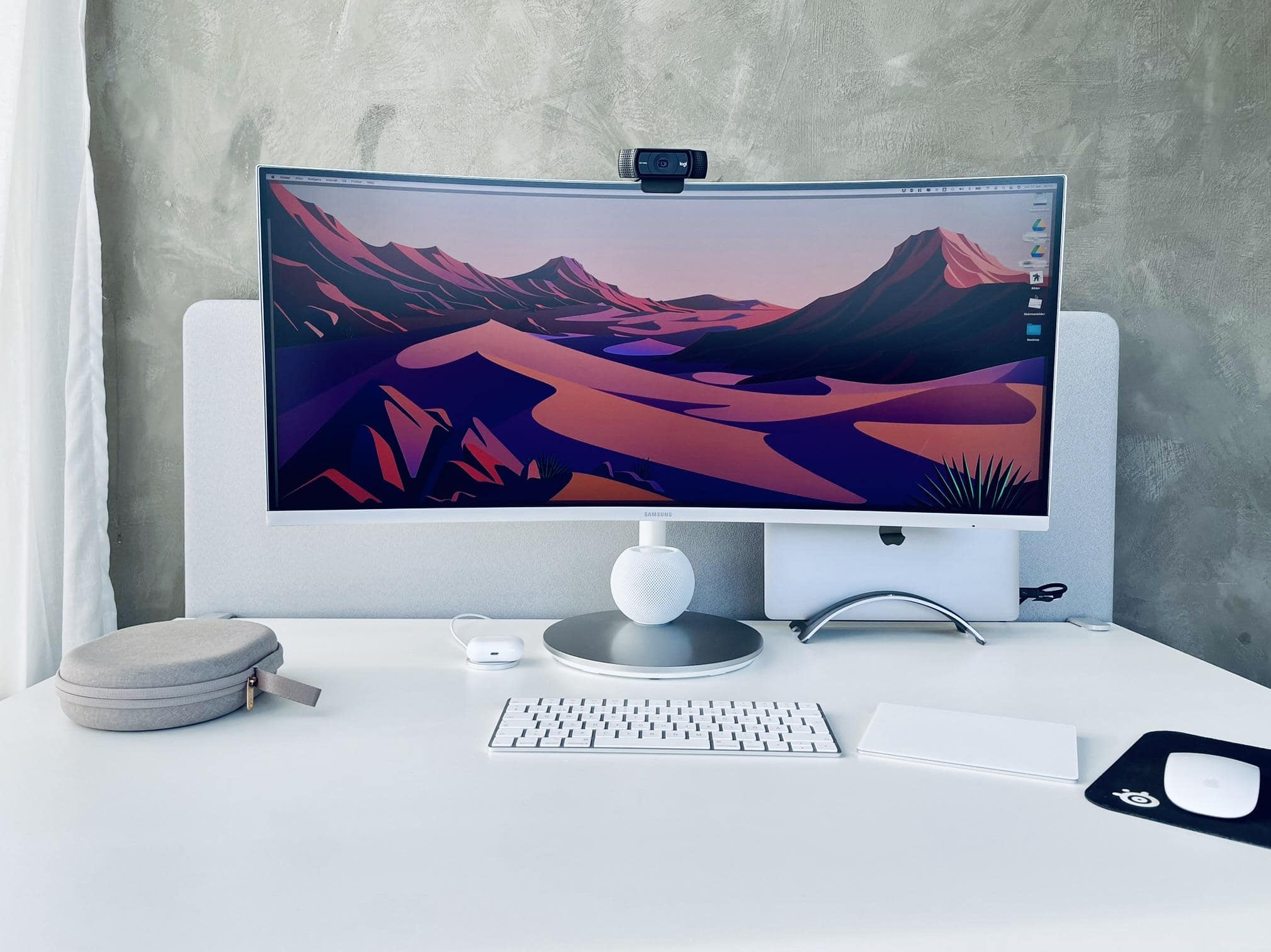
It seems more and more people swear by the Magic Trackpad and Magic Mouse combo.
Photo: [email protected]

When you travel the online highways and byways in search of cool computer setups, you start to notice certain patterns. One is that lots of people seem to love Apple’s Magic Trackpad. Another is that plenty of folks hate the Magic Mouse. And a third seems to see a growing number of people absolutely love using a Magic Trackpad + mouse combo — which some onlookers find mystifying.

Satechi’s new chargers keep your gadgets humming on the go

By

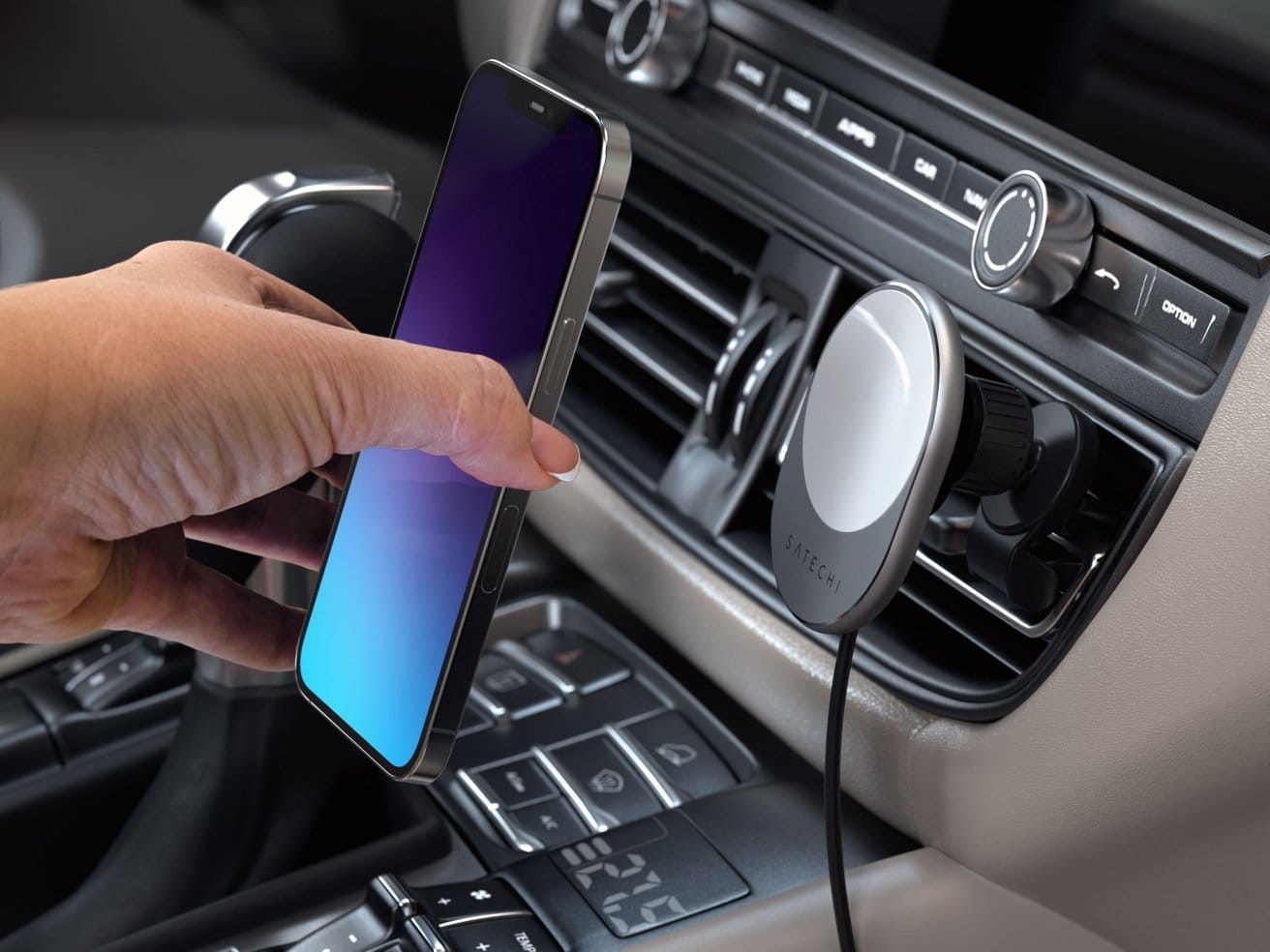
Charge up your iPhone 12 or 13 while you navigate with it in the car.
Photo: Satechi

Three new offerings now join Satechi’s formidable charger lineup for iPhone 12 and 13 series handsets and other portable devices: a MagSafe-compatible car mount charger, a high-output car charger and a USB-C PD wall charger.

Brydge’s new Stone Pro Thunderbolt 4 hub expands your connectivity

By

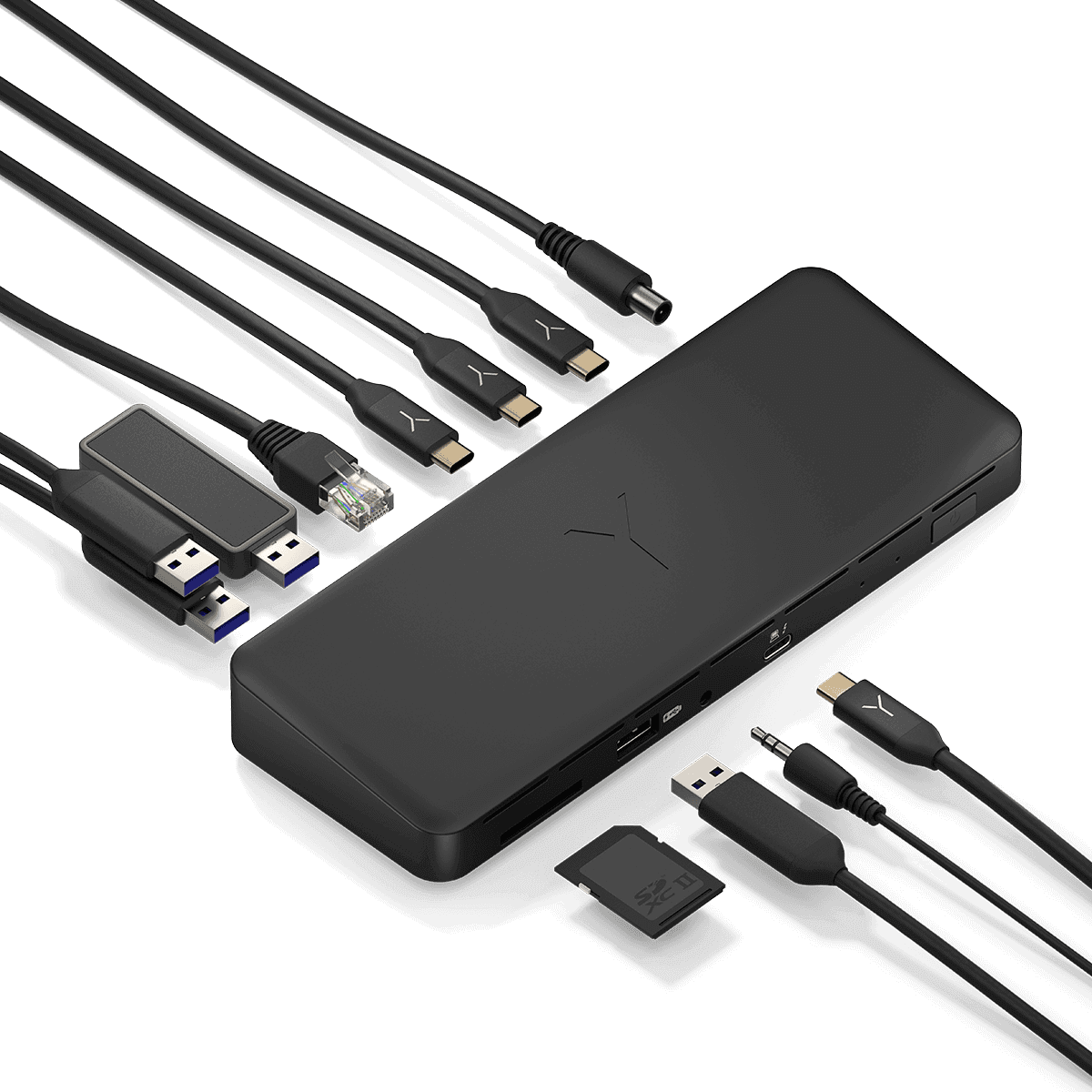
The new Brydge Stone Pro TB4 Docking Station has 12 ports.
Photo: Brydge

Brydge has unveiled what looks to be a formidable, 12-port Thunderbolt 4 hub to expand your laptop’s connectivity. It’s the Stone Pro TB4 docking station. The only catch is you can’t get it just yet.

You may know Brydge more for its iPad keyboards than its docking stations. Recently Cult of Mac‘s Ed Hardy said the Brydge 12.9+ iPad Pro keyboard beats out Apple Magic Keyboard. But the new Stone Pro TB4 is one of several docks the company makes.

Add a trio of blazing-fast ports to your Mac with new Plugable Thunderbolt 4 hub

By

Add trio of blazing-fast ports to your Mac with new Plugable Thunderbolt 4 hub
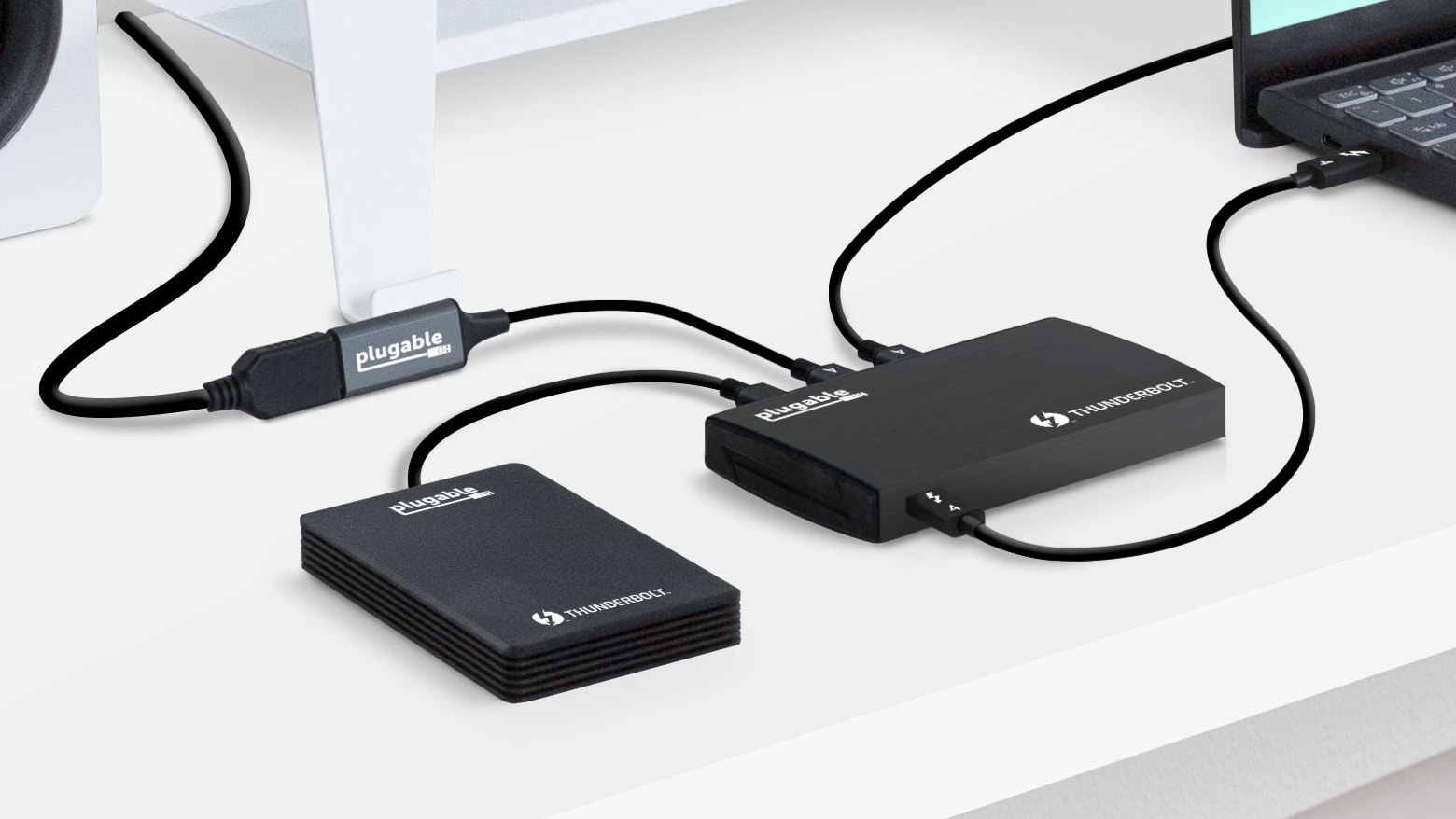
Plugable’s just-launched Thunderbolt 4 hub makes your Mac more useful by adding accessories that require very fast connections.
Photo: Plugable

The new Plugable TBT4-HUB3C hub turns a single Thunderbolt 4 port into three of them, expanding the number of high-speed accessories that can be connected to a Mac or iPad Pro. That includes big displays and large-capacity drives.

And Plugable also launched new 1-meter and 2-meter Thunderbolt cables Thursday.

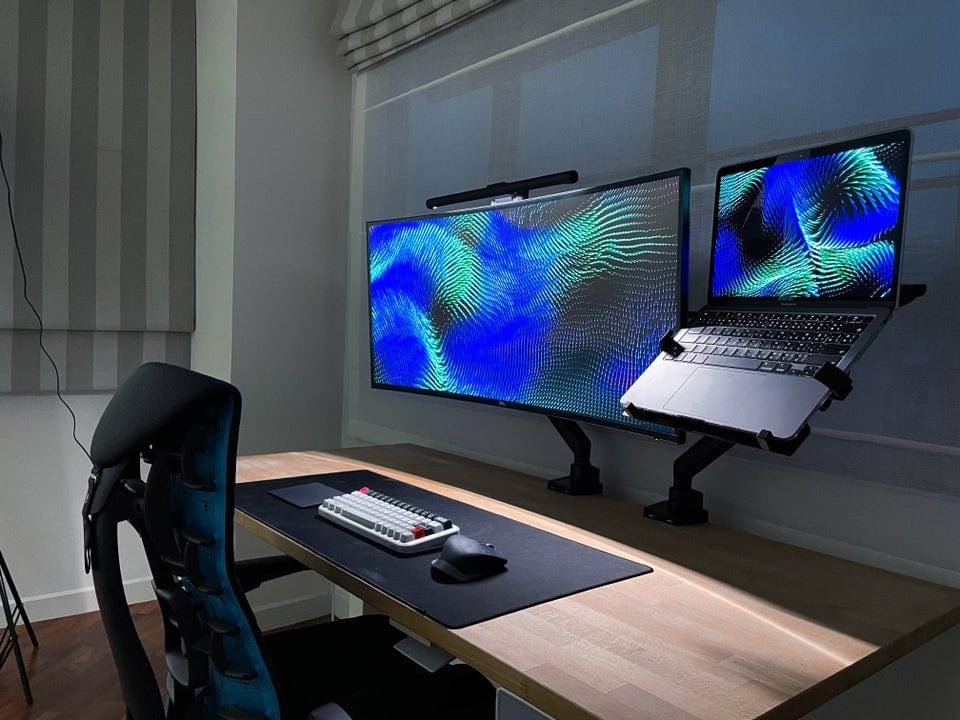
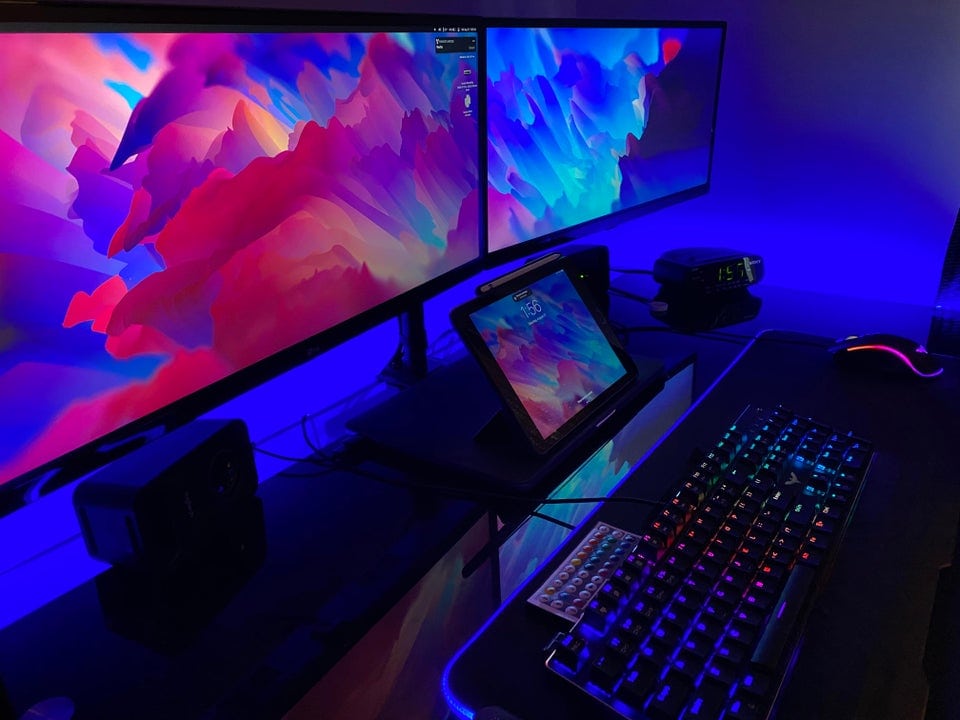
Curved 40-inch HD display is too much monitor for some [Setups]

By

Not bad for something stashed in the corner of your kid's room.
Photo: [email protected]

In the ongoing discussion about whether a gargantuan ultra-wide monitor beats dual monitors or vice versa, some people still chime in favoring one modest display to either of the above choices. Of course, these days, “modest” can mean in excess of 30 inches, plus a lot of bells and whistles.

‘Old-school cool’ Mac rig rocks Cinema Display, HK SoundSticks [Setups]

By

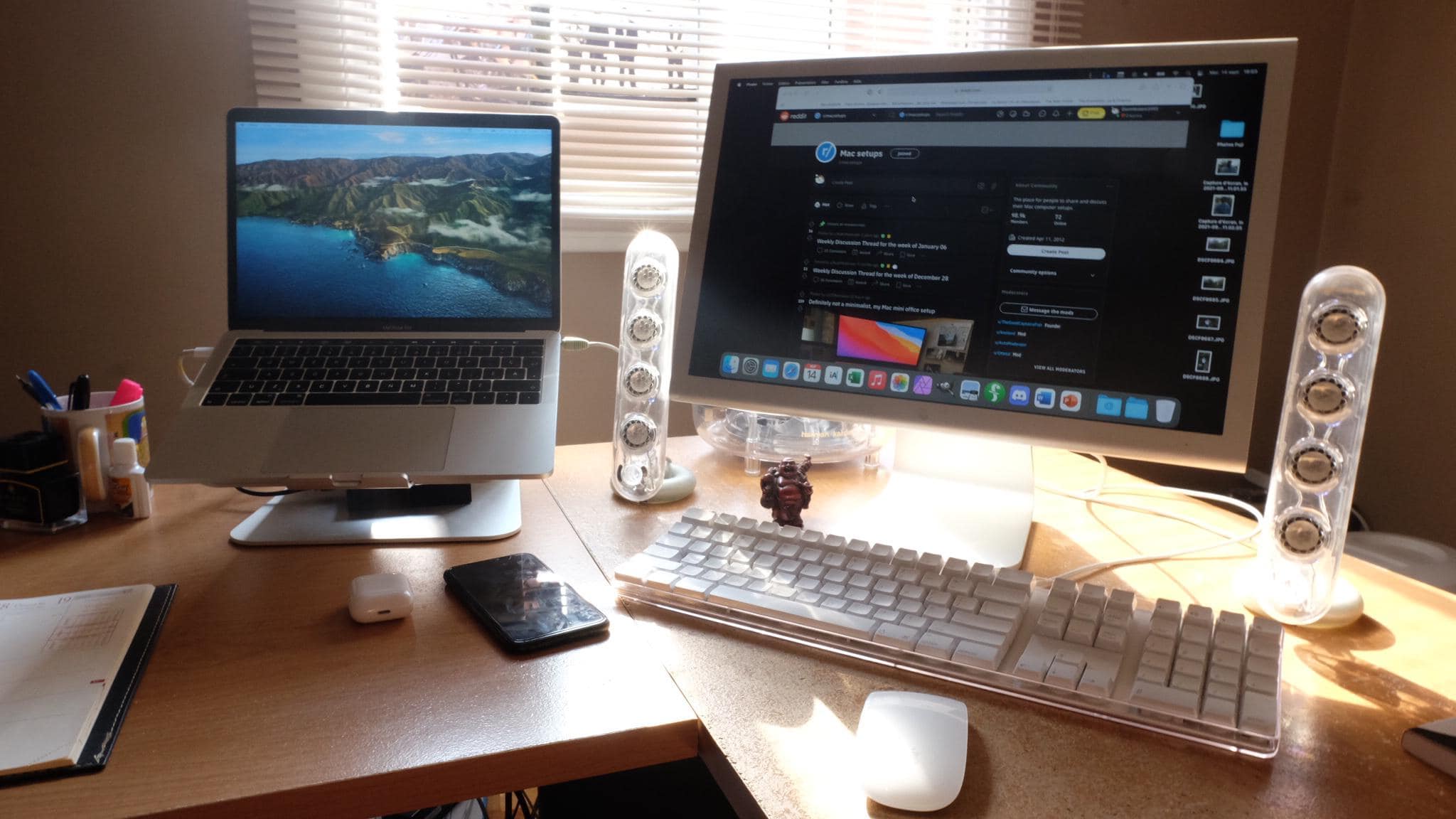
The Apple Cinema Display is nice, but the Harmon Kardon Soundsticks really grab the eye.
The Apple Cinema Display is nice, but the Harmon Kardon SoundSticks really grab the eye.
Photo: [email protected]

Sometimes on a Friday — or really any day of the week — we like to go back in time with an old-school cool Mac computer setup. That is, when we can find something on the retro side to feature. Luckily, today we found one.

Connect 4 USB-C accessories to your Mac with Satechi’s handy new hub [Review]

By

Satechi 4-Port USB-C Hub review
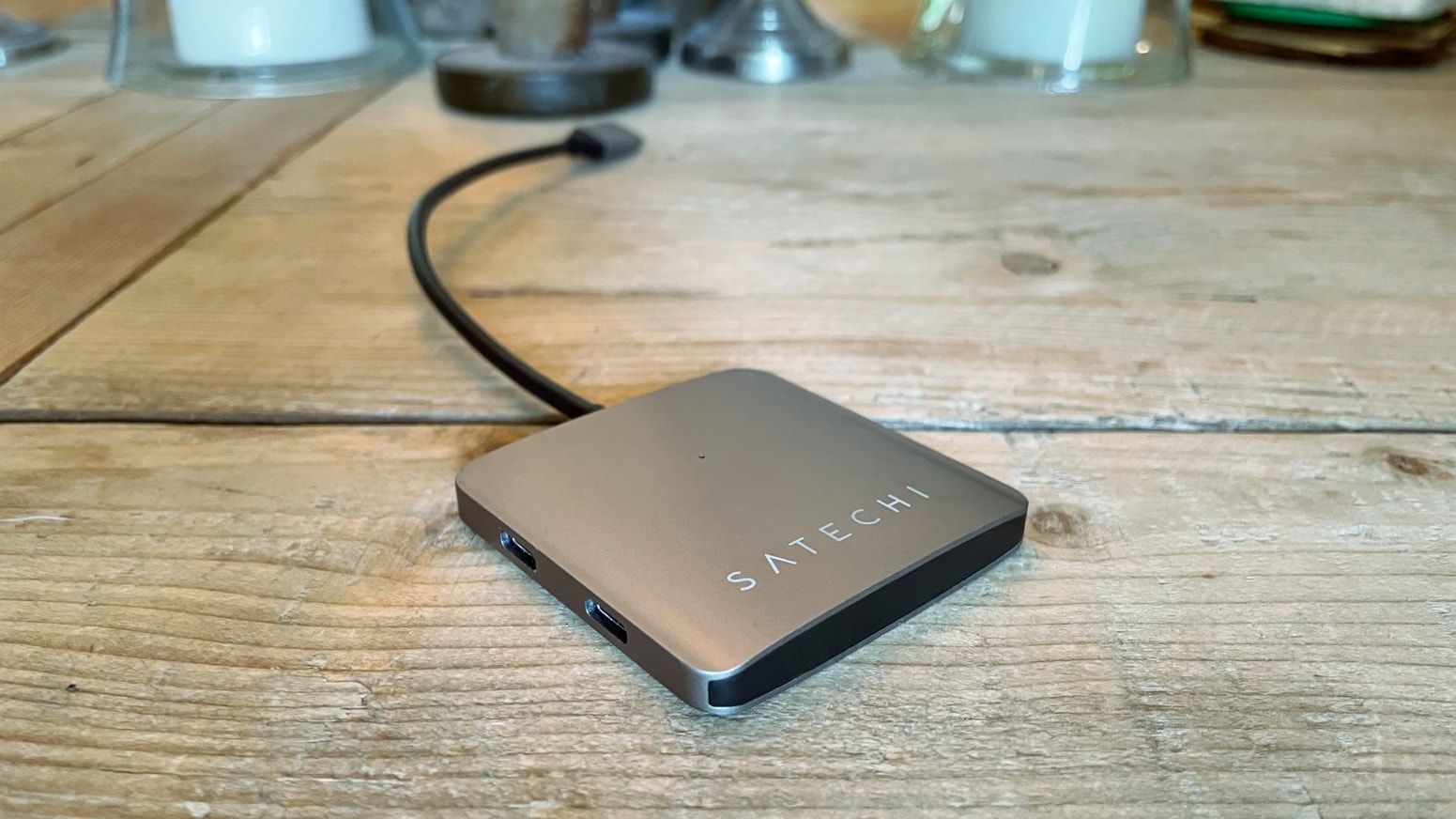
With the Satechi 4-Port USB-C Hub, you can add USB-C ports to your computer quickly and easily.
Photo: Ed Hardy/Cult of Mac

The Satechi 4-Port USB-C Hub adds a quartet of useful USB-C ports to your Mac or iPad. The days of struggling along with too few ports are over — you can finally connect as many accessories to your computer as you need.

I put Satechi’s new hub through some real-world testing. Here’s how well it works.

Dock connects 5 displays to M1 MacBook Pro in ultrawide rig [Setups]

By

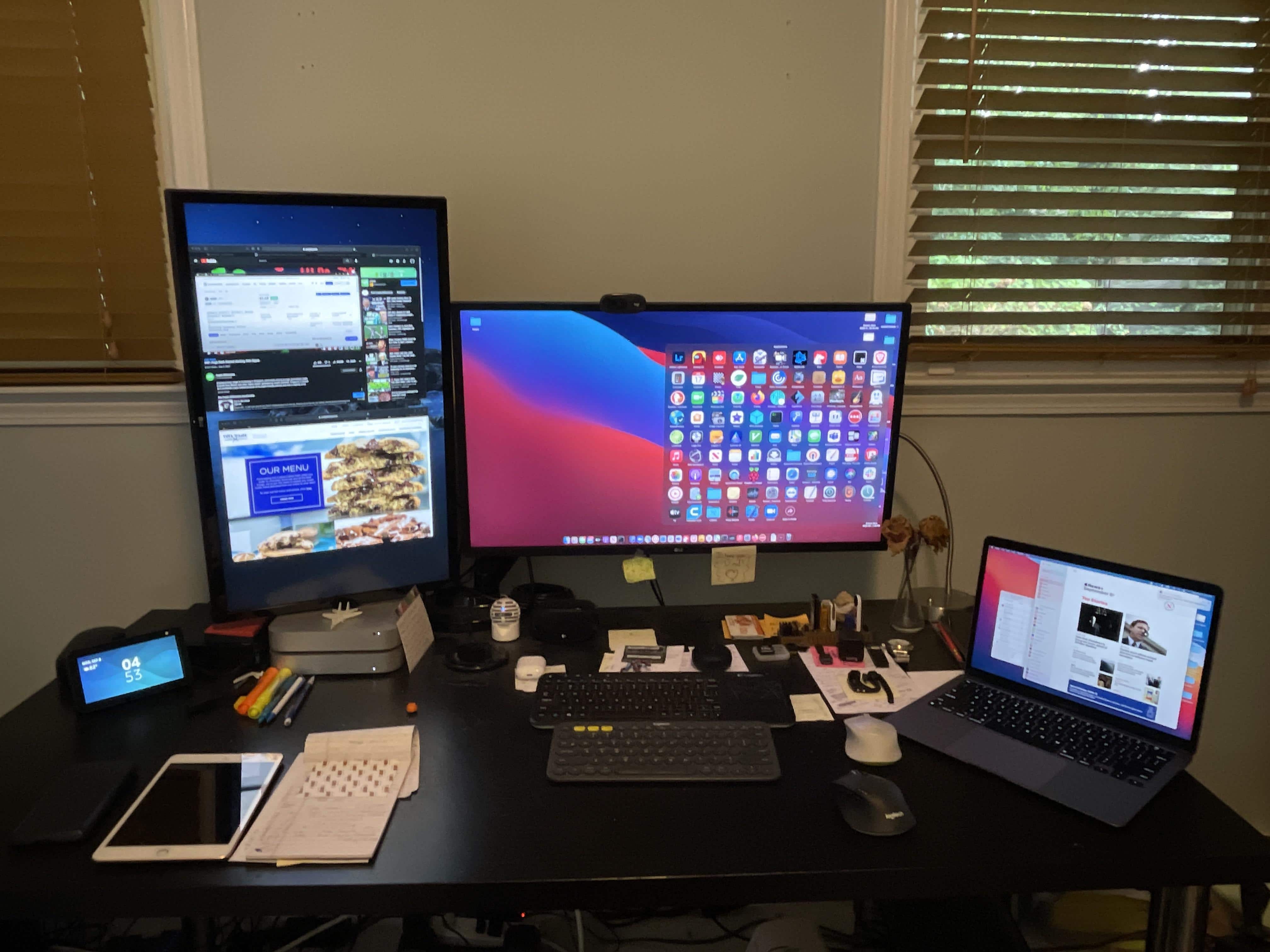
A pair of 25-inch ultrawide monitors and three other displays connect to an M1 MacBook Pro.
Photo: [email protected]

Redditor Parmg100 runs his M1 MacBook Pro with enough displays to make most Mac owners do a doubletake. He said he manages to connect five displays, including two ultrawide monitors. Naturally, Redditors showed some curiosity about how he does it, given the MacBook Pro’s limitation on connecting external displays.