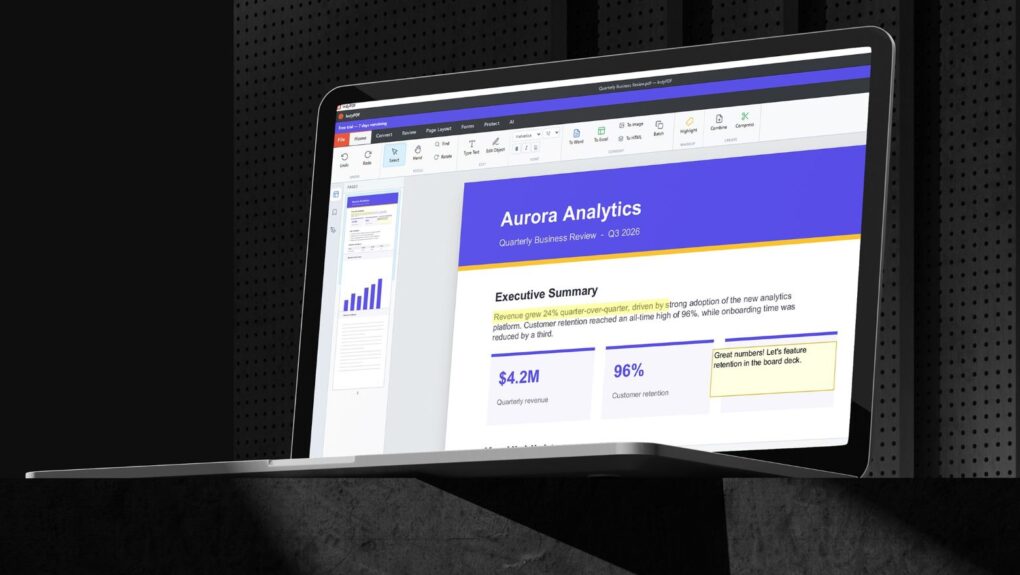
Lifetime access to IndyPDF is now on sale at 60% off! Photo: Cult of Mac Deals
Get lifetime access to more than 20 professional-grade PDF tools with IndyPDF. It packs editing, converting, signing, OCR and encryption into a single cross-platform PDF app.
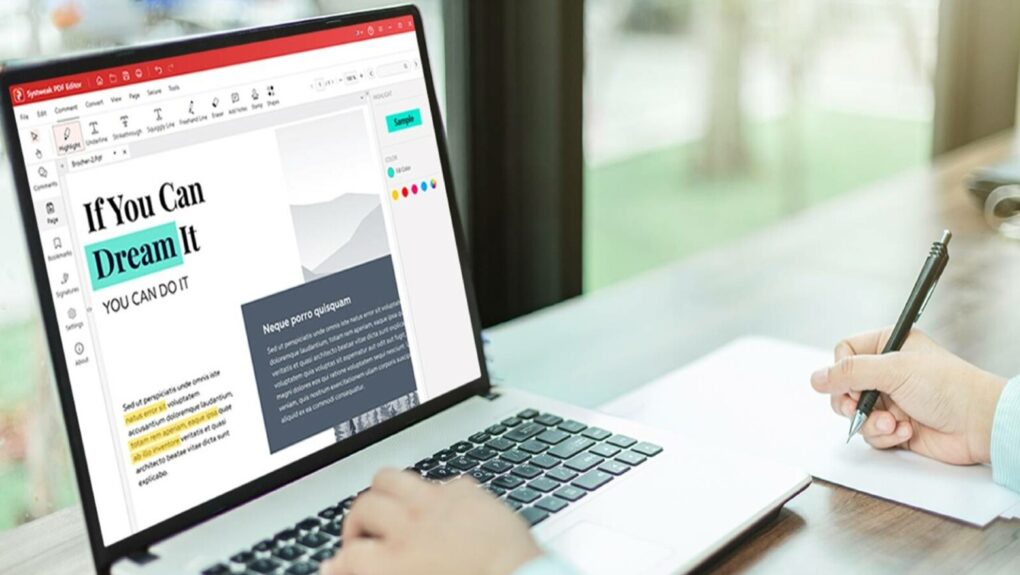
Edit PDFs without getting locked out of advanced features with Systweak PDF Editor Pro. Photo: Cult of Mac Deals
We love a good PDF editor that works on Mac, and Systweak PDF Editor Pro handles editing, converting, signing and locking down PDFs without touching the cloud.
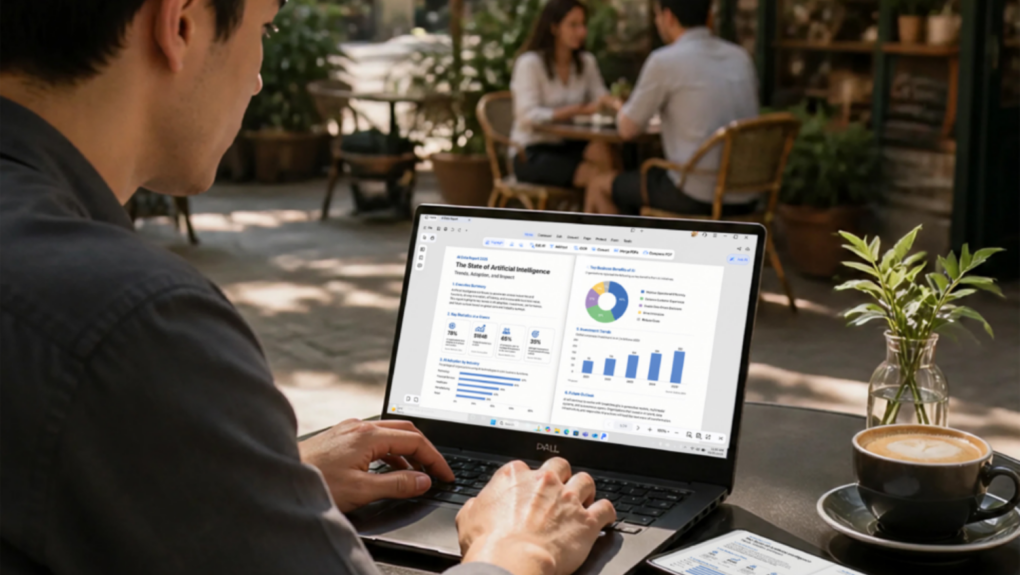
PDNob Pro PDF Editor does it all, and lifetime access is deeply discounted. Photo: Cult of Mac Deals
Tenorshare’s PDNob Pro PDF Editor is faster, smarter PDF software. It combines AI-powered PDF chat tools, optical character recognition, conversion, signing, annotation, cloud storage and traditional PDF editing tools, all for one low price.
Lifetime access to PDF Agile Premium is now 66% off! Photo: Cult of Mac Deals
PDF Agile Premium is an all-in-one PDF editor that lets you edit, convert, annotate and secure PDFs — and a lifetime license costs just $39.99 right now.
If you want a high-quality, feature-rich PDF editor but don't want to pay top prices, PDF Editor PDF Book Reader could be for you. Claim your free one-year subscription now! Image: PDF Editor PDF Book Reader
For anyone who only needs a PDF editor to occasionally sign or modify a document, paying Adobe Acrobat’s monthly price may be too much. So it’s a good thing you have less-expensive yet feature-rich apps like PDF Editor PDF Book Reader to try.
People have relied on the app for years, and now it’s optimized with new features to work brilliantly on iPhones with iOS 17 and on iPads with iPadOS 17. Plus, Cult of Mac readers can get a free one-year subscription to the app (details below).
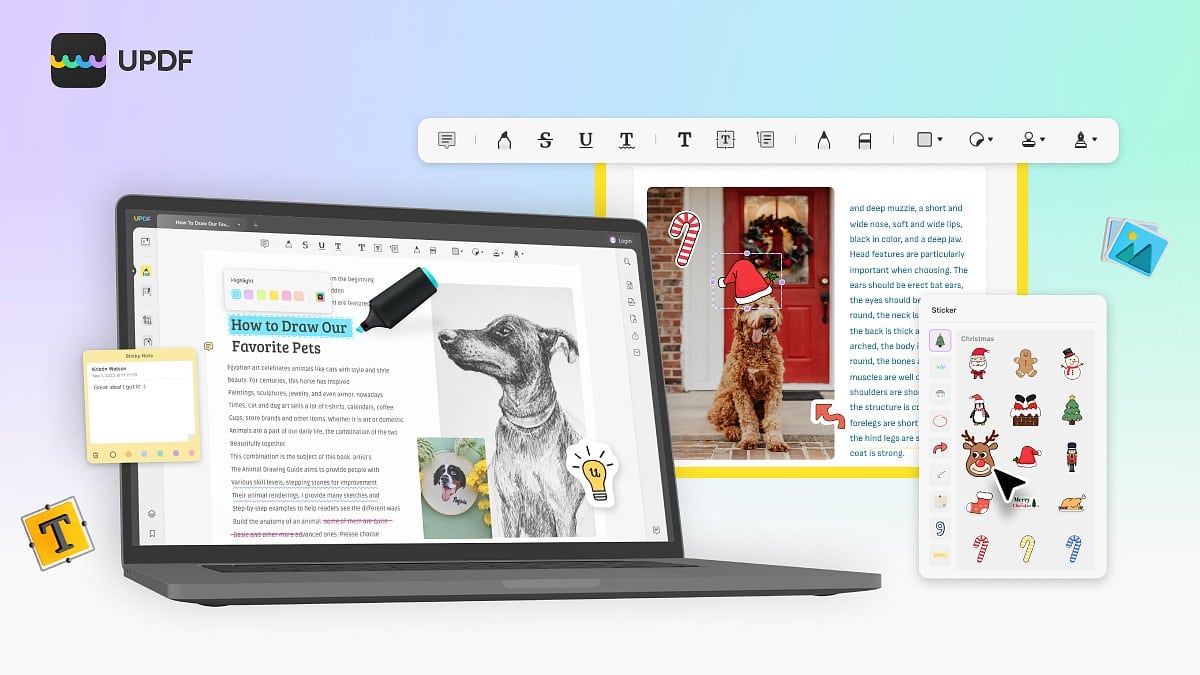
Get a great deal on UPDF, an app that makes it easy to work with PDFs on any device: macOS, iOS, Windows and Android. Image: Superace
PDF files are a fact of life online. All sorts of information, forms, contracts, applications and more come in the format, which is fixed to preserve formatting and resist having just anyone make changes. So you need special software to fill in, edit and sign a PDF, which can be a hassle.
That’s where UPDF comes in. It’s a versatile and easy-to-use PDF editor that’ll have you filling in and signing PDF files in no time, or even making more substantial changes, like reordering pages and converting files to other formats.
Even better, you can use UPDF on any platform for no additional cost. Cult of Mac readers can get UPDF at 53% off. Grab this deal (at the end of the article) and you will have an all-in-one PDF editor that works onMac, iOS, Windows and Android.
Create, convert, edit and share documents with Kdan's PDF Reader.
Image: Kdan
This post is brought to you by Kdan.
If you want to work smoothly with PDF files, you need a capable tool like Kdan’s PDF Reader. The name may leave you thinking it just helps you read PDFs, but it actually does much more for your workflow. If you’re wondering how to convert to PDF on iPad, take a look atthis step-by-step guide.
With PDF Reader, you can create, read, edit, sign, scan, secure and convert PDFs on your iPhone, iPad or Mac. Learn more and download it below.
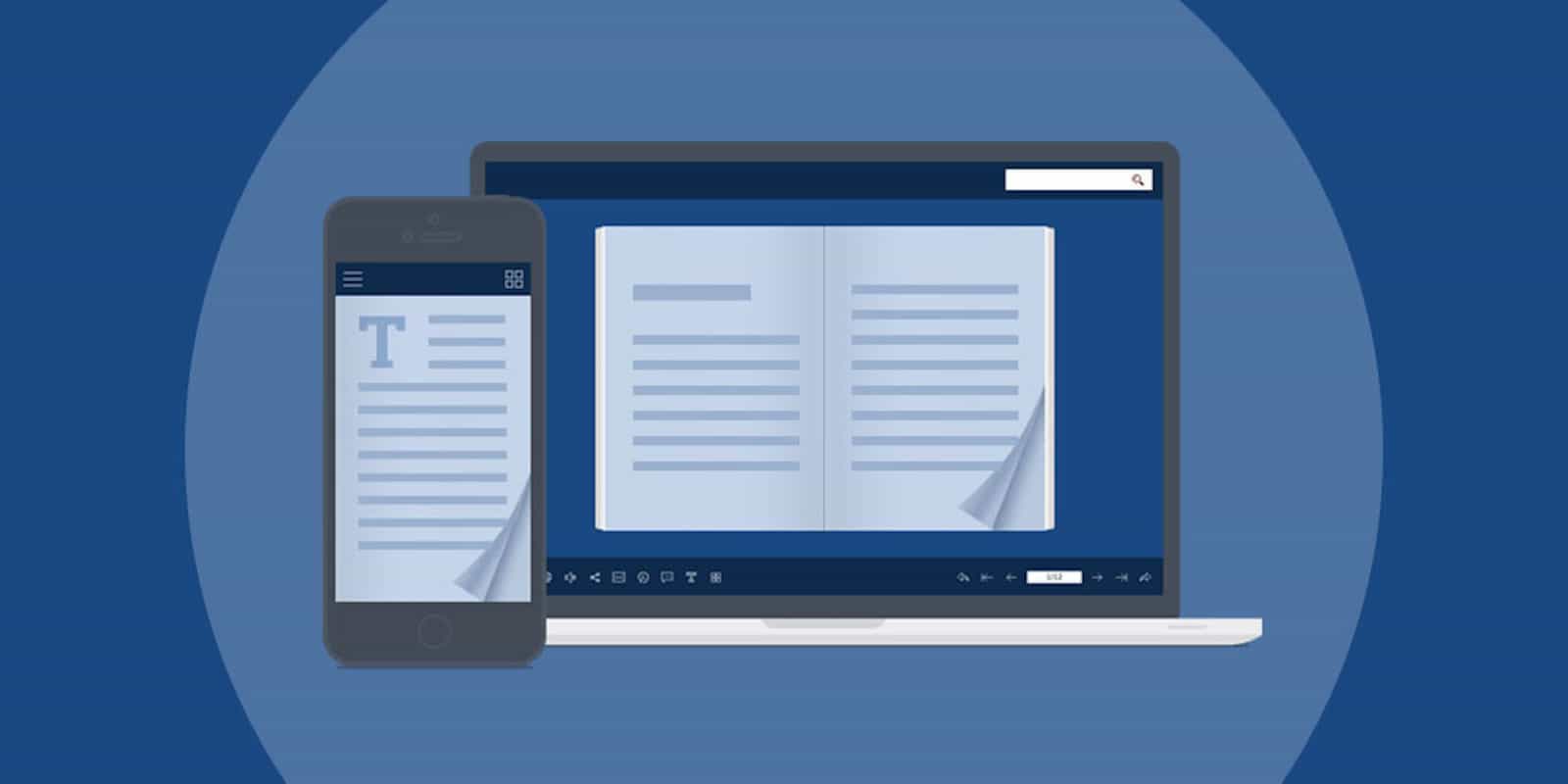
This app lets you present your regular old PDFs as lovely, interactive digital flipbooks. Photo: Cult of Mac Deals
If you work with a computer, you probably work with PDFs. The familiar file format graces everyone’s computer desktop. But you can do a lot more with PDFs than you might think.
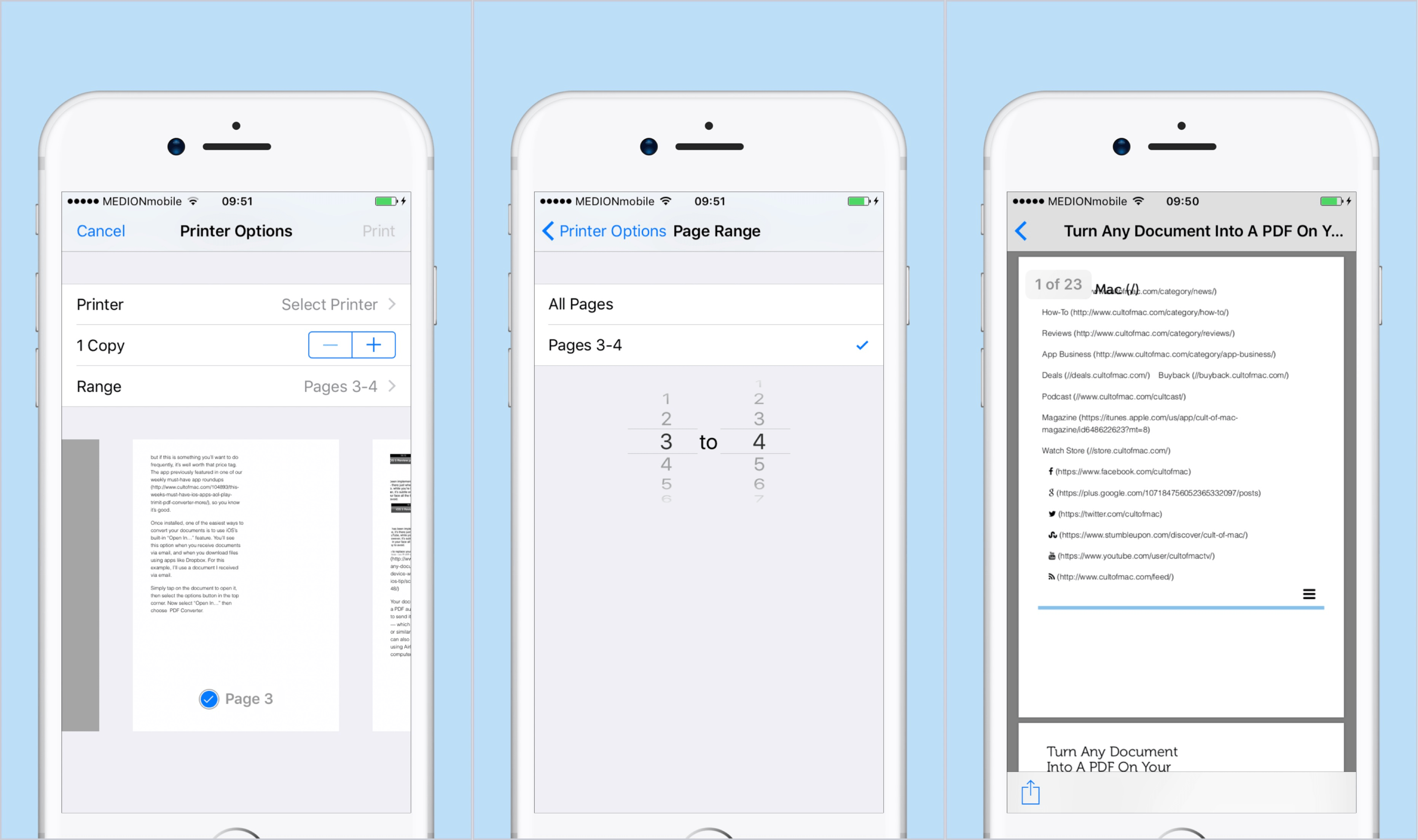
If you're running iOS 10, your iPhone is already a PDF-making machine. Screenshot: Cult of Mac
Stop! Don’t download that PDF converter app for iOS. You don’t need it. What if I told you iPhones have come with a built-in PDF-conversion tool since iOS 10?
Once you know where this iOS PDF converter is buried, you can quickly and easily turn anything into a handy PDF on your iPhone or iPad.
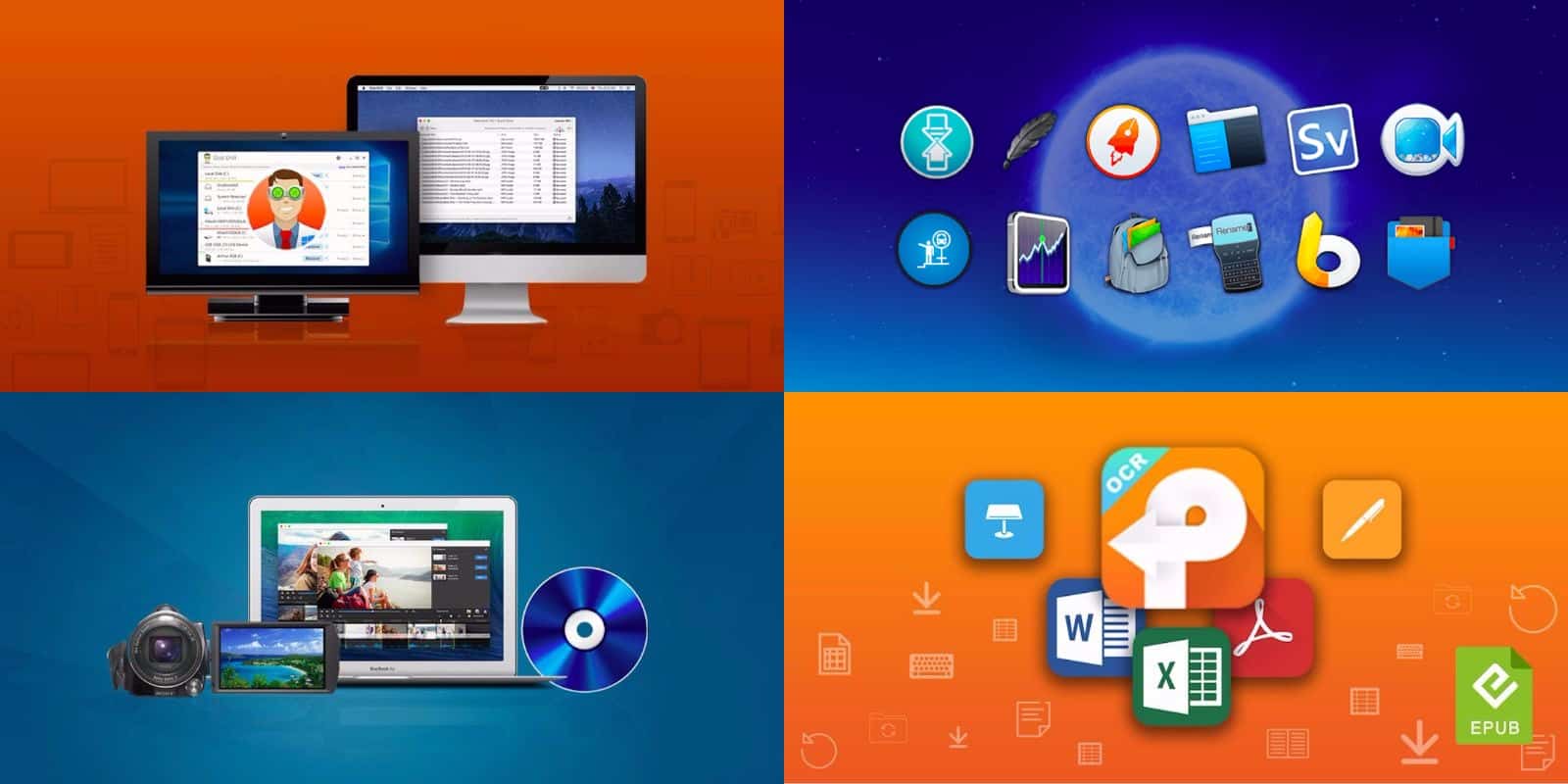
We've rounded up dozens of top shelf apps for Mac, from productivity to utility and beyond. Photo: Cult of Mac Deals
If you’ve been thinking about adding some new apps to your Mac, you’re in the right place. We’ve gathered some of the best offers on a range of Mac apps: a comprehensive drive utility, Roxio’s latest version of Toast Titanium, a powerful PDF converter, and a bundle of 12 Mac apps that you can name your price for.
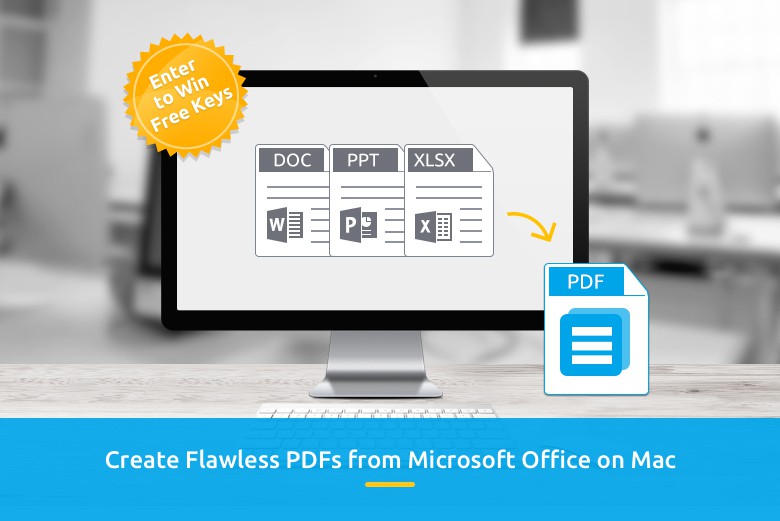
It's simple to crank out PDFs with Wondershare PDF Creator for Mac. Image: Wondershare
This post brought to you by Wondershare, maker of PDF Creator for Mac.
Wondershare has cemented itself as a dominant software-development company around the globe, thanks to an array of world-class software tools it has designed and tailored to fit the demands of the market.
I think PDF is one of the best file formats around. I send client files in PDF. Invoices in PDF. Resumes in PDF. Reports in PDF. The problem is when I get PDFs…and I want to do something else with them.
Yeah, that’s where PDF files can fall down. PDF files are awesome if the folks on the receiving end just need to read or review the content, not build on it. Sure, I can mark up PDF files. I do it all the time for galley proofs of my books, but when I get data or large chunks of text that I need to use in some other document…I can be up a creek.