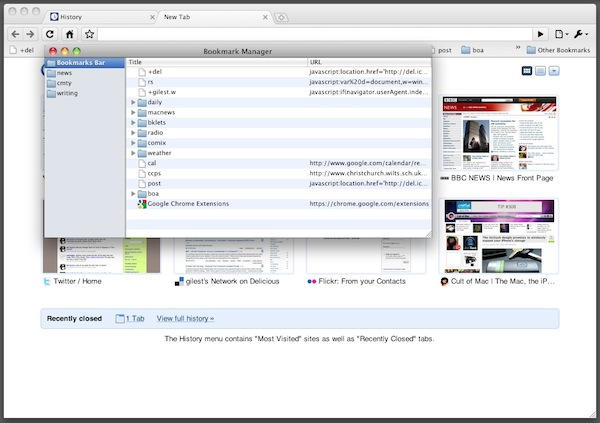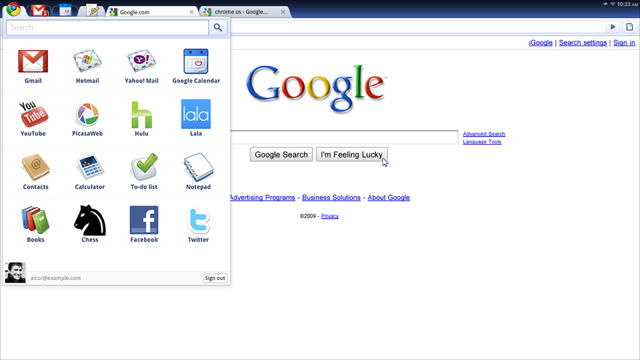
Google’s Chrome Operating System is a Google’s answer to Mac OS X or Windows 7 — a lightweight operating system designed for netbooks and other portable devices. It’s also designed for an always-on connection. The Net is as much a part of the system as the software installed on the computer.
It’s also lightweight, fast, and easy to use. Boot up in just a matter of few seconds, log in and get onto the internet instantly. No distractions at all. Moreover, everything remains in the cloud so you never have to worry about running out of the disk space.
It’s also fun to play with. Here’s how to install it on a Mac using Parallels Desktop 5 virtualization software. Be aware that Chrome OS is currently in pre-alpha developmental stage. Install at your own risk!