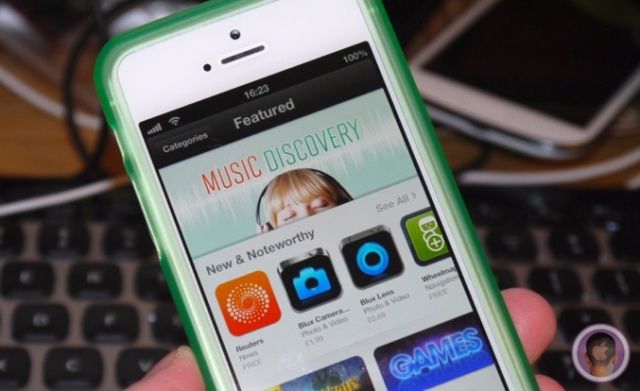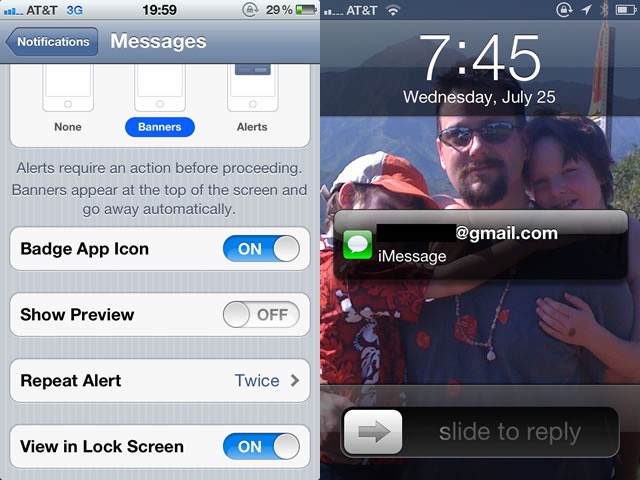
Has this happened to you? You’re out and about with friends, and a text message (or iMessage) hits your iPhone. Being a serious iPhone user and Tweeter, of course, you’ve left your iPhone out on the tabletop. Unfortunately, the text message that shows up on your screen isn’t very flattering to the friend sitting immediately to your left. She sees it, gets upset, and storms off. Nobody wins.
With a quick trip to Settings, however, you can prevent this tale of tears and keep your iMessages for your eyes only. Here’s how.