
Shrink App Windows Behind the App’s Dock Icon
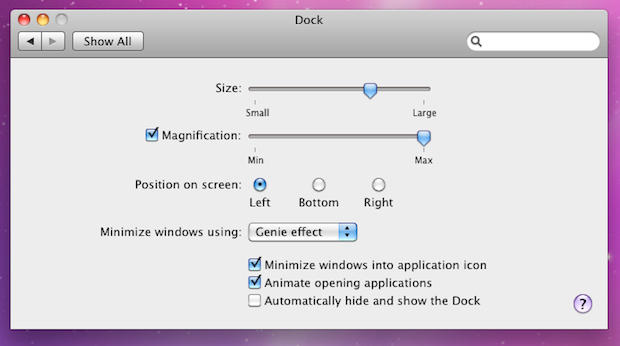
For some reason, it irritated me when a minimized window shrunk to the Dock next to the Trash can. Shrink a lot of windows and they would all line up on the right-hand side of the Dock, next to the Trash. In Snow Leopard, they can now be shrunk behind the application’s icon in the Dock, where they belong.
Go to System Preferences>Dock and check “Minimize windows into application icon.”

Leander Kahney is the editor and publisher of Cult of Mac. Leander is a longtime technology reporter and the author of six acclaimed books about Apple, including two New York Times bestsellers: Jony Ive: The Genius Behind Apple’s Greatest Products and Inside Steve’s Brain, a biography of Steve Jobs.
Leander has written for Wired magazine, Scientific American, The Guardian, The Observer, The San Francisco Chronicle, MacWeek and many other publications.

