
Enlarge Your Icons
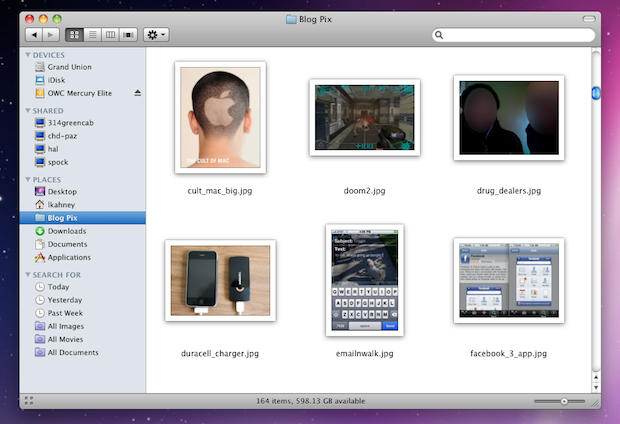
Ever want to look through a big folder of pictures to find the one you want but find Quick Look cumbersome? In Snow Leopard just choose Icon view and hit the slider at bottom right to enlarge the icons to their full 512×512 glory. Now you can see clearly what each file contains. Icons also give a live preview of the file – music, movies and multi-page PDFs.

Leander Kahney is the editor and publisher of Cult of Mac. Leander is a longtime technology reporter and the author of six acclaimed books about Apple, including two New York Times bestsellers: Jony Ive: The Genius Behind Apple’s Greatest Products and Inside Steve’s Brain, a biography of Steve Jobs.
Leander has written for Wired magazine, Scientific American, The Guardian, The Observer, The San Francisco Chronicle, MacWeek and many other publications.

