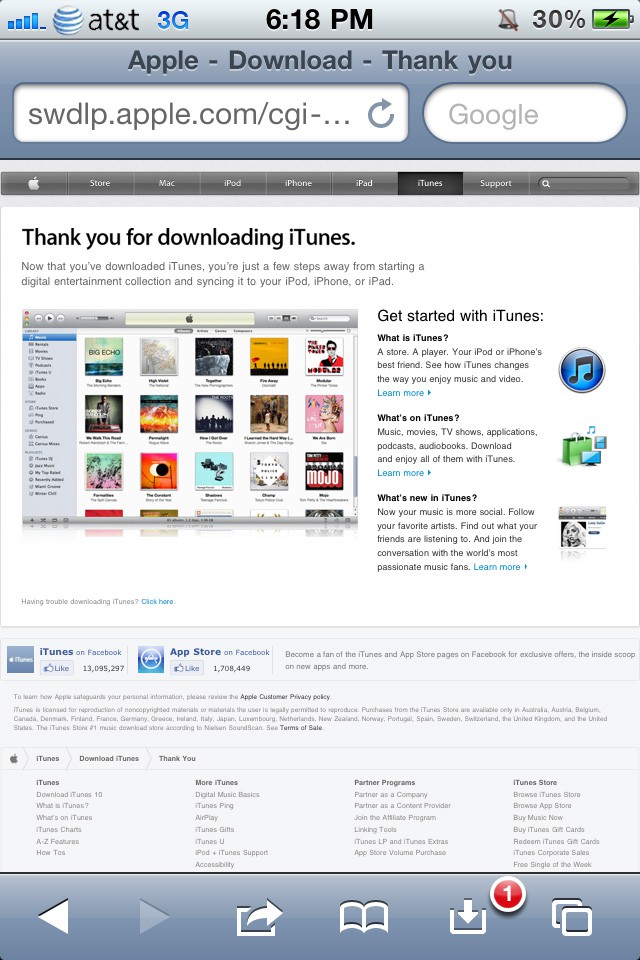
One feature that people have been asking for (for MobileSafari) is the ability to download files without relying on a third-party application. Well, there’s a jailbreak tweak for that, more appropriately named “Safari Download Manager”. It’s available in Cydia for $5, and does just what the name suggests. Not only does it work for the iPhone and iPod Touch, but it also works with the iPad.
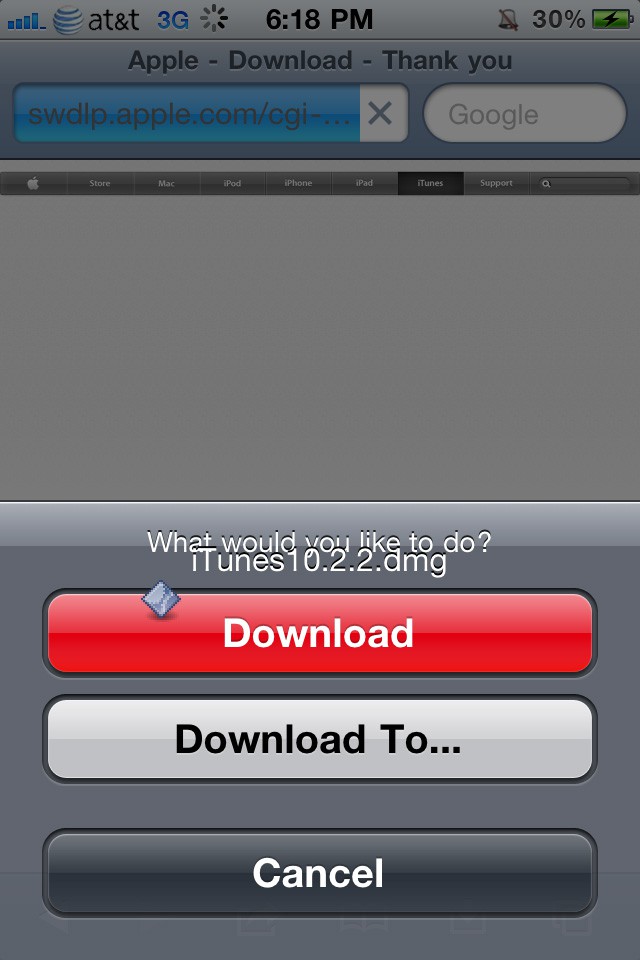
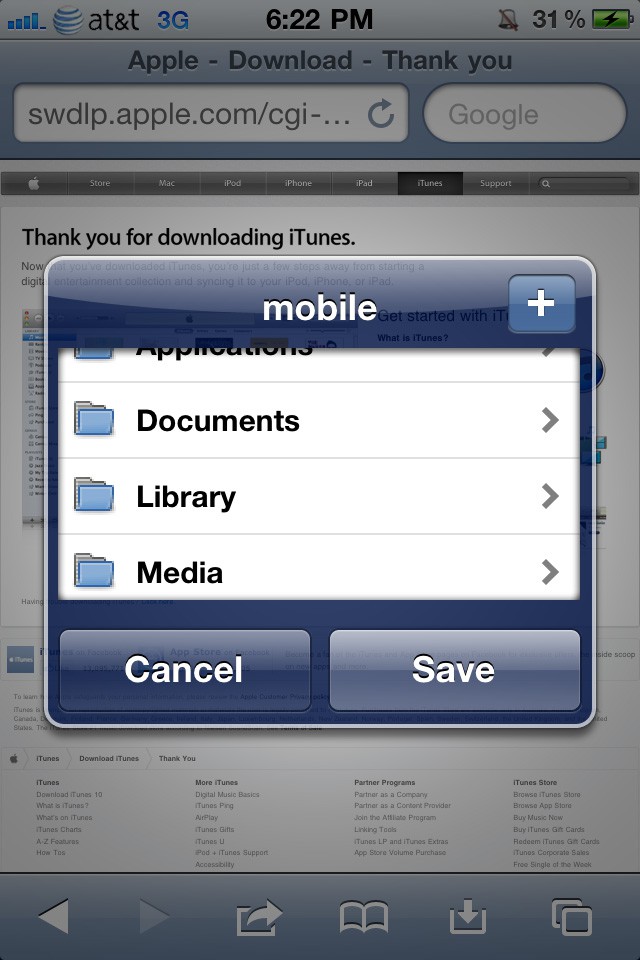
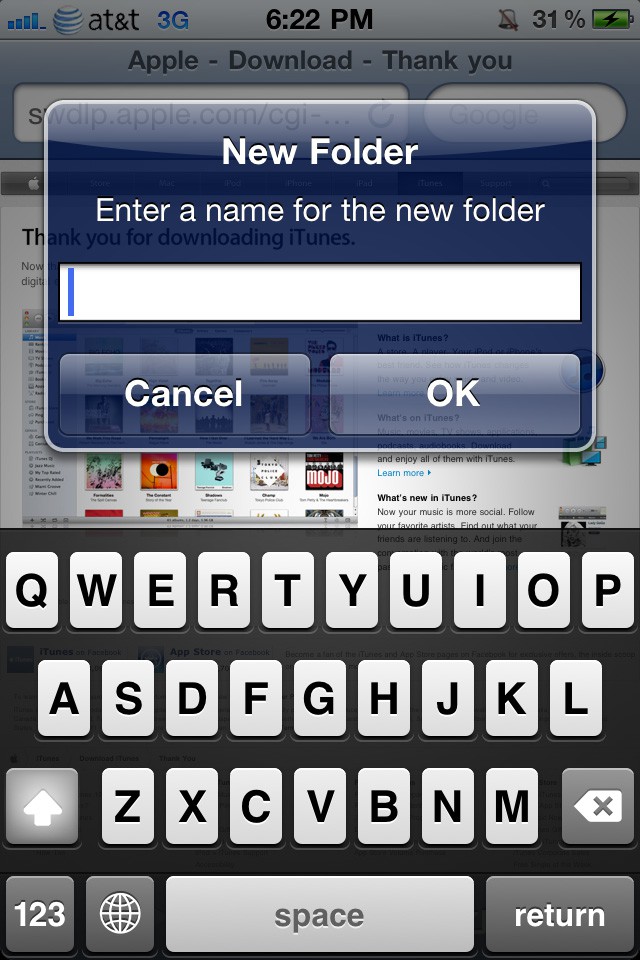
When you tap on a link to a file that you’d like to download, you’ll be greeted with some options to download it to the default location (/var/mobile/Media/Downloads, which can be accessed with a desktop application, such as iPhone Explorer or DiskAid). Tapping on “Download To…” will bring up a dialog box that will allow you to choose a different download directory. You’ll also have the ability to create a new folder.
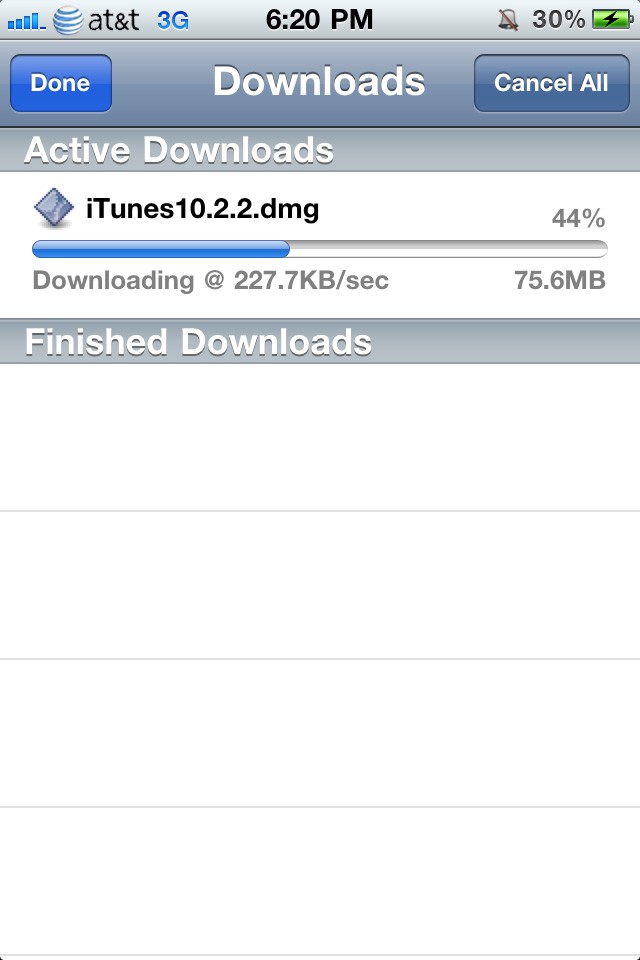
After tapping on the download management button, you’ll see a list of your current downloads, as well as any completed downloads. You can easily cancel a single download by swiping on your download, and tapping on the cancel button. If you’d like to cancel all of your active downloads, you can tap on the “Cancel All” button. If you have no active downloads, said button will change to “Clear List”, where you can clear the list of finished downloads instantly.
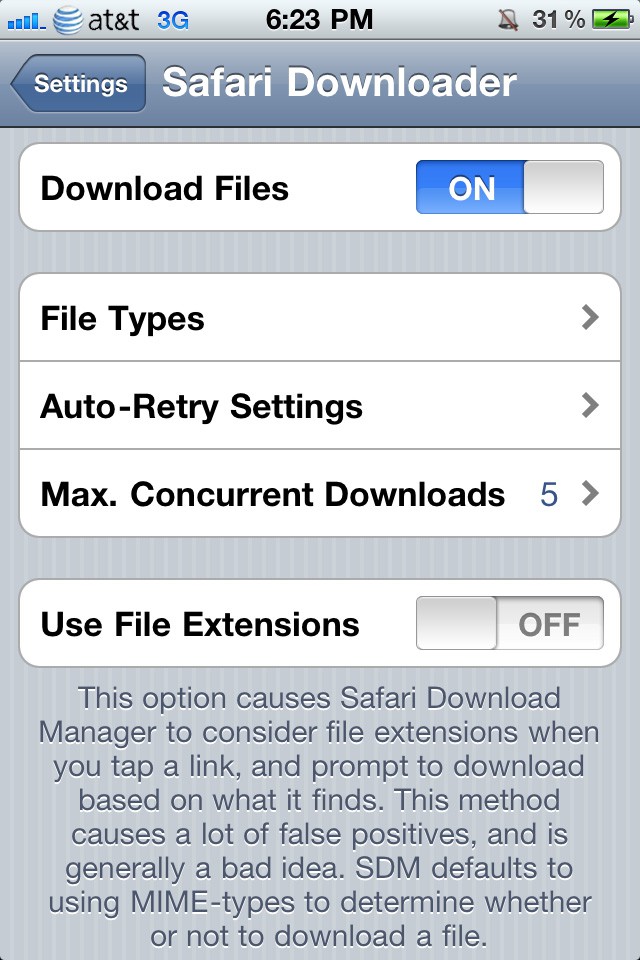
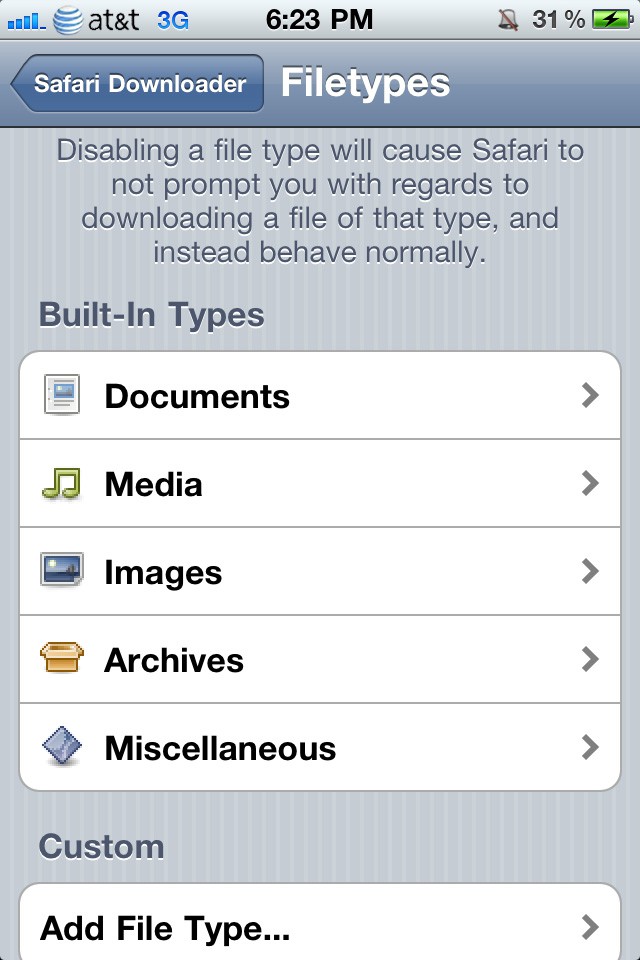
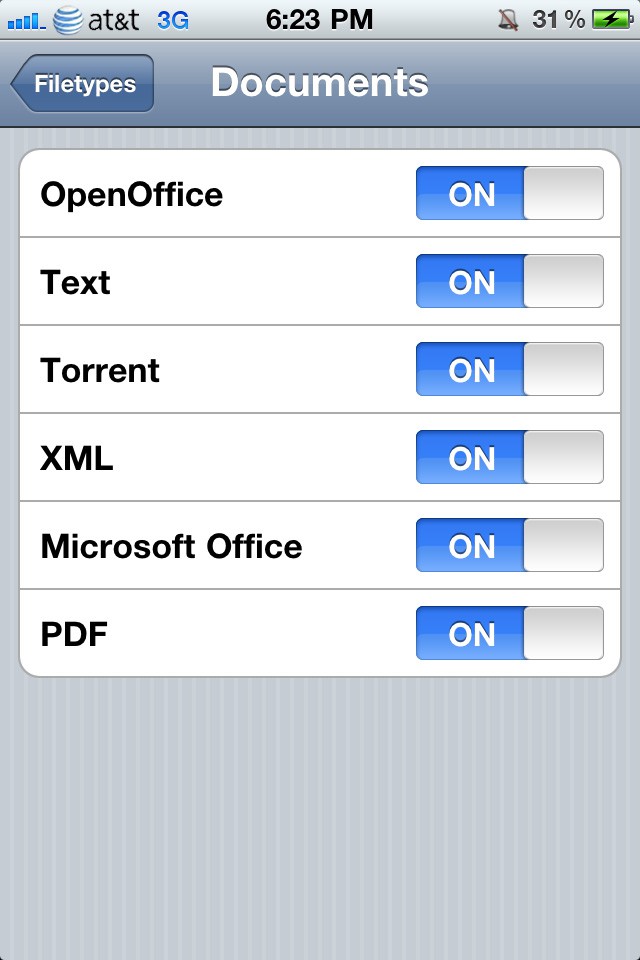
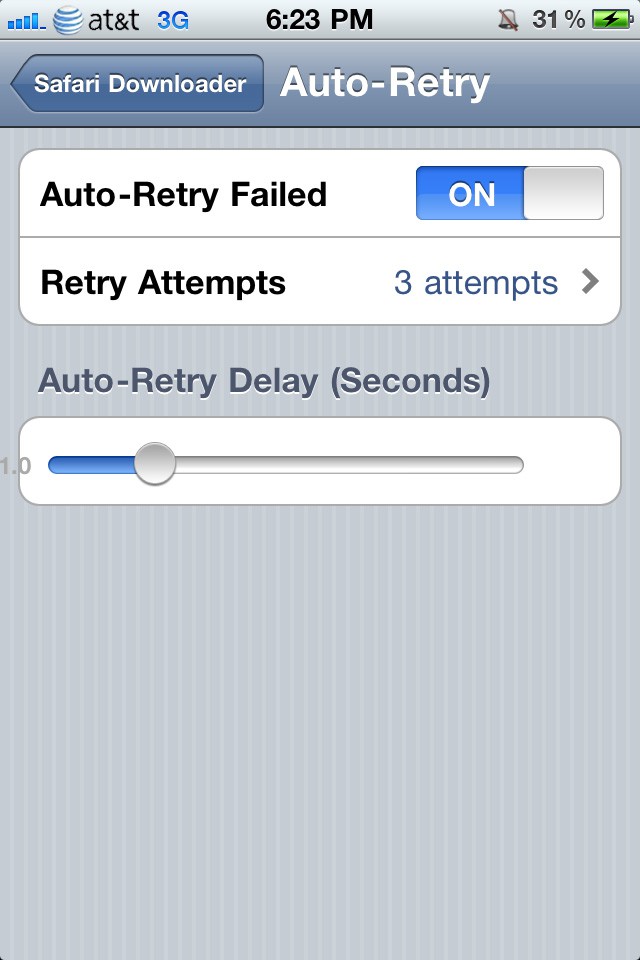
You can access the settings for SDM from within the stock Settings application. From here, you can disable/enable SDM, change the types of files for it to download, adjust the number of concurrent downloads, and change the auto-retry settings.
I’ve been using this tweak for the past couple of years on a daily basis, downloading files with sizes ranging from a few megabytes to over 4GB, and SDM has never failed me. It’s affordable, and gets the job done. The fact that it integrates perfectly into MobileSafari makes it even more worthwhile.
So, if you’re jailbroken, and don’t already know about Safari Download Manager, then I highly recommend purchasing this tweak. You’ll thank yourself for never having to use a third-party app again.
Feel free to follow Brian on Twitter.

Brian Sweet is a young 20-year old student who loves technology (PCs, Macs, iPhones) and auto racing. Brian also writes for JailbreakZone, and is the host of the This Week in iPhone podcast (not affiliated with TWiT). Follow Brian on Twitter (the quickest way to get in touch), or visit his website.

