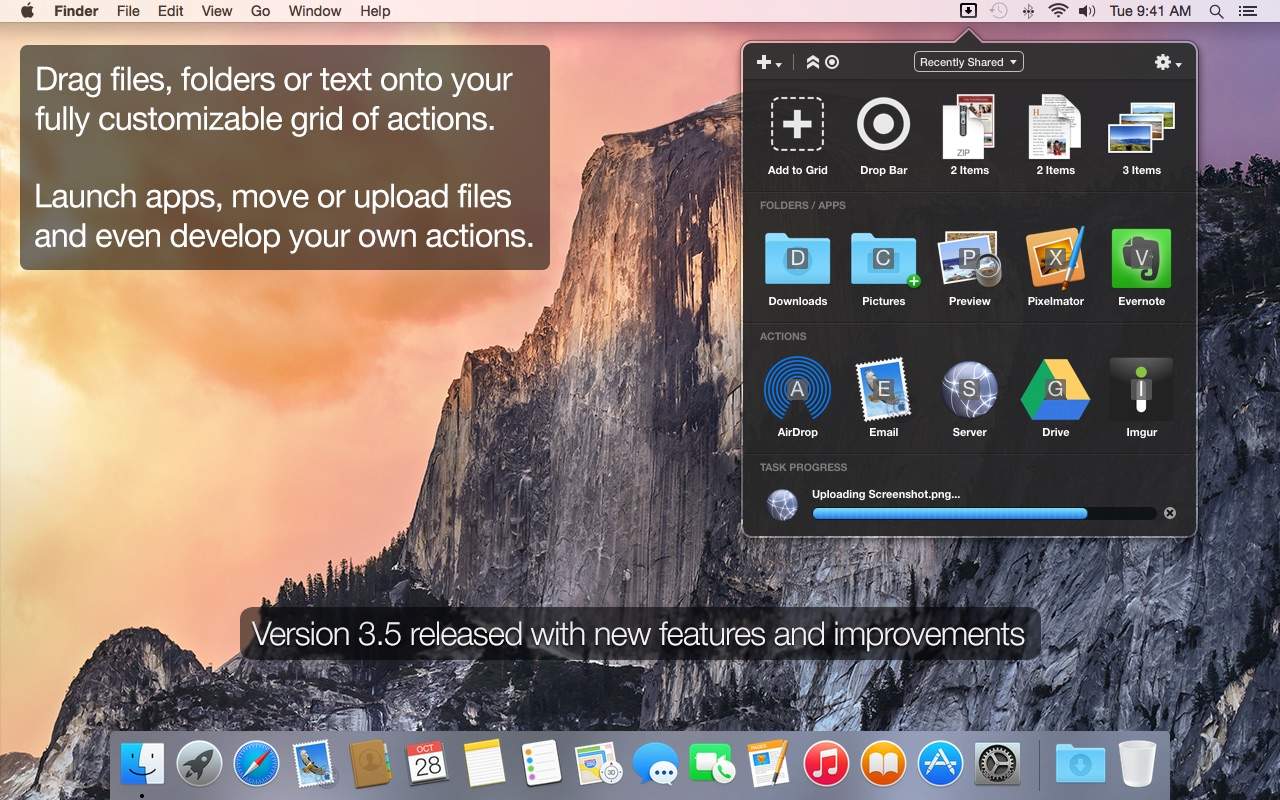
The latest update to Dropzone makes it even more useful. Photo: Aptonic
This post is brought to you by Aptonic Limited, maker of Dropzone.
Drag-and-drop functionality — which lets us quickly and easily move files from place to place, into apps, onto websites — might be the most fundamental way we interact with our computers. That’s why we’re impressed by Dropzone: It’s basically an upgrade of good ol’ drag-and-drop for OS X.
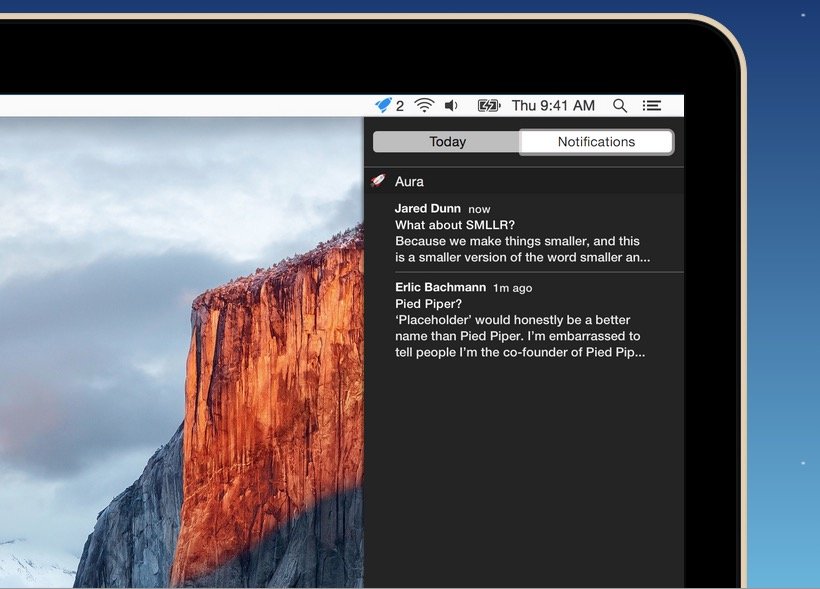
You can use Gmail's web app and get Notifications in OS X with Aura. Photo: Cross Coded
If you use Gmail – and let’s face it, most of us do – one of the biggest draws of using an external app, like OS X Mail, is being able to get Notifications when new emails arrive. Unfortunately, many email apps don’t support Gmail’s best features natively, like labeling, search or automatically filtered inboxes.
If you’d like to get Notifications when a new Gmail comes in, but continue to use the Gmail web app instead of a dedicated client, here’s how.
Your Mac can help you get healthier with a free app called Stand. Photo: Stand
Your Apple Watch tells you to stand up periodically to maintain your health. It’s a small feature, but it’s actually one of the Apple Watch’s killer apps.
If you don’t have an Apple Watch, though, you’re in luck. There’s a new app in town that does the same thing.
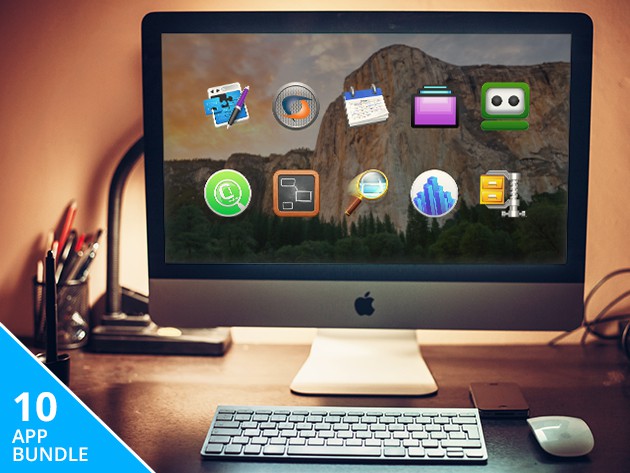
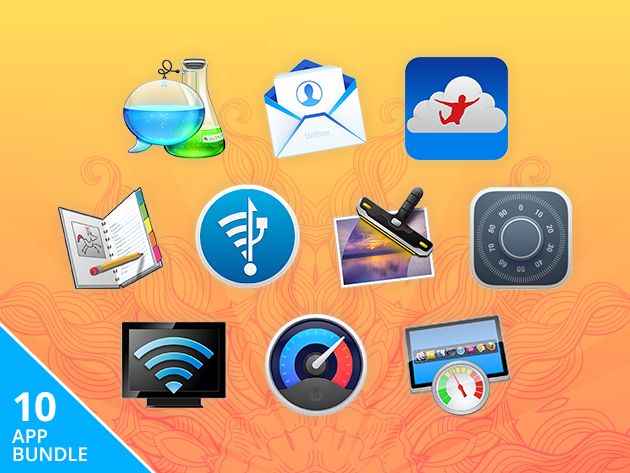
This bundle of apps offers 10 different ways to maximize your Mac's performance. Photo: Cult of Mac Deals
Beneath the keyboard of your Mac lies a vast ocean of untapped potential. We’ve assembled some of the best deals on the most powerful apps for drilling deep into those hidden reserves of functionality. From productivity-enhancing programs. to comprehensive hard-drive maintenance and unlocking hidden Mac OS functions, these app bundles are power-packed and priced to move.
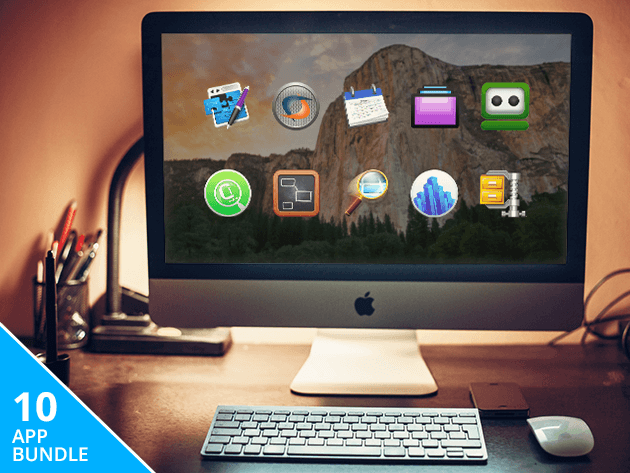
This bundle of productivity-enhancing apps will help keep your computer out of your way. Photo: Cult of Mac Deals
Tired of hunching over your keyboard for hours with too little to show for it at the end of the day? This bundle of 10 apps can help get your computer out of the way of what you need to do by vastly enhancing its productivity possibilities. It’ll remove workflow limitations and simplify the process of using all sorts of apps, file formats, even letting you run Windows programs right from your Mac dock. And right now you can pay what you want at Cult of Mac Deals.
Drive Genius 4 is the leading app for maintaining, repairing and protecting your Mac's hard drive.
We trust our Macs to be solid and reliable, but what if there’s a problem lurking under its silvery hood? Drive Genius is an award-winning app that leads the market in maintaining, optimizing, preventing and even reversing problems in your computer’s main brain, it’s hard drive. Right now you can get peace of mind and peak performance from your Mac with Drive Genius 4 for $49.99 at Cult of Mac Deals.
A long time ago (well, three days ago) in an App Store far, far away, Disney finally dropped its official Star Wars app ahead of the release of this winter’s Episode VII movie. Bringing you all the breaking news and interactive features you can shake a lightsaber at, the app will let you know the second a new trailer drops or any other big announcement is made.
On top of that, the app lets you unlock 3D characters for a special Augmented Reality camera feature, take and share a Star Wars selfie, and so much more.
How many of us have said “I really should start a journal,” only to find that even the simple task of sitting and writing for a few minutes is too hard to fit into our daily schedule? With Penzu, there aren’t any more excuses — it turns anything with a screen into a synced, secure journal. And right now a Penzu Pro Digital Journal Lifetime Subscription is just $39, a full 58% off the normal price.
Procrastinators beware: the clock is ticking loudly on some excellent soon-to-expire deals, including the Summer Essentials Mac Bundle, the Striiv Fusion activity and sleep tracker, and more.
Sorry to break it to you, but your Mac isn’t living up to its potential. The good news? We’ve rounded up 10 amazing Mac apps in a Summer Mac Essentials Bundle that can streamline efficiency & run faster, transforming how you email, take photos, stream content, transfer files, and more. Bought separately, they’re valued at $234, but we’ve bundled them up for $19.99 total. Grab the bundle today and start doing this with your Mac:
Whether you’re transcribing an interview, replying to emails, or writing the next Great American Novel, it’ll go a lot faster with Dragon Dictate speech recognition software for Mac.
Apple's product events always make Josh Michaels nervous. He's never sure if he'll still be in business at the end. Photo: Leander Kahney
SAN FRANCISCO — If you watched the Worldwide Developers Conference keynote earlier this week, you’d think it was a big love fest. But there’s a section of the audience sitting there in a cold, cold sweat.
Attendees are mostly software developers, and some of them are very nervous that Apple will announce something that will ruin their business overnight.
“The WWDC keynote is terrifying for developers,” said Josh Michaels, an independent software developer from Portland, Oregon, who runs Jetson Creative. “The uncertainty is the worst part.”
Take ReplayKit in iOS 9, a new feature that records games and app videos without the need for any external cameras or hardware.
Sounds great, unless you are Everyplay or Kamkord, a pair of young companies that raised millions of dollars to record games and app videos in iOS.
“They’re f**ked!” said a game developer at WWDC who asked not to be named.
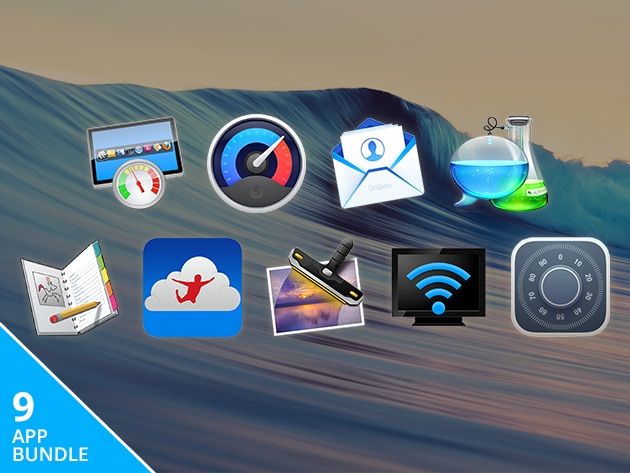
When we discover an amazing app that helps your Mac run better, faster, and more efficiently, we can’t help but share it with you. And when we discover nine of them, you get this bundle. Enhance your Mac experience with our package of some of the best apps out there for your computer. Each one is worth between $14.95 and $49.95, but we’re selling all nine for a total of $19.99 for a limited time only. Here’s what you’ll get:
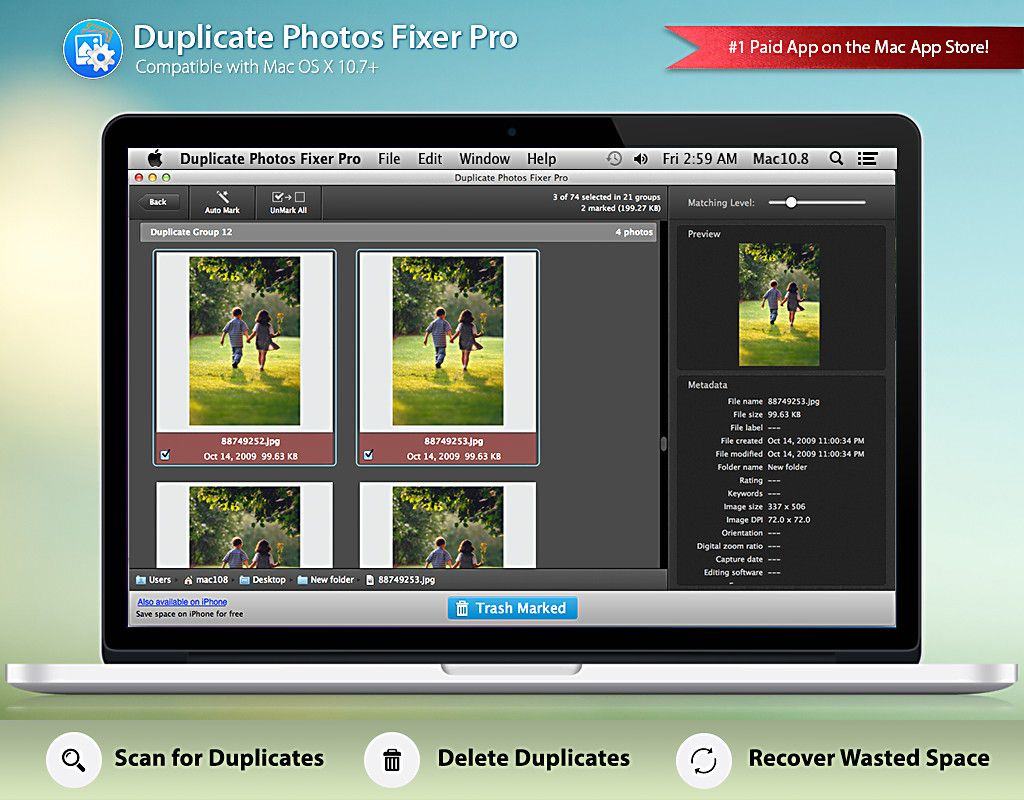
Duplicate Photos Fixer Pro eliminates unwanted images in a snap. Photo: Systweak Software
This post is sponsored by Systweak Software, maker of Duplicate Photos Fixer Pro.
There was a time when people could keep track of their photos with a few shoeboxes in the closet. Now we live in the digital age where an average person will take thousands of photos each year — that’s a lot of shoeboxes.
Digital photography uses a lot less paper, but it still creates a big mess. Maybe that explains why Duplicate Photos Fixer Pro is currently ranked No. 7 on Apple’s list of the top 10 paid downloads in the Mac App Store. Its popularity speaks to just how common the problem of unwanted duplicate photos is.
You can replace iMessage and Snapchat with BitTorrent's new app. Photo: BitTorrent
BitTorrent’s not just a way to torrent anymore.
Released a couple years ago, BitTorrent Sync proved itself to be a great way to keep your files synced between machines without trusting a service like Dropbox with your data.
And now? BitTorrent Bleep, a serverless chat app, is here to show you you can do without Snapchat or iMessage.
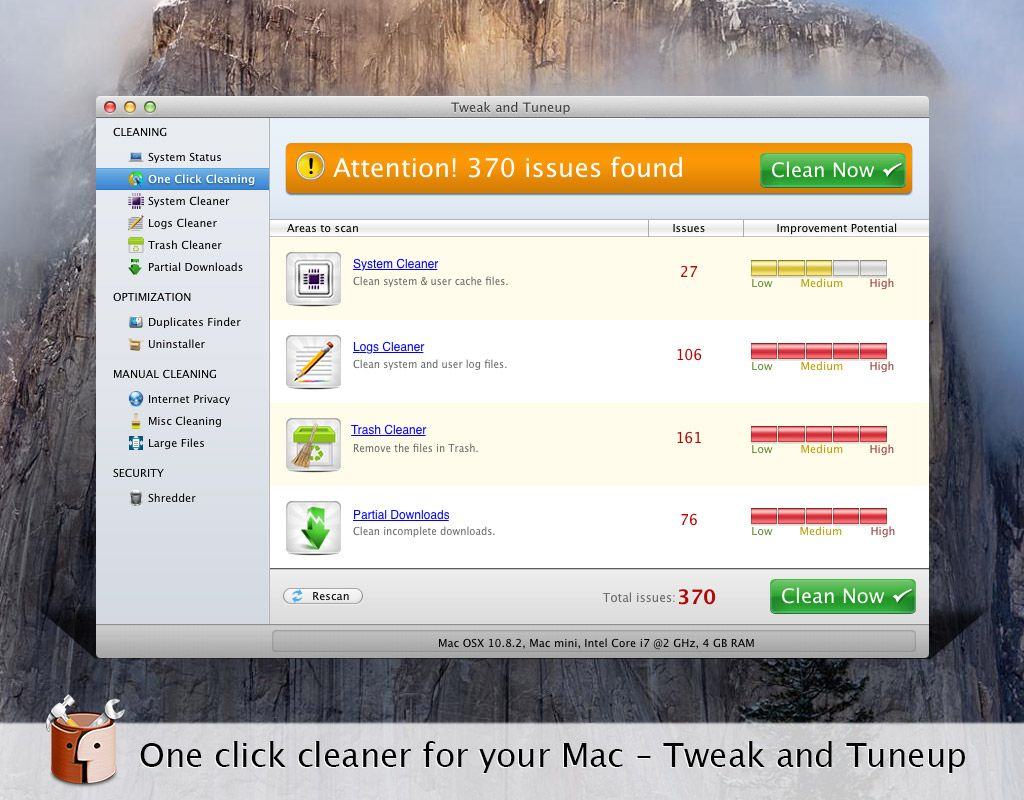
Tweak and Tuneup will get your Mac up to speed. Photo: Systweak Software Photo:
This post is brought to you by Systweak Software, creator of free performance-boosting Mac app Tweak and Tuneup.
To get the most out of your Mac, you should occasionally purge all the unwanted files that can negatively affect your system’s speed and efficiency. It’s crucial maintenance, but manually deleting all the unnecessary files can be a drag — especially if you waste a lot of time searching for instructions or reading out-of-date tips.
Forget that. Free Mac app Tweak and Tuneup is a suite of speedy tools that scan your Apple computer, quickly locating and deleting junk files to free up loads of disk space and restore your machine’s full speed and power.
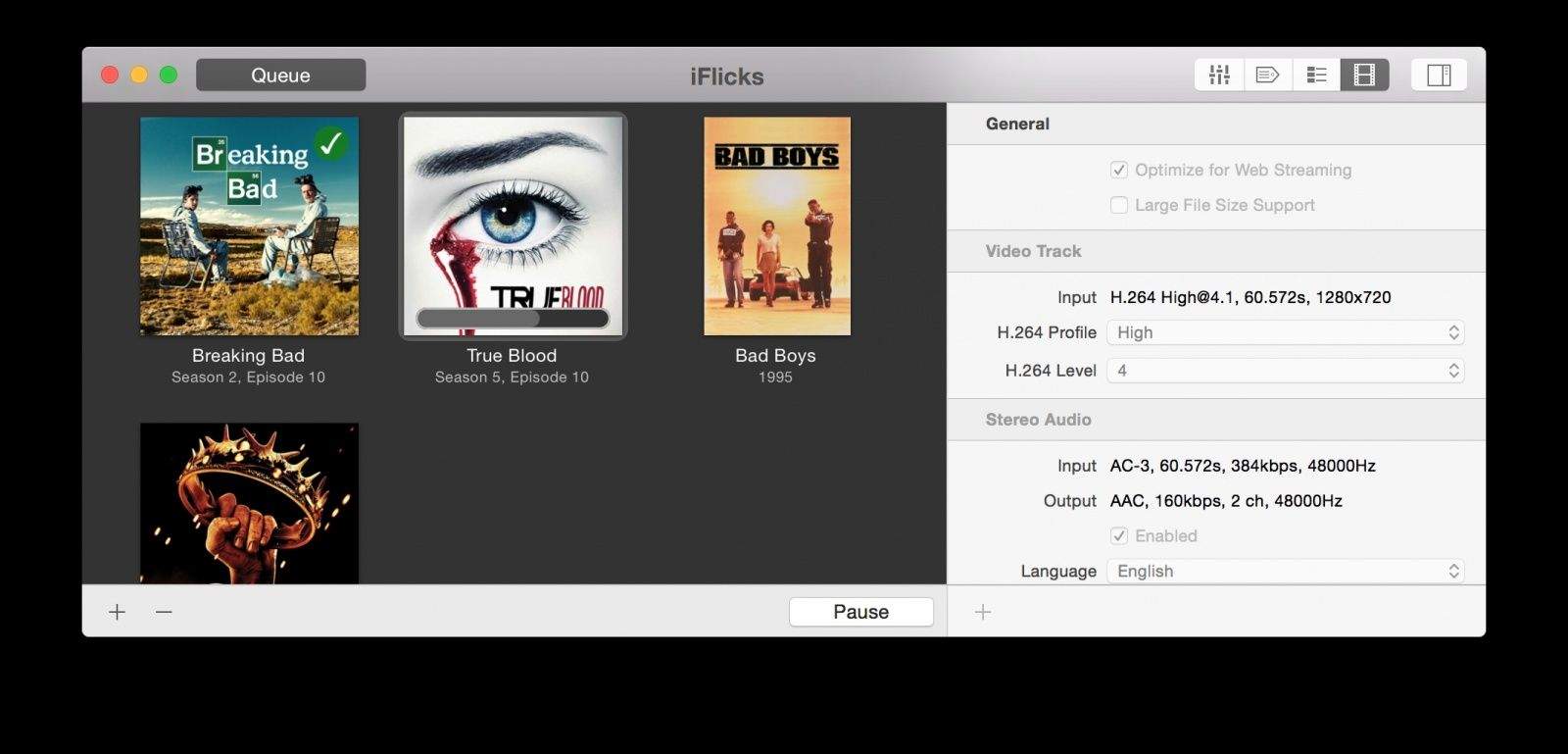
iFlicks makes it easy to import all your videos into iTunes. Photo: iFlicks
This post is brought to you by iFlicks.
Are all your videos hidden in a bunch of folders or stored haphazardly in the cloud? Wouldn’t you rather they were all as easy to sort and locate as your iTunes content, with metadata like movie posters and cast credits?
Using iFlicks 2, you can easily import your video collection into iTunes. This gives you the ability to watch your third-party videos directly in iTunes or transfer them to your Apple TV, iPad, iPod or iPhone. On top of that, iFlicks downloads metadata (information or visuals related to your videos) and lets you tweak the metadata manually. Managing your video collection in iTunes has never been this easy!
The new Noiseless photo app makes grainy photos look better. Photo: Macphun Photo:
This post is brought to you by Macphun, creator of Noiseless.
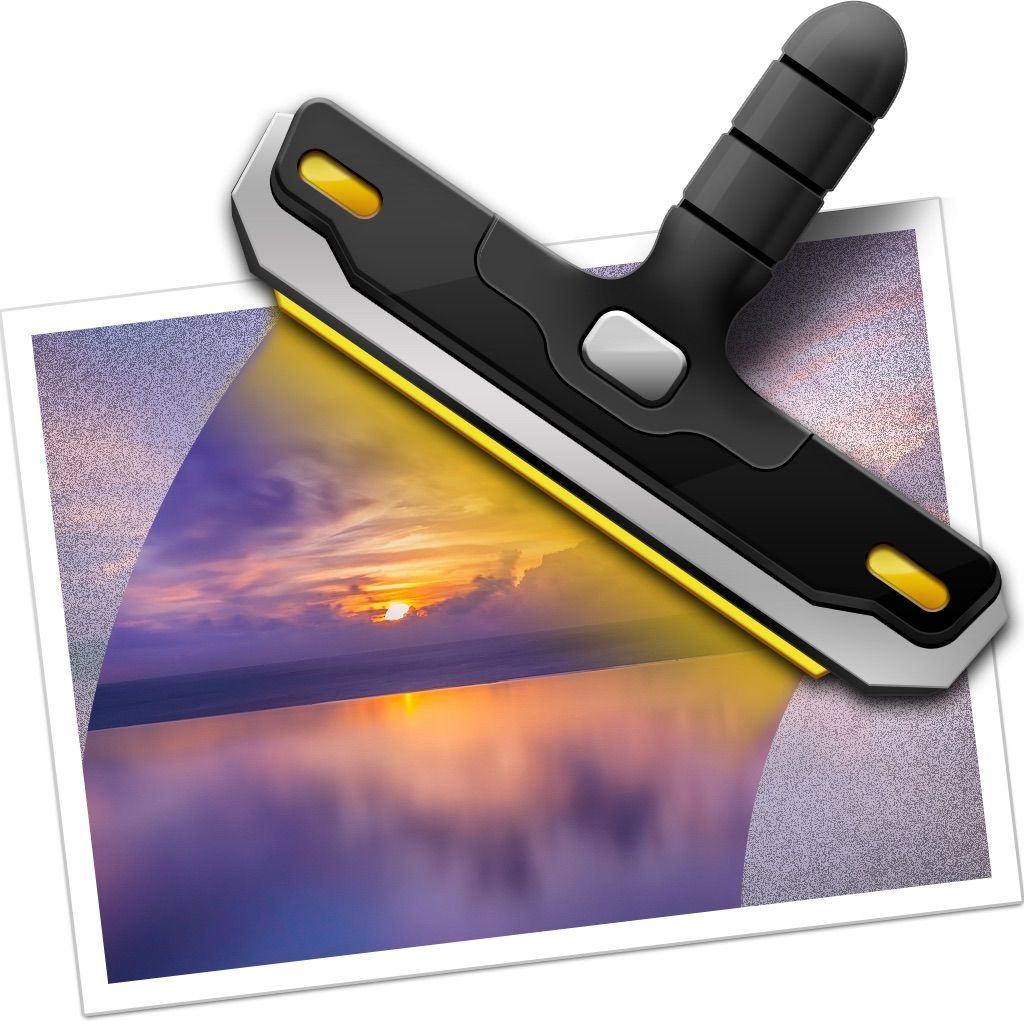
iPhones double as great cameras, but they do have limitations, especially when you’re taking pictures at night or simply in low-light conditions. The photos can appear grainy when viewed later, enlarged on your pristine Mac screen.
Noiseless is a new photo-editing Mac app that cleans up your pixelated or grainy images and helps you create refreshed, clear pictures for your photo library. And you can download a free preview of this powerful photo app for free.
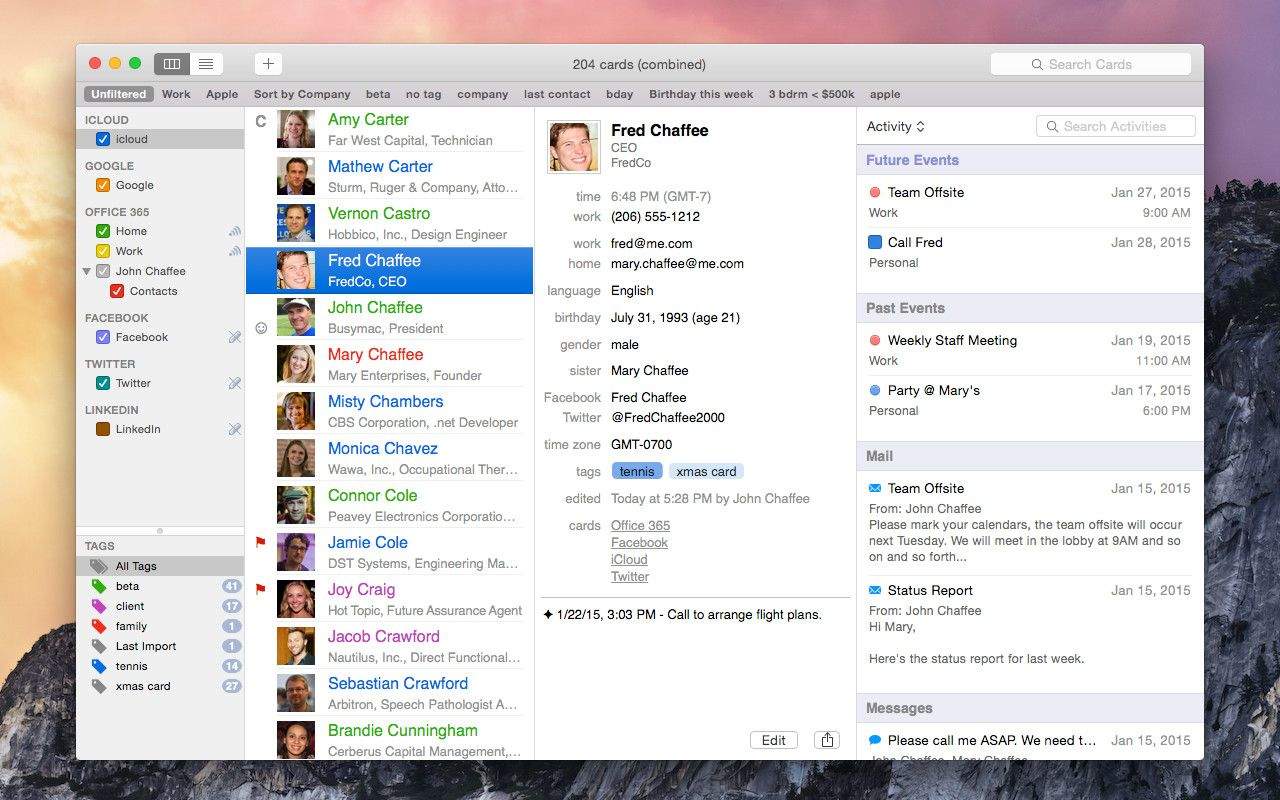
BusyContacts is the best Contacts app replacement we've seen. Photo: BusyContacts
Apple’s Contacts app is the worst. It’s slow, it has a hard time working with services like Google or Exchange, and it just plain doesn’t connect with Calendar. Even though it integrates into all our other apps, most of us would be super-happy to replace it.
BusyContacts, a new app from the folks behind BusyCalendar, is that replacement app, whether you’re an average consumer, a busy office manager or an entrepreneur looking to wrangle your contacts and busy schedule.
“Many people are frustrated with the shortcomings of the built-in OS X Calendar and Contacts,” said John Chaffee, president and co-founder of BusyCal, “which are very basic and don’t work well when syncing with non-iCloud services.”
BusyContacts (and BusyCal) are powerful alternatives to these built-in apps, giving users greater control and flexibility along with better compatibility with Google and Exchange, while still playing nice with iCloud.
The next generation of stock trading is upon us thanks to Robinhood, a new iPhone app that came out this week.
Most brokerages charge between $7 and $10 for individual stock trades, but Robinhood eliminates fees entirely by cutting out the middleman. You’re in charge of your trading, and you don’t have to be well versed in the ways of Wall Street to use the app.
The interface is dead simple, and it makes the possibility of trading stocks a reality for more people than ever before. There’s a pretty huge waitlist right now, so you won’t be able to use it right away. But if you’re interested, claim your spot in line.
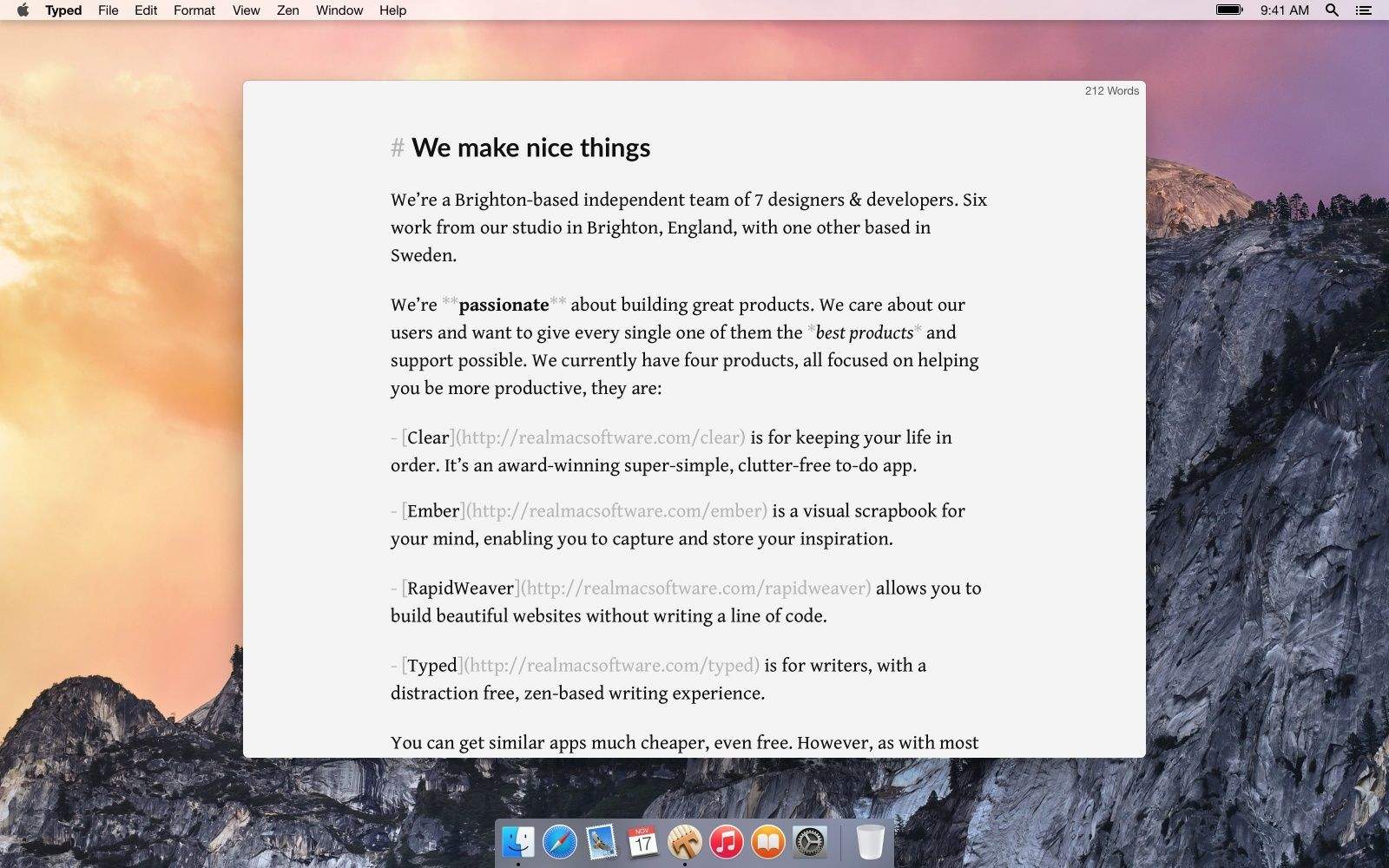
I just recently got into writing in Markdown, a special syntax that lets you easily convert to HTML for publishing on the web. There are several decent Markdown editors out there, but the best one I’ve used has to be Typed, a new app from Realmac Software.
The discreet word count view, keyboard shortcuts, and preview options are all great, but my favorite feature is Zen Mode. Typed goes fullscreen and plays six ambient, soothing music tracks in the background to help you focus. Don’t knock it till you try it.
Realmac is most well known for making Clear, a quality todo app for iOS that’s pretty popular. Typed serves a little more of a niche market, but for those interested in a minimalist, easy to use Markdown editor for the Mac, it’s an excellent choice.
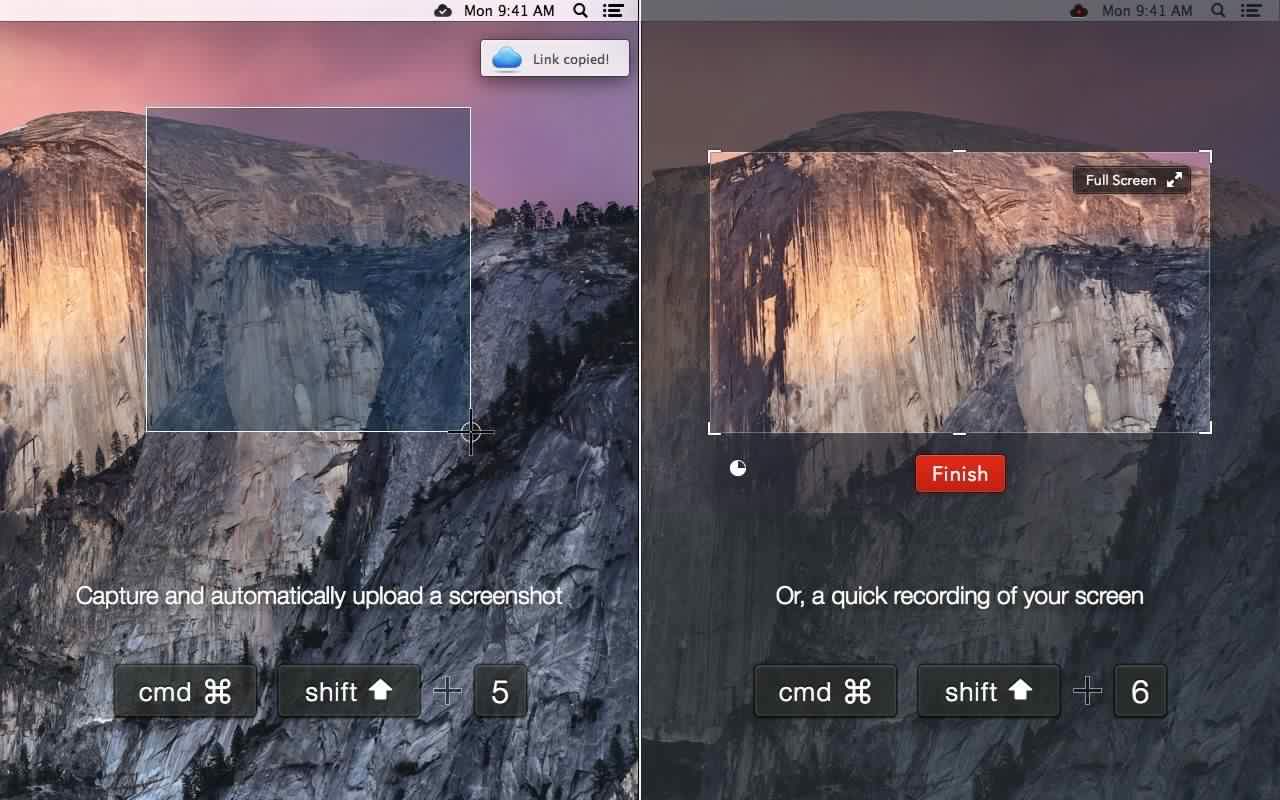
CloudApp touts itself as your “clipboard in the cloud,” and today it received a major update.
In case you’re unfamiliar, CloudApp is a menubar app for the Mac that can upload just about anything copied to your clipboard with a keyboard shortcut. It then creates a shortened URL for sharing and lets you track how many hits the link has received.
CloudApp 3.0 is now the easiest way to make animated GIFs on the Mac, thanks to a new feature called Cloud Motion. The CloudApp team has also revamped its pricing for paid plans along with a brand new way for teams to collaborate using the app.
Mailbox has quickly become one of the most popular email management apps on iOS, and now the public is about to get its first taste of what it can do on the desktop too. The company announced this morning that the first public beta of Mailbox for Mac is now available, and they’ve added a couple of new features to go with it.
While looking at social media on your favorite iOS devices is smooth, making the transition to the Mac just isn’t quite the same. Though there are plenty of top-notch applications for looking at Twitter or Snapchat on iOS, the social media gems on Mac can be hard to find.
In today’s video, we’ll show you the top social media apps for Mac so you can transport the fun from iOS to your desktop in the most efficient ways possible. Here’s how to enjoy the fun of Snapchat, Instagram and more, all on your Mac by downloading some killer social apps.