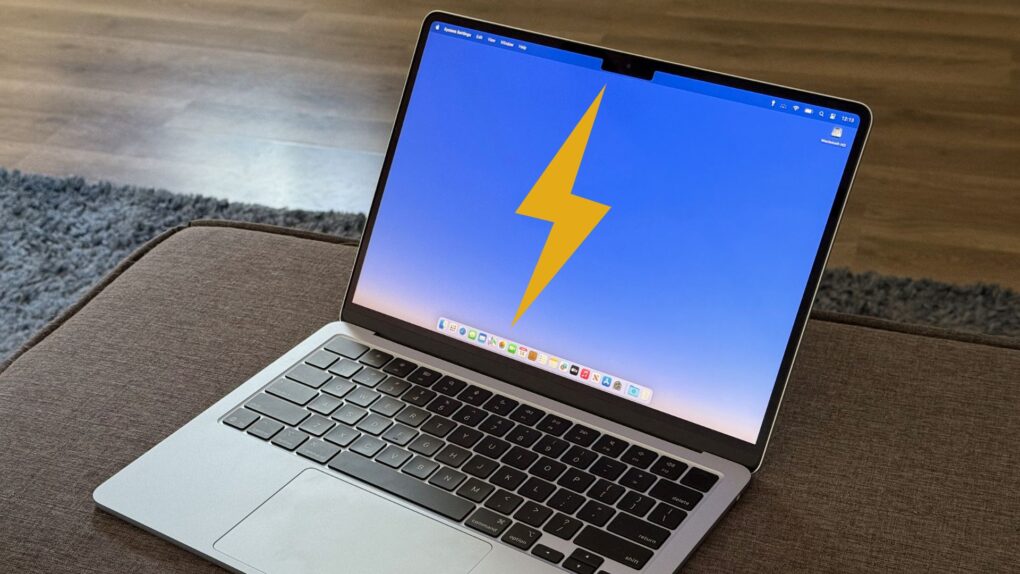
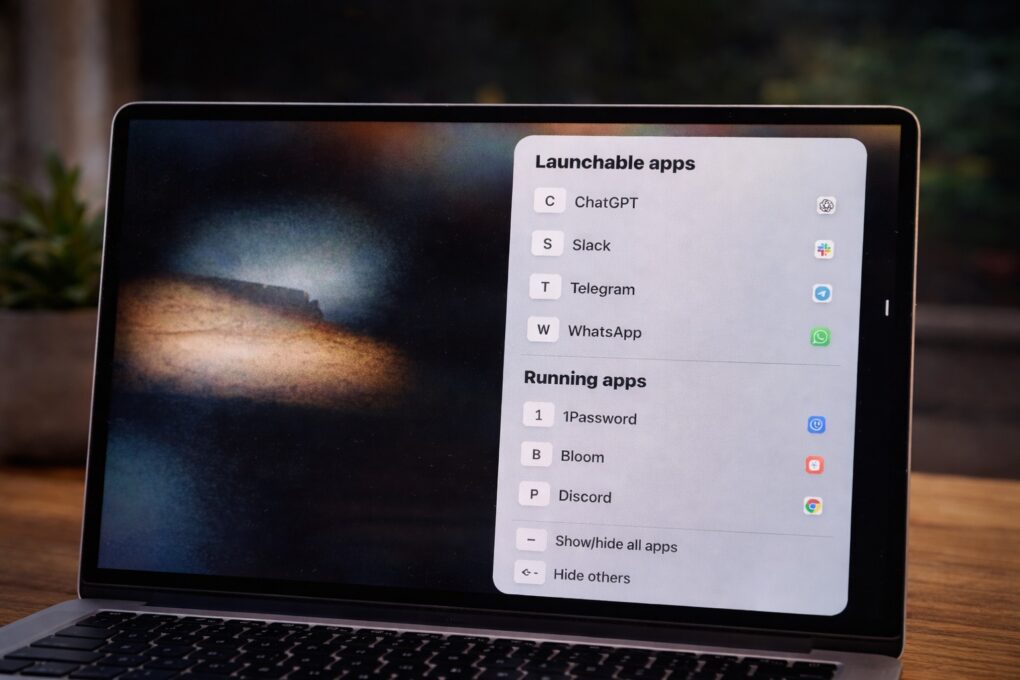
A quick tap of a letter is all it takes to bring any app to the front with rcmd. Photo: ChatGPT/Rajesh Pandey/Cult of Mac
I switch between apps on my Mac dozens of times every hour. For years, Command-Tab seemed good enough, but then I started using rcmd, a fantastic alternative app switcher for Mac.
This nifty piece of software completely changed how I move between apps on my Mac. It made the process faster, more precise, and far less disruptive to my workflow.
Photoshop changed the game for image editing. Photo: Adobe Systems
February 19, 1990: Adobe Systems ships the first commercial version of its soon-to-be-iconic Photoshop photo editing software. The Photoshop launch, exclusively on the Macintosh, gives users powerful new tools for tweaking digital images.
The groundbreaking software debuts for Mac System 6.0.3. Priced at $895, Photoshop will quickly become the standard editing tool for graphics professionals. Whether they work for advertising agencies, news organizations — or, frankly, anywhere else — Photoshop users take advantage of the program’s digital darkroom tools to seamlessly manipulate images.
Wispr Flow turns your Mac into a voice-first writing workspace. AI image: ChatGPT/Cult of Mac
The way I type on my Mac hasn’t changed in years. But then, I started using Wispr Flow — an AI-powered voice-to-text app for Mac. It has reshaped how I write on my Mac, making me more efficient and faster.
It’s not just about typing faster. Using your voice for typing also feels more natural in many cases. Here’s how Wispr Flow has changed how I write on my Mac, and why I can’t go back.
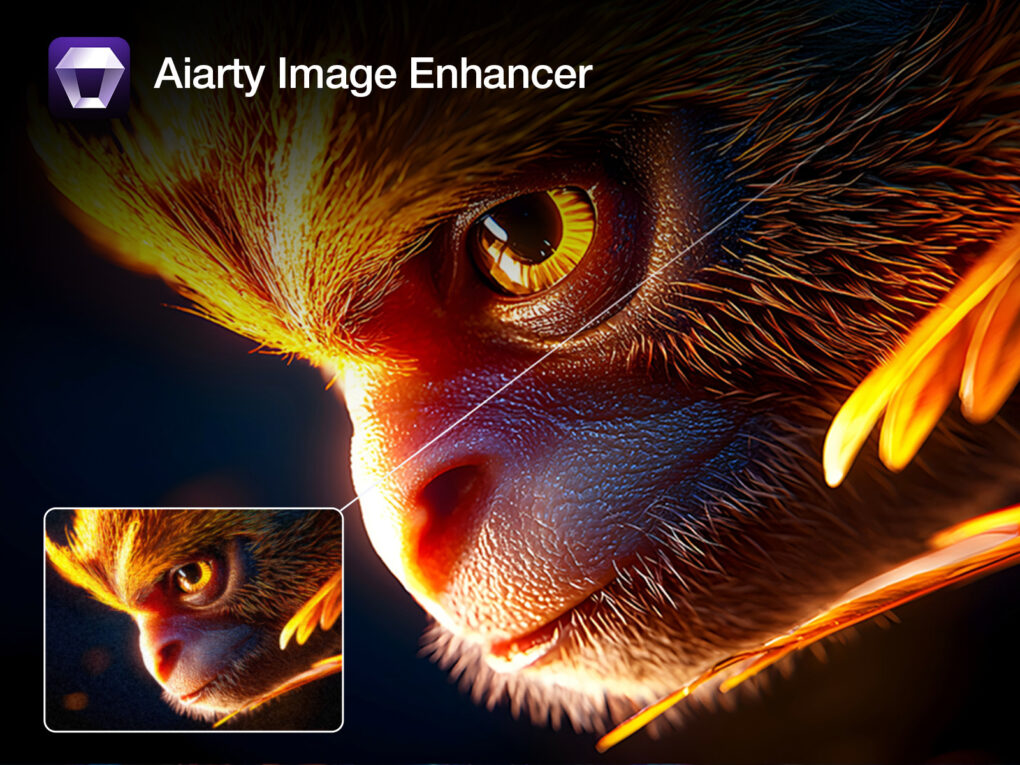
Aiarty Image Enhancer makes it easy to fix up your older photos so they look great on a modern display. Image: Aiarty
If you’ve used iPhones and digital cameras for years, chances are older images in your photo library don’t quite hold up anymore — but an image upscaler like Aiarty Image Enhancer can help.
Early iPhone shots, low-light photos, scanned prints and older, low-resolution images often look soft, grainy or blurry on today’s large, high-resolution displays. Aiarty Image Enhancer, available for Mac and PC, is designed to solve exactly those problems.
It’s a focused, AI-powered photo enhancement application that prioritizes speed, simplicity and natural-looking results — without subscriptions or complicated editing tools. And for a limited time, you can get a great deal on it.
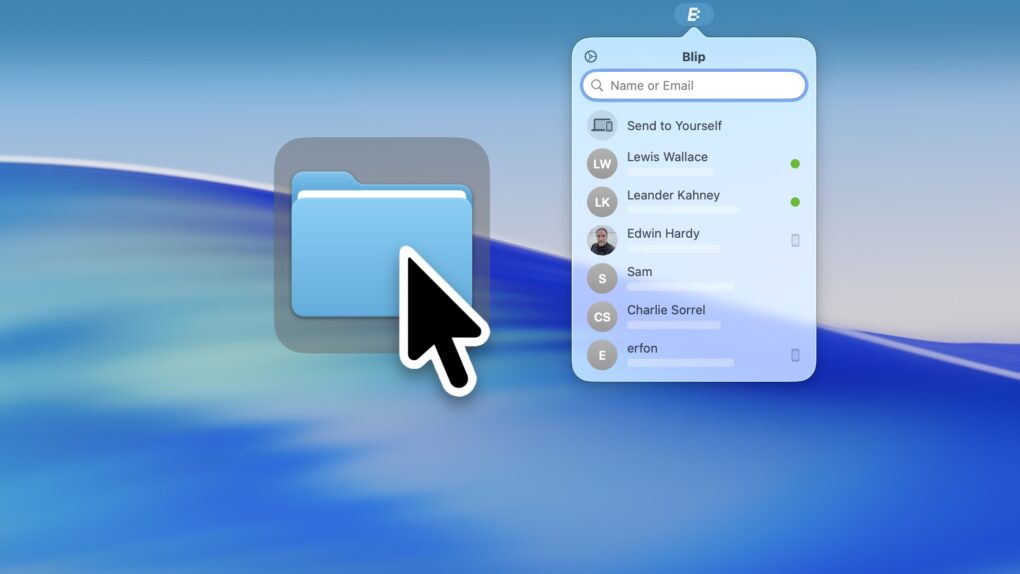
Blip, a handy app for Mac, iOS, Windows and Android, is a better way to transfer files. Image: D. Griffin Jones/Cult of Mac
The Blip file transfer app is a delightful utility that lets you move extremely large files and folders quickly across the internet — directly from your computer to somebody else’s.
With Blip, there’s no middleman uploading to and downloading the file from a cloud, and no pesky web app to sign into. It’s like beaming your files onto someone else’s computer.
It’s the easiest, most straightforward way to send someone large folders of files or complex projects from your Mac, iPhone, PC or Android device. And best of all, it’s totally free and secure. You can get it from blip.net.
Nothing to download or install — you’ve already got ’em. Image: D. Griffin Jones/Cult of Mac
If you work on a Mac, these six useful apps can help you get that work done faster. And you don’t need to take time to download them or figure out if they’re worth the price — you already have these apps on your computer.
Stickies can help you stay organized with digital Post-It notes. Digital Color Meter is an essential tool for graphic design. Dictionary is the fastest way to look up words and synonyms. Screen Sharing can remotely control other computers on your network. Grapher is a highly advanced plotting tool. And finally, Screenshot is an easy-to-use interface for taking screenshots and screen recordings.
I’ll walk you through how to use these useful Mac apps that you probably haven’t heard of.
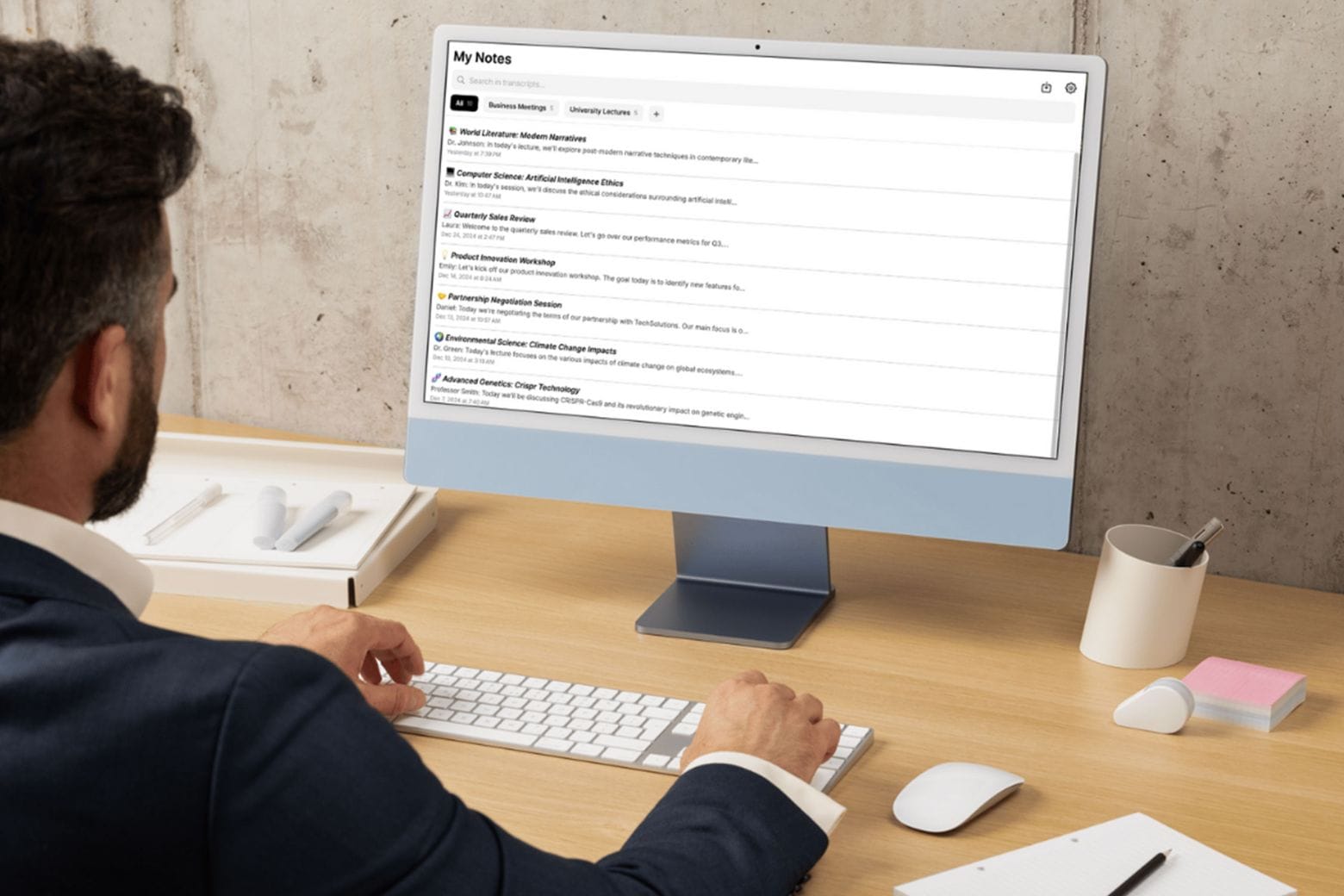
Get a lifetime of unlimited transcriptions and summaries for one low price. Photo: Cult of Mac Deals
If you ever endured a long lecture or an hours-long all-hands meeting, you know this to be true: There’s no way you can jot down every single word your professor or colleague utters. Rather than scramble and stress about missing certain parts of a presentation, you could add an AI note taker like My Notes AI to your productivity tool kit.
This AI-powered note transcription and summarization app works with your iPhone, iPad and Mac to help you catch every single word. Think of it as your very own personal assistant! You can snag a lifetime subscription to My Notes AI for just $27.97 (regularly $299) with code NOTE. That’s the best price you’ll find online.
These apps helped me get more done on my Mac in 2025. AI image: Google Gemini/Cult of Mac
macOS is powerful out of the box, but with the right apps, the experience gets even better. In 2025, several Mac apps became essential to my daily workflow, reducing friction and boosting my productivity.
Here are my five favorite Mac apps of 2025. All of them are free (or at least free to try), although some require payment to access advanced features.
This holiday season, you can get video-enhancement app VideoProc Converter AI at its lowest price ever. Image: Digiarty
Whether you’re creating engaging social media content, restoring precious home movies or producing professional presentations, video quality matters. For Mac users seeking an all-in-one solution that combines cutting-edge AI technology with practical everyday tools, Digiarty’s VideoProc Converter AI is a standout choice for making videos look as good as possible.
And during the VideoProc 2025 Christmas Super Sale, you can save big on a lifetime license to this powerful video editor — plus snag free gifts and unlimited upgrades.
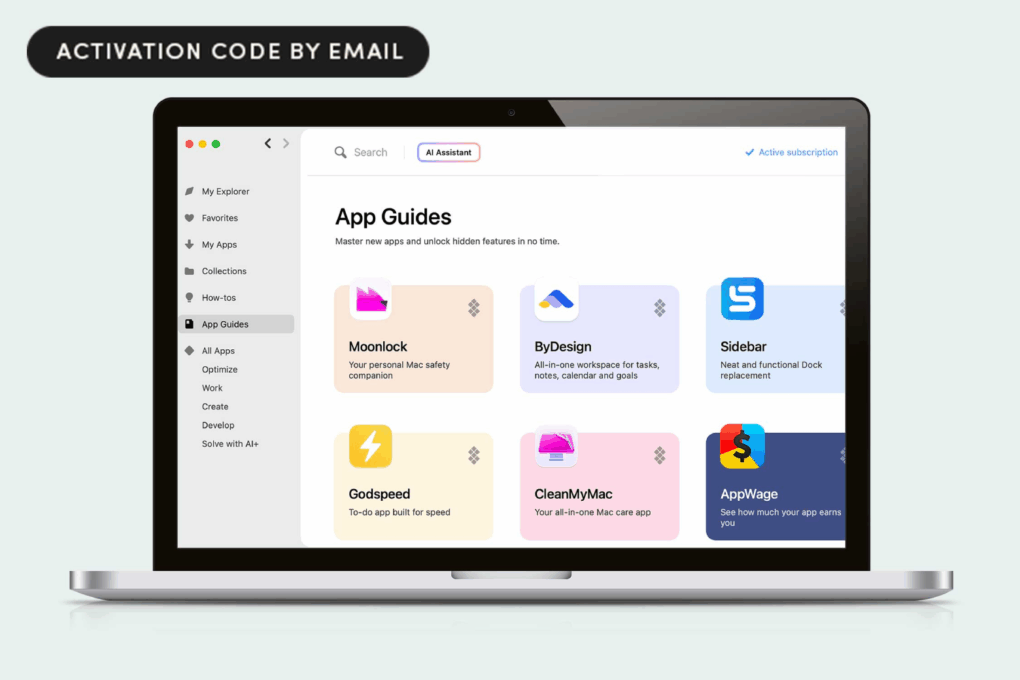
Get a full year of Setapp's Mac apps and new AI tools at a hefty discount. Photo: Cult of Mac Deals
This deal on Setapp AI gives you access to 260-plus Mac apps, as well as powerful AI tools. It’s a welcome addition to MacPaw’s pioneering and popular Mac app subscription service, Setapp, that’s fine-tuned for the AI age.
Grab this deal to get a full year of Setapp AI for just $68.99, then take advantage of killer Mac apps and AI tools that will streamline every part of your workflow.
Make adding calendar events effortless with this AI-powered tool. Photo: Cult of Mac Deals
Organize your week the fast and easy way with Smart Calendars AI, an app that works like your personal scheduling assistant. It works on iPhone, iPad and Mac and makes it simple to plan out your personal agenda.
This isn’t just another planner app. It’s an AI-powered assistant that thinks the way you do — capturing ideas, interpreting context and turning them into organized plans without the mental gymnastics.
And right now, you can bag a three-year subscription to Smart Calendars AI for just $29.99.
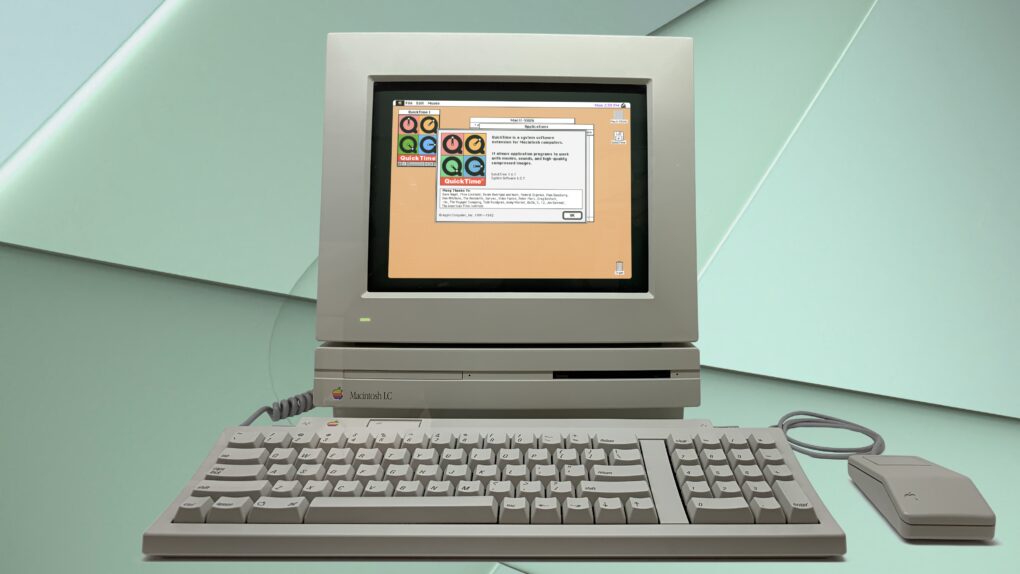
QuickTime brought multimedia to Macs -- and the masses. Photo illustration: Ste Smith/Cult of Mac
December 2, 1991: Apple ships its first public version of the QuickTime player, bringing video to Mac users running System 7.
Containing codecs for graphics, animation and video, QuickTime confirms Apple’s status as a leading multimedia tech company. The software also starts us on the path to playing video on our computers. This fundamental transformation of Macs into media machines eventually leads to iTunes Movies, YouTube and more.
Ah, that's better. BuhoLaunchpad brings back the Mac's classic Launchpad experience. Image: Dr. Buho
If you’re using macOS 26 and mourning the loss of Launchpad, you need an alternative like BuhoLaunchpad. The newly released Mac app delivers practically the same experience that Launchpad did, effortlessly re-creating the classic app launching and organizational tool for Mac.
It’s a simple and effective solution to the Mac’s missing Launchpad in macOS Tahoe. And Cult of Mac readers can get BuhoLaunchpad at up to 70% off with the exclusive code CLMA25BL58 during Dr.Buho’s Black Friday sale.
We’ll explain how Dr.Buho’s BuhoLaunchpad stands out from other Launchpad alternatives below. And don’t miss your chance to get that Black Friday deal.
Score these amazing Mac apps on sale for Cyber Monday. Image: Cult of Mac
Cyber Monday is a great time not only to pick up new Apple gear and accessories, but also to score some excellent Mac apps at deep discounts. Many popular titles get major price cuts during the sale, and you can pick them for a fraction of their usual cost.
From powerful utilities to creative apps and professional tools, check out the best Cyber Monday deals on Mac apps.
Save 62% on a lifetime subscription to AWZ Screen Recorder for Mac. Photo: Cult of Mac Deals
If you’ve ever tried recording your Mac’s screen and ended up juggling multiple apps — one for video, another for audio and a third just to trim the thing — you’ll instantly get why AWZ Screen Recorder for Mac is such a big deal. It lets you record anything on your screen in crisp 4K, edit it instantly, and share it anywhere.
It’s the rare screen-capture tool that actually groks what creators, gamers and professionals need: clarity, control and zero friction. And right now, you can grab lifetime access to AWZ Screen Recorder for just $29.99 (MSRP $79.90).
When it comes to file management on Mac, Bloom blows Finder away. Photo: Rajesh Pandey/Cult of Mac
Bloom is a Finder replacement that will completely change how you work with files on your Mac.
With a refined interface that makes it feel like a native Mac app, it offers advanced features like a customizable multi-pane layout and enhanced file operations. After using Bloom for several weeks, I’m hooked. It speeds up basic tasks and makes file management on my Mac much easier.
Here’s everything this productivity-boosting Finder replacement can do.
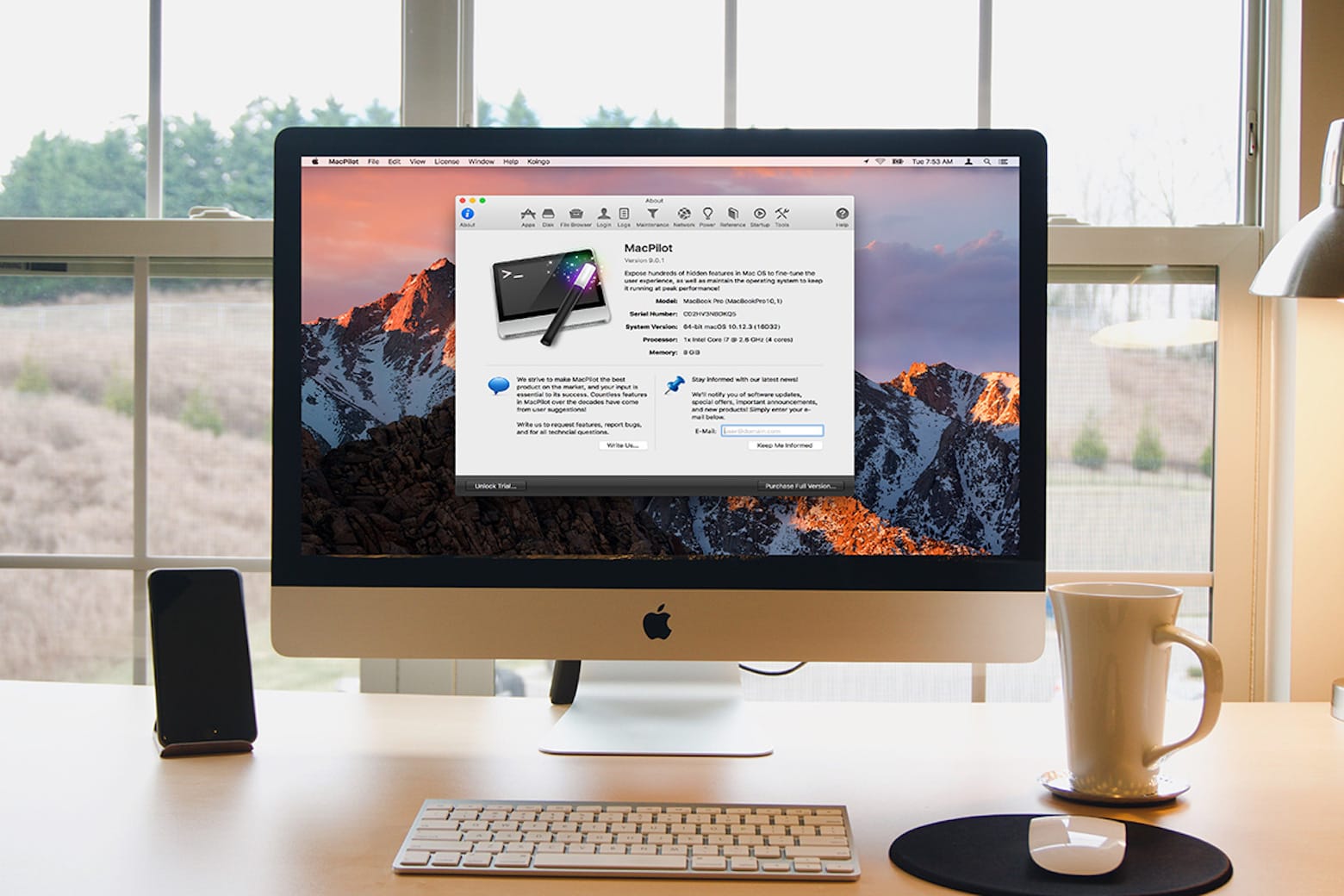
Optimize and supercharge your Mac with MacPilot. Photo: Cult of Mac Deals
Want to customize your Mac? MacPilot shows you how to tap into macOS’s Unix underpinnings to deliver under-the-hood tweaks and customizations that will make your Mac life simpler.
The new ChatGPT Atlas app for Mac puts AI right in your web browser. Image: OpenAI
OpenAI released its ChatGPT Atlas browser for Mac on Tuesday, making it easy to use the AI chatbot wherever you go online. When using the free browser to visit a website, you can tap into ChatGPT’s knowledge to provide more information about whatever’s on the page.
For example, after searching for a top Airbnb listing in a certain locale, you could ask ChatGPT for best hikes in the area or tell the chatbot to assemble an itinerary for a three-day trip — right within the browser. An agent mode, available to paid ChatGPT users, can go even further.
However, while OpenAI says it built in safeguards to mitigate the dangers of allowing an AI to act for you on logged-in websites, the company admits that using agent mode carries risks. And there’s still the common AI problem of hallucinations.
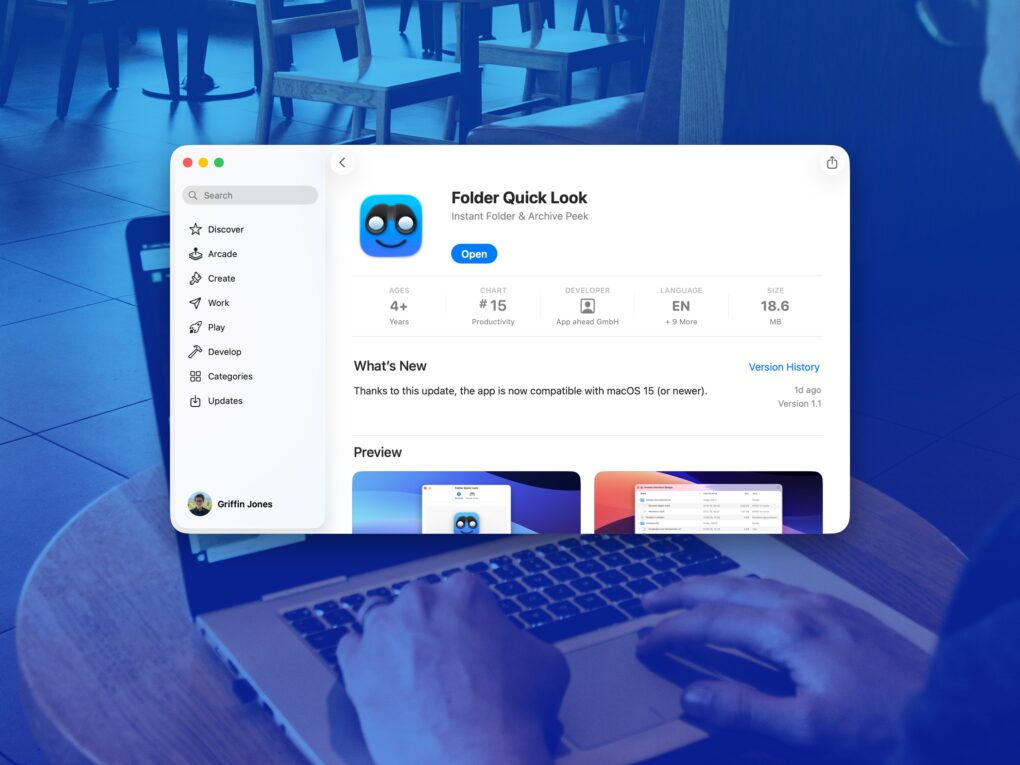
A simple app that solves a big problem. Image: D. Griffin Jones/Cult of Mac
Folder Quick Look is a totally free Mac app that scratches an irritating itch the Mac has had for a long time. It lets you preview the contents of a folder when using Quick Look.
It’s a great utility that does one thing, does it perfectly, and doesn’t cost you a dime — it’s free and collects no data! There’s no reason not to try out Folder Quick Look. Find out why it’s an instant must-have Mac utility in our Awesome Apps review below (or watch our video demo of the app).
I can't use my Mac without these utilities. Photo: Cult of Mac
The best Mac utilities can make a great computer even better. From smarter window management to easier automation and cleaner navigation, a few well-chosen tools can dramatically improve your workflow.
I’m a longtime Mac user, and I can’t do my job without these six essential Mac utilities. In this guide, I’ll show you how they can make everyday tasks faster and simpler.
Logic Pro 7 was a great music creation tool for Apple fans. Photo: Ste Smith/Cult of Mac
September 29, 2004: Apple launches Logic Pro 7, its professional music creation and audio production software. The update brings new tools and a streamlined interface in line with other Apple software.
“From beginners to pros, Apple is broadening the market with a complete line of music creation and production tools,” says Rob Schoeben, Apple’s VP of applications marketing, in a press release. “With Logic Pro 7, we’re taking professional music creation to the next level with the industry’s most advanced feature set for pro audio.”
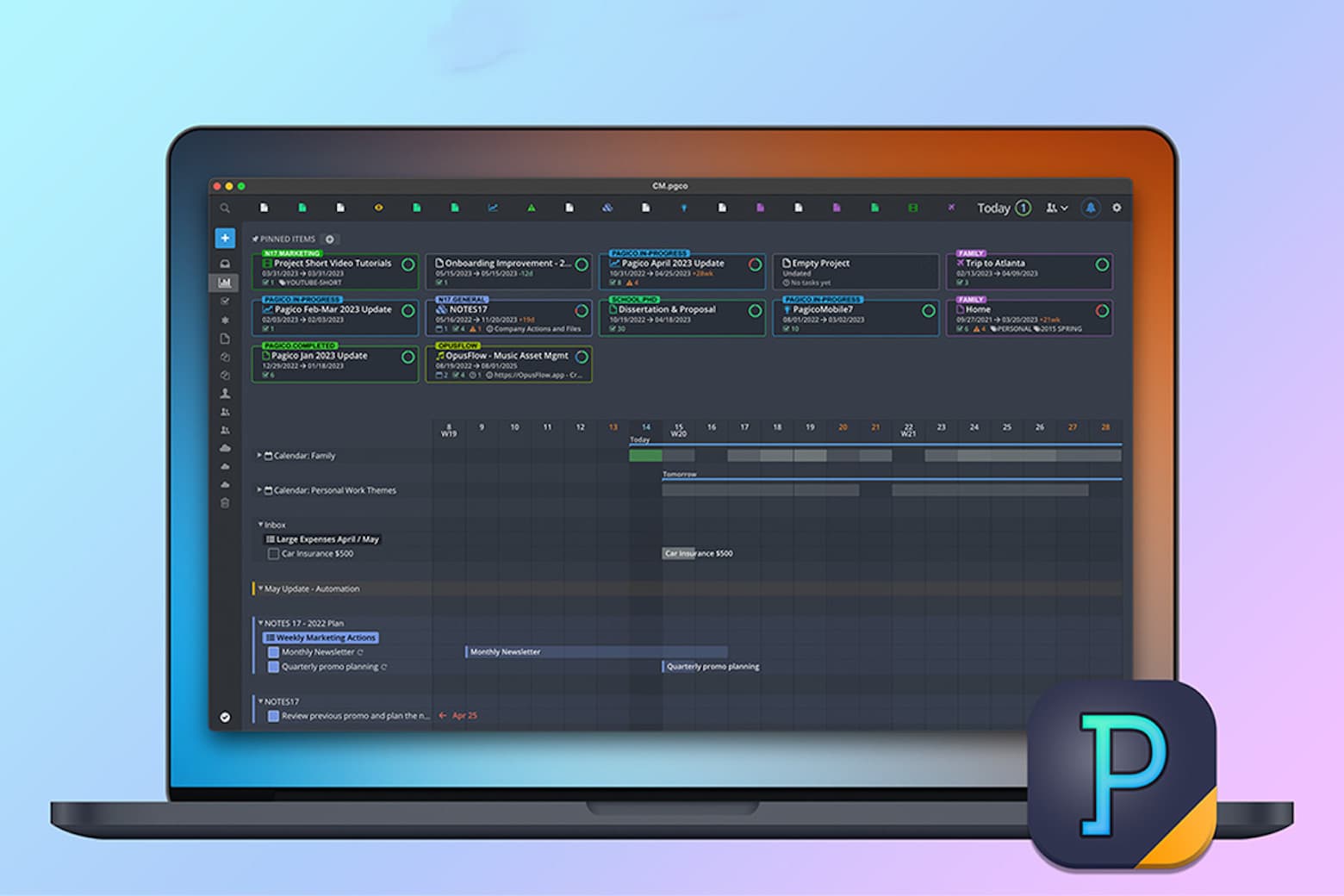
Supercharge your productivity with this $39.99 task-management app for Mac, iOS and other platforms. Photo: Cult of Mac Deals
If you want to stay productive in these chaotic times, you need more than a super-clean setup — you require a task-management app for your Mac (or PC). And Pagico 10 is one of the best task manager apps around.
This multifaceted organizer offers lots of functionality, all in the service of helping you keep your eyes on the prize. Now, new users can get the latest version of this productivity software for Mac and PC for only $39.99 (regularly $137).
Get a great launch discount on software that helps you improve all sorts of video. Photo: Digiarty
Tired of blurry, grainy or low-resolution videos? Whether you’re dealing with low-light night footage, fast-action clips, old camera recordings, drone shots or AI-generated content, Aiarty Video Enhancer brings them to life. It delivers sharp, true 4K videos with natural details right on your Mac or Windows PC.
And better yet, the launch deal going on now will save you a bundle on the software.
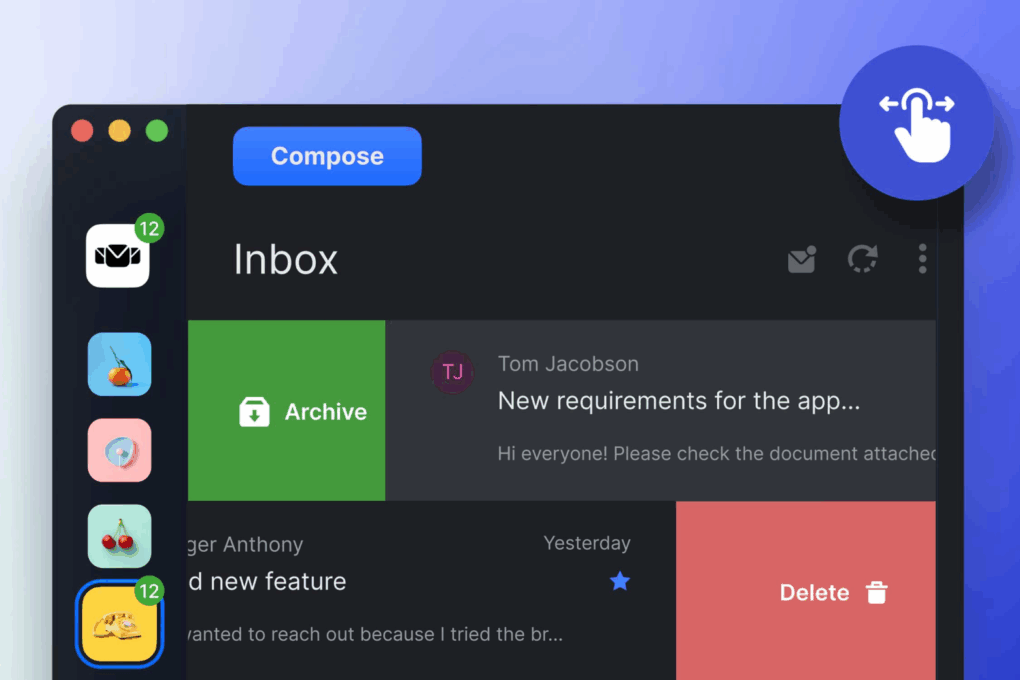
Start organizing your inboxes with Mailbird, now 82% off the retail price. Photo: Cult of Mac Deals
If your inbox feels like a game of Whac-A-Mole, it might be time to level up with a smarter email solution like Mailbird. This sleek, intuitive unified email client lets you manage all your accounts (yes, even that old Yahoo one) from one beautifully designed app.
Level up your Mac window management like I did. Photo: D. Griffin Jones/Cult of Mac
As a power user, I find Mac window management clunky and broken when using the options built into macOS. Switching between apps, and snapping apps into desired screen locations, should not be so frustrating.
So, I took matters into my own hands — streamlining how I snap, switch and manage windows to finally make macOS work for me, not against me.


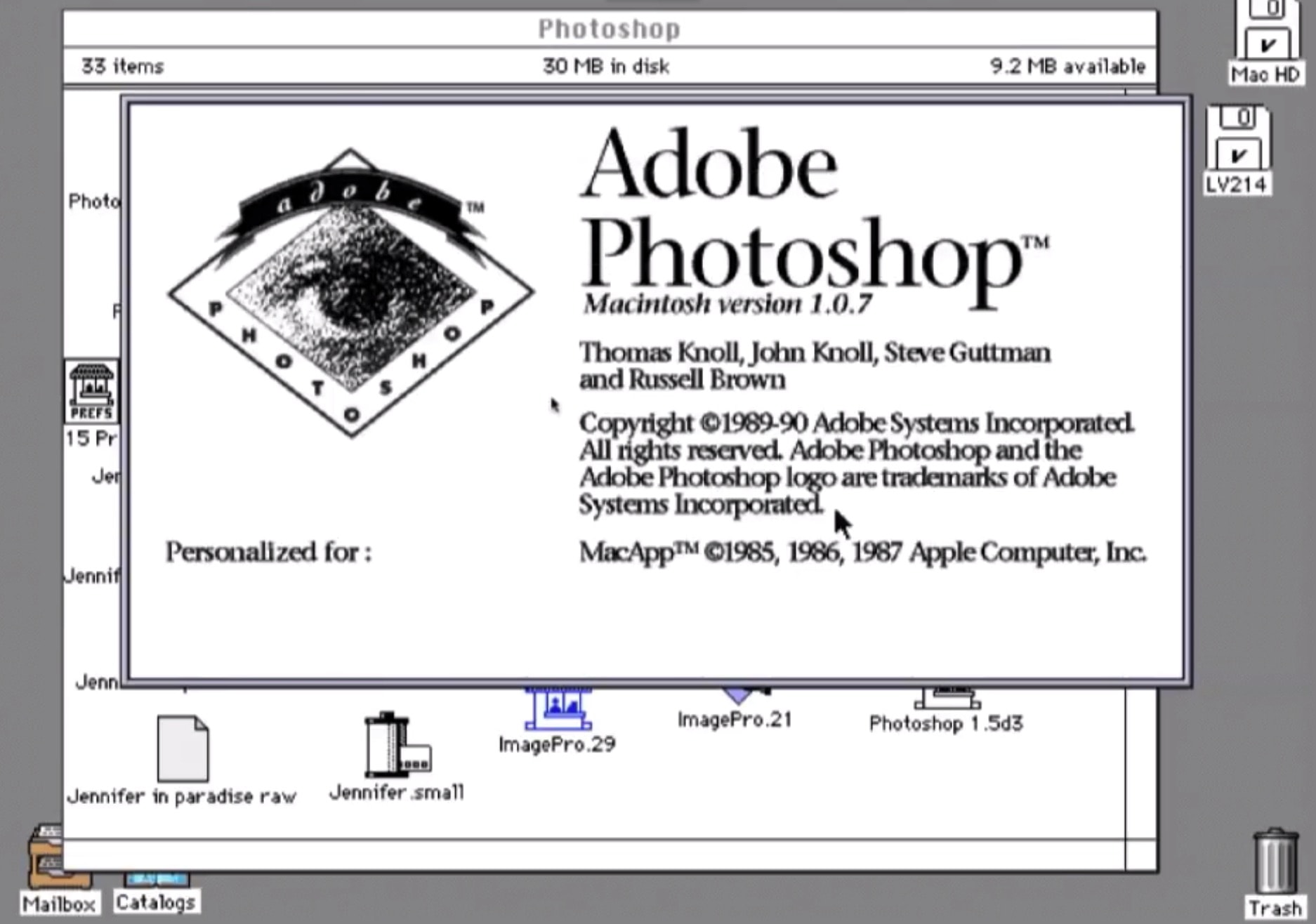
 February 19, 1990: Adobe Systems ships the first commercial version of its soon-to-be-iconic Photoshop photo editing software. The Photoshop launch, exclusively on the Macintosh, gives users powerful new tools for tweaking digital images.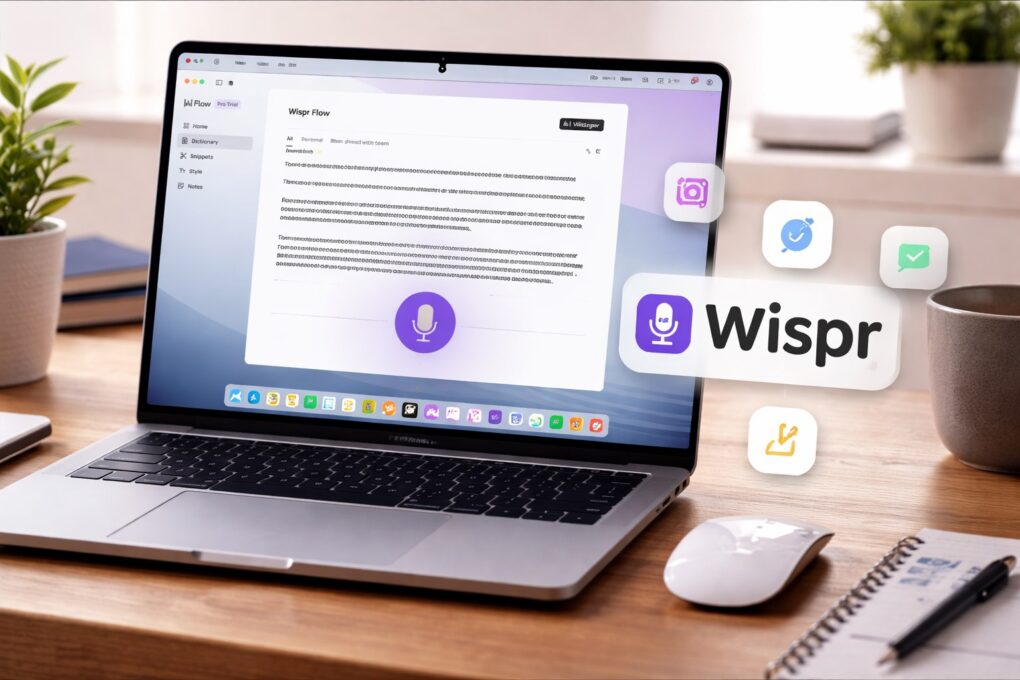



 December 2, 1991: Apple ships its first public version of the QuickTime player, bringing video to Mac users running System 7.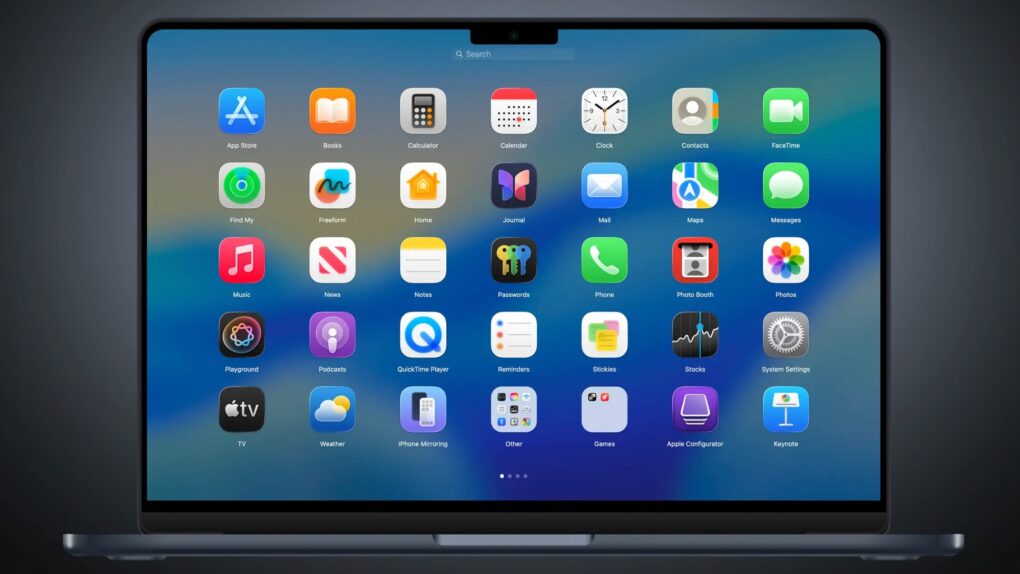




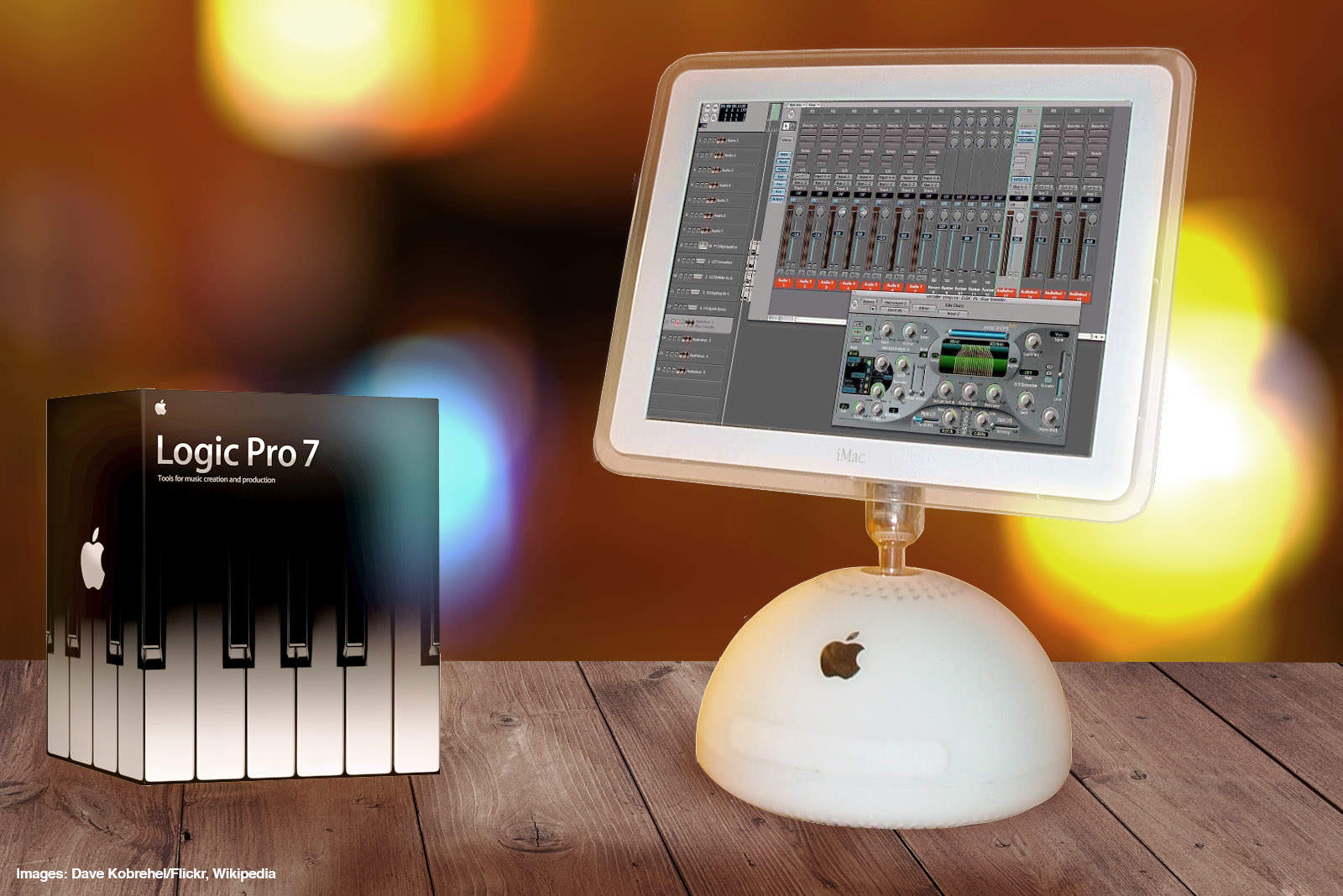
 September 29, 2004: Apple launches Logic Pro 7, its professional music creation and audio production software. The update brings new tools and a streamlined interface in line with other Apple software.