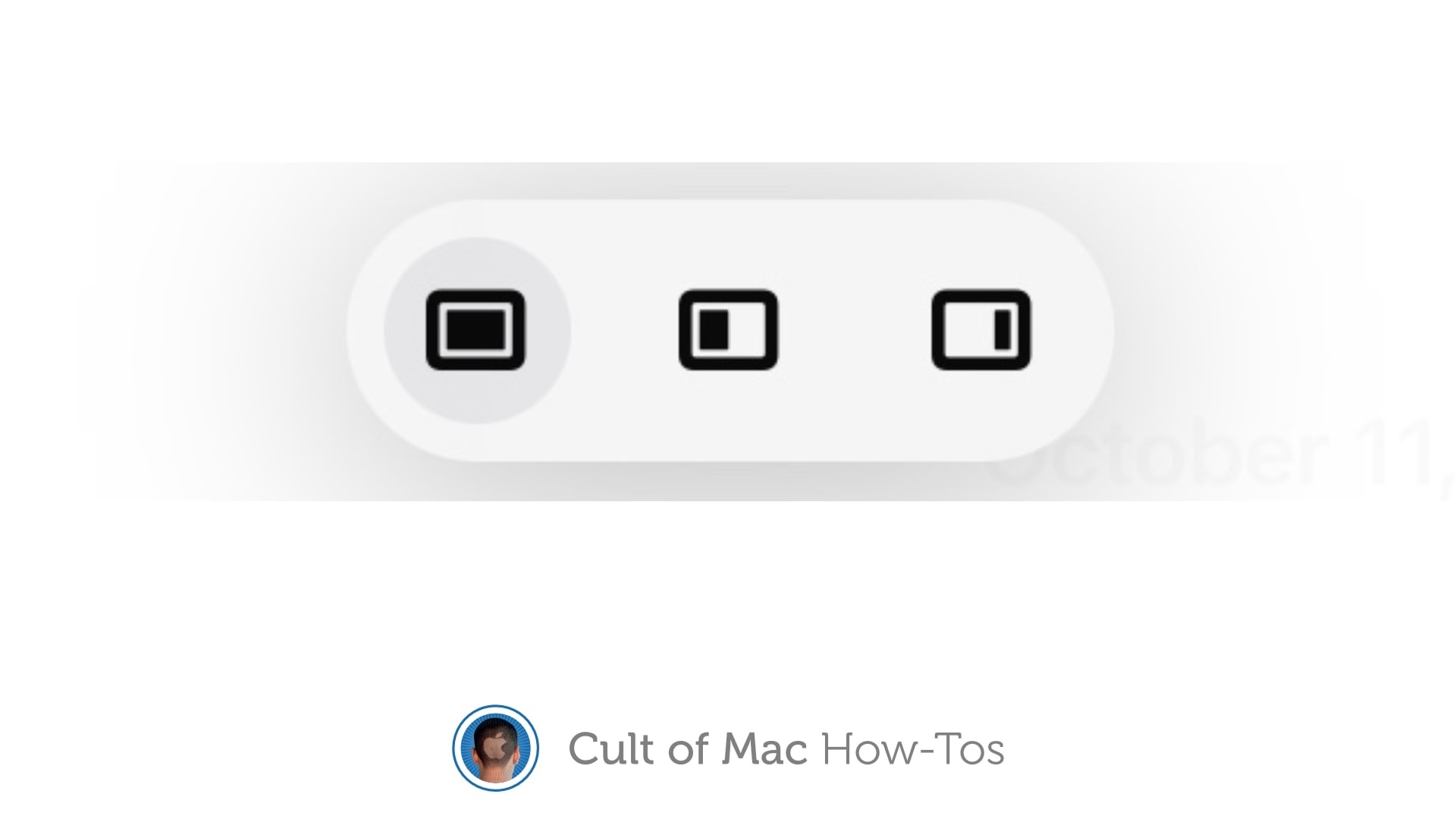
iPadOS 15 makes multitasking much more intuitive. Here’s how to use it. Photo: Cult of Mac
Your iPad could show you two or three applications at the same time for years … if you could figure out multitasking. Thankfully, iPadOS 15 makes the iPad’s multitasking system much more intuitive
Here’s how you can start taking advantage of this powerful capability right now.
Not a lot, apparently. Photo: Ste Smith/Cult of Mac
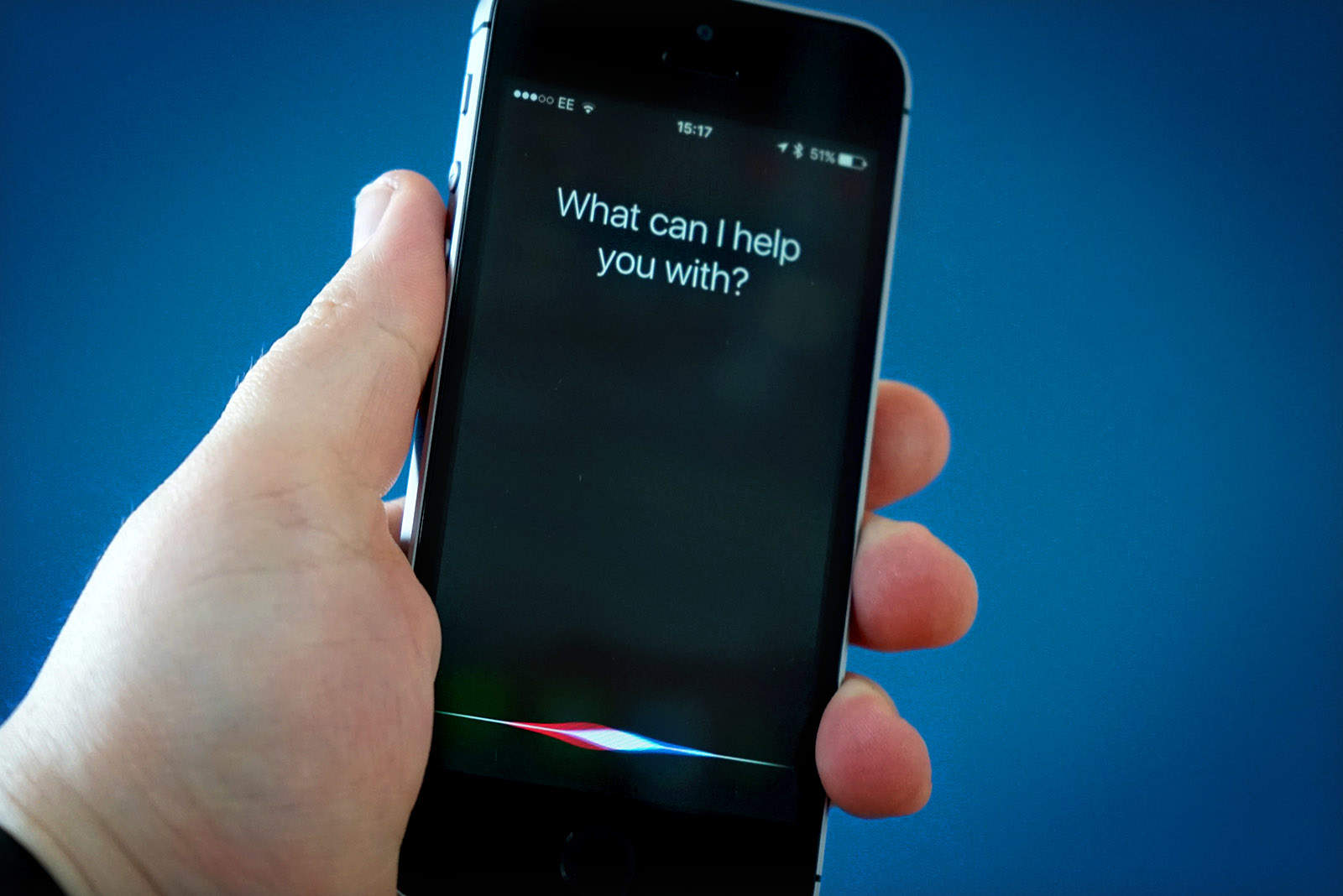
Siri is widely considered the dumbest of the smart assistants (although I would argue that Samsung’s Bixby easily takes that crown) and it just got a little dumber. Apple has removed a whole bunch of useful Siri features that iPhone users — particularly those with vision impairment — relied on.
Siri can no longer play your voicemail messages, check your call history, send an email, and more. “Sorry, I can’t help with that” is the response that greets iPhone users who attempt to use the features that were available before iOS 15 made its public debut almost two weeks ago.
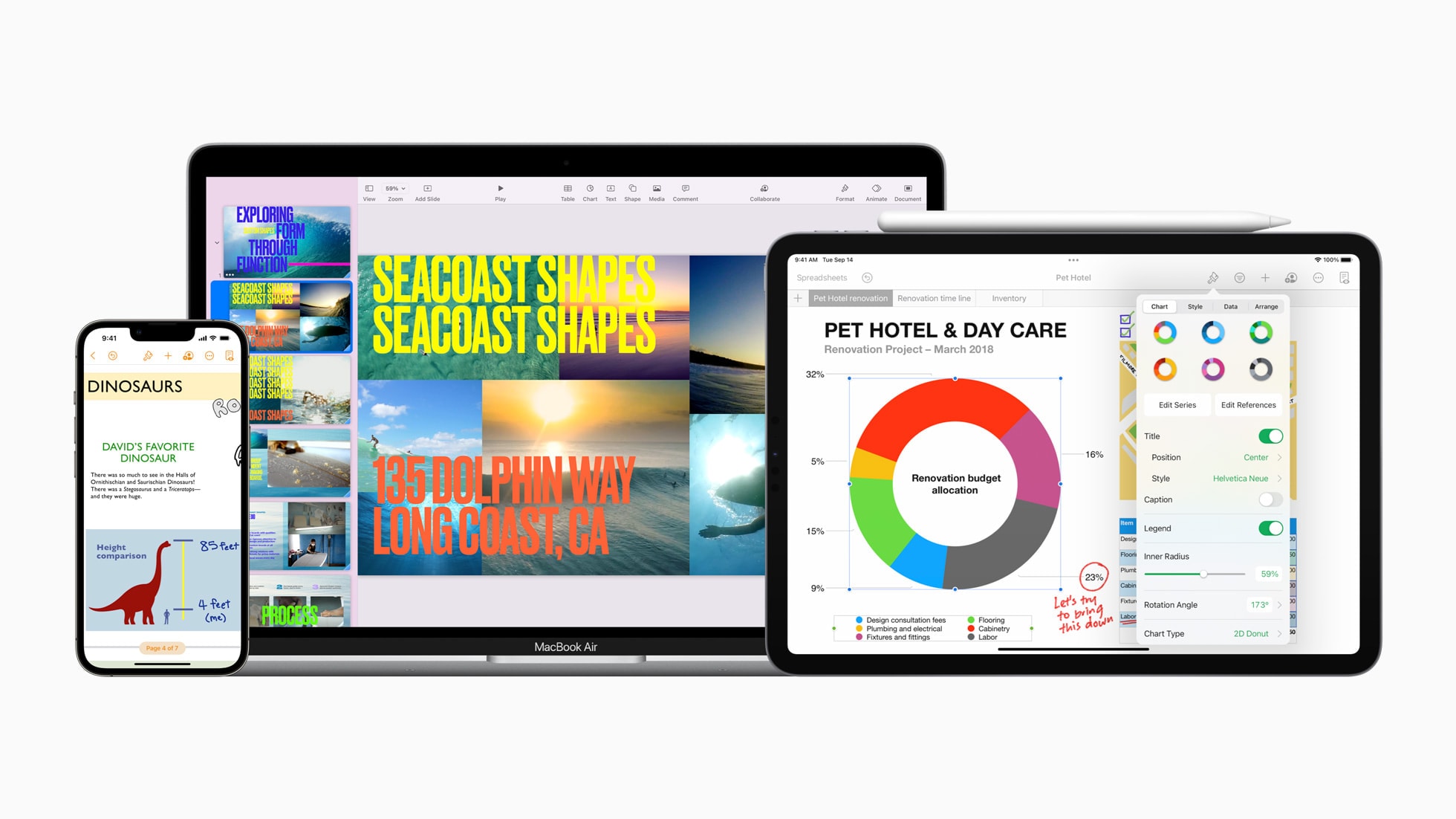
Updates to Keynote, Pages and Numbers help you out with remote presentations and work on the go. Photo: Apple
Apple updated its iWork suite of productivity apps — Keynote, Pages and Numbers — with new features Tuesday that enable users to make presentations in new ways and help them work better with documents on the go.
Improvements are nice, but just not enough. Image: Killian Bell/Cult of Mac
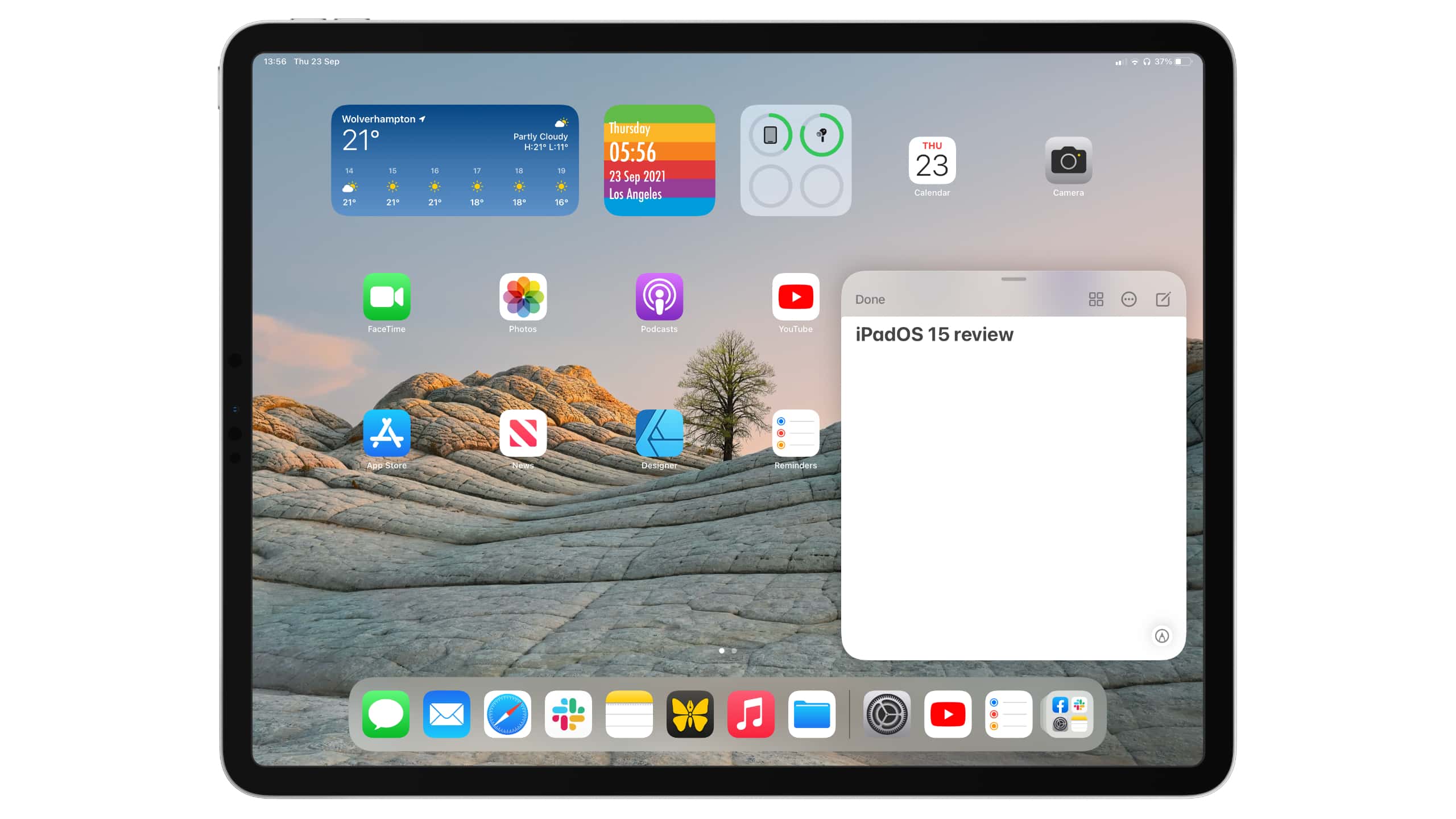
Apple somehow created the world’s greatest and most disappointing tablet operating system. iPadOS is by far the best you’ll find for larger touchscreens, and yet, it leaves us wanting so much more.
This year’s iPadOS 15 release is an incremental upgrade over its predecessor. It improves upon the split-screen multitasking system, adds some new features like Focus mode, and finally allows us to put widgets anywhere.
But it’s still iPadOS as we know it, and it’s still holding back iPad Pro. We could be doing so much more with the hardware, especially now that the newest models pack even-speedier M1 chips. But Apple won’t let us.
Here’s our full iPadOS 15 review. It lays out what’s good about the new operating system — and explains why we think it’s time for a little more ambition.
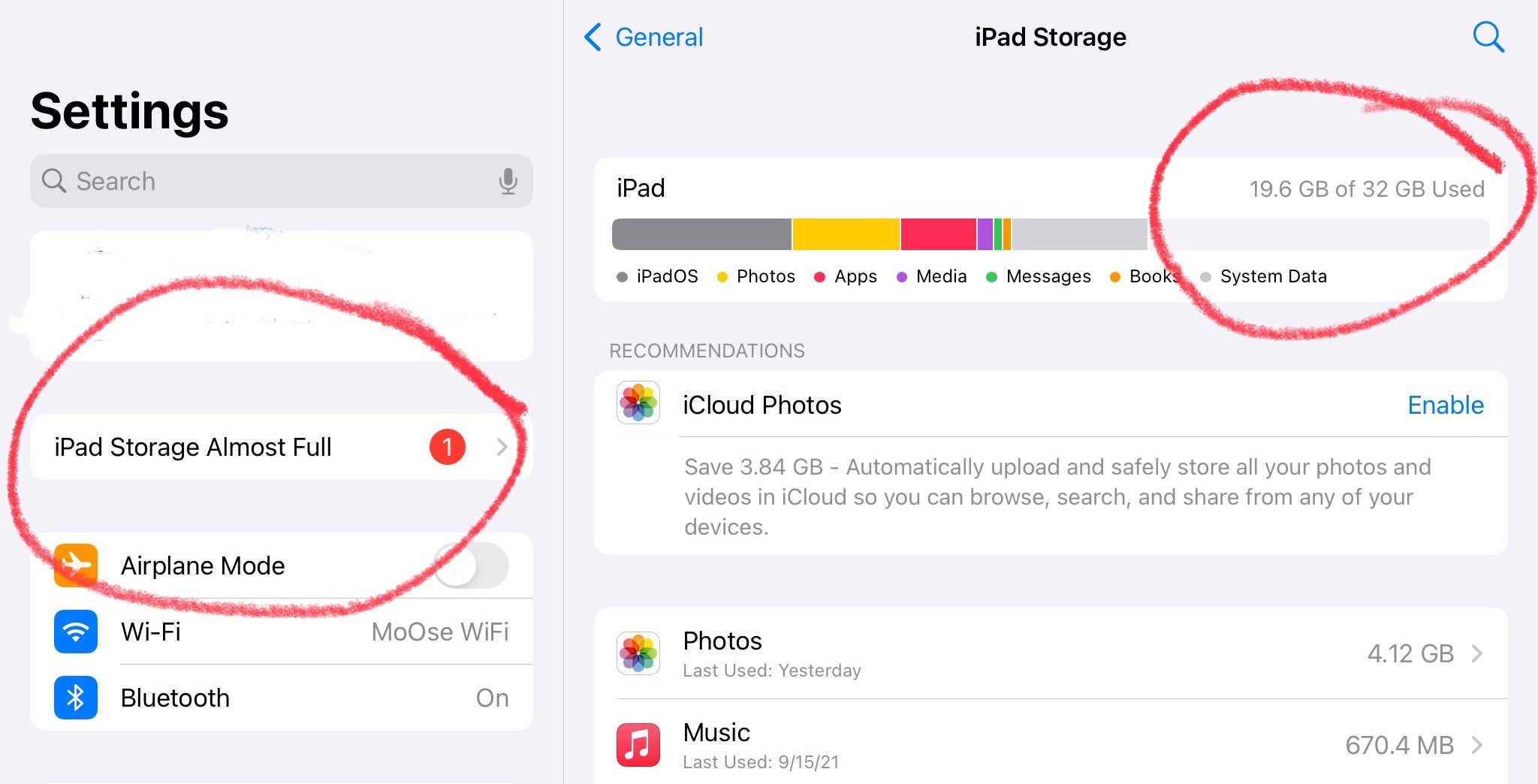
Some iPhone and iPad users are being plagued by incorrect “storage almost full” alerts after updating to iOS and iPadOS 15. The message leaves a persistent badge on the Settings app icon that cannot be cleared.
In many cases, users seeing the alert actually have ample free storage remaining. A similar bug tells some iPhone and iPad owners that they have more available storage than their device actually shipped with.
Avoid the latest update if your system isn't set up in English. Screenshot: Cult of Mac
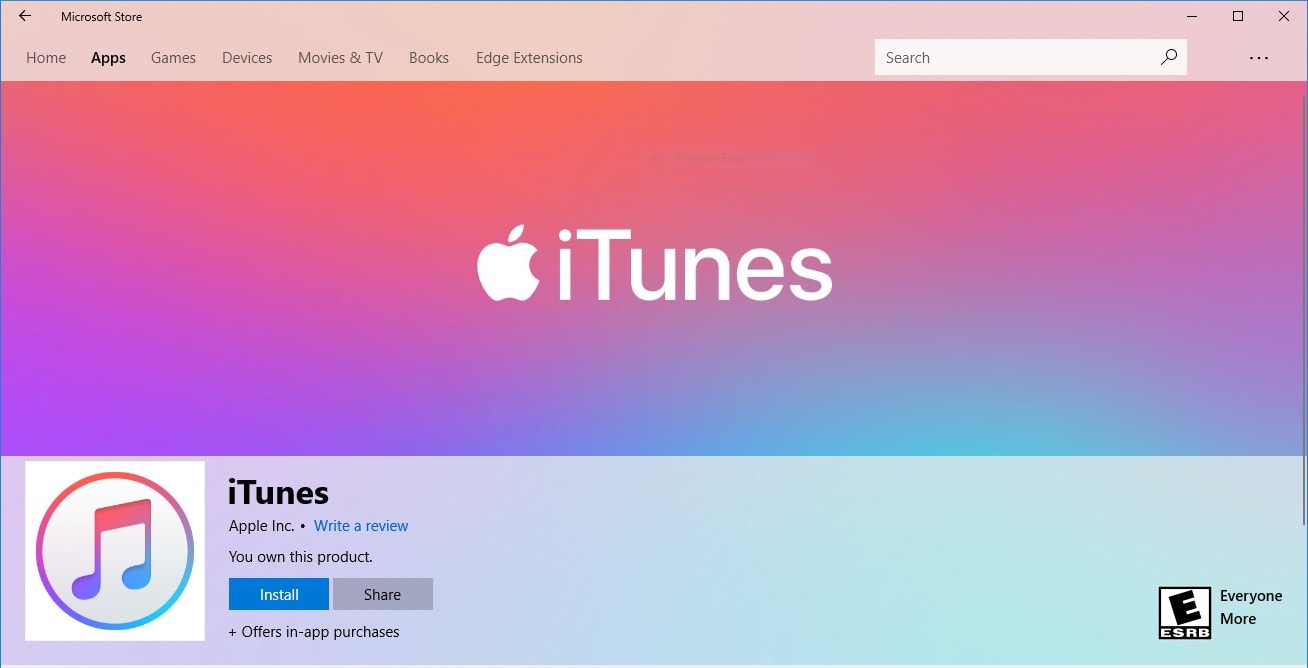
Apple rolled out a new version of iTunes for Windows on Monday alongside iOS and iPadOS 15, but it should be avoided at all costs if your system isn’t set up in English. iTunes no longer works under any other language.
The problem seems to affect the version 12.12.0.6 version of iTunes no matter where it’s downloaded from — the Microsoft Store or directly from Apple — which means it’s not currently possible for some users to sync their devices.
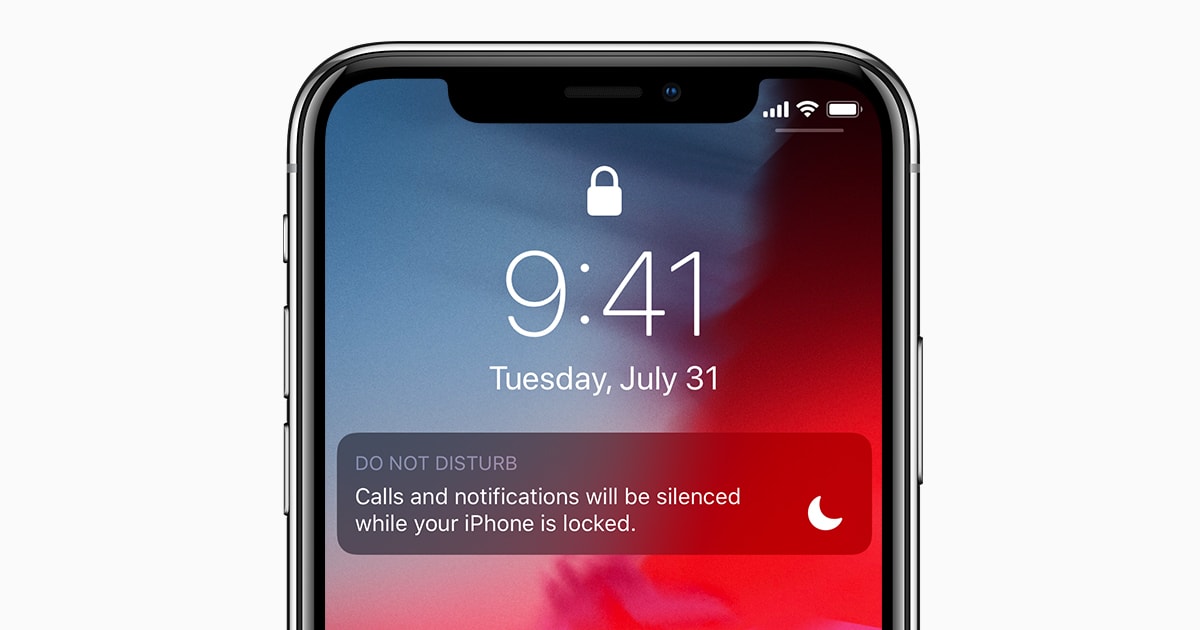
Do Not Disturb is still available inside iOS and iPadOS 15, despite the introduction of a brand-new and infinitely more powerful Focus mode. But the feature is now missing a key settings option that didn’t carry over from iOS 14.
Users have quickly discovered that Apple’s newest update kills the ability to activate Do Not Disturb only when a device is locked — one of its best features for many iPhone and iPad users.
That didn’t take long. Image: Ed Hardy/Cult of Mac
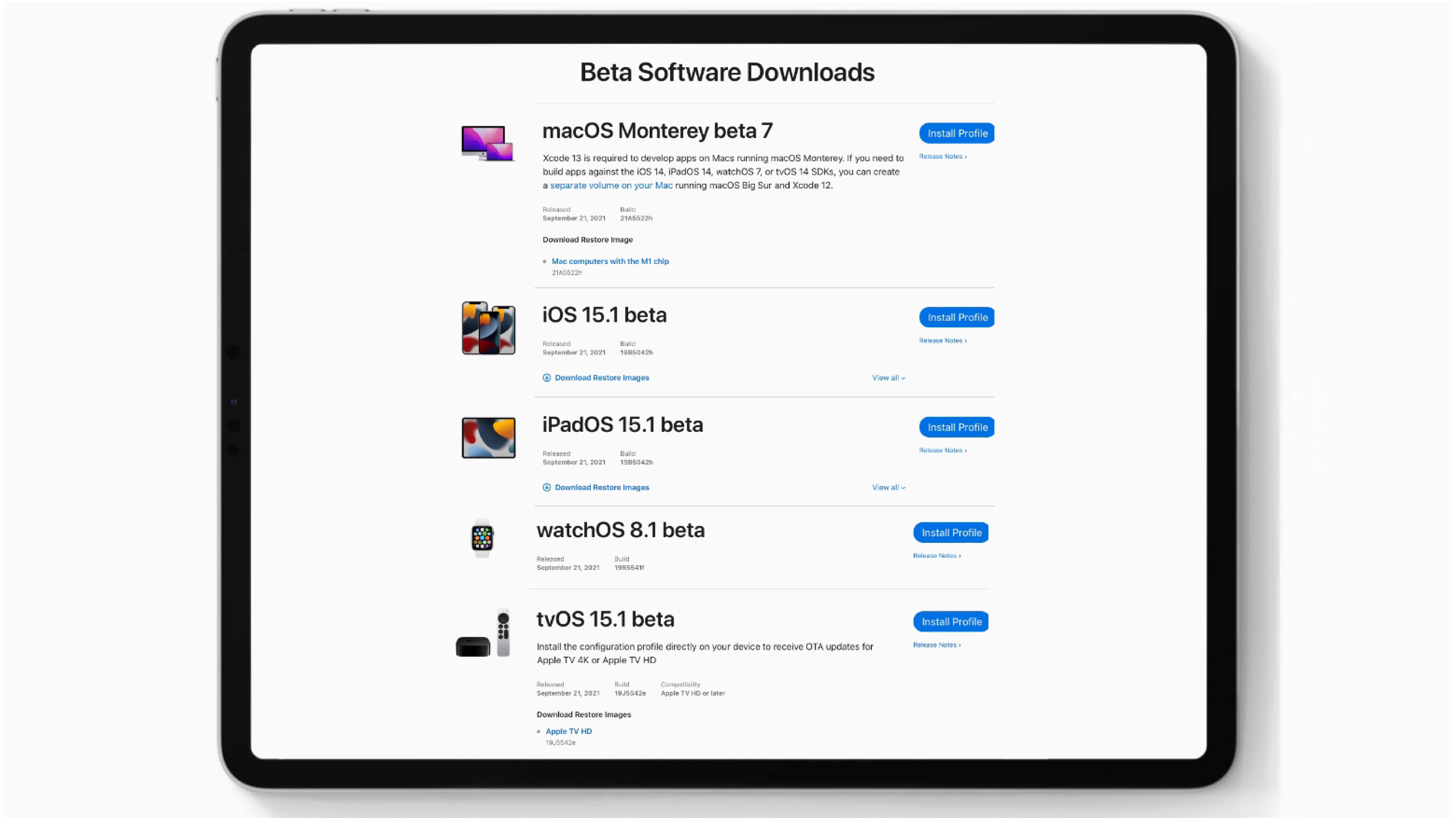
Apple seeded the first beta of iOS 15.1 to developers on Tuesday, just a day after the general public got access to iOS 15. The company also gave devs access to the initial betas for iPadOS 15.1, watchOS 8.1 and tvOS 15.1. These are expected to include some of the features promised earlier but removed from the versions that debuted on Monday to give additional development time.
In addition, Apple released to macOS Monterey beta 7 to developers.
You're stuck with iOS 14.8 or iOS 15. Image: Cult of Mac
It’s no longer possible to downgrade to iOS or iPadOS 14.7.1 if you’ve already updated your iPhone or iPad to a newer version of Apple’s firmware.
Cupertino stopped signing the update, first rolled out in July, after releasing iOS and iPadOS 15 to everyone on Monday. The move prevents users from reverting to the earlier build, but it won’t affect devices still running iOS 14.7.1.
Not available to existing or previous Apple Music subscribers. Image: Apple
Apple today kicked off a new promotion that offers six months of free Apple Music when you buy AirPods or select Beats headphones. It’s available only to new Apple Music subscribers who claim within 90 days of their purchase.
iPhone, iPad and Apple Watch just got a heap of new features. Photo: Apple
If you’ve been eagerly waiting for iOS 15, iPadOS 15 and watchOS 8 since June, then rejoice! Everyone can finally install them. iPad gets plenty of new features, while iPhone and Apple Watch get a handful of nice improvements.
Here are the cool enhancements you can look forward to, whether you jump on the updates Monday or decide to wait.
It's not the only iOS 15 feature we'll have to wait longer for. Photo: Apple
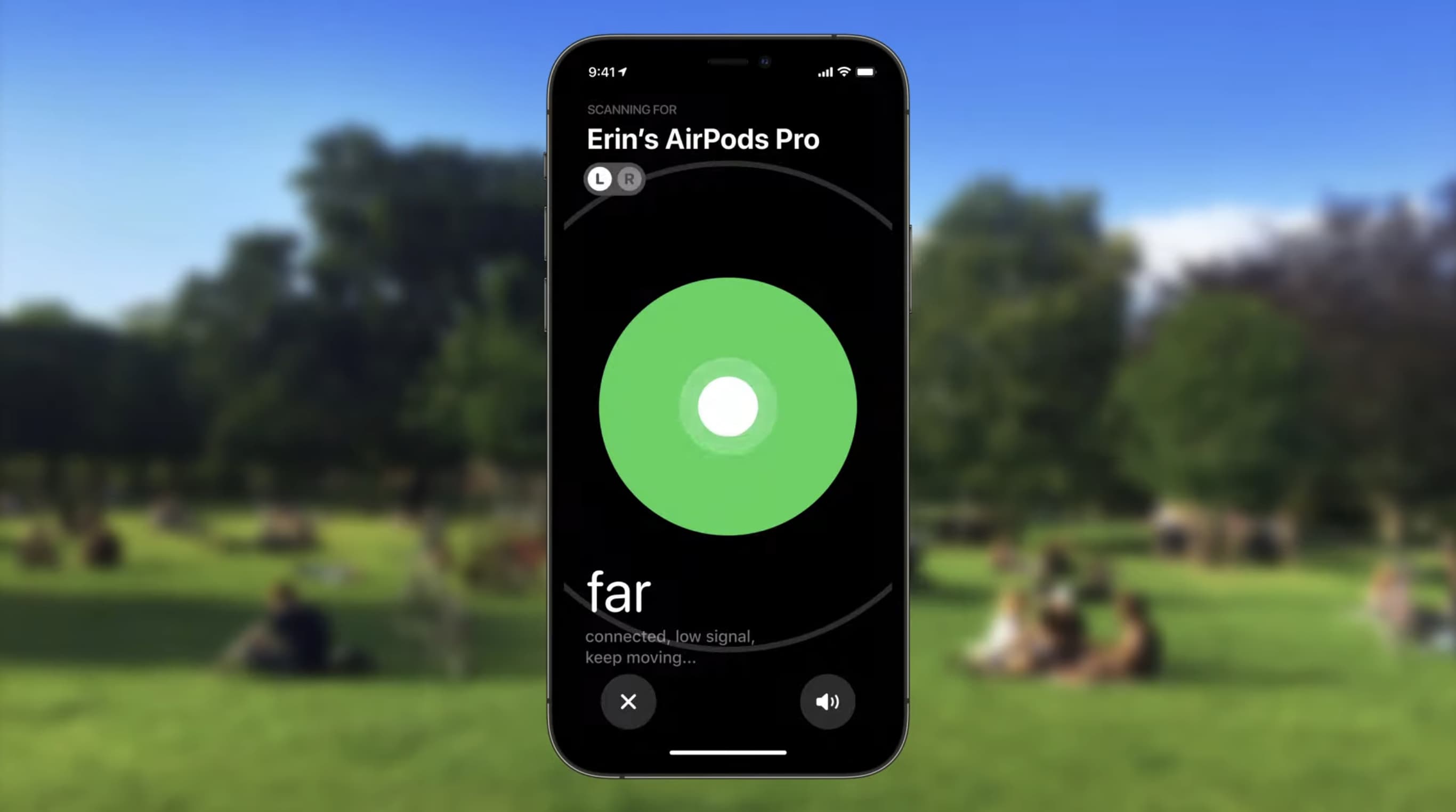
It seems Find My network support for AirPods Pro and AirPods Max won’t roll out with iOS 15 and iPadOS 15 as originally planned. Apple says the feature, which can make lost headphones easier to find, will be available “later this fall.”
Once the Find My network is enabled for the high-end headphones, another iPhone, iPad or Mac owner in the vicinity of the lost item can can passively update your gear’s general location. The Find My network functionality makes the feature far my powerful by tapping the millions of Apple devices in use around the world.
The OS upgrades for almost every Apple device are nearly ready. But an important one is missing. Photo: Apple/Cult of Mac
The moment we’ve been waiting for since June is almost here. Apple seeded Release Candidates for iOS 15, iPadOS 15, watchOS 8 and tvOS 15 to developers on Tuesday. This means the beta testing process is almost over.
The final versions will reach users in under a week. Apple promised the iPhone, iPad and Apple Watch updates will launch on Monday, September 20. And the Apple TV one could be out the same day.
This is what you'll see when you open the App Store. Image: Killian Bell/Cult of Mac
Apple will ask iPhone and iPad users for their permission to show personalized ads within its own apps in iOS and iPadOS 15.
A new popup appears when opening the App Store for the first time after installing one of Apple’s latest betas. It says personalized ads “help you discover apps, products and services that are relevant to you.”
Feeling brave? You can try the latest betas for iOS 15 or iPadOS 15. But stay away from testing macOS Monterey. Graphic: Ed Hardy/Cult of Mac
It’s been a very weird summer for Apple’s beta program, with major changes happening months after the initial unveiling of the operating system upgrades. But iOS 15 and iPadOS 15 have finally reached the point where they’re stable enough for average users to try them out. The same goes for watchOS 8.
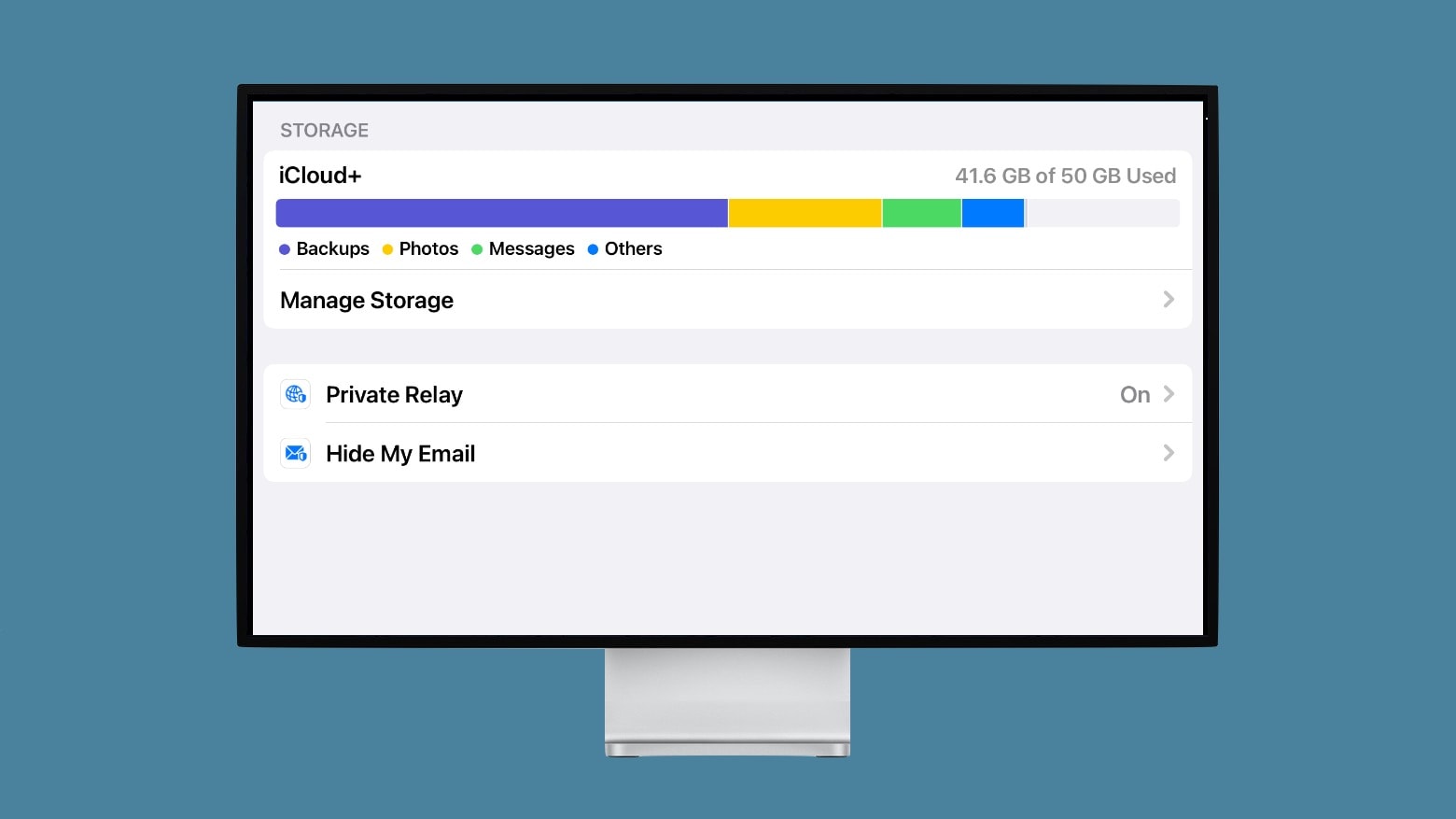
Private Relay protects your online privacy. It’s the best part of Apple’s new iCloud+. Photo: Ed Hardy/Cult of Mac
A major new privacy feature of iOS 15 won‘t be ready when the update goes out to iPhones. iCloud Private Relay will mask users’ IP addresses so they can’t be tracked. But it needs additional time for beta testing.
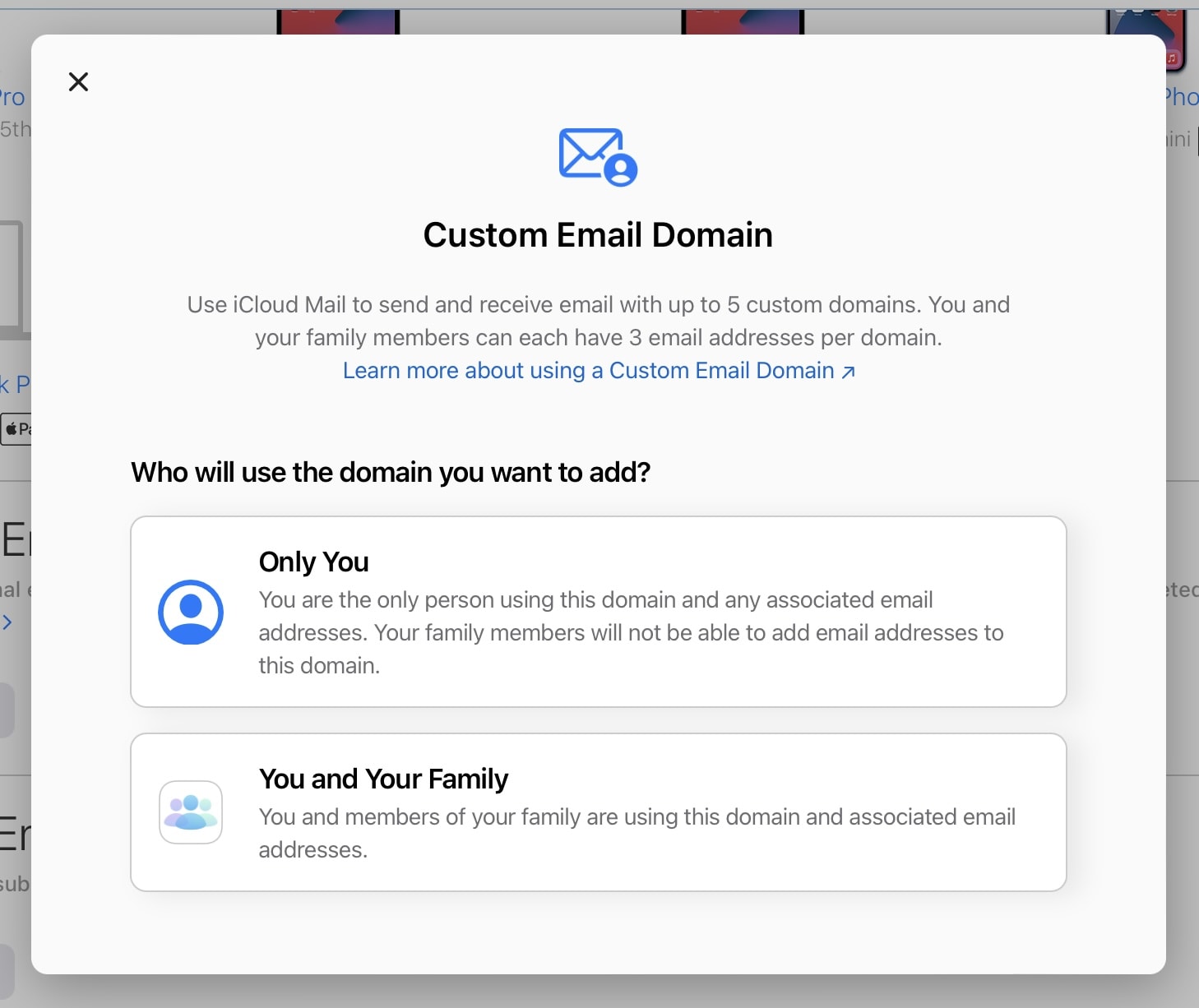
Anyone can access the feature in beta. Screenshot: Killian Bell/Cult of Mac
iCloud+ subscribers can now start using custom domain names with iCloud Mail. The new feature, announced at WWDC 2021 alongside iOS and iPadOS 15, just rolled out in beta with support for up to five custom domains.
The FaceTime feature SharePlay won't be coming out with the initial OS 15 releases. Photo: Apple
The anticipated SharePlay feature in FaceTime syncs up TV shows, movies, music and more across devices so people can experience them together. But the features in upcoming beta releases and the major official OS 15 updates this fall won’t include it, Apple told developers today.
Apple wants developers to take advantage of speedy 5G connectivity. Photo: Apple
Apple is offering developers a new tool that allows them to test automatic 5G switching in their apps. iOS 15, which makes its public debut this fall, will prioritize 5G over Wi-Fi connectivity when available on compatible devices.
But only if you have AirPods Max or AirPods Pro. Photo: Apple
Hidden code in iOS 15 confirms AirPods Max and AirPods Pro will be tied to an Apple ID to enable Find My tracking. The upgrade will allow users to locate missing AirPods, even when they’re not connected to another Apple device.
App icons are larger and easier to use in iPadOS 15. Photo: Ed Hardy/Cult of Mac
Sometimes in life, it’s the little things. iPadOS 15 makes one of those small changes that bring a big result. For the first time, you can increase the size of the application icons on the iPad Home Screen.
This setting debuts in iPadOS 15 beta 5, released on Tuesday. This is one of a few other tweaks in the latest pre-release version.
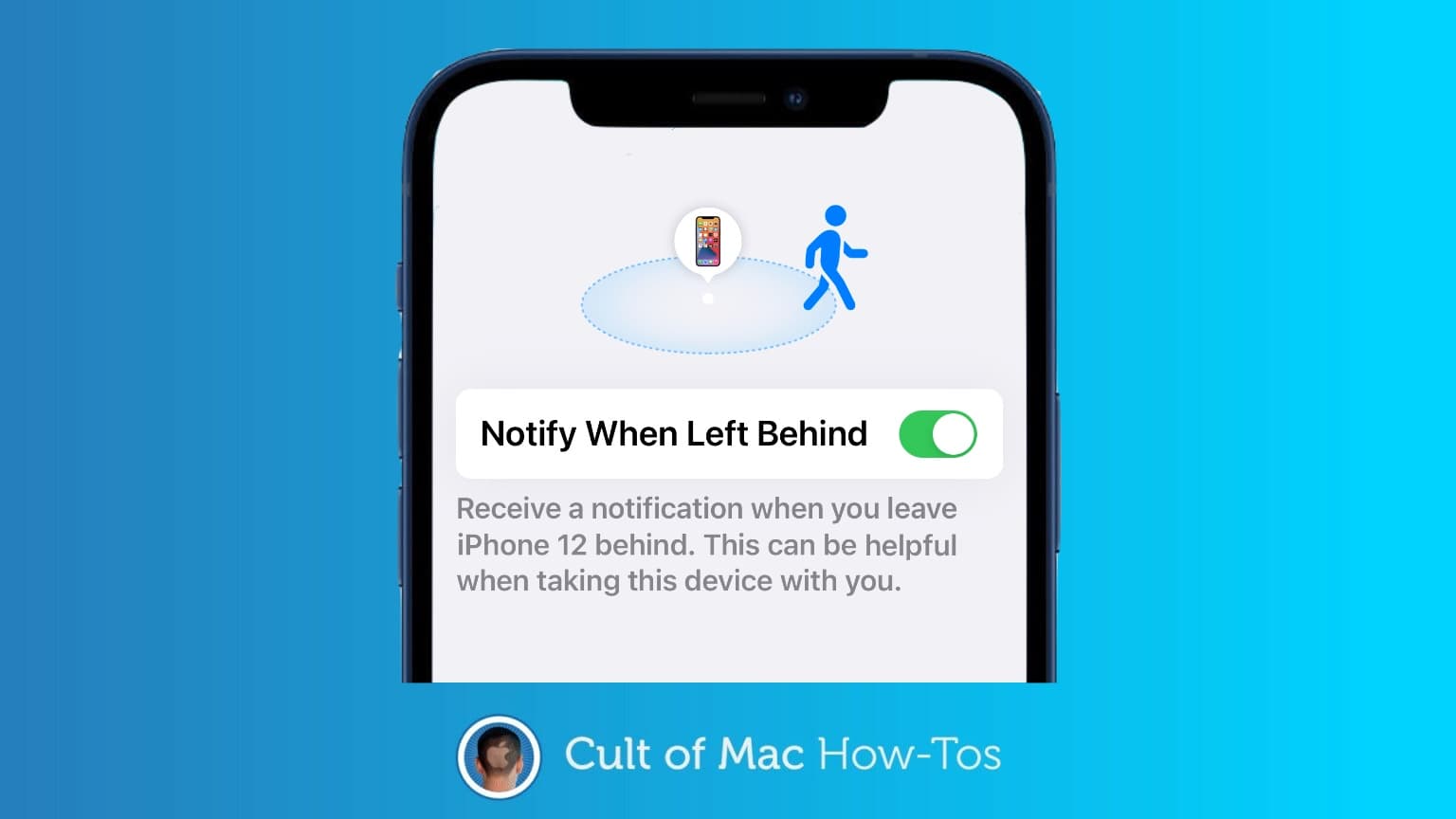
Here’s how to get a separation alert if you leave behind your Mac, iPhone or other Apple gear. Image: Cult of Mac
With iOS 15, your iPhone can warn you if you’ve left your Mac at the office. Or in a hotel room, restaurant, plane… wherever. Separation alerts are one of the better features of Apple’s operating system upgrade.
Don't let others see your incoming alerts. Image: Killian Bell/Cult of Mac
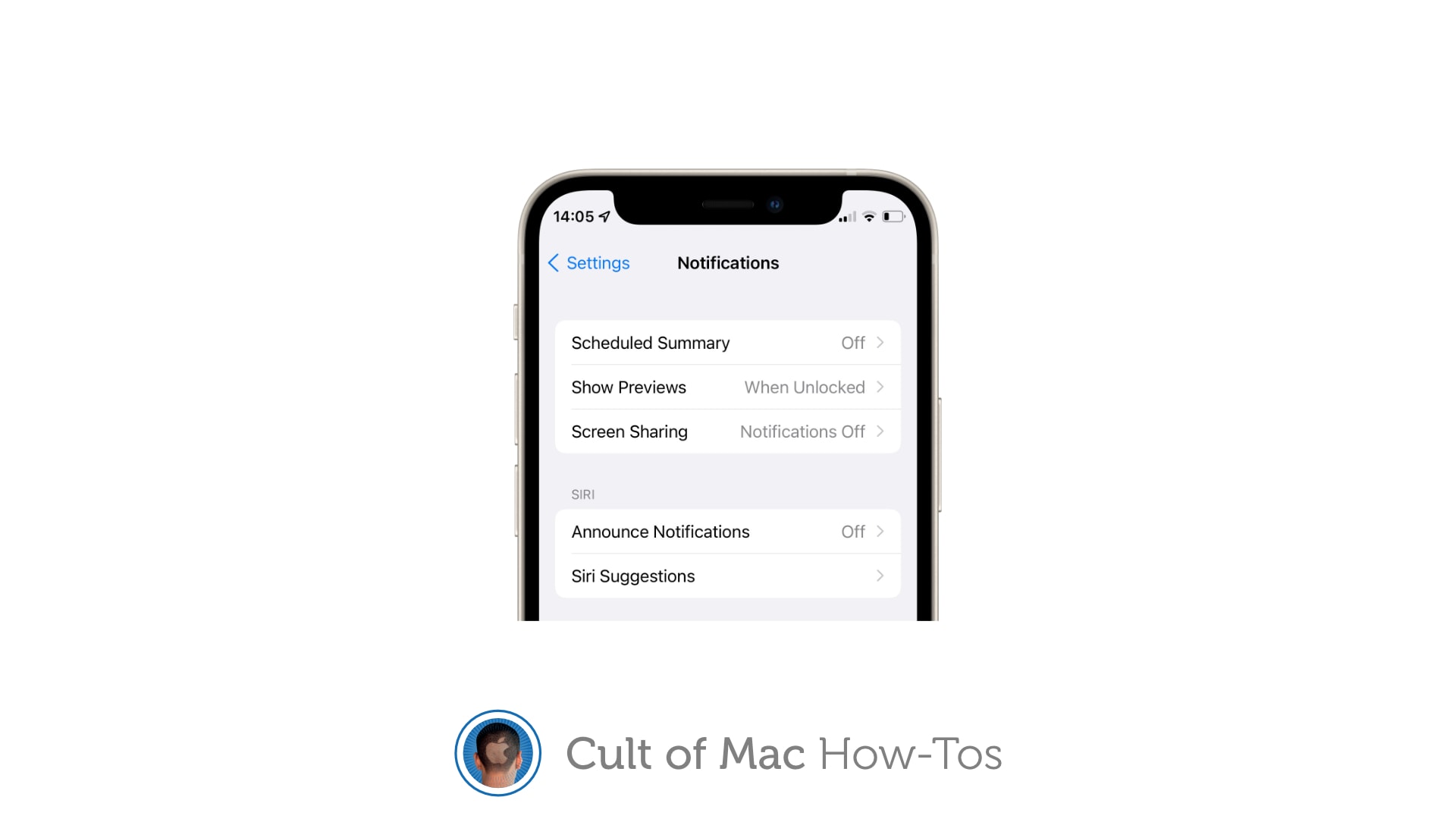
Apple’s newest iOS and iPadOS 15 beta, rolled out to registered developers on Tuesday, gives you the ability to automatically disable notifications when screen sharing. The toggle ensures others cannot see your incoming alerts.
Here’s how to activate the block on iPhone and iPad.
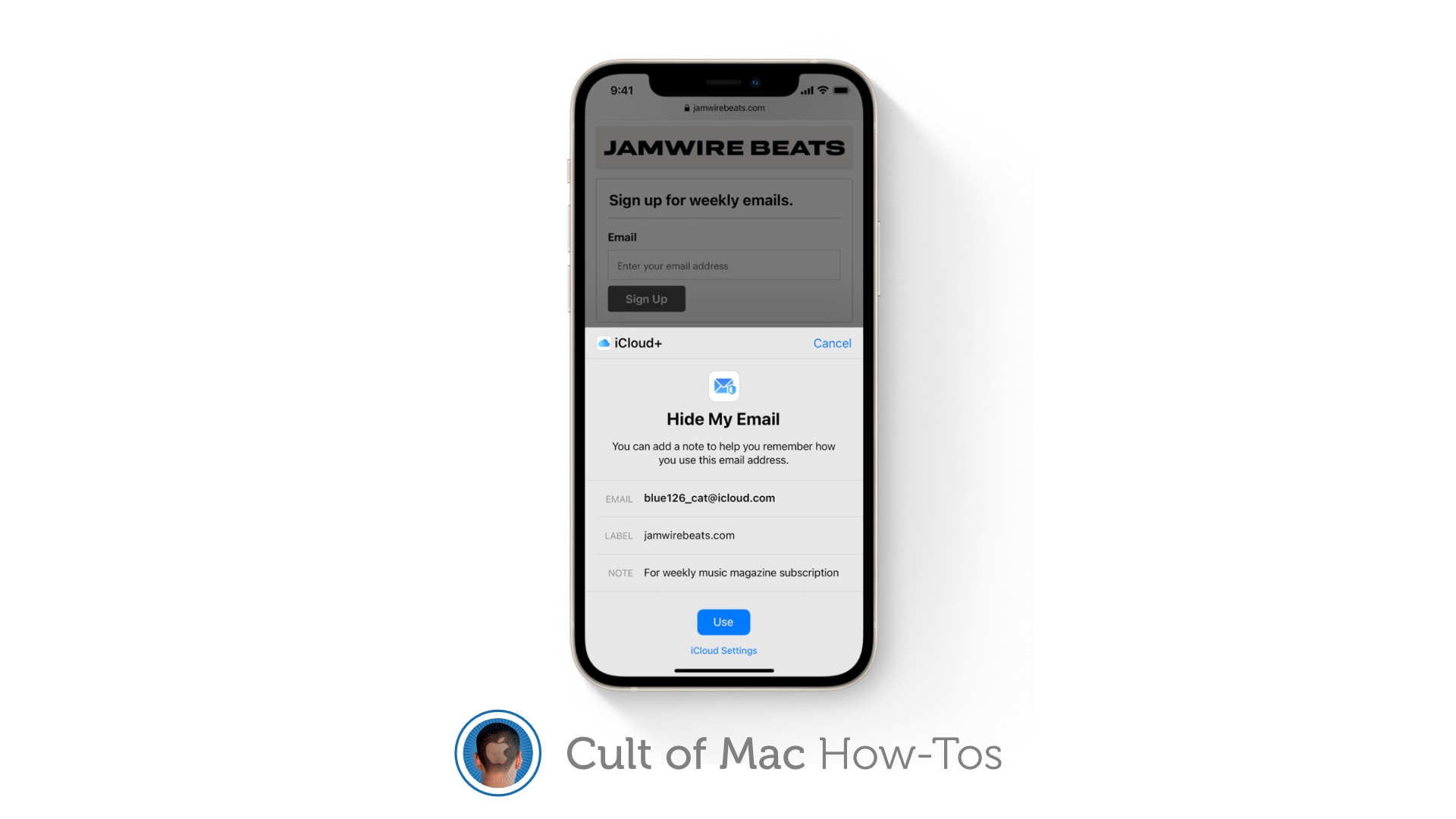
Keep your real email address a closely guarded secret. Image: Apple/Cult of Mac
iCloud+ gives you the ability to hide your email address when completing online forms and signing up for newsletters in iOS 15, iPadOS 15, and macOS Monterey. Here’s how to activate and use the new Hide My Email feature.
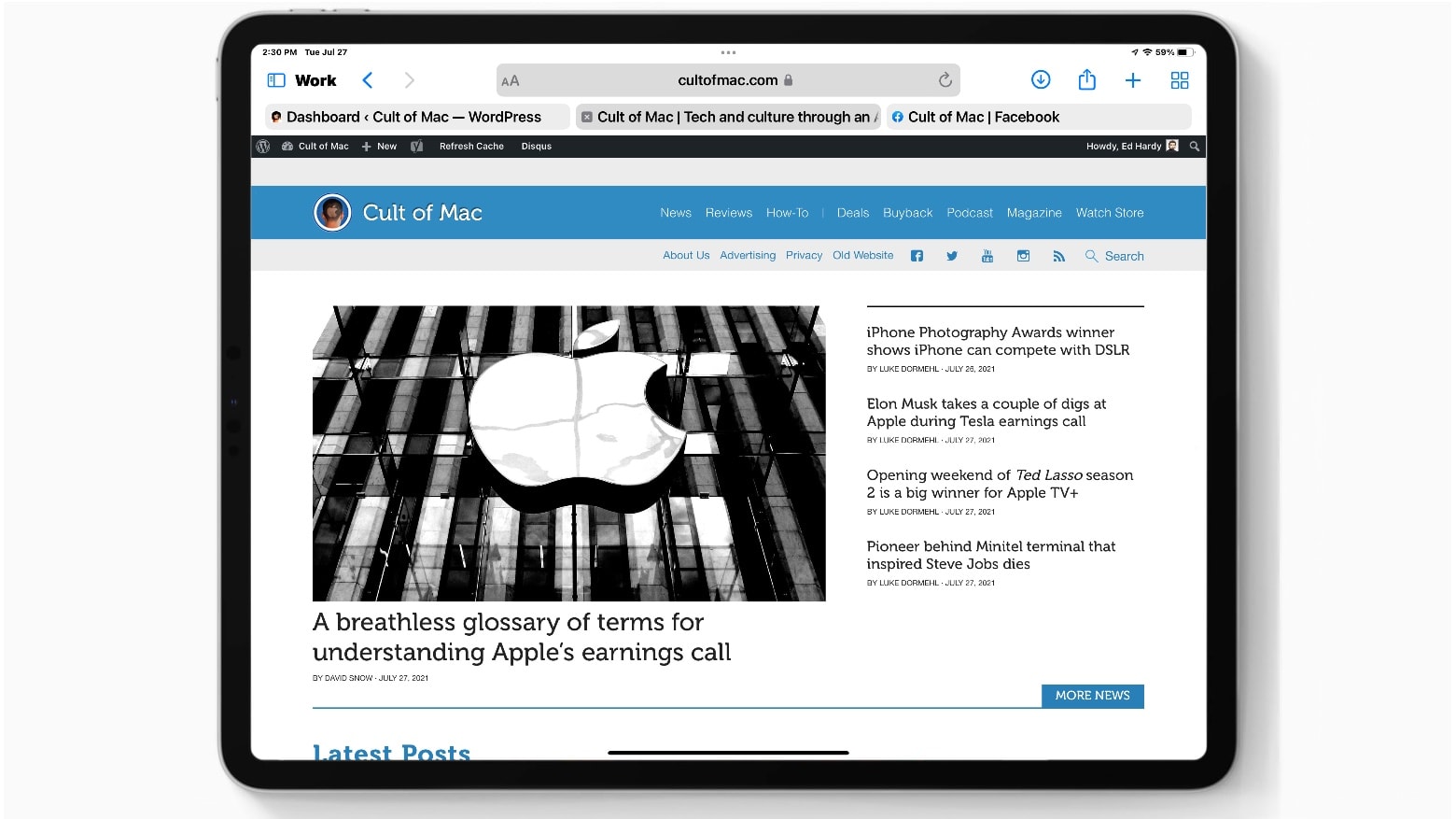
Apple isn’t exactly walking back some of the biggest changes in iPadOS 15. But it’s giving users to option to do so. Screenshot: Ed Hardy/Cult of Mac
Apparently responding to criticism of the Safari redesign in iPadOS 15, a beta released Tuesday makes significant changes to the layout of the Safari web browser. The newest iteration gives users the option to view the Address Bar very much like it looks in iPadOS 14. But those who prefer can keep the new compact view.