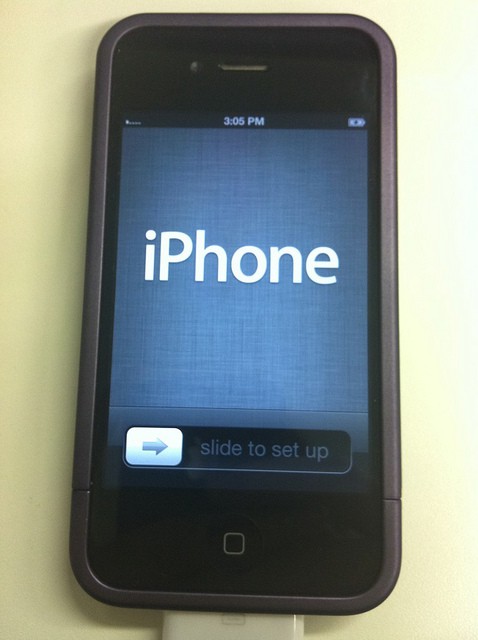
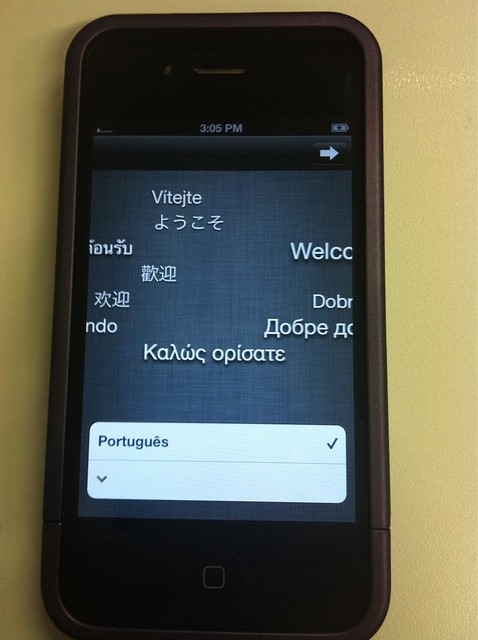
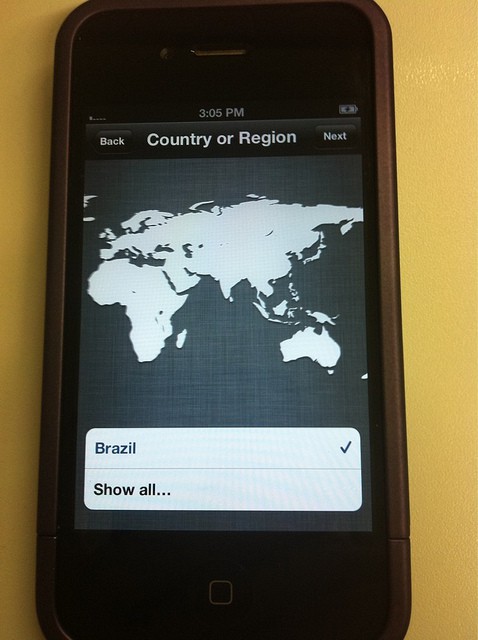
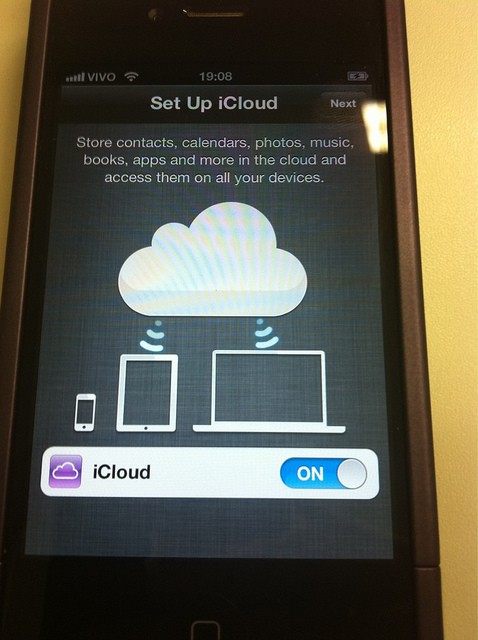
Here’s a first look at iOS 5 running on an iPhone 4. Just look how cool this is!
Images in this post are credited to Twitter user dchohfi.
Setup

Leander Kahney is the editor and publisher of Cult of Mac.
Leander is a longtime technology reporter and the author of six acclaimed books about Apple, including two New York Times bestsellers: Jony Ive: The Genius Behind Apple’s Greatest Products and Inside Steve’s Brain, a biography of Steve Jobs.
He’s also written a top-selling biography of Apple CEO Tim Cook and authored Cult of Mac and Cult of iPod, which both won prestigious design awards. Most recently, he was co-author of Cult of Mac, 2nd Edition.
Leander has been reporting about Apple and technology for nearly 30 years.
Before founding Cult of Mac as an independent publication, Leander was news editor at Wired.com, where he was responsible for the day-to-day running of the Wired.com website. He headed up a team of six section editors, a dozen reporters and a large pool of freelancers. Together the team produced a daily digest of stories about the impact of science and technology, and won several awards, including several Webby Awards, 2X Knight-Batten Awards for Innovation in Journalism and the 2010 MIN (Magazine Industry Newsletter) award for best blog, among others.
Before being promoted to news editor, Leander was Wired.com’s senior reporter, primarily covering Apple. During that time, Leander published a ton of scoops, including the first in-depth report about the development of the iPod. Leander attended almost every keynote speech and special product launch presented by Steve Jobs, including the historic launches of the iPhone and iPad. He also reported from almost every Macworld Expo in the late ’90s and early ‘2000s, including, sadly, the last shows in Boston, San Francisco and Tokyo. His reporting for Wired.com formed the basis of the first Cult of Mac book, and subsequently this website.
Before joining Wired, Leander was a senior reporter at the legendary MacWeek, the storied and long-running weekly that documented Apple and its community in the 1980s and ’90s.
Leander has written for Wired magazine (including the Issue 16.04 cover story about Steve Jobs’ leadership at Apple, entitled Evil/Genius), Scientific American, The Guardian, The Observer, The San Francisco Chronicle and many other publications.
Leander has a postgrad diploma in artificial intelligence from the University of Aberdeen, and a BSc (Hons) in experimental psychology from the University of Sussex.
He has a diploma in journalism from the UK’s National Council for the Training of Journalists.
Leander lives in San Francisco, California, and is married with four children. He’s an avid biker and has ridden in many long-distance bike events, including California’s legendary Death Ride.
You can find out more about Leander on LinkedIn and Facebook. You can follow him on X at @lkahney or Instagram.


32 responses to “Hands On With iOS 5 [Beautiful Screenshot Gallery]”
Can’t wait for it to come out!
http://www.youtube.com/watch?v…
looks so nice
not happy i have to wait until FALL but everything looks GREAT!
Is this a hint at HTC Thunderbolt-style notifications for the iPhone 4S / iPhone 5?
I am very excited for this.
Wooha! A Brazilian iPhone4! :)
It just may be! Thanks for the post :)
I found the EMOJI keyboard to be available on my phone with the iOS 5 beta install — haven’t been able to verify if this is for everyone else as well!! I didn’t see this mentioned anywhere online as a feature of the new iOS
brazil is everywhere!
am i the only one disappointed by iOS 5? not enough big additions (other than things long overdue – say a good notification system). Like they marketed reminders as a big addition. REMINDERS! like really? And it comes out 3-5 months later than usual. But I am impressed with iMessage, I hope that is good and all the cutting the cord features – wohoo!
Did you even watch the keynote? iOS5 have LOCATION BASED REMINDER for f#$king sake. mEANS you could set a reminder for yourself when you check in or check out a place and the alarm will go off to remind you of your calender items! Thumbs up to Apple!
I did watch the keynote, and yes, the location based reminders, but how is that a MAJOR feature? Sub-par at best if you ask me…
but i feel like some places i wouldnt go to unless i was reminded, it is cool for whn necessary
Just an FYI. I have heard from sources that the background from those first few screen shots is the background appended to any additional monitors in Lion when using a fullscreen application. Additional monitors are unusable during full screen applications.
You need to go get som screenshots of iOS 5 on iPad.
I want to see more of the facelift the iPad iPod (now Music) app got!
Hello,If I show the iOS 5 beta to my youtube viewers, like make a video showing what’s changed, impressions, reactivity, etc… would this be violating the developer licensee or is it okay to do this?As I understand it, you cannot re-distribute pre-releaase software, but it doesn’t say anything about making a review of it.Thanks in advance.