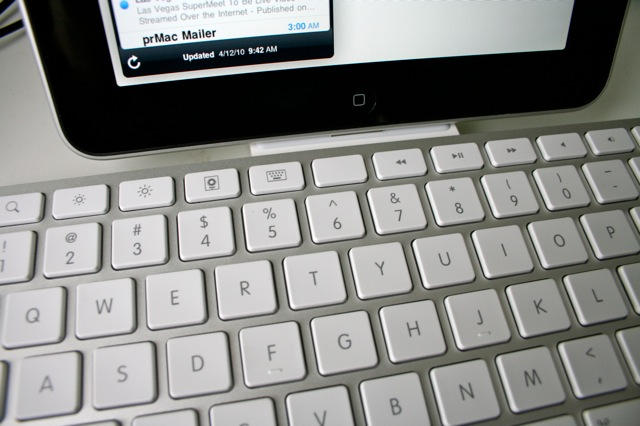
The weirdest thing about using Apple’s iPad Keyboard Dock is that you are constantly reaching for a mouse — a mouse that isn’t there, of course. The iPad doesn’t support mice. Instead, you should be tapping and swiping the screen.
Using the keyboard to work with the iPad takes you out of the multitouch mode and puts you back in mouse/keyboard mode. And while you can use the keyboard in a limited way to navigate the iPad, you can’t use many of the desktop shortcuts you’ve learned over the years, like Command-Tab to switch apps.
So using an iPad with a keyboard takes a little getting used to, but the $69 iPad Keyboard Dock is a very handy accessory, with a couple of caveats.
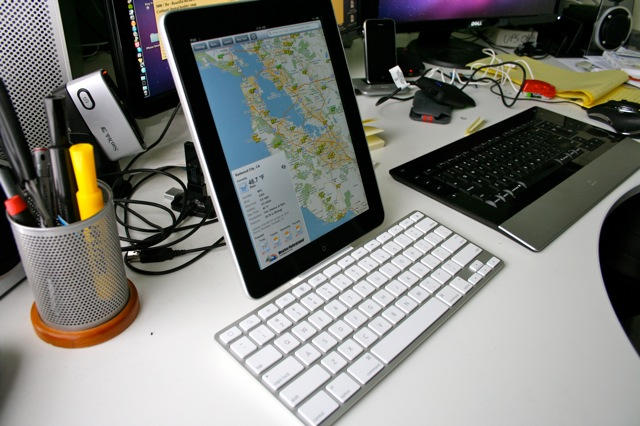
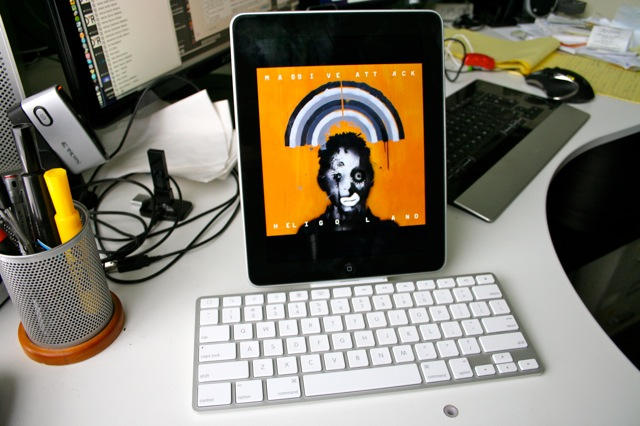
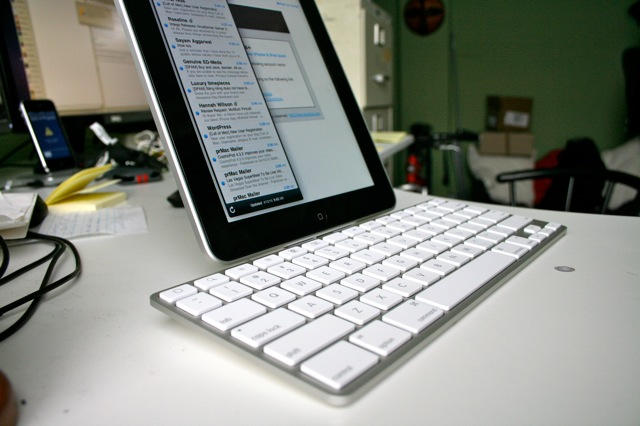
The iPad Keyboard Dock is just like one of Apple’s standard aluminum Bluetooth Keyboards. It has the same look and feel, and high build quality. It’s clean, solid and well-made. The Chicklet keys are durable and easy to type on. The iPad slides easily into the integrated dock connector and stays there.
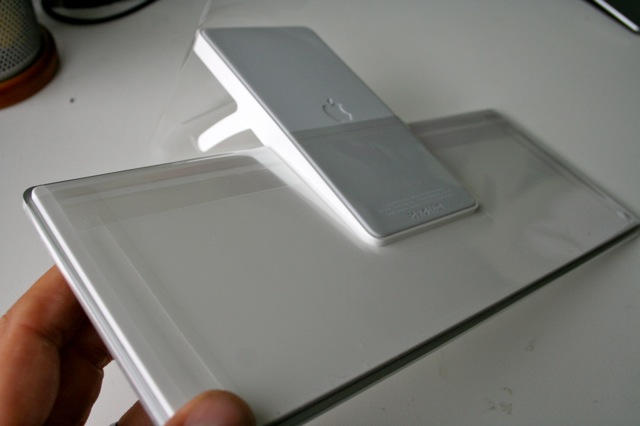
On the back is a standard Dock Connector port and a 3.5mm audio port for plugging the rig into a pair of speakers. The keyboard can be used alone (it’s powered by the iPad), or plugged into a 10W charging brick, or a USB port on a Mac/PC. I have it plugged into the AC power brick, and use it as an overnight charging dock when the iPad isn’t in use.
The key setup is similar to a standard keyboard but some of the function keys are iPad specific. There are the usual music and screen-brightness controls, but also a Home button, which brings up the iPad’s Home screen. There’s a Spotlight search button that launches the search screen; a button to activate Picture Frame mode; and a Keyboard button that summons the on-screen keyboard.
There’s also the notorious blank button, which was the subject of much prerelease speculation, but actually is blank for a good reason: it doesn’t do anything.
The rest of the keys are pretty standard. There’s the usual Command, Option and Shift keys, which can be used for many of the standard cut/paste/select all commands.
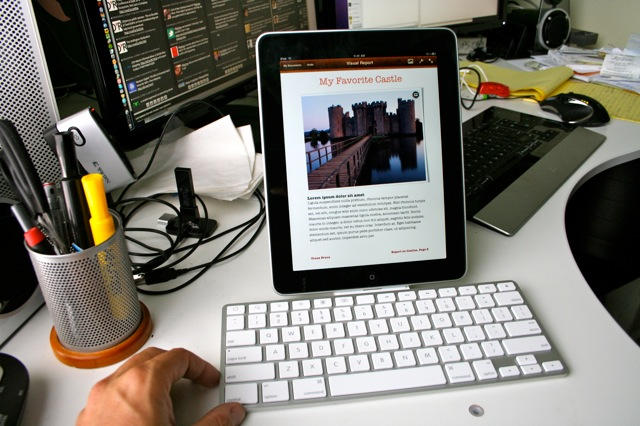
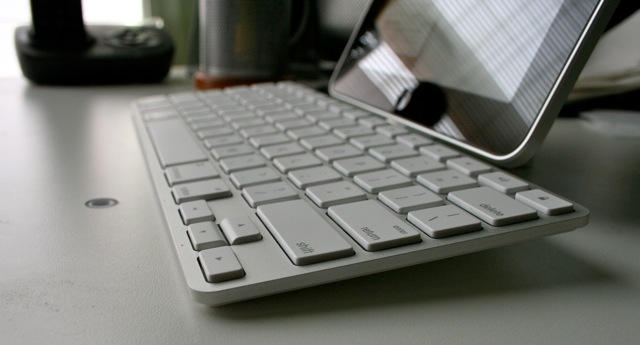
I’m not much of a keyboard jockey but I am accustomed to using the arrow keys to move around documents and folders. While the iPad keyboard arrow buttons can move you up and down documents, they don’t work on the Home screen or several apps, such as navigating song lists in the iPod app.
Also, because of the placement of the iPad’s Dock Connector, you can only use it standing up in portrait mode. It’s no good for docking your iPad to watch a HD movie in landscape. It’s also awkward to use with an ergonomic keyboard tray. Because the iPad sticks up and backwards, you’ve got to slide your keyboard tray all the way out. It may not fit many trays.
If this is an issue, it may be a better idea to get a standard Bluetooth keyboard and one of the many iPad stands on the market.
But all in all, the iPad Keyboard Dock is very handy for charging, and is indispensable for writing anything longer than a few lines in email.

Leander Kahney is the editor and publisher of Cult of Mac. Leander is a longtime technology reporter and the author of six acclaimed books about Apple, including two New York Times bestsellers: Jony Ive: The Genius Behind Apple’s Greatest Products and Inside Steve’s Brain, a biography of Steve Jobs.
Leander has written for Wired magazine, Scientific American, The Guardian, The Observer, The San Francisco Chronicle, MacWeek and many other publications.

