Mobile menu toggle

Apple TV - page 129

Apple offers movie rentals for the UK and Canada

By

cult_logo_featured_image_missing_default1920x1080

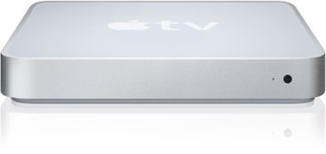
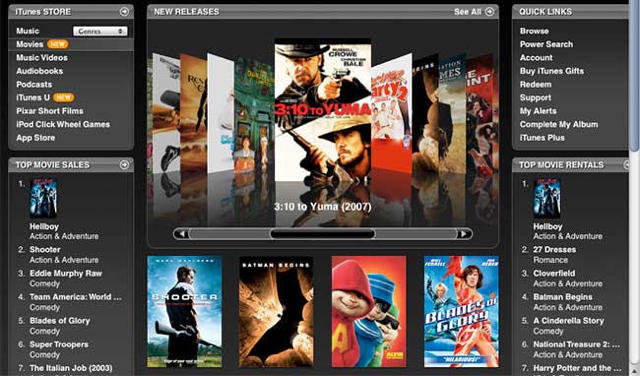
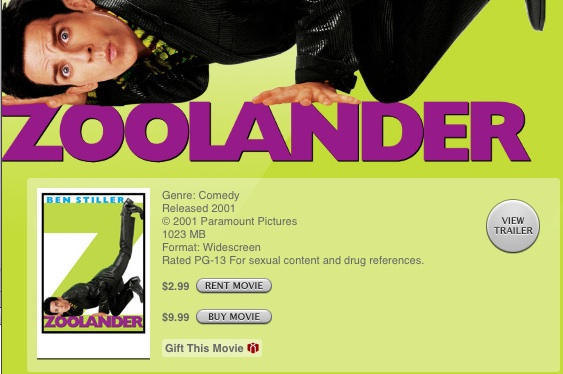
Brits (and Canadians) finally got to join the iTunes movie party this week, with Apple unleashing movie rentals and purchasing for the two territories. I’d actually been mulling over grabbing an Apple TV for a while (what with my ten-year-old DVD player starting to make strange buzzing and wheezing noises), but decided against it. Instead, I bought a cheap replacement DVD player and an iPod dock, and so I was initially feeling a little irked.

And then I looked at the prices and felt much better. In the UK, rental pricing initially doesn’t seem too awful at £2.49 for old stuff and £3.49 for shiny new films, which is mostly on a par with high-street rental outlets such as Blockbuster and DVD-by-mail companies. However, this is the realm of digital, and so there aren’t as many barriers to business regarding upkeep, location, shipping, and so on. A swift comparison with the US store sees that Apple’s making an extra $2 on library titles and $3 on new releases (the price of which almost doubles during a film’s trip across the Atlantic). Take into account taxes, and the extra profit is reduced, but still pretty hefty. On the plus side, you do at least get a 48-hour window to watch, which is a small added bonus.

However, it’s the purchase price-tags that really have me confused. They come in at £6.99 for library titles and £10.99 for new releases (the latter of which is $14.99—about £7.50—in the US). Even when you add on British taxes, this doesn’t look like a great deal, and with the usual raft of cheap outlets available (HMV, Play.com, Amazon UK), I fail to see how Apple will make a dent in the market with this pricing model.

Commentators are already saying this pricing has nothing to do with Apple (“Blame the movie studios!” “Apple is innocent!” “I wuv Apple and will GET YOU if you write bad things about Stevie!”), and how it’s more expensive to do business in the UK (blah, blah, blah), but this just reminds me of Adobe doubling CS3’s pricing when it goes across the Atlantic and offering a toothy grin in return.

With hardware, there’s now very little difference when taxes are taken into account, and I’m happy for Apple to mark things up a little in case Sterling tanks or the US Dollar rallies. In software, pricing is generally getting better (if you pretend CS3—something of an exception—doesn’t exist), and Apple again is gradually taking the piss less and less with each new release.
So why does the difference in pricing remain in media, when there’s no shipping, no printed artwork, and no shelf-space required? Apple always makes a point about thinking different, but in this case, it looks like the company’s done a quick price-check of its rivals and is thinking exactly the same.

aTV Flash Unlocks your Apple TV

By

post-2012-image-0789b5171e6422a9915c3b71adb65ae9-jpg

Update: reader Michael Pantoja shares his experience with aTV Flash in the comments, worth a read.

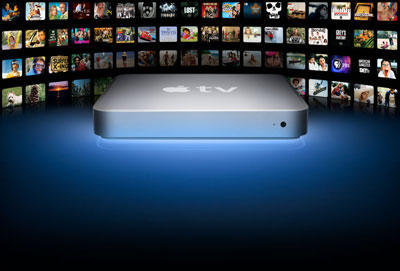
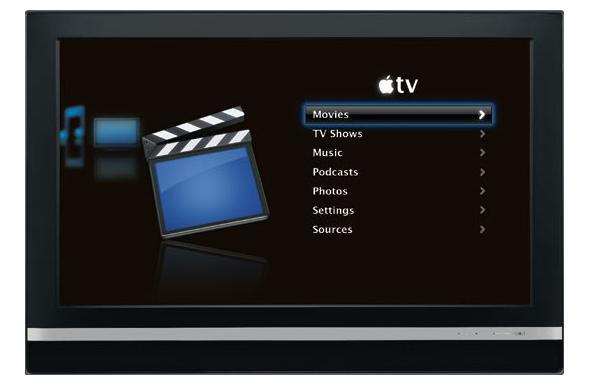
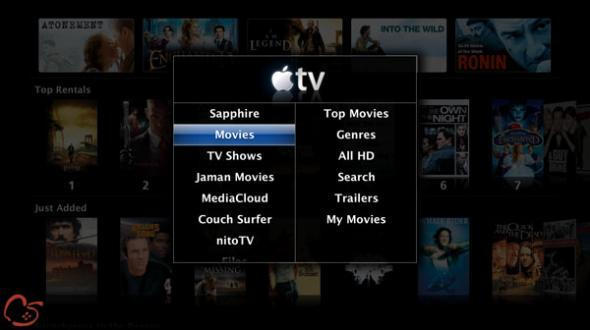
The AppleTV is great for playing video from iTunes, but can’t play video from alternative sources like file-sharing networks. Now, a software update from Apple Core, called aTV Flash promises to unlock tons of great functionality for the Apple TV.

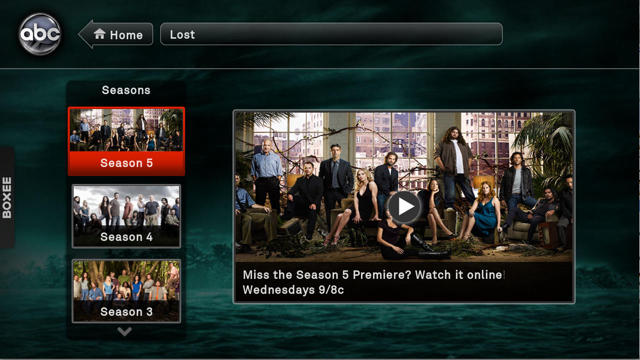
aTV Flash is essentially a bundling of open source hacks for AppleTV originally published at awkwardtv.org into a convenient flash based package that promises to take the guesswork out of applying the updates. aTV ships as a flash drive, that automatically updates your AppleTV as soon as it’s plugged in. The package claims a plug-n-play installation with 1 year of free updates.

Features include:

– Play most video formats (DivX, Xvid, AVI, WMV, RMVB + more)
– Play DVD files WITHOUT converting them
– Sync, organize and watch non-iTunes video files
– Browse the web with a Safari based web browser
– Rent & watch Hi-Def movies from Jaman.com
– Stream media from UPnP(v1) media servers
– View local weather forecasts
– View RSS Feeds
– Enable SSH access

As well as supporting just about all popular CODECs, the $60.00 flash update could greatly enhance your AppleTV experience.

Caveat

Applecore’s website asserts that when applying these patches you’re not voiding your warranty, that said you are hacking the OS of your AppleTV, and preventing it from updating itself in the future. While we researched the manual patching process at awkwardtv.org and it does seem to be reversible we do believe that one should enter into such endeavors eye’s wide open.

Apple’s Movie Rentals Great In Theory, Sucks In Practice

By

post-1667-image-c6dcae0f1d6135cc245456fb1707a0f5-jpg

Steve Jobs’ much-ballyhooed movie rental service looks all fine and dandy, but the question in my mind is: “How long will it be before the service offers a single decent movie to rent?”

At present, the movies on offer are even shittier than the local video store, or those available on-demand from my cable providor, Comcast, which utterly stinks.

It’d be depressing if all Apple offered was popcorn garbage. Surely the service is serving the wrong demographic. Early adopters, the kind that run out to buy an AppleTV box, are surely more interested in less mainstream fare. How long will it be before there’s some independent movies, classics, artsy fartsy foreign stuff, and genre titles?

Convert BitTorrent Video for AppleTV

By

post-506-image-9c6286407e8c9342ea66f205502bdfa5-jpg

Owners of a shiny new AppleTV who are also fans of obscure foreign TV shows like Life on Mars or Doctor Who Series 3 might be interested in VisualHub.

VisualHub is a $23 video converter that transforms popular BitTorrent formats (DivX, XviD, AVI, all forms of MPEG) to MP4 format — which play nice on the AppleTV or video iPods.

VisualHub can batch process files and automatically add them to iTunes. It offers encoding up to 720p and claims to be much faster than QuickTime Pro.

For Windows users, there’s Videora AppleTV Converter, a free video converter designed especially for the AppleTV.

When combined with Videora, a file search and download program, video can be automatically found, downloaded and converted for the AppleTV using BitTorrent and RSS, according to the site. This must be the killer app for AppleTV — if it works. I’m downloading it right now to find out.

Anyone tried it?

 Doctorwho Gallery S3 03Gallery 800 40