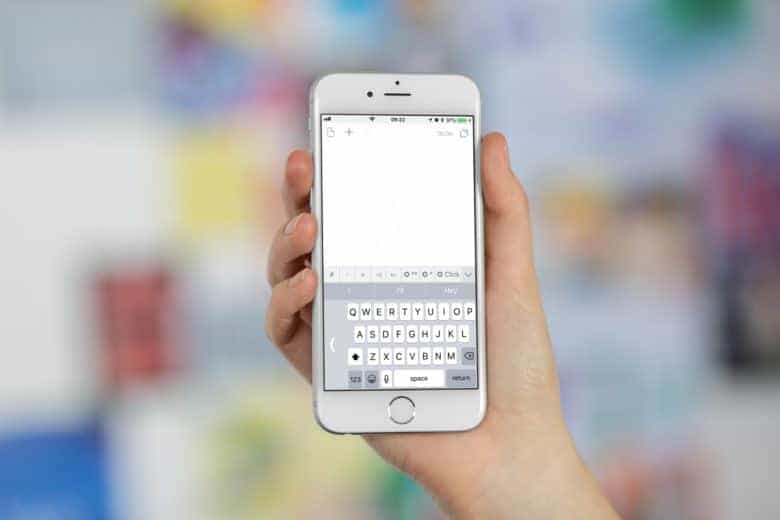
The annoying iPhone keyboard bug that turned the letter “i” into the letter “a” and a strange symbol is finally dead.
Apple released iOS 11.1.1 to the public this afternoon bringing a number of critical fixes to the iPhone and iPad, including the highly coveted ability to finally type the word “iPhone” like a normal person.
You can download the iOS 11.1.1 update now by opening the Settings app on your iPhone and then going to General >> Software Update. Release notes for the new build only mention the autocorrect bug fix and that it resolves an issue where Hey Siri stops working.
iPhone users were offered a temporary fix for the autocorrect bug by Apple before the release of iOS 11.1.1. The company simply suggested affected users set up a manual text replacement but that didn’t stop the bug from becoming the butt of tons of jokes on Twitter.
https://twitter.com/jeremyburge/status/927505158287831040
Until Apple fixes this phone issue Me guess Me will talk like this. ♂️
— Jay-D⚡ (@_ItsJust_JORDAN) November 4, 2017

Buster Hein is a freelance writer who lives in Phoenix, Arizona. Twitter: @bst3r.


2 responses to “iOS 11.1.1 arrives to fix that annoying autocorrect bug”
how about they fix the stupid control center wifi. Bluetooth disconnect vs turning them off?
so dumb.
I wish Apple would fire every last one of the worthless coders who obviously don’t know how to do anything other than make up new emoji and replace them with just one who has the skill to fix the battery life problem and restore the one-touch bluetooth & wifi toggling to the way it should be.