The new MacBook Pro won’t ship for another 2-3 weeks, but members of the media who got their fingers on the new Touch Bar came away from Apple’s event with rave reviews.
Apple hosted a hands-on section after today’s keynote and based on the quick impression the new MacBook Pro made, it looks like Apple has another hit on its hands.
Magic Touch Bar
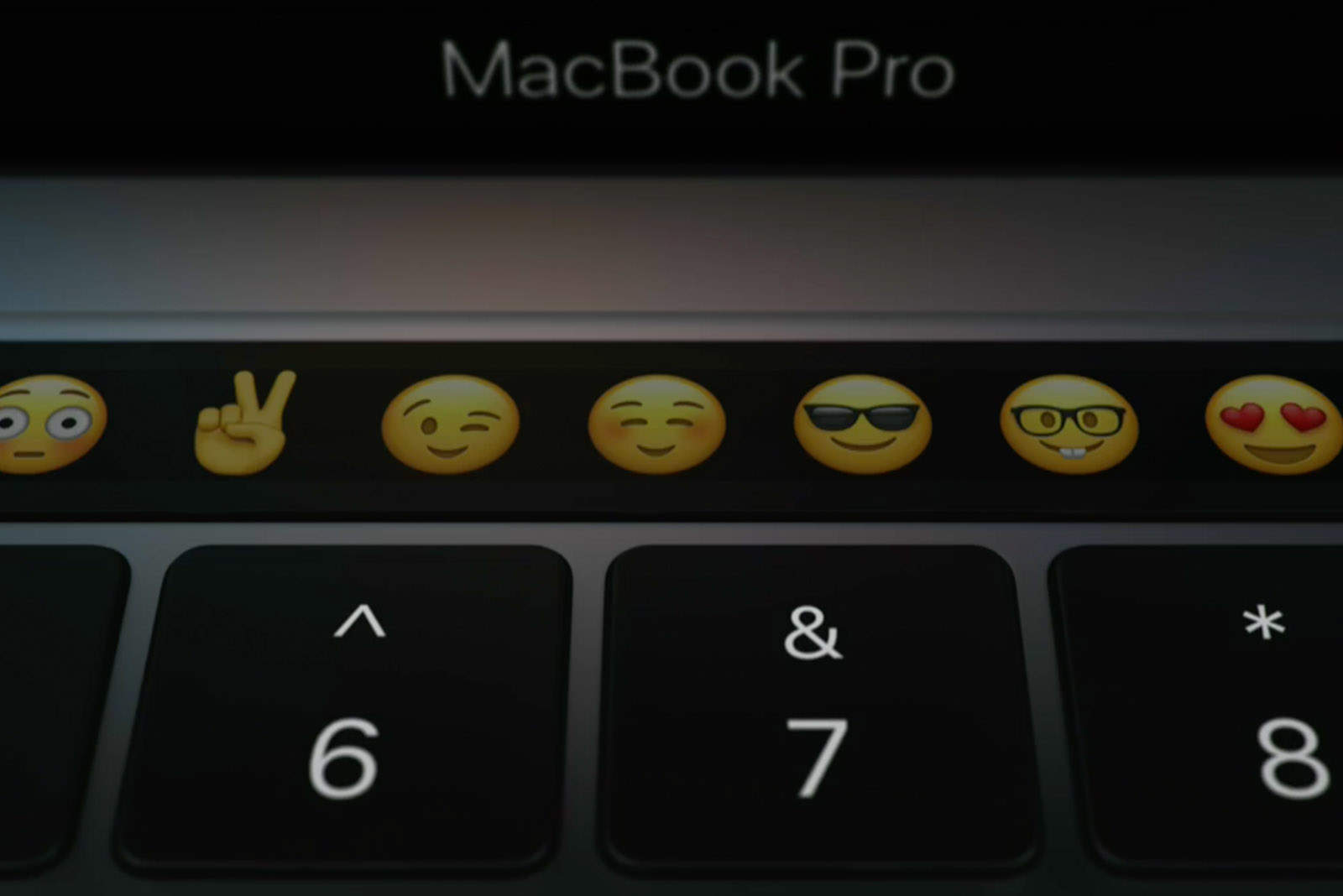
“The Touch Bar is, in a word, neat…The strip itself is glossy. Not quite slick, but frictionless enough so as to run a finger across with little effort. It’s quick and responsive, reacting to multi-touch and the amount of pressure the user applies. It also adapts quite quickly as you toggle between different apps. It’s a really cool and really versatile new addition – like having a small mobile display embedded directly into the Notebook.” — TechCrunch
Great Keyboard
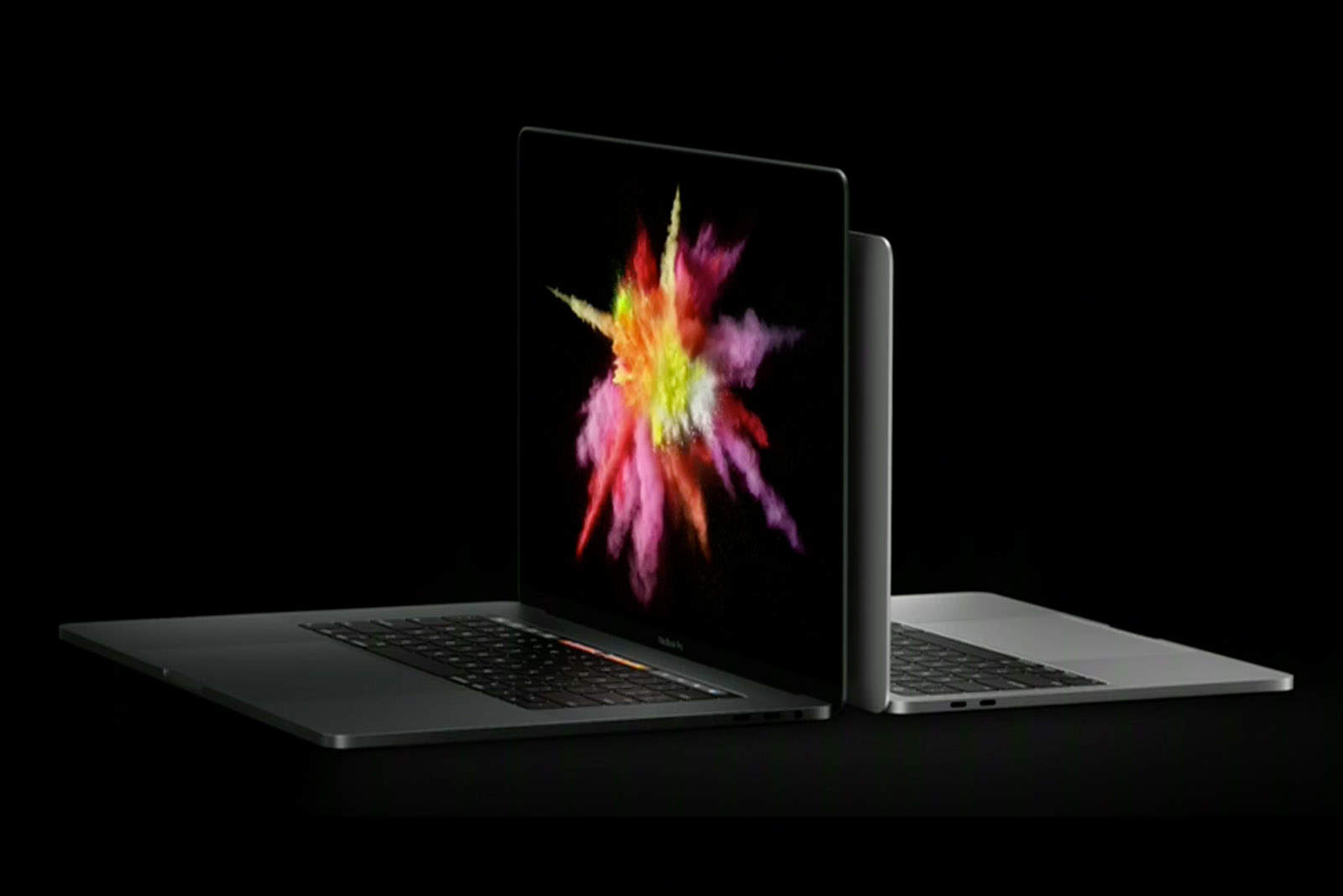
“The keyboard is almost identical to the Butterfly keyboard found on the tiny MacBook. That’s going to cause some people to grind their teeth, but I think it’s great and easy to type on — and I do think the keys might have sightly better travel, but don’t hold me to that. In any case, I expect that this will be a sore spot for some people, but my level of sympathy isn’t as high as it ought to be, because I think this keyboard is great.” — The Verge
Super light
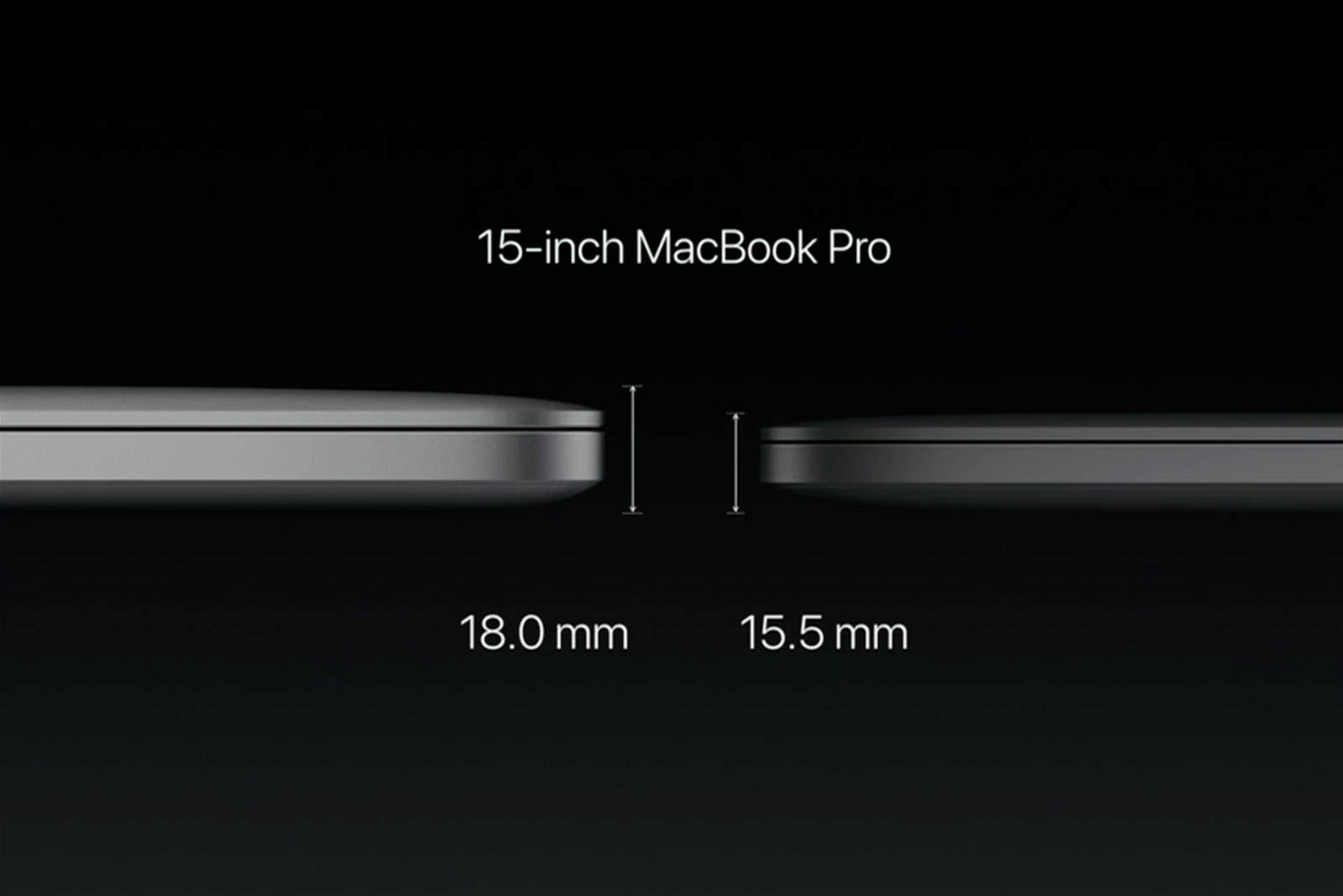
“As a road warrior and a 13-inch MacBook Air user, I was most interested in that model and pleased to learn that it’s the same weight (3 pounds) and a bit smaller form factor. Even the 15-inch, at 4 pounds, is a reasonable weight for people on the go. I was able to handle both models and could easily see myself carrying around the 13-inch MacBook Pro model as I go about my day or walk from booth to booth at a large trade show like CES.” — Forbes
[contextly_auto_sidebar]
Yuge trackpad
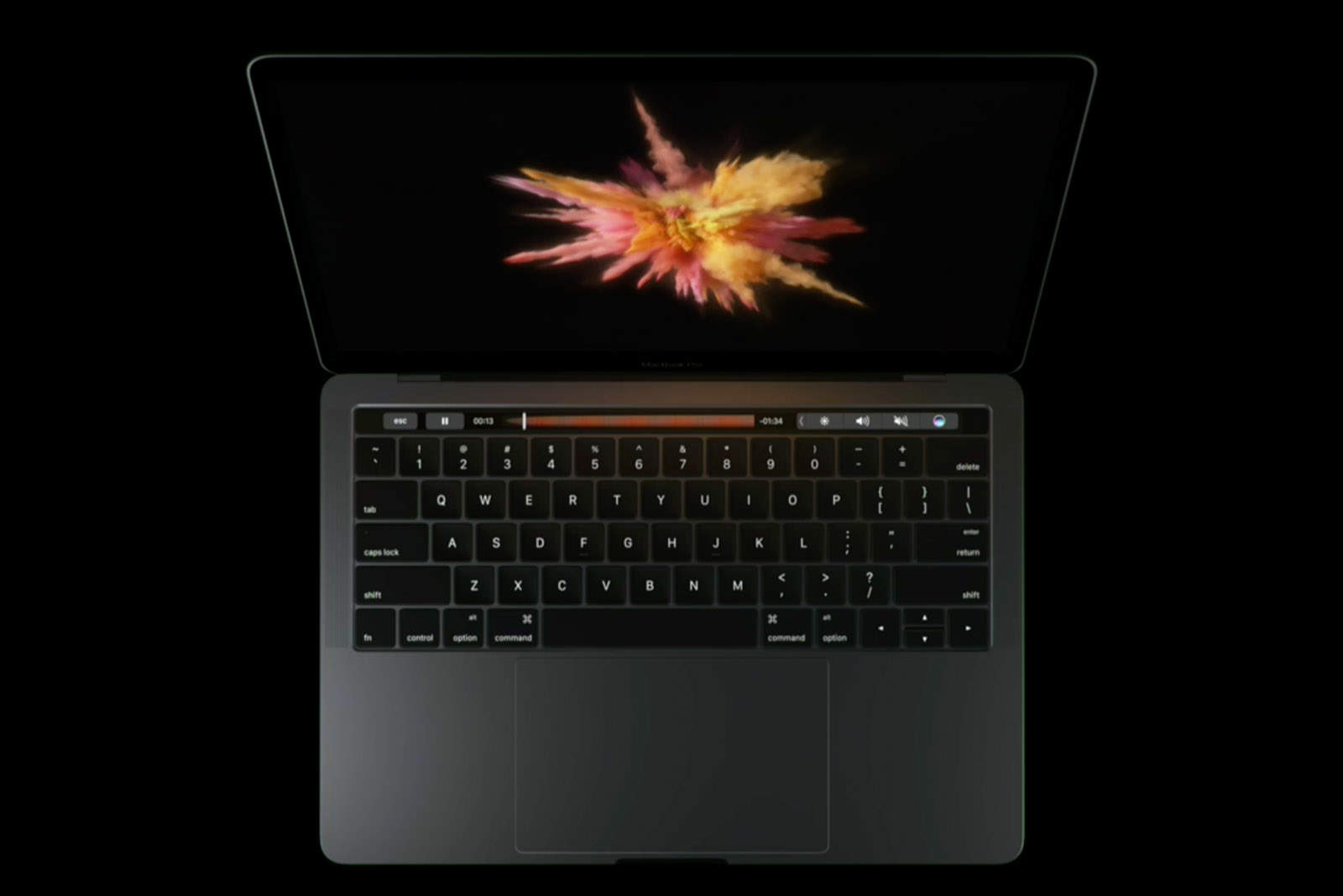
“The one thing I don’t like about the Touch Bar is that it doesn’t offer haptic feedback. What does is the mammoth touchpad on each of these MacBook Pro, which is twice as large as before. The Force Touch trackpads are positively huge, almost comically so on the 15-incher. It still feels like a real button when you press down, even though it’s not.” — Laptop Mag
Touch ID
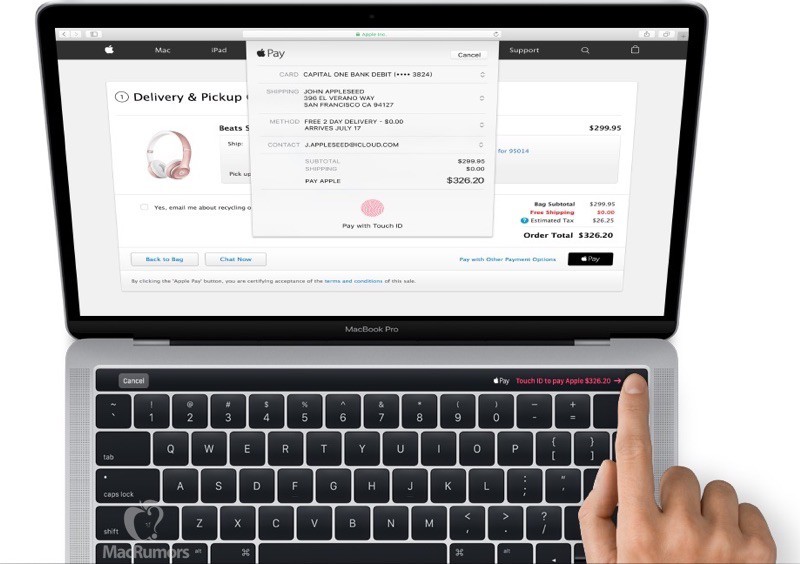
“At the right edge of that strip lies a Touch ID sensor, that allows folks to login to their Macs via their fingertips. In the limited time I spent with the new Pro, that sensor worked as it should — which is to say considerably faster than typing in a password.” — Engadget

Buster Hein is a freelance writer who lives in Phoenix, Arizona. Twitter: @bst3r.


11 responses to “Hands-on: MacBook Pro’s Touch Bar gets rave reviews”
LOL! Give me a break. The Apple shilling press calls a lame addition to an Apple product amazing. I’m shocked I tell you, shocked. News at 11.
Don’t buy/use it if you don’t like it. There are ton of people who will be picking it up.
Yep, Apple relies on a ton of people that will be happy to buy a stinking turd with an apple log on the back. Used to be one myself.
why are you here?
Because like many, they are upset at Apple for not creating anything for the premium price they are asking their customers for.
I am so excited about these new models. I spend a large amount of my time on my MacBook Pro, looking forward to this.
Acquire 90 bucks /day for working on-line from comfort of your own home for couple of h a day… Get regular payment weekly… You’ll need a laptop or computer, net connection, as well as a little spare time… OW.LY/n1nP303oO1A
So apparently apple didn’t have the courage to remove the audio port from their macbook. Maybe next year….
Along with the iPhone 7 and iOS10, the new MBP with Emoji Bar is a no brainer for me.
I will spend my money to upgrade to a Canon 5D MkIV.
Disappointments to painful to write here.
Me and Apple
1996 – 2016
R.I.P.
So long, and thanks for all the fish.
I honestly do not understand the huge trackpad. I could understand it if they had added support for the Pencil or if they’d added e-ink to it. But a gigantic trackpad? Why? I find the small trackpad on my MacBook Air to have plenty of room. I’d think it would be harder to keep your palms off it.
Two words (well, one word and a collection of letters): “CJK input” But that would really only work with the Pencil at the least, or with the Pencil combined with a “Touch Bar Trackpad”.