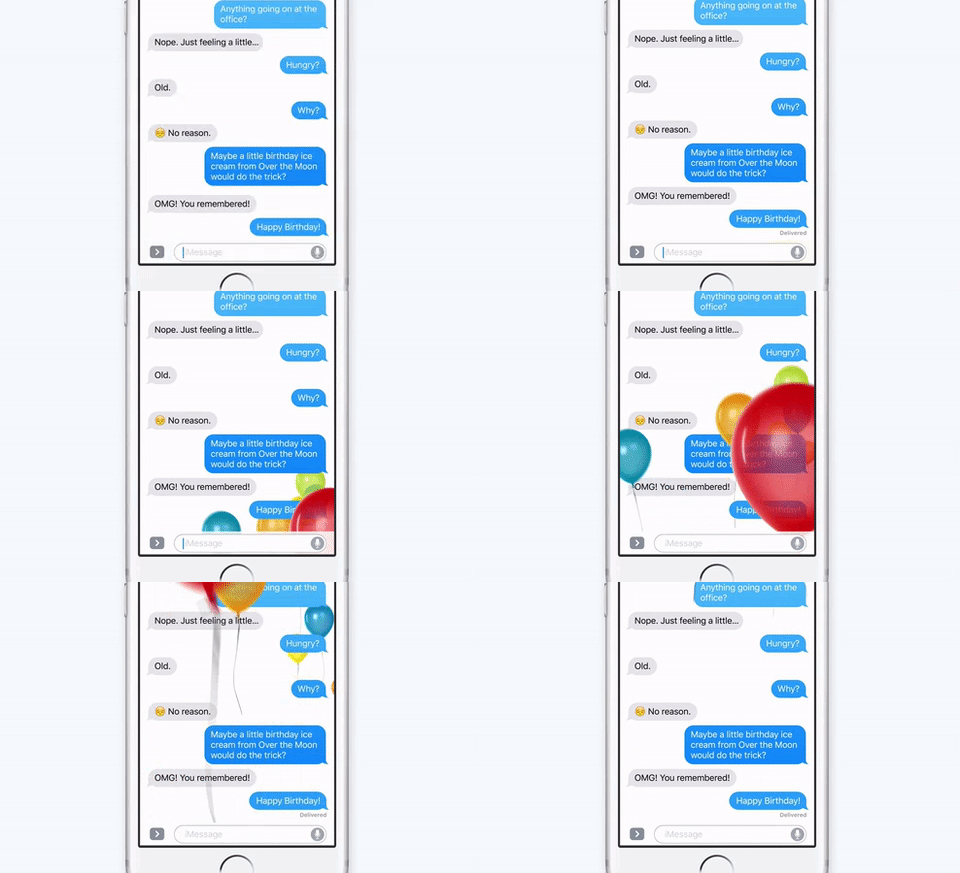
To ensure it remains the most popular app on iOS, Apple is giving Messages a big overhaul with iOS 10. Users have a whole bunch of awesome new features to look forward to — including the ability to send animations. Here’s how.
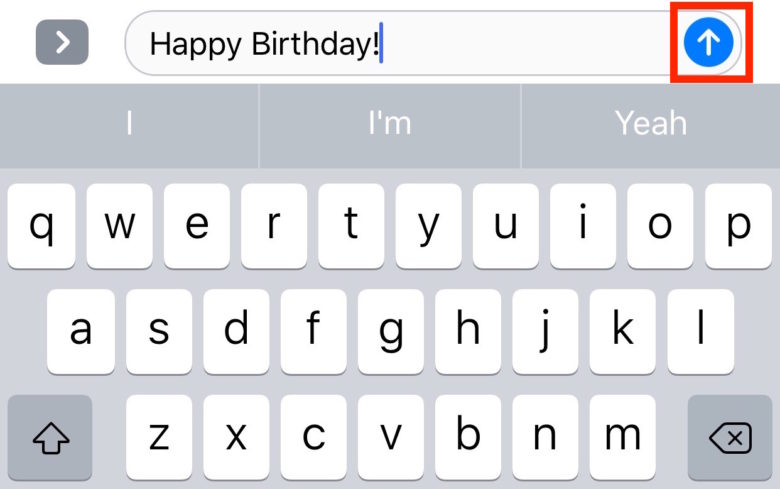
Open up the Messages app, then find a conversation or create a new message. Once you’ve typed what you want to say and you see the blue send arrow, tap and hold it, or press it with force if you’re using an iPhone 6s.
Screenshot: Cult of Mac
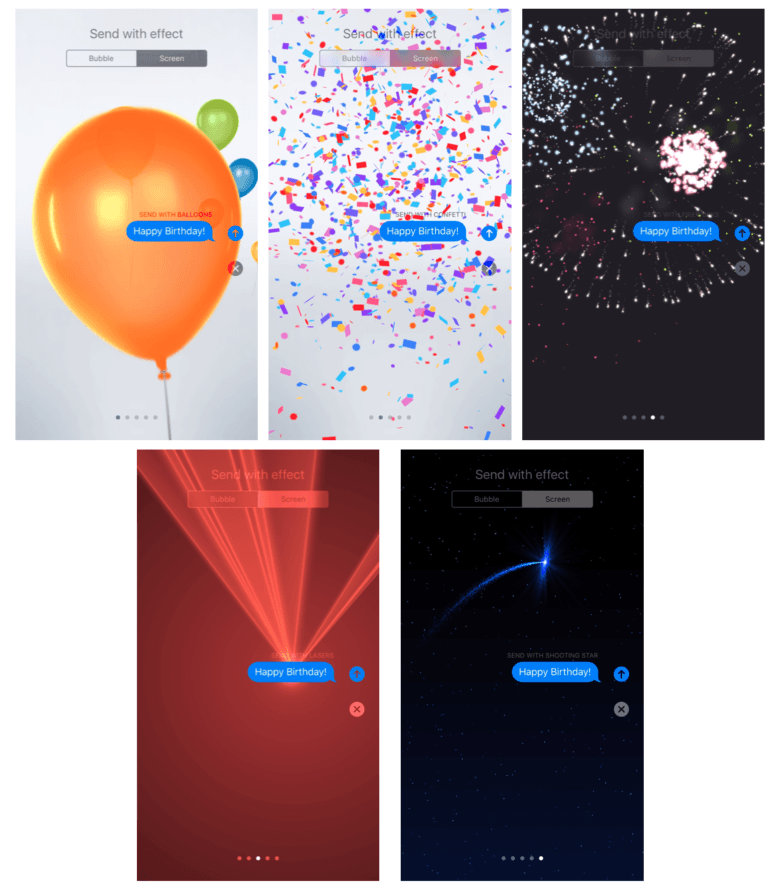
This takes you into the effects menu. Tap the Screen tab to find all the animations that are available to you, like balloons, confetti, lasers, fireworks and shooting stars. Simply swipe left and right to move between them.
Screenshot: Cult of Mac
Once you’ve found the animation you want to send, tap the blue send arrow once.

Killian Bell is a freelance writer based in the U.K. He has an interest in all things tech and also covers Android over at CultofAndroid.com. You can follow him on Twitter via @killianbell.


2 responses to “How to send animations in Messages in iOS 10”
I also found that the animation happened when someone who was not on iOS10 sent me a message saying “congrats!!!” iMessage put confetti on the message. I have not tested this again, but will. Has anyone else had this happen? Maybe if there is more that one exclamation it auto animates?
Sounds like Messages has the ability to see certain keywords and relate them to specific animations.
I hope there will be an ability to develop and distribute animations for Messages beyond the ones that come from Apple.