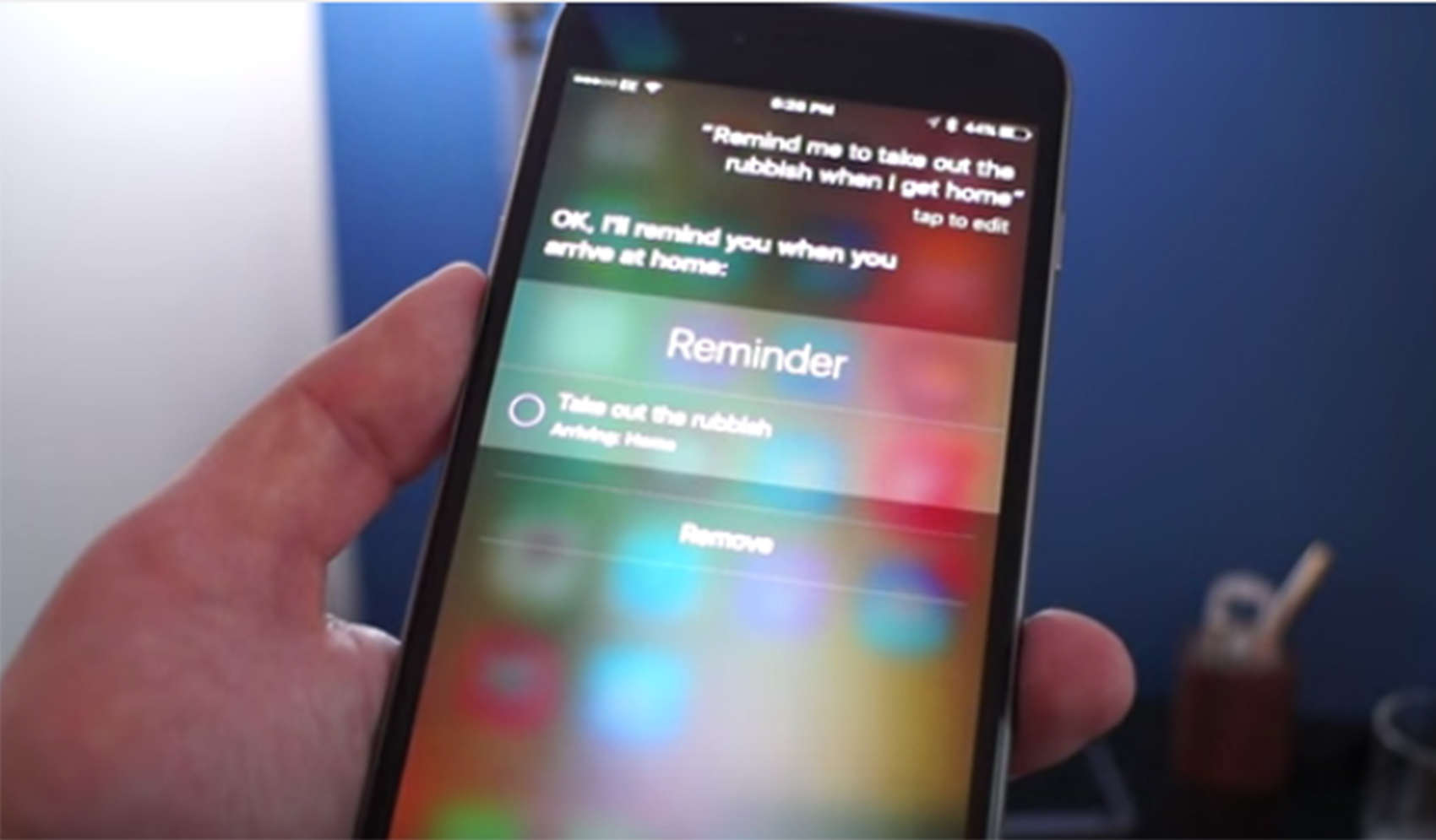
Maybe there aren’t a ton of new features in iOS 9, but you may find yourself getting tighter with Siri.
Siri is out to earn the title of “Best Assistant” with a series of new tricks aimed at making your life easier.
You no longer have to set a time for Siri to remind you to do tasks. You will automatically get reminders once you arrive or leave a location. No time to read an email or an interesting article? Ask her to remind you later and she will do so.
Siri can call up any photo you like based on a location or timestamp. She can also give you sports scores without directing you to a website, can convert measurements and, if you have a shiny new iPhone 6s, there is no need to press the home button to summon her. Just say, “Hey Siri.”
To see how Siri worked for me, check out the video below.

Ste Smith is Cult of Mac’s video guy based in the UK. Ste has been working in the media industry for over 8 years and is a keen Apple fan. Follow Ste on Twitter @stesmith10 and Facebook.


6 responses to “Siri will win you over as a trusted assistant”
The iPhone 6s Plus is my first iPhone after years of living with Nexus devices. I must say that I am extremely happy with the switch overall. The iPhone itself is a marvel of quality, and iOS has some great features that Android sorely lacks, especially iMessage.
However, if there’s one area where the iPhone really needs improvement, it’s Siri. The use of Bing for search results is an absolute joke, and the inability to change Siri’s default behavior is a huge hindrance on its usefulness. For instance, if I say, “Navigate to Home”, it opens Apple Maps, which I have no desire to use, yet there is no way to change that behavior. I should be able to force Siri to use Google Maps – or Waze, or whatever other app I want – by default. I understand that Apple wants users to use their software, but in some cases that software is vastly inferior to other alternatives. Pigeonholing Siri into using certain apps by default renders her a very poor ” personal assistant” in most cases.
Siri also seems very sluggish most of the time, particularly when using the “Hey Siri” voice command. Whenever I say “Hey Siri”, I typically have to wait anywhere from 2-5 seconds before the “ding” that allows me to start speaking. “Ok Google” voice detection on Nexus devices is much, much faster. Granted, this is Apple’s first shot at voice activation. – hopefully it will get better (faster) with age – but for now they’ve got a long way to go.
And yet, this relic can’t even play a single video in my iTunes library OR my local device. Until ‘it’ can at least do that, she STAYS in the hox…
Siri doesn’t even go into contacts to fetch my own work zip code or work phone number. Seems like this should be a no-brainer. Instead, Siri says something like “Good Question” or tries to do an internet search on the work work. I thought Siri would quickly fetch these items while I was filling out a form.
There have been many questions I have asked and Siri give me stupid responses like “Good Question” or “I also wondered that” or similar.
Apple really needs to improve Siri in my opinion.
Haha when you said “Hey Siri” towards the end, it alerted her on my nearby iPhone 6s :D
I did the same to my iPhone 6 plus.
Location-based reminders have been around since iOS 7, Ste. Oops.