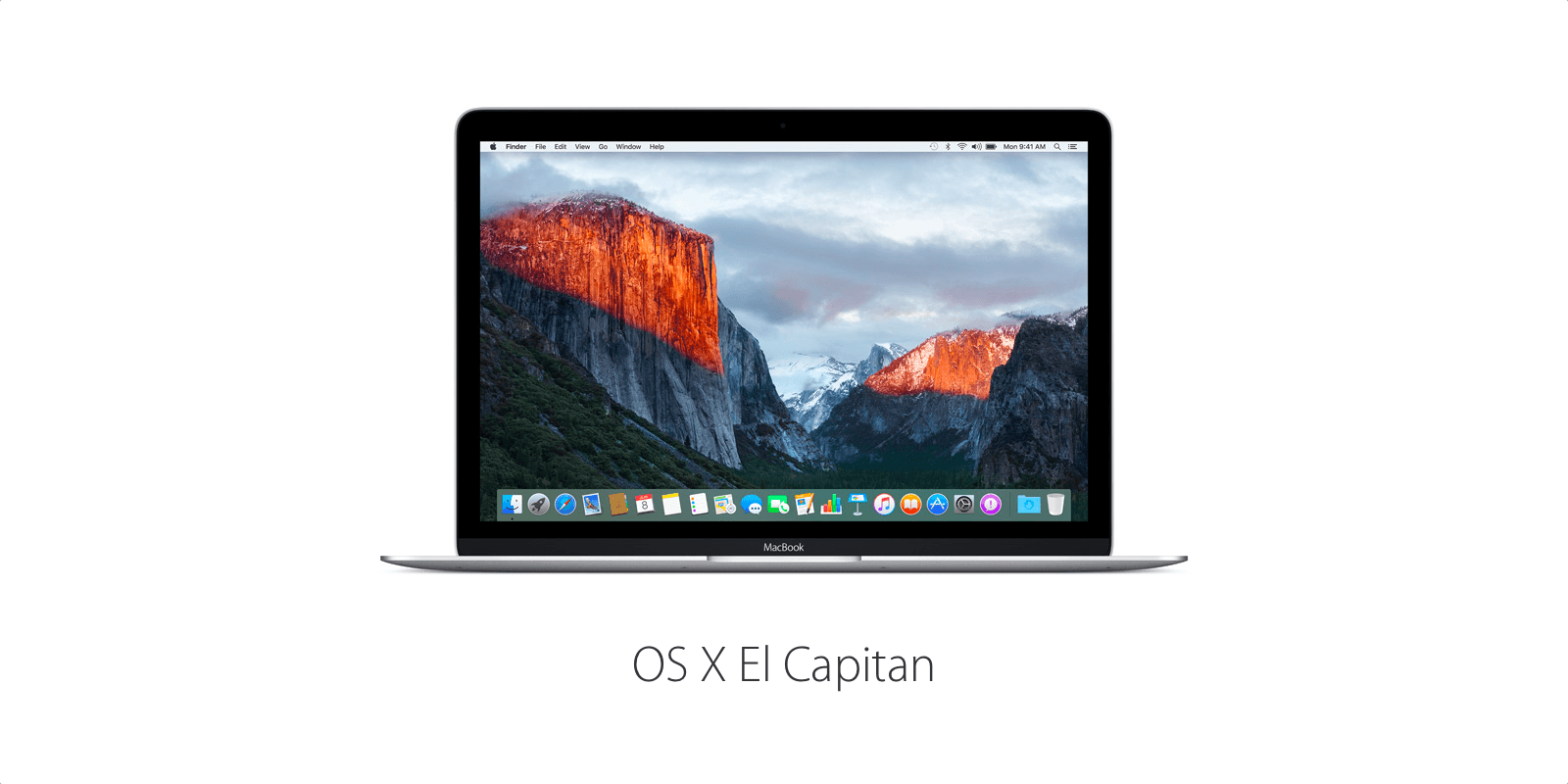
In this eighth beta for Apple OS X developers (the sixth version for those involved in the OS X El Capitan public beta), Apple continues to improve and polish the latest operating system for Mac.
Build 15A279b, as it’s cleverly named, doesn’t have a lot of notes about what’s changing, but we can assume there will be a bunch of internal fixes that may not be readily apparent to the average user.
You do need to either be a registered Apple developer or public beta tester, you need to be using a 64-bit, Intel-based Mac and running at least Mac OS X 10.6.7 to get this new seed. You’ll also need 8GB of free disk space, and Xcode 7 to develop apps for OS X El Capitan, also known as OS X 10.11.
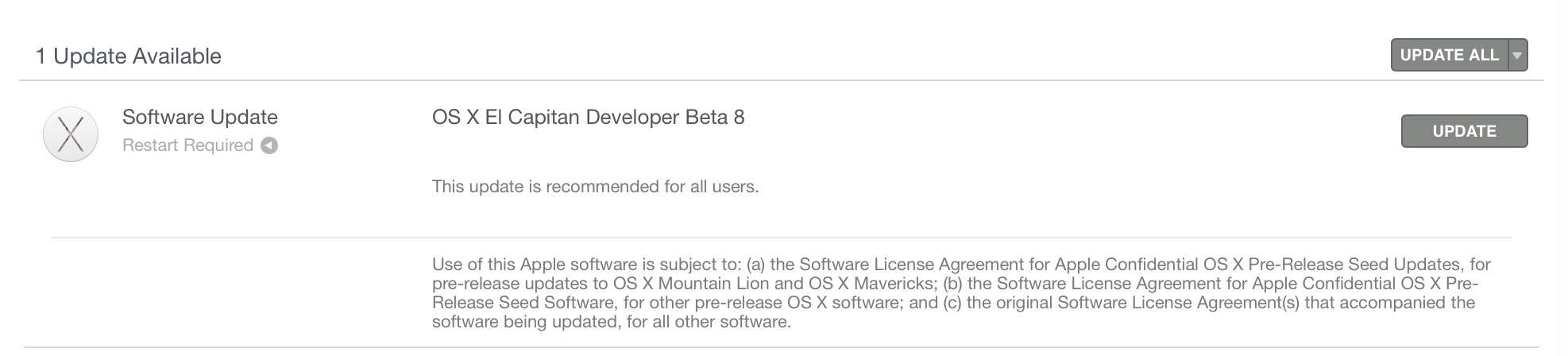
Screen: Rob LeFebvre/Cult of Mac
“If you have OS X v10.11 installed,” writes Apple on its developer page, “download this update by clicking Updates in the toolbar of the Mac App Store. If you do not have OS X 10.11 installed, use your download code on the Mac App Store to get started.”
The last several beta seeds have been pretty empty of forward-facing or visual changes. While the fifth El Capitan beta brought a new colored OS X logo in the About This Mac section, the sixth and seventh betas, like this one, focused mostly on performance improvements and bug fixes.

Rob LeFebvre is an Anchorage, Alaska-based writer and editor who has contributed to various tech, gaming and iOS sites, including 148Apps, Creative Screenwriting, Shelf-Awareness, VentureBeat, and Paste Magazine. Feel free to find Rob on Twitter @roblef, and send him a cookie once in a while; he’ll really appreciate it.


10 responses to “Under-the-hood tweaks come in new El Capitan beta”
Running El Cap beta 8 now. Wow! It’s super polished and fast. Almost ready for golden master!
Do you really experience a better performance?
Which mac are you running the new IOS on?
I’m running it on a mid-2010 MacBook Pro 15″ with 8GB of RAM, a 2.66 GHz Core i7, and a recent Samsung SATA SSD.
Believe it or not, I’m running El Cap DP8 on an early 2009 MacBook (2GHz Core 2 Duo, 2GB RAM) with an SSD in it, and it actually really runs great :-) Fantastic that it runs so well on such an old system…
El Cap is shaping up to be a terrific release…
People are going to do backflips over El Capitan. Noticeable performance improvements everywhere.
I installed it on a loaded new MacBook Pro and can’t tell any performance difference.
I’m noticing a thin black stroke around the dock. It’s barely noticeable.
the black stroke was there from the beginning.
Been running the Public Beta on a 2012 MacBook Pro, 4GB RAM. This particular machine suffered a heart attack when wine was poured over it. It refused to boot for months, and then finally booted up one day without any further trouble. However, it does not recognize its battery, so needs to remain tethered to a power cord.
I mention all of this because I expected this 2012 MacBook Pro to best my 2013 MacBook Air, but it doesn’t… not by a long shot. I know the SSD in the Air is a big factor in that, but there must be something else happening because the Pro is slow as a slug. I continue to wait for it to be a good ol’ speedy Mac. Guess there really is something else wrong with it internally, and it’s not just the debug-enabled Public Betas. :)