The remote camera shutter and viewfinder is one of the most useful Apple Watch features, but there’s just one problem: It only works with the default camera app.
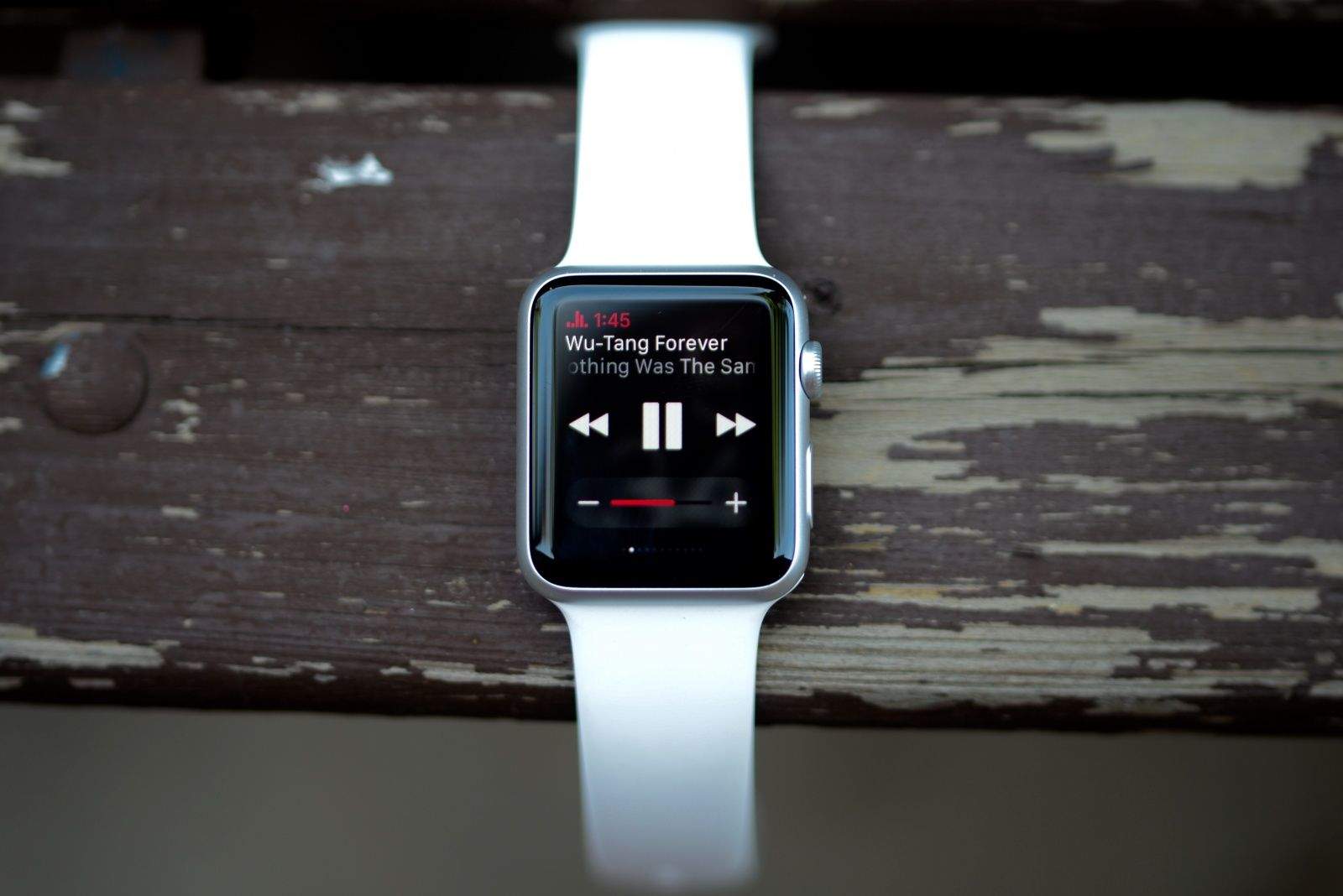
Apple hasn’t opened up the remote shutter API to developers yet, however, there’s still a way to turn your Apple Watch into a remote shutter for apps like Snapchat and Camera+. Instead of using the remote shutter app, you can actually use the volume slider in Music glance to snap pictures with your iPhone.
It’s super easy. Just follow these steps:
- Open Snapchat or Camera+ on your iPhone
- Launch into the main camera view.
- Swipe up on your Apple Watch to bring up glances
- Swipe into the Music glance
- Turn the Digital Crown or press Volume + to snap pic remotely
Oddly, the trick doesn’t work with the native iOS camera app. So far we’ve only been able to get the trick to work with Snapchat and Camera+, but there could be other apps that support it.
Via: Reddit

Buster Hein is a freelance writer who lives in Phoenix, Arizona. Twitter: @bst3r.

