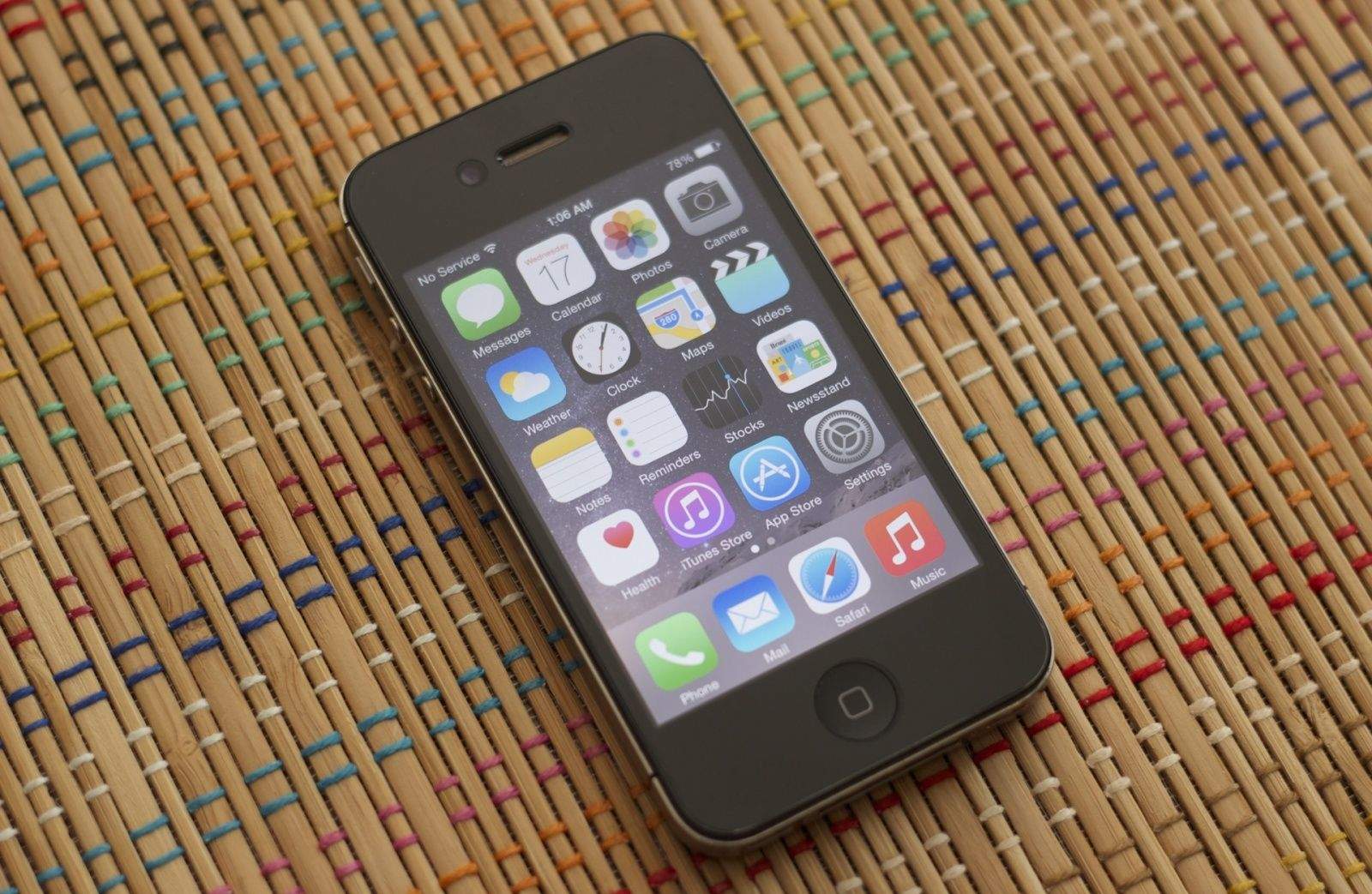
When Apple first released iOS 8 to the general public, more than a few people with older devices such as the iPhone 4S, iPad 2, and iPad mini noticed that it slowed their devices down to a crawl.
When Apple released iOS 8.1.1, they promised that the update would fix some of the speed issues that iOS 8 had on older devices.
So how’d it work out? iOS 8.1.1 is sometimes an improvement. Sometimes, but not always. And even then, it’s not a huge leap.
Over at Ars Technica, they put the iOS 8.1.1 firmware to the test against the iPhone 4S and iPad 2, comparing it to iOS 7, and iOS 7.1.2. Here was their testing process:
We loaded some apps on the phone three times each, manually closing them between runs and timing them with a stopwatch. We averaged the three times to get our final result. On this count, iOS 8.1.1 changes little for users with Apple A5-based devices. App load times are basically the same as they’ve been since the iOS 8 update, and they’re still longer than they were under iOS 7.1—Safari is the only one that shows any sign of change that can’t be explained by the margin of error, and it’s still not a big one.
Knowing that the iPhone 4S and iPad 2 only have 512MB of RAM, Ars also tested how fast they could reload tabs after they’d been purged from memory. In this test, there were some improvements, but Ars ultimately decided that the update didn’t really help past the margin of error for app launches, UI sluggishness, or light multitasking loads.
So the takeaway? If you have an iPhone 4S or iPad 2, you are still going to radically degrade performance if you upgrade from iOS 7 to iOS 8.1.1. So don’t do it unless you have a seriously good reason to.
Source: Ars Technica

John Brownlee is a writer for Fast Company, and a contributing writer here at CoM. He has also written for Wired, Playboy, Boing Boing, Popular Mechanics, VentureBeat, and Gizmodo. He lives in Boston with his wife and two parakeets. You can follow him here on Twitter.


48 responses to “Got an iPhone 4s or iPad 2? Why you should never upgrade from iOS 7”
I’d have to dissagree for the 4S. My wife’s 4S actually runs pretty well on iOS 8.1.1. It was kinda sluggish before hand, but this update really helped.
Of course, I tried the same thing on my iPad 2, and the results were not as good. iPad 2 should stay on iOS 7, I agree.
Um…. you do realize they have the same internals right? Right?
Do you realize that if they have the same internals and the resolution ont he 4s is lower it will be faster don´t you?
#1 – The resolution on the iPhone 4s is lower. Slightly. (614k pixels vs. 786k pixels)
#2 – It “is” possible that the iPad 2 be “slightly” slower than the 4s because of this. IF the A5 chip is having a hard time pushing a few more pixels.
I wonder if he’s talking about games when he mentions slower? Or just general app openings and closings. If it’s “not” gaming he is referring to, I can’t imagine there should be any difference.
Total BS. I use an iPod touch with the A5 chip in it and it works perfectly fine. People who say it cannot work are idiots.
Nobody said it cannot work. Just that IOS 8 is slower than 7 on those devices.
It “works”, it just works terribly… iPad 2 and iPhone 4s are nearly unusable.
oh, I must tell that to my 4s I’m using at the moment … they work fine, yes they are a wee bit slower but in a way I don’t notice in a day to day basis – saying they are nearly unusable is nonsence
Whatever…. I have one in front of me right now as well…. about 60% of the time I have to keep swiping the screen to unlock (usually takes 5-6 swipes). Apps start SIGNIFICANTLY slower than they used to on iOS7… and start even slower than they used to on iOS6.
My friend has an iPhone 4s with iOS6 on it still… it’s almost laughable how slow mine is compared to his.
I agree with this!
Wife’s phone is still on iOS 6.x. Want to update so we can do family sharing easier, but if 8.1.1 lags THAT much, not sure if I want to upgrade to it..,,
I wish I had never done the downgrade from ios6 to ios7 my 4s took awesome photos and had very few bugs, now it is like using an old pc.
What a Croq of
Personally imo anything older than the 4S shouldn’t even be able to download iOS 8. Many games designed for iPhone 5/6 should not even be viewable for download on the App Store! This idea owners of old devices have that everything should be supported on there device is ridicules! Just like iPad apps don’t show up as available on iPhone App Store. If it can’t run the way the developer planed than it shouldn’t be able to be installed! Developers shouldn’t have to put device requirements in the info. The App Store should filter on its own. I get so sick of the newest most graphic intensive games coming out and iPhone 4 owners complaining rating 1 stars because of crashes! People actually expected zen garden to work on a iPhone 4…. Can you say short bus!
Totally disagree … my iPhone 4s 16GB operates just as well on iOS 8.x as it did on any version of iOs 7.x or 6.x … it is apparent that the “slow to a crawl” situation is not universal …
good to know. i have been debating upgrading the OS on my 4S. I may do so.
I’ll warn ya… you’re gonna like iOS8 ALOT… but not on your phone. I wish I woulda stayed at iOS7.
Please elaborate.
Stop!✋
RDF much??
I have a 4s on 8.x and have a friend with his on iOS6. It’s almost laughable how much faster his is than mine. Apps on mine take at LEAST twice as long to open.
Evernote?? Mine takes probably 8-9 seconds. His? 4-5. App after app after app… his opens and closes them SIGNIFICANTLY faster than mine.
Apple was sneaky and revamped how Pages worked in iCloud, so I pretty much had to upgrade to iOS 8 if I wanted to continue to write using my iPad and have my docs synced. Now I’s slow as Christmas even with 8.1.1.
Inaccurate.
The iPhone 4S I have is on par with the speed on my 5s, my girlfriends iPhone 4s works great on the newest update too. Your phone probably failed and want to blame it on the software.
Your iPhone 4s is as fast as your 5s?? What are you smoking anyhow?
Yeah, I fucked up. I meant I can use it with no problems. Maybe a second more when loading safari or two when loading a podcast. But Is not a slug.
Yeah, yeah, sorry.
lies
People don’t just go in the internet and lie. Who would do that?
Two things: 1. Apple has a terrible track record of releasing .x.x security updates for OSes that aren’t their latest and greatest. I can think of a couple exceptions but those are exceptions, not the rule.
2. Isn’t this article a little late seeing how we can no longer downgrade (appropriately) to iOS 7 if we’ve taken the iOS 8 plunge?
I have to say most people have already done the terrible deed, so this is a little after the fact!
I updated my 16gb 4s on launch day and immediately hated ios8, my main reason for jumping was icloud drive focusing mainly on the photo side of things…..
We know how that turned out dont we!
Well its still useless and it has overall tainted my view of apples ‘rock solid’ os’s however that aside my 4s runs fine, I haven’t really noticed any performance lag and since this update fixed the copy/paste issue i’m quite happy with it.
I do think it dosen’t work well on all 4s’s tho, god knows why? But its a gamble, i’m glad I did but the whole photo cloud drive thing has left a bitter taste in my mouth.
As for my ipad 2 theres not a chance in hell that i’ll install it on that, i guess its forced hardware upgrade time :(
My iPad 2s (multiple) are all humming along very nicely running the latest version of iOS.
Really! Your saying don’t upgrade your 4s based on the fact it takes a couple of milliseconds longer to open/close an app. You need to get out more and find something more interesting to do with your time.
Milliseconds? How about seconds?
Can the notification that there’s an update available be turned off on devices you don’t want to update? That drives me nuts if it shows all the time and I don’t want it. Has Apple implemented a way to turn off update notifications?
Today the Notification popped up with the “Don’t show this again” option on it
Reading over these comments I have noticed that the people having the most problems own the cheapest versions of both iPad 2 and iPhone 4s, These are the same people I find who also complain about how “Bad” iPhones are and start touting Androids etc… because they buy the cheapest and over load them with Apps and photos etc,.. as if a 16 and 64 are only different in price etc.. I have had no troubles with my iPad 2 with this update so far, its a 64g, my iPhone 4s is also a 64 and would like to hear from those who own one also. I am still Hesitant after OS 4 killed my 3g and Apples remedy was “You can buy a new one”. I have very little interest in buying an $900 iPhone right now but I have also updated many of my Apps and they being redesigned to perform under OS 8 some are stuttering a bit and I imagine that is from running them under OS7.1 and on a 4s still.
8.1 did noticeably slow down my 4S (64gig). It was so painful at times that I was sorry to have upgraded. However 8.1.1 made a such a huge improvement over 8.1 that I no longer have regrets. 8 might be a little slower than 7 but the new features make up for that for me.
My iPad 3 (64gig) fared much better under 8.1. However, I’ve since passed it on to my wife and upgraded myself to an iPad Air2 (128gig). This reminds me that I need to get her iPad up to 8.1.1 anyway.
Good to know, giving it another week or so before I go for it on the 4S as I just realized the 6 doesn’t com in White!!!
I upgraded my wifes 4S to 8, no problems. Works fine and does not seem noticeably slower.
i upgraded my iPad 2, by doing a full factory restore, and it is working great. maybe even faster than iOS 7
I upgraded to iOS 8 on my iPad 2 and found it to be very sluggish. I did a clean install and it runs fine now. The touch screen,which at times was not responsive, is now working great.
My iPad 2 was relegated to the closet after the iOS 8 update. Tried the 8.1.1 update and voila… The iPad 2 is totally useable again.
Nice scaremongering article. iOS 8 adds plenty of new features so it’s normal for the phone to take a little performance hit. Having had this phone for about 3 years, I myself am happy it’s still getting such updates, no reason to stay on iOS 7.
My 4S runs ok on iOS 8.1.1. Every now and then it will be slow to open an app, and sometime it does seem a tad sluggish. It is to be expected. There are a lot more features in iOS 8 than in iOS 5, which seemed blazingly fast on the 4S, when I first got my phone. These features cost CPU time. The old A5 is getting long in the tooth. With the extra capability that 8 brings, it is worth it, for me.
I expect that this is the last major upgrade that I’m going to do with this ol’ workhorse of a phone. I like the feature set, and would be surprised if newer versions of iOS add much in the way of capability to this old hardware. I have no problem being way behind the crest of the technology curve; My 4s should last me for a few years more.
Just wait for the 8.1.2 miracle update, where they seem to fix virtually all issues XD
> If you have an iPhone 4S or iPad 2, you are still going to radically degrade performance if you upgrade from iOS 7 to iOS 8.1.1.
And don’t forget that iOS 7 itself made performance worse than iOS 6. Apple’s dropped the ball on mobile interface, performance, etc.
Is it a way to undo the upgrade to 8?
Don’t forget about the iPad mini, it has the same hardware as the iPad 2..
“Upgraded” my iPad 2 to 8.1.1 because I upgraded to Yosemite and iCloud-drive was no longer compatible with iCloud on the device. I use Pages often and the change forced me to 8.1.1. to be usable across all devices, plus I have a 6 Plus on the way. Too bad. The result is a huge FUBAR.
Now, typing on the thing is often intermittant, the accessing of sites on the ‘net is frustratingly slowed, and I no longer have cellular connection at all. If driving us to a new device because the older one works too well is the goal of Apple (and I think it is), then fudging up the older one to sell newer ones is not my favorite marketing strategy. If I am wrong, then why does the company not issue a path back to iOS 7, as they did for a couple weeks at the beginning of the change over process?
I’m keeping my wife’s 4S and original Mini off 8 for now.
Apple was named after the Apple Shaped Torus Vortex. The immortal self regulating energy of all things in the cosmic chain. The same reason the Freemasons who crossed the Northern Atlantic named their new found world they were creating The Big Apple. Freemasons ritually shoot the apple off of a fellow mason’s head symbolizing the destruction of self and realization of immortality. 33rd degree graduation. 33 is the number of vertebrae in the spine. Each spine is a degree. Through meditation kundalini energy moves up the spine and gathers freeing the pineal gland opening the apple shaped torus vortex. Self realization and universal realization. Harmony. Apple means knowledge. Hidden knowledge. Now go dig it up folks.