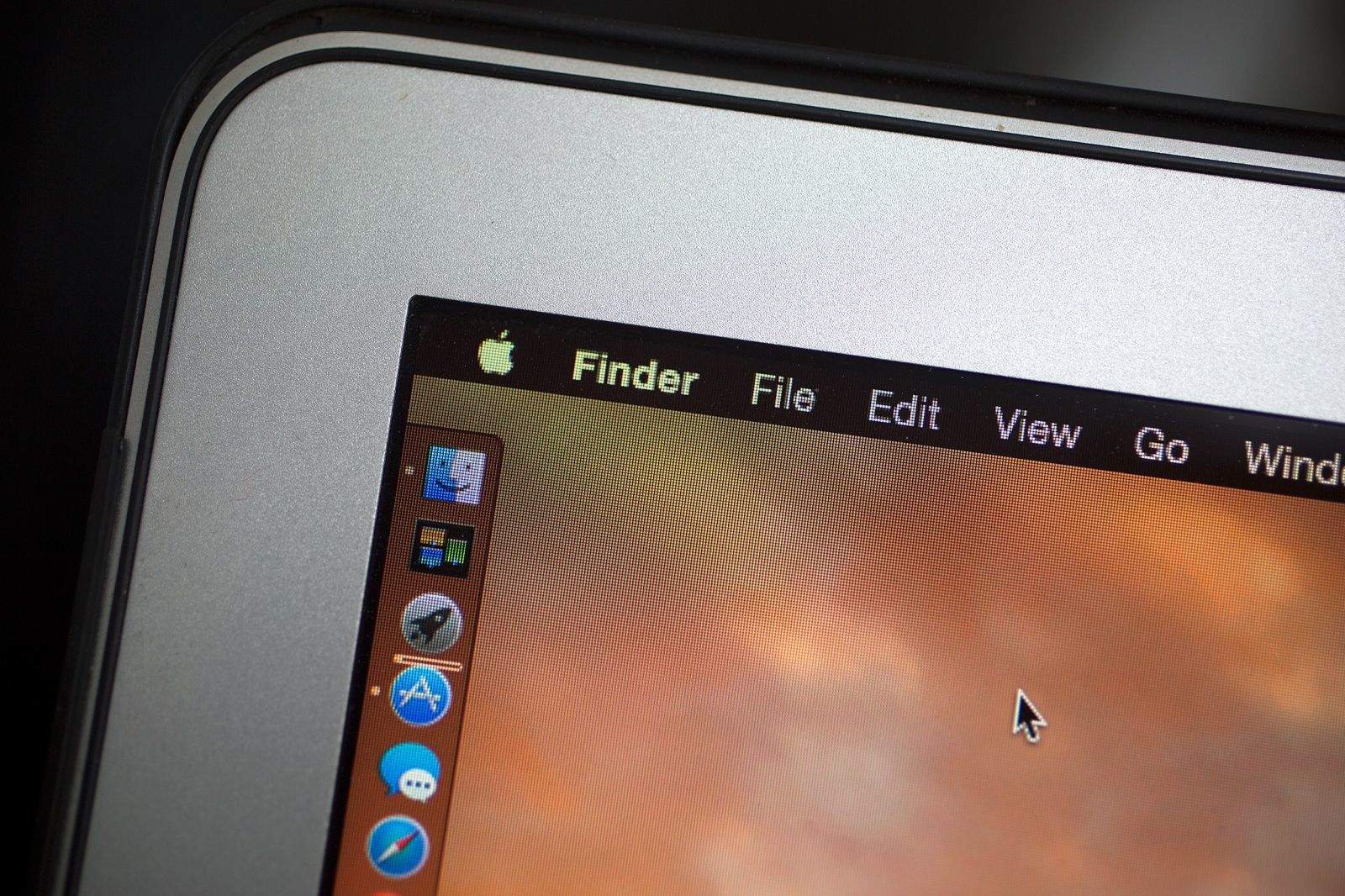
Yosemite’s new Dark Mode is one of my favorite new features in OS X 10.10, but toggling it on and off can be a pain.
Apple didn’t include a hotkey combo that lets you switch from Light to Dark mode, but with after digging through Yosemite’s code, someone has discovered a single line of code you can paste into Terminal that will allow you to dynamically switch to dark mode without digging through your System Preferences each time.
Here’s how to do it:
1. Open Terminal
2. Copy and Paste the following into the command prompt: sudo defaults write /Library/Preferences/.GlobalPreferences.plist _HIEnableThemeSwitchHotKey -bool true
3. Log out of your Mac and log back in.
4. Hit CTRL+OPT+CMD+T to toggle Dark Mode off and on.
Source: Reddit

Buster Hein is a freelance writer who lives in Phoenix, Arizona. Twitter: @bst3r.


17 responses to “Toggle Yosemite’s dark mode quicker with this little hack”
dark mode still seems wasted as it doesn’t darken much. It would have been nice if it made all OS windows dark, like Safari, messages, etc.
Great hack. Thanks for sharing.
Wouldn’t it be easier to go to Preferences > General and click use Dark Theme Checkbox??
you have to do that everytime you want to switch. if you like switching between both, it’s much easier to just hit CMD+OPT+CTRL+T each time.
How often do you switch? just find the mode that you like and stick to it
How on god’s green earth is it easier to press “CMD+OPT+CTRL+T each time”?!?? That’s a 4 button combination if you didn’t notice Buster. It doesn’t exactly scream “intuitive” or easy for that matter. Good luck executing that with 1 hand.
I’ll just stick with Preferences>General>Dark Mode
Have you even tried hitting those keys? You must be a real clutz if you can’t easily & quickly do it. I can do it by depressing CMD/OPT/CTRL with two fingers of my left hand …. and T with one finger of my right hand … and it takes 1 to 2 seconds.
wish people would stop misusing the word ‘hack’
How about a menu bar click https://github.com/nirbhayg/NinjaMode/releases
Can someone find/figure out a hack to turn off the Macbook Pro’s display with the lid open while connected to an external monitor on Yosemite?
Such as the terminal command mentioned on this site: (which I might add no longer works on Yosemite)
http://www.cultofmac.com/176329/turn-off-internal-lcd-display-of-your-macbook-air-os-x-tips/
It takes 3 steps to enable dark mode……..Not a hassle.
Is there a way to undo this? I tried this and now I’m getting all kinds of errors from 3rd party apps.
You could also just type “dark mode” into Spotlight.
Dark Mode makes the text in menus look weird for me. It makes it pixelated (so much that I don’t even want to use Dark Mode, it’s too noticeable)
Also, I really think Apple should expand Dark Mode to affect windows as well. It seems kind of pointless to make it just apply to the menu bar and Dock.
There was an app called Nocturne that was super easy to use and it would darken just the menu bar. I don’t think it works with Yosemite.
Super toggle switch! In my case no problem with 3rd party app on notification centre or menu bar
it seem that switch function works for every display individually. I am working with two displays and switch works only on currently active screen :) on another display remains previous mode of menu bar