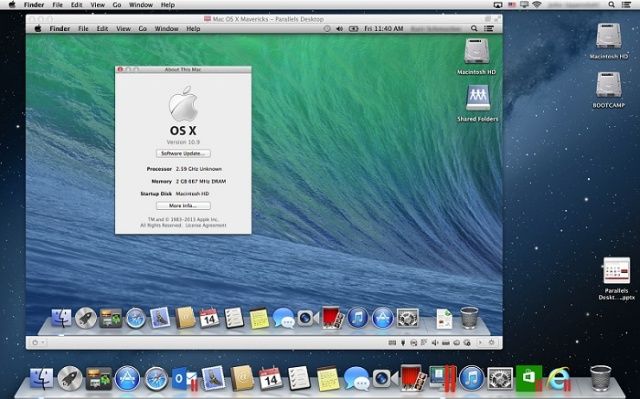
Testing a beta version of OS X 10.9 can always be risky, but to mitigate the possibility of losing all your data thanks to a crazy bug, you can always try running Mavericks in a virtual environment.
Parallels just announced that developers can install the OS X 10.9 Developer Preview in a virtual machine by using Parallels Desktop 8. To help users get started using Mavericks in Parallels, the Engineering team published the following guides:
- KB 116282: How to install OS X 10.9 Mavericks Developer Preview in a virtual machine
- KB 116259: Start Parallels Desktop for Mac on OS X Mavericks
OS X Mavericks is only available to registered developers right now, so if you’re not an Apple developer you still won’t be able to check out the new features through Parallels and will have to wait until this Fall to try it out for yourself. However, you can check out our preview of Mavericks to see everything that’s new.
Source: Parallels

Buster Hein is a freelance writer who lives in Phoenix, Arizona. Twitter: @bst3r.

