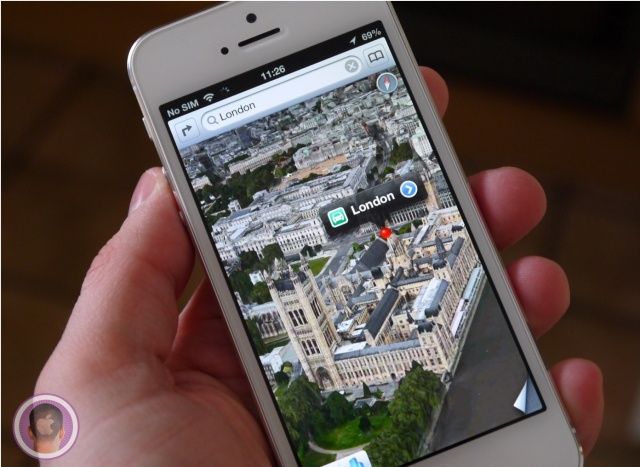
Using map apps on the iPhone can be a pain when you’re trying to zoom in to check out some specific detail of where you’re going.
Usually you have to use one hand to hold your iPhone and the other to pinch and zoom, but Google just made an awesome new zooming gesture that only requires one hand and one finger.
Here’s how it works:
All you do is double tap the screen, but hold your finger down on the second tap. Then slide your finger up and down to zoom.
It’s so simple it’s brilliant, and I’m already bummed that Apple doesn’t have this gesture in Apple Maps yet.
Source: BI

Buster Hein is a freelance writer who lives in Phoenix, Arizona. Twitter: @bst3r.

