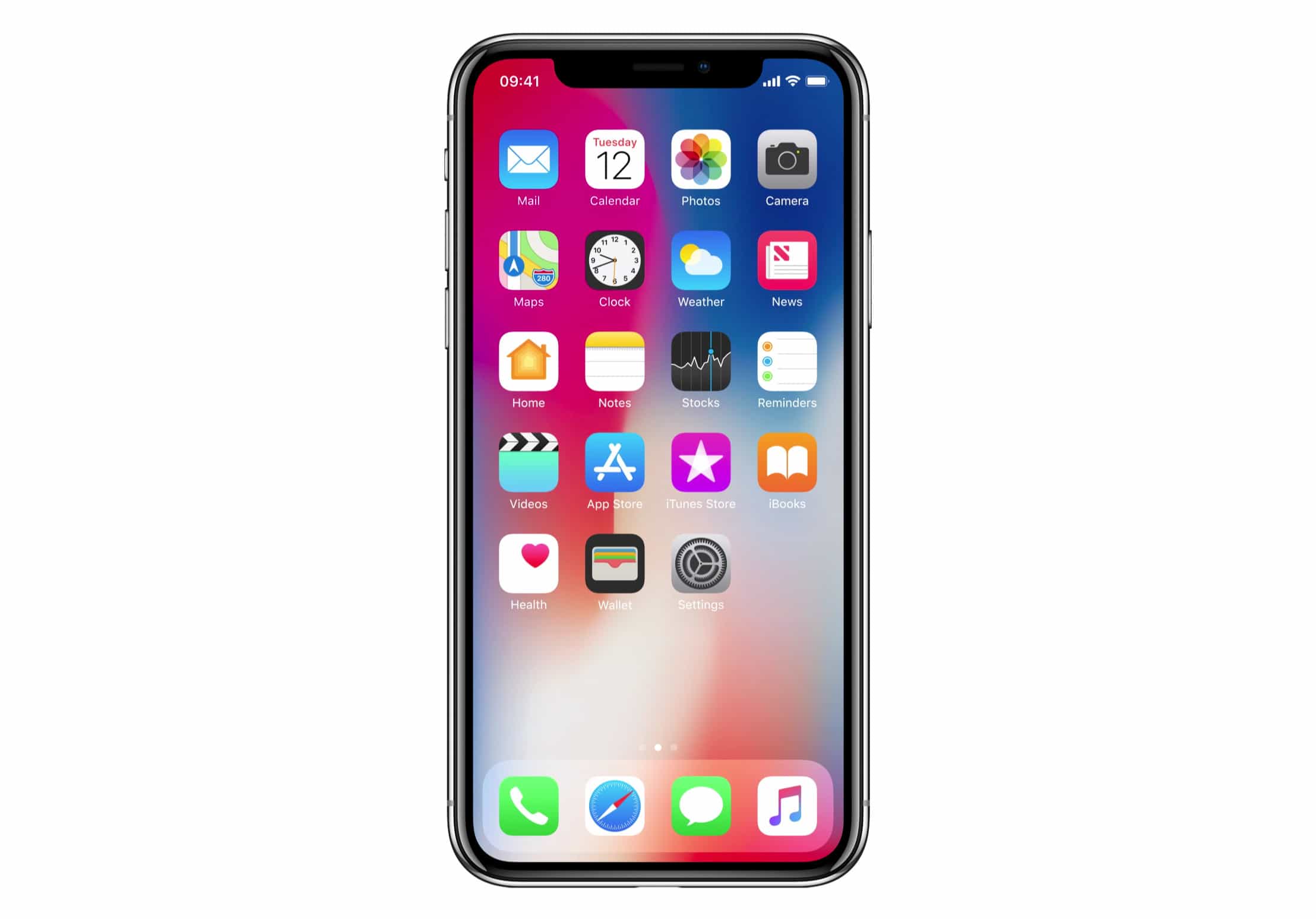
Apple has made a bunch of user interface improvements to accommodate iPhone X. One of them is a new app switching gesture that looks glorious on the handset’s edge-to-edge OLED display. See it action in the video below.
We still don’t know exactly how iOS 11 will work on iPhone X’s new Super Retina HD display, or how it will handle the “notch.” We got a preview of the changes Apple has made during its iPhone X keynote, and a recent hands-on video revealed more.
App switching is glorious
But there’s plenty left to discover. In the brief clip below, we get our first look at iPhone X’s new app switching gesture. It works by simply swiping from one corner of the display to the other. It’s simple and intuitive, and thanks to a swanky animation, it looks glorious.
App switching on iPhone X looks pretty smooth. (via https://t.co/mXpNJhOwzw) pic.twitter.com/Lf9X3twx58
— Webastiaan the Sith (@sdw) October 25, 2017
The gesture is useful for switching between the apps you have used most recently. But of course, you’ll want to use the full app switcher to access titles you opened earlier, that aren’t easily accessible with one or two swipes.
iPhone X lands next week
iPhone X will be available to pre-order this Friday, October 27, from 12:01 a.m. PDT. You’ll be able to order online at apple.com, or through the Apple Store app for iOS. The device will make its official debut next Friday, November 3, and some units will be available in Apple Stores.

Killian Bell is a freelance writer based in the U.K. He has an interest in all things tech and also covers Android over at CultofAndroid.com. You can follow him on Twitter via @killianbell.


6 responses to “Look how beautiful app switching is on iPhone X”
That is glorious? Seriously?
YA, Not seeing it as “glorious”, but it’s smooth.
It gloriously highlights the unsightly notch.
Nokia N8 was the first phone to try gestures instead of buttons. It was such a beautiful phone.
OR, you could just swipe along the bottom bar without lifting your thumb up.. You know, like Craig F showed in the keynote?
I prefer the other way