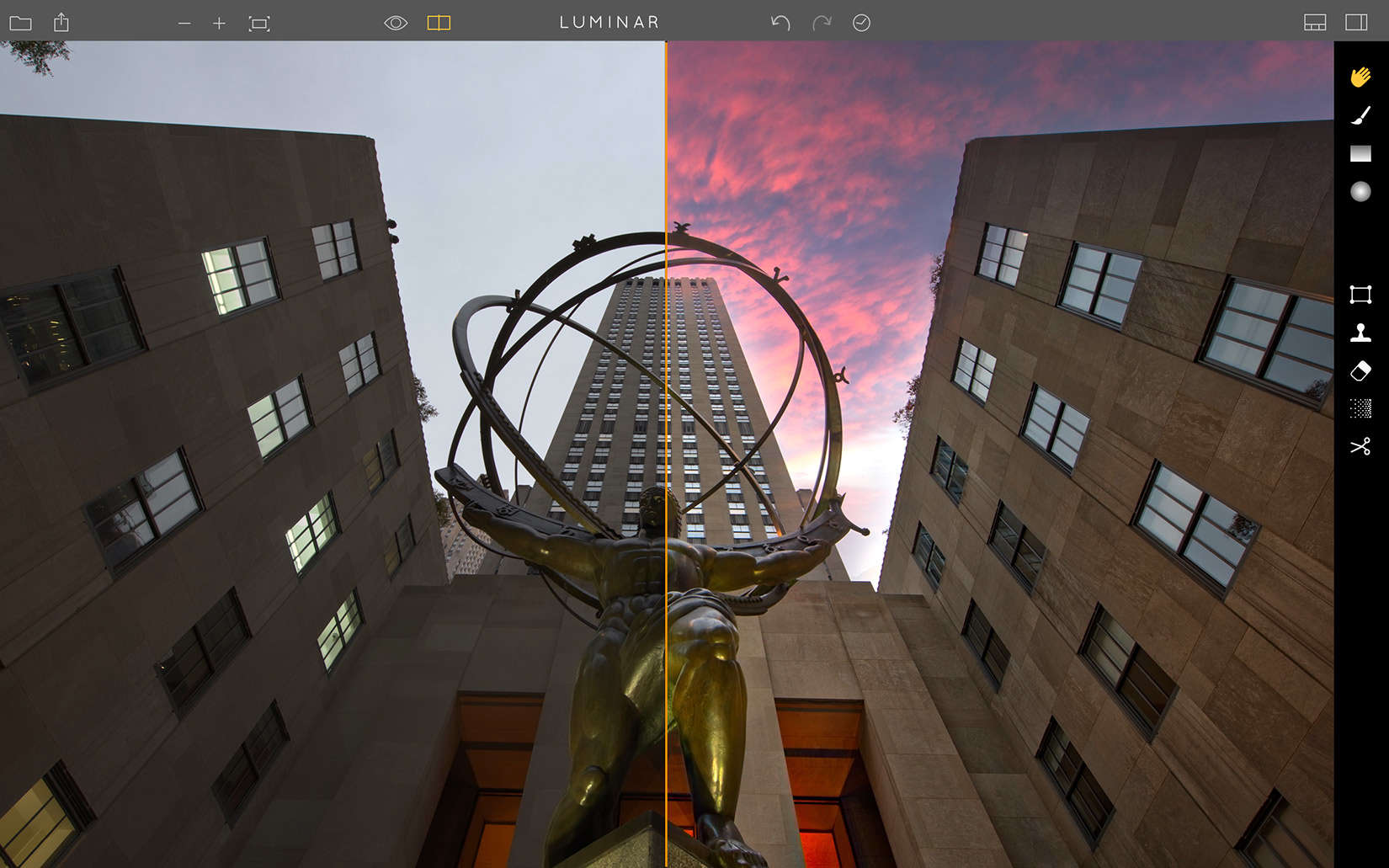
If Apple has made photography for the masses easy, then Macphun wants to knock down remaining barriers that might keep some from using software to bring creative style to those photos.
It’s latest Mac-based photo editing software, Luminar, is its first all-in-one app that will include a variety of features to help photographers of all levels make corrections and bring creative finishing to their images.
Luminar is available for pre-order now through Nov. 17 at the discounted price of $49 for current Macphun software owners or $59 for new users. After Nov. 17, the price will be rise to $240.
Macphun has been producing photo software since 2008. Advanced photographers appreciate the full range of tools in the Macphun apps while less experienced photographers intimidated by programs like Photoshop appreciate the one-click presets and slider bars to achieve stunning finished images.
[contextly_auto_sidebar]
Macphun has a customer base of more than 35 million users and some of the apps in its creative kit include a special effects studio, HDR and advanced black and white processing, noise reduction and Snapheal, a quick way to remove unwanted objects.
Luminar brings together some of those same tools with an interface for both basic and advanced photographers.
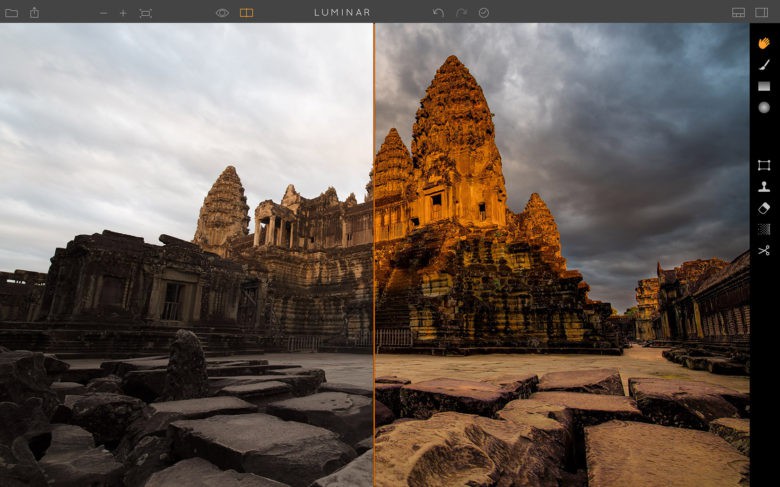
Photo: Macphun
It includes 35 customs filters with built-in visual tips to help users improve the look of a picture, 50 one-click presets, selective masking tools to edit portions of a frame, noise reduction and object removal tools, batch processing, and RAW file support.
It can be used as a stand-alone app, although it can also be used in Apple Photos, Photoshop, Lightroom, and Aperture.
“(Luminar) is a broad solution but is also actually deceptively advanced,” Macphun vice president Kevin La Rue told Cult of Mac. “We definitely tapped into key features of our other products, but the way we combined them in Luminar (filters, workspaces, and layers, masking presents, etc) is pretty cool.”
An in-depth look at Luminar is available here.

David Pierini is a former newspaper writer and long-time photographer. Considered a luddite by most of his friends, they did not believe him when he broke the news that he would be writing for a technology website. He is fascinated by human nature and would love to cultivate stories about the people driving the tech bus. Reach out to him at [email protected].


8 responses to “Luminar takes the negatives out of photo editing”
It’s a new turn for Photo Editing, Really Nice. It’s help us to learn some more about Photoshop. By the way I am working with a outsourcing company. I am really Happy to read this blog.
Do you think Luminar will be useful for both basic and advanced photographer?
After 5 years I quit my last job and that decision changed everything for me… I started doing a job from home, for this company I discovered online, for a few hours daily, and my income now is much bigger then it was on my previous work… My last month check was for 9000 dollars… Great thing about this work is that i have more free time for my family… KORTA.NU/MDe
Nice to hear your story. Best of luck!
Do you use Luminar for photo editing purposes?
Yes, I use @jamila_james:disqus . You can also visit my site for some of editing photos there. Just copy the name and post your browser: Clipping Creation India.
Thanks for your reply :)
Thank you!
Thanks for your post. I think that thanks for valuable information and insights you have so provided here prime style reviews.