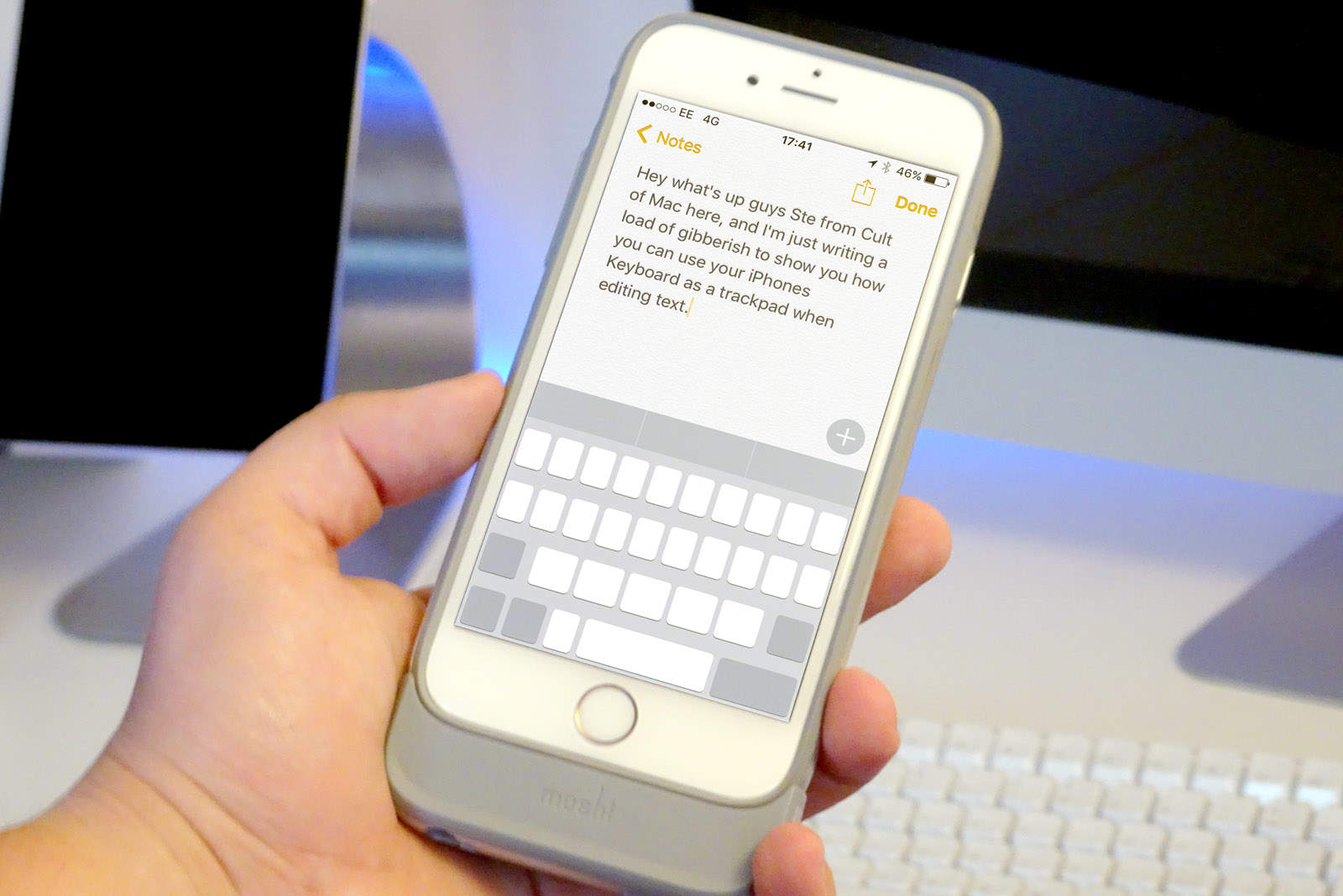
iOS has come a long way over the years, but trying to place your cursor accurately when writing and editing text is still a little awkward because you’re covering the text with your finger while trying to swipe across with the magnifying glass.
Well, thanks to 3D Touch, there’s a hidden trick within iOS that makes this easier. Check out this week’s Quick Tips video below to see it in action.
Make sure to subscribe to Cult of Mac on YouTube so you don’t miss any of our videos.

Ste Smith is Cult of Mac’s video guy based in the UK. Ste has been working in the media industry for over 8 years and is a keen Apple fan. Follow Ste on Twitter @stesmith10 and Facebook.


2 responses to “How to use your iPhone keyboard as a trackpad”
Soooo…pretty much only on the iphone that has the lowest adoption rate ever? Got it.
Hopefully 3D Touch will stick around by the time I actually buy a new iPhone because it is also the feature that most developers don’t even care about because even people that know about it have no desire to use it.
um, didn’t get a trackpad when I held the keyboard pressure