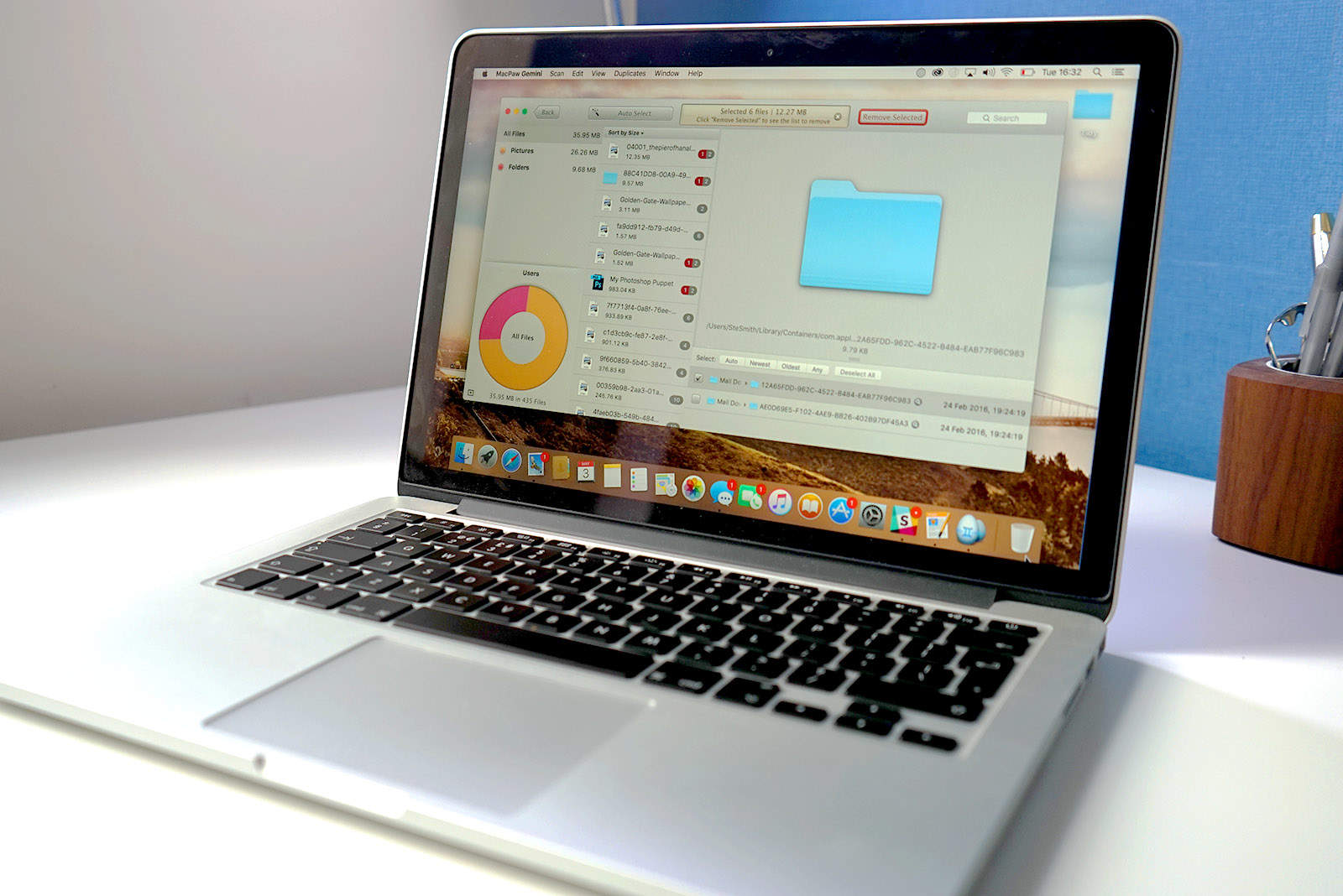
No matter the size of your Mac’s hard drive, there will come a time when you need to free up some space. Having a full hard drive can make your Mac feel sluggish, and running out of space can be terrifying.
Sifting through your archive of files may seem like a daunting task. But don’t fear — these three super-simple and effective Mac disk cleanup apps can help you out.
Check them out in the Cult of Mac video review below.
CleanMyMac 3 makes cleaning your Mac even easier
New features in the latest version of CleanMyMac make it incredibly simple to get rid of Mac files you don’t need. If your Mac is jam-packed with trash, you can delete gigabytes of junk files in no time flat.
The apps shown here will get your computer feeling clean and ready to go. Freeing up plenty of space on your startup disk can result in your Mac feeling snappier than before, so it’s definitely worth doing.
Download Mac disk cleanup apps now
Ready to get started with your spring cleaning? Download one of these Mac cleaners OmniDiskSweeper (free) or DaisyDisk ($9.99, with a free trial), and/or duplicate-buster Gemini ($9.99, with a free trial), to free up Mac hard drive space today.
For more great video tutorials, reviews and how-tos, subscribe to the Cult of Mac YouTube channel.

Ste Smith is Cult of Mac’s video guy based in the UK. Ste has been working in the media industry for over 8 years and is a keen Apple fan. Follow Ste on Twitter @stesmith10 and Facebook.


4 responses to “Spring clean your Mac with these awesome apps”
Sure, install more apps to clean stuff up. Ummm something wrong with that.
I know a free app. I used to find useless duplicates and old/large files before, it’s named MacClean. Maybe have the similar features you said in this post.
DaisyDisk helped me hunt down almost 42GB of space that I could free. Random cache files, message attachments, old defunct email archives.. Very useful!
I would like to recommend the free app MacClean – with just this one single app, all cleanup and optimizing work can be done easily. Not just cleans system junks, it also gives 10 small utilities to remove useless space-hoggers, like old large files, unwanted iTunes backups, duplicates, unused language files, unwanted apps etc. It cleaned out 5.03 GB on my first run. That’s really a lot.