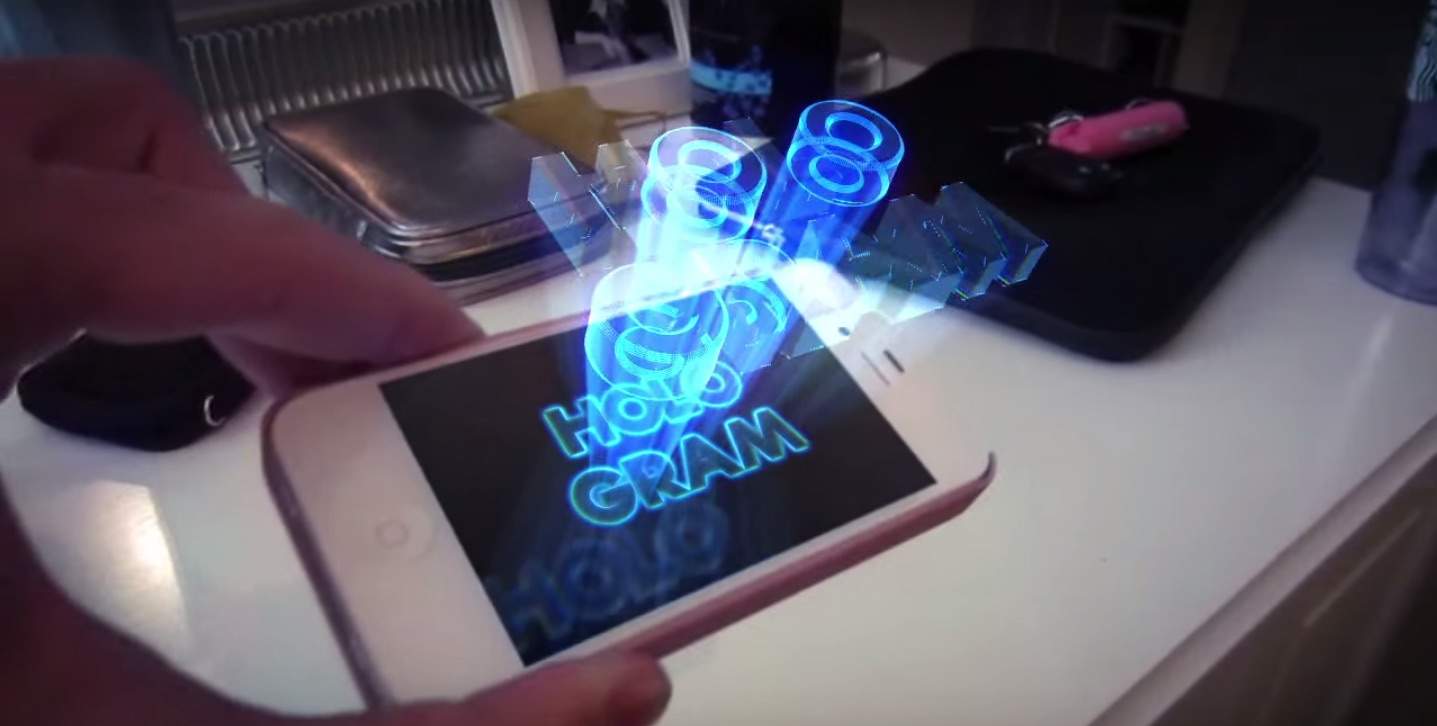
We’re going to be waiting a few years (or decades?) before Apple gets around to adding holographic displays to the iPhone, but did you know there’s actually a wicked-simple trick that lets you turn your iPhone into a hologram machine?
This isn’t the work of crazy science fiction. It’s based on the same type of tech that resurrected Tupac for a 2012 Coachella appearance. Simply using some household items, you can make holograms for your iPhone too.
Learn how to do it below:

Buster Hein is a freelance writer who lives in Phoenix, Arizona. Twitter: @bst3r.


7 responses to “How to turn your iPhone into a hologram projector”
Oh My Gosh! THIS WORKS!!!!
Please learn a little science. This is not a hologram. It is a modern day version of something called Pepper’s Ghost.
holo ? are you ?
first pic is more perspective :D
What’s the app that he is using called the one with the jellyfish
And app?
instead of a four sided screen, I wonder what it would look like if you used a cone with the bottom sliced off.