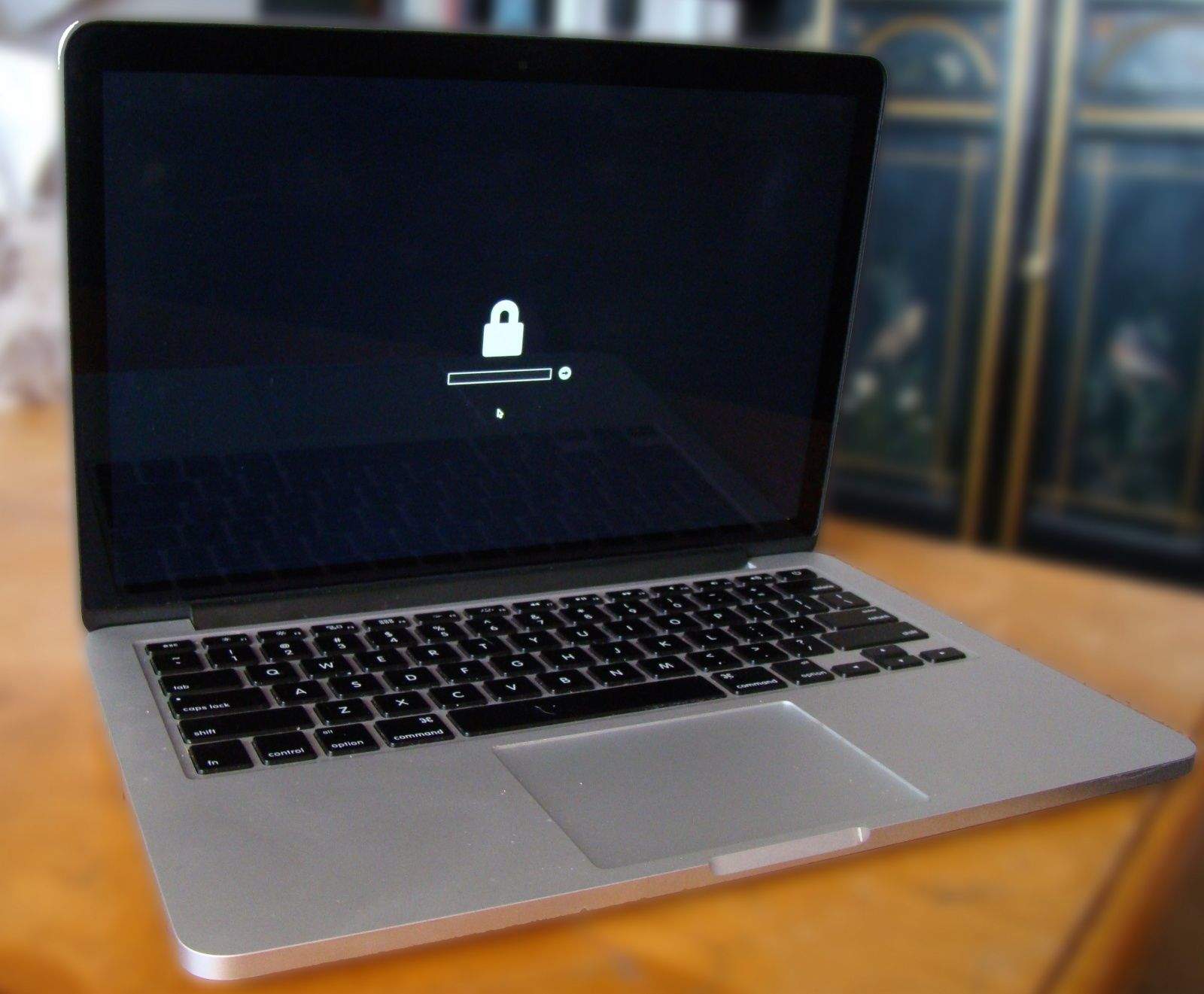
Let me save you a huge headache — don’t set an EFI password on your Mac unless you have the original receipt for that machine.
If you buy your Mac off Craigslist, like I did, and your daughter writes half a novel for her high school class but never backs it up elsewhere (note – always back up your stuff!), and then her MacBook Air suddenly won’t boot up, the EFI password the previous owner put on the laptop will prevent you or Apple from accessing the hard drive or ever using the computer again.
Hypothetically, of course.
If you don’t want to have to tell your daughter she loses her computer and will need to wait a week while you find a way to connect her SSD to another Mac and find her files, disable that EFI password now.
Here’s how.
What’s an EFI password? Also known as an open firmware password on older Macs, it’s a low-level password that prevents access to your Mac’s troubleshooting routines, like Recovery partitions or Target Disc modes. Essentially, it’s a way to lock your Mac down to keep thieves from accessing your data via one of these methods.
If you’ve set it and want to disable it, and you know the password, here’s what you can do.
Hold down your Mac’s power button until it shuts off. Then, holding down the Command and R keys on your keyboard, press the power button to power your Mac back up. You’ll get into the Recovery System this way. If you’ve previously set the EFI password, enter it here.
Next, you may need to select the language you want the Recovery Partition to use.
Click on the Utilities menu and choose Firmware Password Utility. Click the Turn Off Firmware Password button, and enter the password you used again. Finally, click Turn off Firmware Password again, and then restart your computer.
If you’re in a seriously high-risk industry and you’re concerned someone might want to grab your data using the Recovery partition or by booting from a separate hard drive, an EFI password is a sure way to make sure your computer is inaccessible, even to you should you forget the password.
For most people, it’s overkill. But if you do set one, do yourself (and your hypothetical daughter who ignores your pleas to back up her computer) a favor and write that password down in a ton of places so you never, ever forget it. That’s a horrible security practice, but I sure wish someone had done so when they set it on our MacBook Air.
Source: Apple Discussions

Rob LeFebvre is an Anchorage, Alaska-based writer and editor who has contributed to various tech, gaming and iOS sites, including 148Apps, Creative Screenwriting, Shelf-Awareness, VentureBeat, and Paste Magazine. Feel free to find Rob on Twitter @roblef, and send him a cookie once in a while; he’ll really appreciate it.


8 responses to “Quick tip will speed Mac data recovery and save you from heartache”
Gift your hypothetical daughter a fully configured Time Capsule. All she needs do is plug it in at a location where she regularly uses her laptop. This would address even the EFI password set and forgotten by a previous owner.
Please tell me you are not being serious…
Actually the internal Hard Drive is still accessible if you place it into another Mac internally or externally. The EFI firmware password is stored on a hardware chip. It basically disables the laptop to ever be used without the password. There is no way around it unless you contact the original owner. Even Apple won’t unlock it for you.
Isn’t it true that if you follow the advice in this article and misremember your EFI password that you’ve screwed yourself?
Tough shit. An EFI password protects your Mac if it should get stolen. That’s what you get for buying a Mac off of Craigslist. Surprised it wasn’t full of viruses.
April fools indeed
Tell your hypothetical daughter to use any of the 40 billion available free cloud backup services. The ones that are basically a folder in your file system kept in perpetual sync with the cloud.
Rob said, “Hold down your Mac’s power button until it shuts off.”
This is not the proper way to shut down a Mac, Rob.