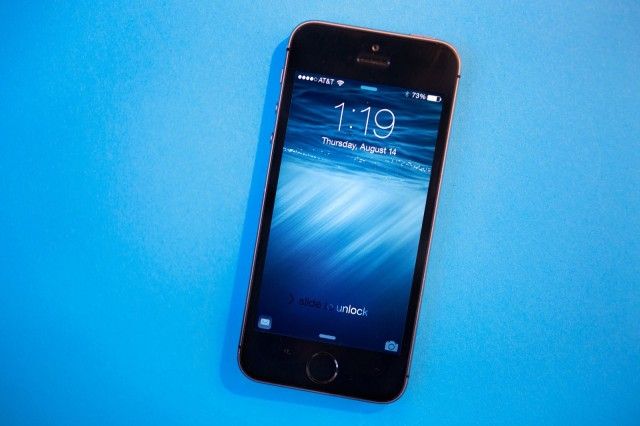
Apple released iOS 8.1.2 to the public today to help solve the mystery of disappearing ringtones on iOS devices.
The iOS update is being made available to the public despite never being made available to developers for testing before its wide release. iOS 8.1.2 fixes a bug that caused ringtones to disappear from iPhones even if they were purchased through iTunes.
To restore any missing ringtones, Apple advises users to visit iTunes.com/restoretones from your iOS device. The free update is available now via OTA download or directly from iTunes. Because this build hasn’t been tested yet though, you might want to wait for the early downloaders to report that it’s ok.

Buster Hein is a freelance writer who lives in Phoenix, Arizona. Twitter: @bst3r.


13 responses to “iOS 8.1.2 update is here to fix your disappearing ringtones”
Alright, we hit the x.1.2 update, iOS 8 should be stable now.
does it fix the disappearing battery life as well?
No a new battery fixes that problem…
The update automatically downloaded 4 apps to my iPad Mini: Tango, Flappy Bird, Spotify, and Pandora. I’ve never purchased any of these. Thank you?
I just installed it on my iPad Mini and none of those apps are on mine. It sound like you have gremlins messing with your iPad.
More likely I got a weird update file. None of these apps are in my purchased apps list, now or before. Strange, especially since you can’t download Flappy Bird anymore at all.
installed on iPhone and iPad, works great.
I wonder if this will fix the disappearing album art issue I’ve been having.
I have that same problem! So aggravating. I’m glad it’s not just me.
The link in the article is incorrect. It should read iTunes.com/restore-tones (note the hyphen).
Whoa it actually worked for my lost Alert Tones!!! went to iTunes.com/restore-tones and entered my password… very quick and easy…
The data cap for downloading apps on Appstore without Wifi seems to have been increased to 100mb. Woot!
The update did nothing for me (Iphone/Ipad) except give me a reply from Apple that my devises were fine.