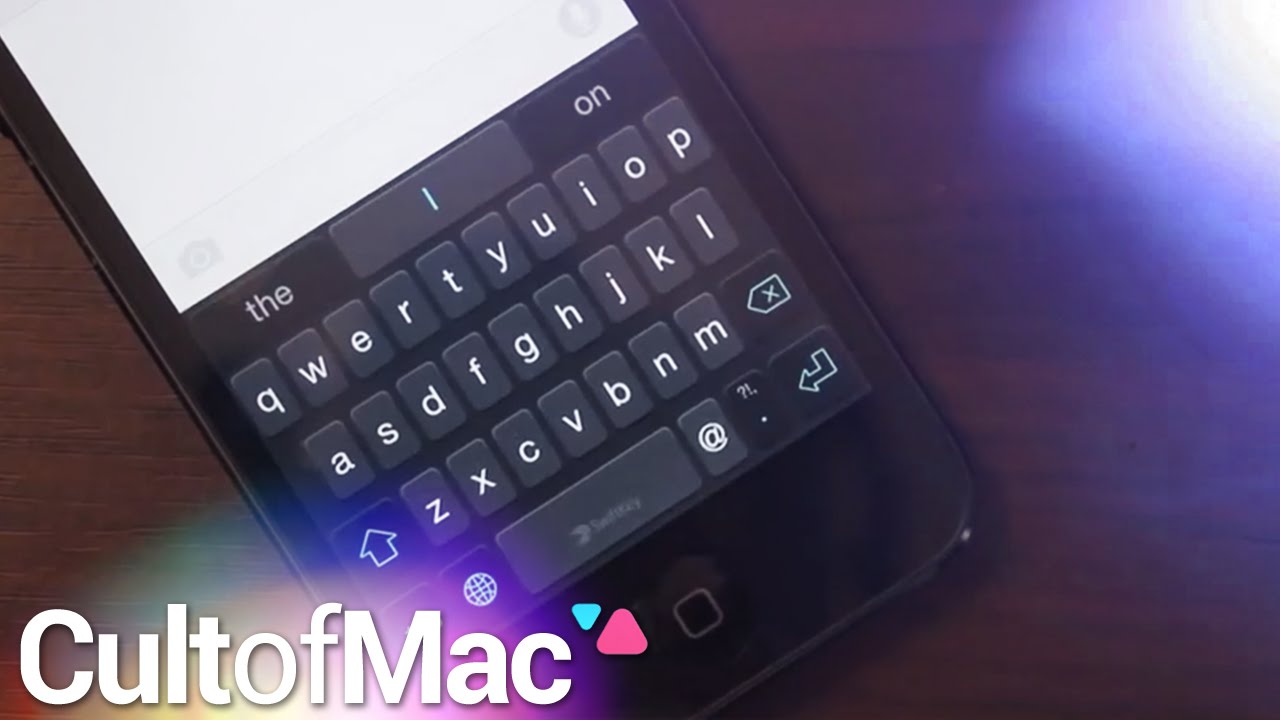
iOS 8 finally gives iPhone users a feature Android owners have long loved: third-party keyboards.
It’s a pretty familiar feature, but unleashing developers so they can create new keyboards for the iPhone (and iPad) is huge — and users being able to enjoy them all is even better.
In today’s Cult of Mac video, we show you how to install third-party keyboards in iOS 8 and introduce you to some of our favorite available custom keyboards. You’ll find out how to wipe to type your messages, give your keyboards themes and much more with this instructional video.
Subscribe to Cult of Mac TV on YouTube to catch all our latest videos.

Joshua Smith is a video reviewer for Cult of Mac, and the founder of the technology news and review service “TechBytes W/ Jsmith”. Joshua created TechBytes to revolutionize the way tech news is delivered. Smith feels that being a part of the Cult of Mac staff and family is the best position for elevating his career in the field of technology journalism. You can follow Joshua on Twitter by simply clicking the attached link.


10 responses to “How to start enjoying third-party keyboards in iOS 8”
Using SwiftKey which I have used on Android for some time and love it. But the problem with IOS 8 is that Apple is not allowing third party keyboards to access voice recognition from 3rd party keyboards. This is a major fail in my opinion. I was considering between a Samsung Note 4 or iPhone 6+ as my next phone, but this swings it to the Note 4.
Just switch back to the ios built in keyboard when you want to do text to speech. Just hold down on the world icon to get the keyboard you need.
I have been waiting for FOREVER for Swiftkey to come to iPhone. I didn’t know it was available until I saw this excellent review. THANK YOU!!
Is there a way to disable keylogging or at least sending the info out?
Is there any way to make SwiftKey as main keyboard? If i select it (with the world icon) and leave the iPhone for a while it returns to the default keyboard.
Already setted up list in the keyboard setup page.
just make the swiftkey the first keyboard on the list.
did already… isn´t working, any other ideas ?
So…I have an Iphone 5 still until I can upgrade in October, and after getting IOS 8 I do not have the third party keyboards. Is this feature only available on the Iphone 6/6+? Or did my update not go as planned?
you have to download it from the app store. then go to settings and keyboards and add it, don’t forget to all full access.
Get a Blackberry … then you don’t have to worry about 3rd party keyboards that may or may not work on any other these phones … its more secure to boot.