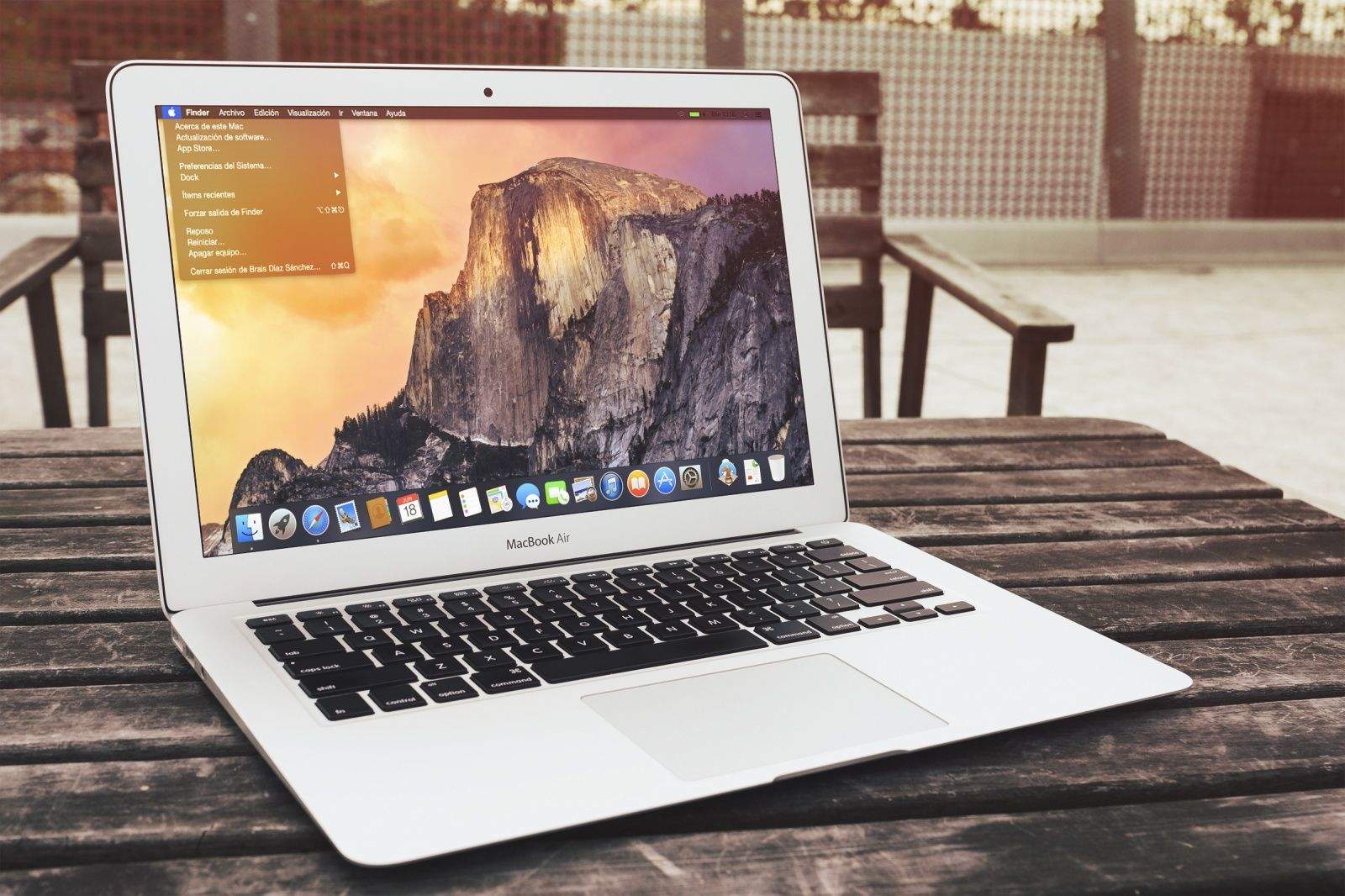
Apple seeded the 4th beta for OS X 10.10 Yosemite to developers this morning with preview build 14A298i.
The Yosemite beta program still hasn’t been opened to the public, but anyone with a developer account can pick up the OS X Yosemite beta 4 download from the Mac Dev Center. The update can also be scooped up from the Mac App Store by clicking Software Update under your Apple menu.
Along with the Yosemite and iOS 8 beta 4 releases from this morning, Apple has included new builds of Xcode 6 beta 4, Find My Friends, Find My iPhone, and Apple Configurator, all of which can be found in the Mac Dev Center.
Yosemite brings a revamped UI to OS X along with a host of new features aimed at making your iPhone and Mac work smarter together. No official word from Apple on what’s inside the new preview but we’ll let you know what we find as soon as its installed.

Buster Hein is a freelance writer who lives in Phoenix, Arizona. Twitter: @bst3r.


16 responses to “OS X 10.10 Yosemite beta 4 lands on the Mac Dev Center”
There is a new “Tips” App on the home screen now
Not on OS X.
Lockscreen image
Really still not OS X.
Tips Start Screen
Really not OS X.
First Tip
Still not OS X.
There is also a new control center.
Not OS X.
Just found a nicely discounted Swift course on Udemy…. 70% off to celebrate Xcode-beta4 release
https://www.udemy.com/swiftdeveloper/?couponCode=SWIFT-BETA4
All that have posted…
You realize this is OS X.. right?
Clearly not. A lot of imbeciles here.
That was overly harsh.
I downloaded it now – and my iMessage won’t log in – keeps saying can’t log into talk.google.com or it try to connect then it disconnects.. any thoughts? ps this is for the yosemite beta 4 update
Please stop posting pics of iOS8 beta. This article is about Mac OS X 10.10 ‘Yosemite’ DP4. About that, I noticed that system preferences has stopped calling it ‘dark mode’ and is now saying ‘dark menu bar and dock’. – which I agree with them doing since dark mode does not skin any apps with dark mode, they all remain ‘light’. So, IMHO ‘dark menu bar and dock’ is best for if professional apps that are already dark skinned are in use.