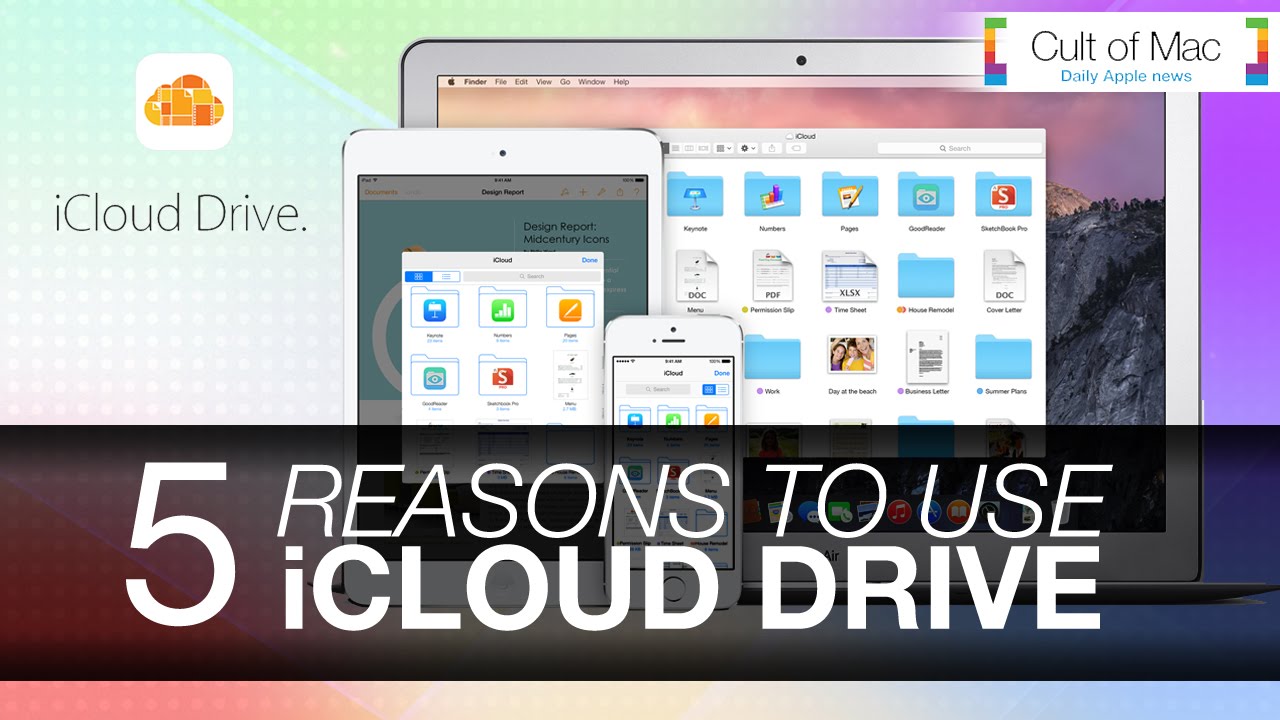
While iCloud has been a trusty storage companion for photos and documents, Apple’s recently announced iCloud Drive upgrades what we already know and love about the service. In today’s video, we take a look at five ways iCloud Drive will upgrade your life when Apple rolls out the enhanced service alongside iOS 8 and OS X Yosemite.
Subscribe to Cult of Mac TV on YouTube to catch all our latest videos.

Joshua Smith is a video reviewer for Cult of Mac, and the founder of the technology news and review service “TechBytes W/ Jsmith”. Joshua created TechBytes to revolutionize the way tech news is delivered. Smith feels that being a part of the Cult of Mac staff and family is the best position for elevating his career in the field of technology journalism. You can follow Joshua on Twitter by simply clicking the attached link.


7 responses to “5 ways iCloud Drive will upgrade your life”
Oh, wait.. so it is Dropbox…
…but with Apple’s software suite integrated, which makes it very convenient, and pretty smart, actually.
Oh then it’s Google Drive. Wait that’s way more integrated and cross platform. It’s almost Google Drive.
Except more expedient!
Can you sync from any set of folders on your Mac OSX device? Or do you have only ONE folder on your Mac that you have to drag everything into? I use SugarSync since it appears to be the only cloud drive that allows that.
Totally going for 1 TB…
Will you be able to see your iCloud photos from within the iCloud drive or will they be hidden?