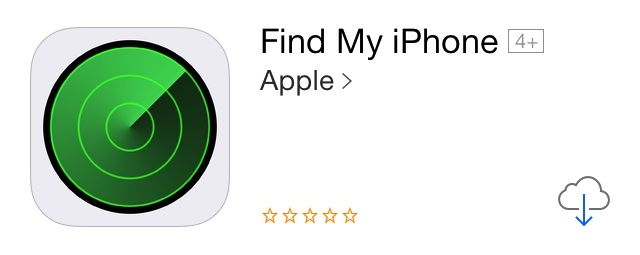
We’re a few weeks away from the final release of iOS 7, but it looks like Apple is starting to prep its non-stock apps with an iOS 7 update. This morning Apple released an update for Find My iPhone that comes with a new icon more fitting for iOS 7.
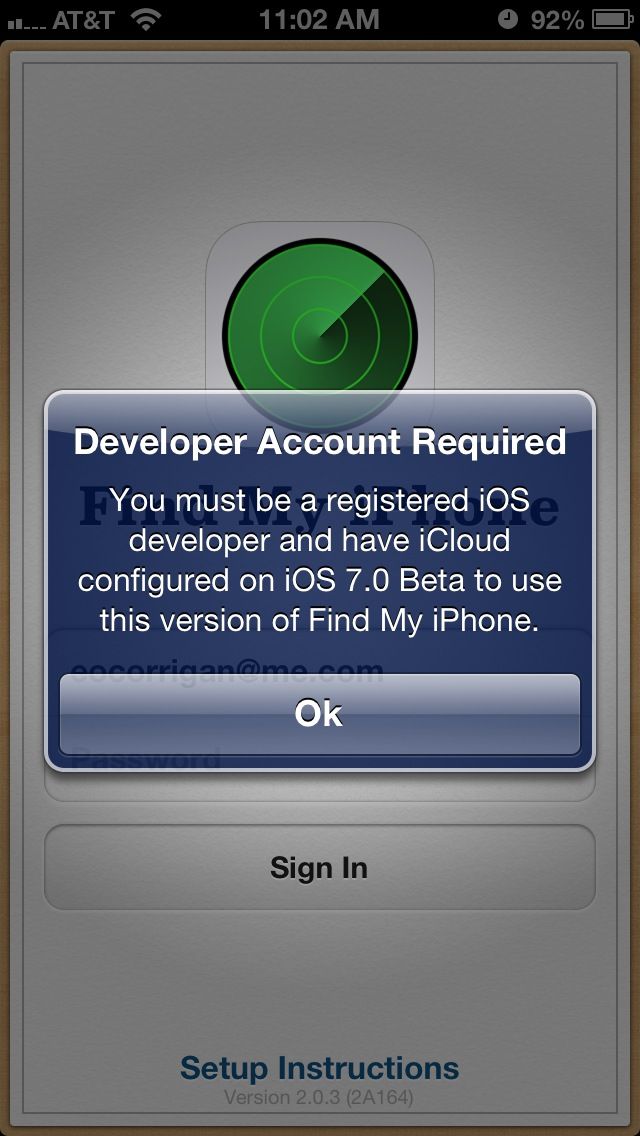
A few bug fixes were tossed in, but early reports claim the update has broken the app for non-developers, so we’d advise against updating right now. The new Find My iPhone icon was also added to the beta.iCloud.com homescreen, but hasn’t been updated on iCloud.com yet.
Source: iTunes
Thanks: Everson

Buster Hein is a freelance writer who lives in Phoenix, Arizona. Twitter: @bst3r.


12 responses to “Find My iPhone Icon Gets Updated For iOS 7, Breaks App For Non-Developers”
Do not download this update! It locks you out of Find My iPhone unless you have a developer account. Big mistake Apple!
Definitely!!! Wish I would have read this first.
I think it’s funny in the update area on ios 7 app store the Find My iPhone and Find My Friends app are stacked together since both were updated today…and Find My Friends still has the same old look to the interface.
Interfaces are both the same, though it looks like Google watermark is gone from the map can anyone confirm it was on there to begin with…I sorta feel like I mentioned the Google logo watermarked on these apps before.
Yes indeed , it does not work unless you have a developer’s account ,” do not install it”, I usually just click install all and thats why it got installed on my phone. Not sure what needs to be done I guess wait for Apple to issue a revert download to the older version , or re install it from the app store ?? ? hmmm
looks as if they updated find my friends as well.
OMG, that icon is so ugly!!!!!!!!!!!!!!!!!!!!! /s
If you’re having trouble with the updated app, try deleting and reinstalling the app. I did that and it works fine for me now.
Working for me, no dev account…
There was a “find my iPhone” outage earlier today (around 2PM EST) that’s why it didn’t work.
It’s all good now.
Works just fine for me with no dev account on iOS 7 beta 6.
No developer account. Running iOS 6 and the update is working for me