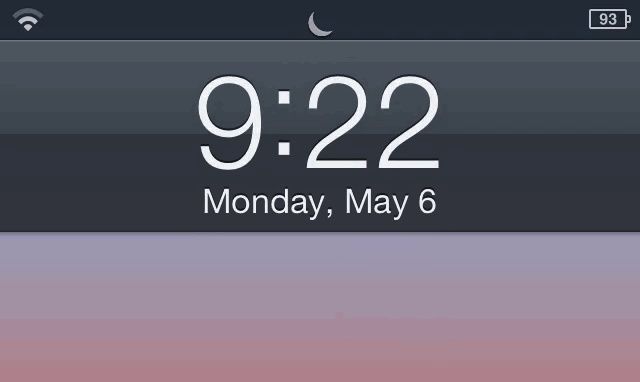
I often forget that the Do Not Disturb toggle in iOS 6 exists. It’s a great feature for quickly shutting out the noise, but the problem is that you have to open the Settings app to enable. Do Not Disturb feels like something that should immediately accessible.
Luna is a new jailbreak tweak based on a concept we showed you at the beginning of the year. From the iPhone’s lockscreen, pull down on the time to enable Do Not Disturb. Pull down again to disable. It’s that simple.
I don’t use Do Not Disturb that often, but this tweak makes toggling it on and off incredibly fluid. When you want the notifications to stop pouring in, just swipe on the lockscreen. Genius.
Luna is available in Cydia now for $2.

Alex Heath is a journalist who works for Tech Insider. He’s the former co-host of The CultCast. He has been quoted by the likes of the BBC, KRON 4 News, and books like “ICONIC: A Photographic Tribute to Apple Innovation.” He lives in Lexington, Kentucky. If you want to pitch a story, share a tip, or just get in touch, additional contact information is available on his personal site. Follow him on Twitter.

