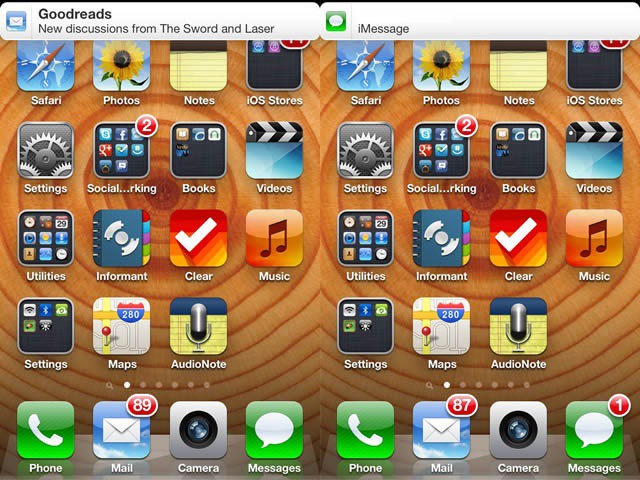
Notifications on the iPhone are annoying. There, I said it. They drop at the most inopportune times, and I always end up activating them, while the iPhone is more than happy to hop over to the application that sent the Notification in the first place. There is, however, a couple of cool ways of dismissing them without activating them, short of waiting for them to go away, which is what I’ve done since they appeared in iOS 5. Today’s tip shows you how.
The first way to dismiss the active notification from the top of your iOS device screen is to touch and slightly pull down on the banner notification, then flicking it up. In essence, you’re activating notification center here, then dismissing it.
The other way to do this is to swipe from right to left across the banner, with an almost subliminal down up motion, which the original tipster says can be fairly unreliable, so your mileage may vary.
You’ll need to be careful about holding your finger down since iOS will interpret anything less as a tap, and you’ll end up activating the Notification rather than dismissing it.
[Source: iMore]
Got an iOS tip of your own? Need help troubleshooting your iPhone, iPod touch or iPad ? Drop me a line or leave a comment below.

Rob LeFebvre is an Anchorage, Alaska-based writer and editor who has contributed to various tech, gaming and iOS sites, including 148Apps, Creative Screenwriting, Shelf-Awareness, VentureBeat, and Paste Magazine. Feel free to find Rob on Twitter @roblef, and send him a cookie once in a while; he’ll really appreciate it.

