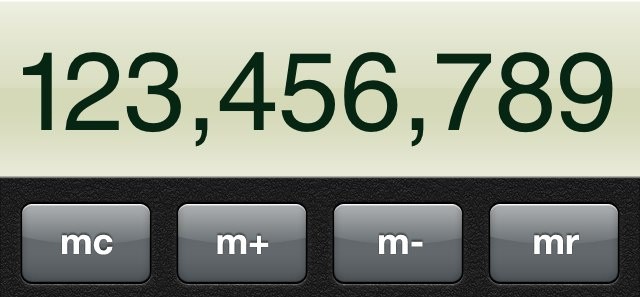
Did you know that the Calculator app built into iOS has a hidden swipe gesture that allows you to delete those digits that you tap accidentally? No, neither did I until this morning, when I discovered this nifty little backspace trick by accident.
When typing digits into the Calculator app, simply perform a swipe — either to the left or to the right — across the Calculator’s display with one figure to delete the last digit.
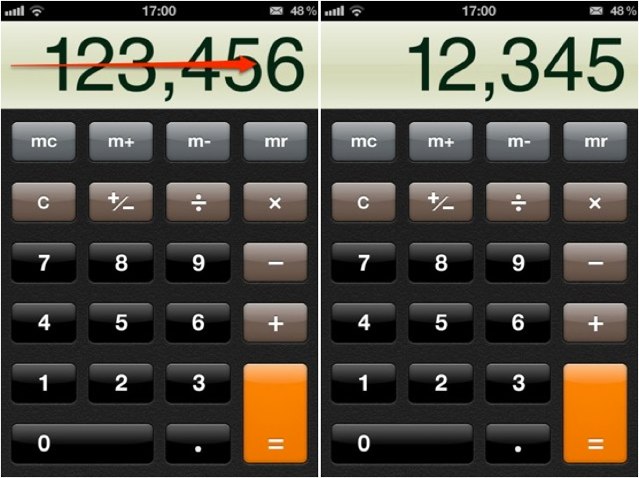
Isn’t that cool? I’ve always wanted a backspace button for the Calculator app, and all this time Apple’s been hiding a little gesture that provides this function.
Did you know about this?

Killian Bell is a freelance writer based in the U.K. He has an interest in all things tech and also covers Android over at CultofAndroid.com. You can follow him on Twitter via @killianbell.

