

I’m beginning to like using the keyboard a lot more these days and the tip today shows how useful a keyboard can be. I use Safari a great deal and I download a lot of content from the internet using it. Every so often I need to see the current download list, which is easily accessible from the keyboard.
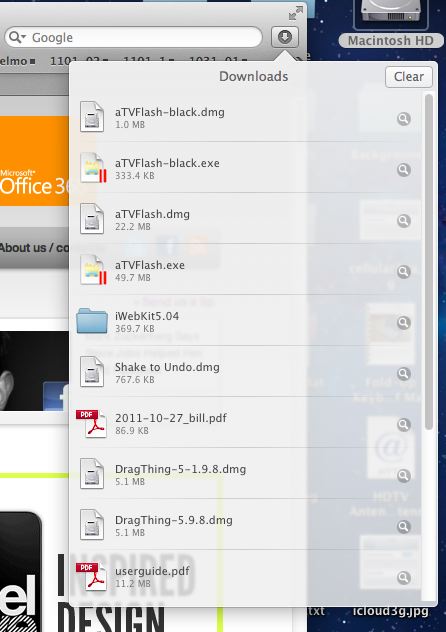
If you are using Safari and you need quick access to the list of recently downloaded files simply press Command+Option+L. Safari will immediately display the files you downloaded unless the download list is empty in that case nothing will happen.

David W. Martin has more than 20 years of experience in the industry as a programmer, systems and business analyst, author, and consultant. David has written for CNET’s iPhoneatlas.com, MacLife.com, CultofMac.com, BYTE.com and recently for aNewDoman.net. He comes to Cult of Mac’s website with deep knowledge and passion for the all things Apple. Follow David on Twitter @david_w_martin or see what he’s up to now at davidwmartin.com.

