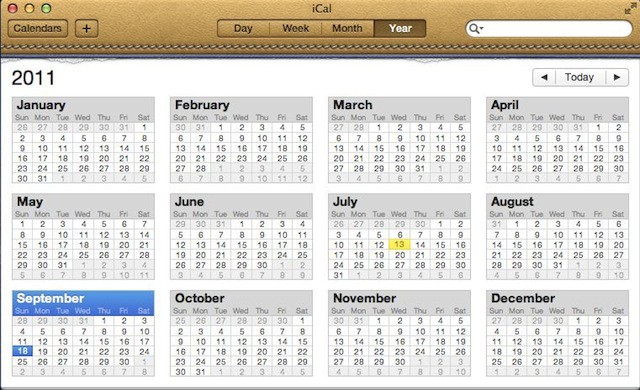

Mac OS X Lion came with a new version of iCal an application that people either love or hate. It sports a new look and a new feature called Quick Add. It is a new way to quickly add events to your calendar.
iCal will now allow you to enter normally worded phrases to add a new appointment (or event) to your calendar. All you need to do is click on the + (plus) button in iCal and select the calendar you want to add the appointment (or event) too. A pop-up will appear that will allow you to enter a phrase.
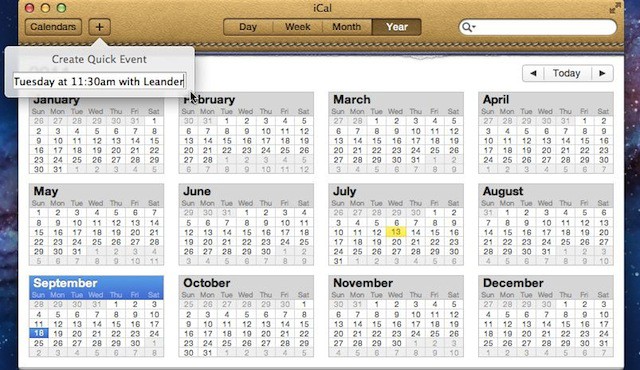
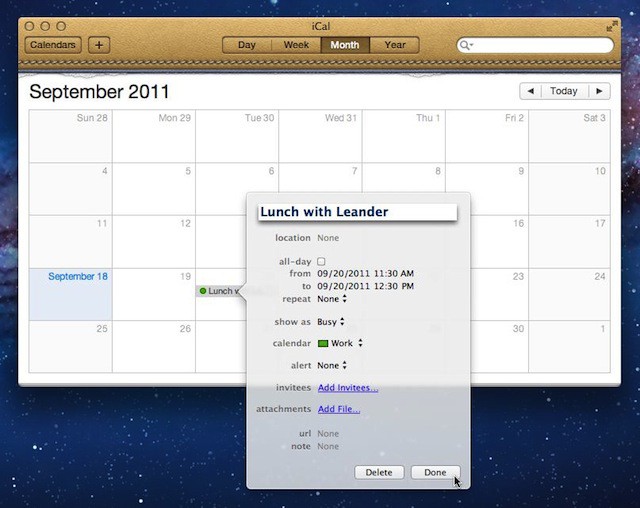
If you type something like “Lunch this Tuesday at 11:30am with Leander” or “Movie this Friday at 7pm” iCal will convert that into a new appointment on your selected calendar. It’s not exactly perfect because I had to add the word “Lunch” back in manually, but it did most of the work for me.

David W. Martin has more than 20 years of experience in the industry as a programmer, systems and business analyst, author, and consultant. David has written for CNET’s iPhoneatlas.com, MacLife.com, CultofMac.com, BYTE.com and recently for aNewDoman.net. He comes to Cult of Mac’s website with deep knowledge and passion for the all things Apple. Follow David on Twitter @david_w_martin or see what he’s up to now at davidwmartin.com.

