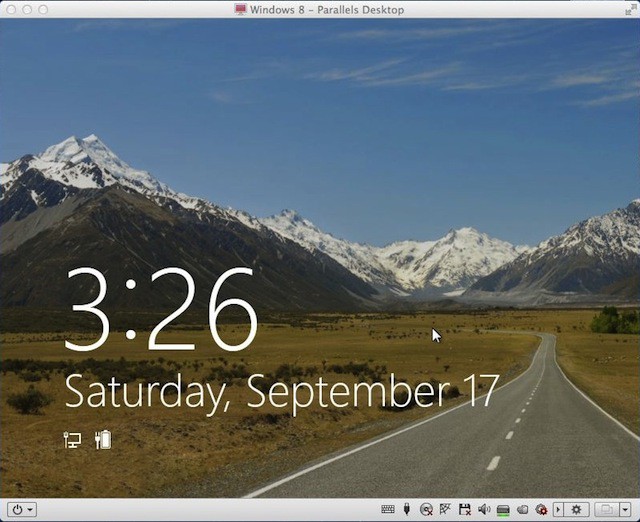
This mountain view is the nicest thing you’ll see in the Windows 8 Developer Preview that Microsoft recently released. The rest made me throw up a bit in my mouth – especially the Metro UI. I’m not sure I’m ready to think that different yet.
The mountain scene above was produced after Windows 8 booted and after it was idle for a short period. I was running Windows 8 as a Parallels Desktop 7 virtual machine on my 13-inch MacBook Air. I’ll tell you how you can do that yourself at the end of the gallery.
I spent a couple of hours exploring Windows 8 and this gallery is a broad overview of the changes that Windows 7 users have to look forward too.
After spending all this time with Windows 8 I grabbed my MacBook Air and hugged it tight. I’m so glad that I have Mac OS X Lion and not Windows 8.

David W. Martin has more than 20 years of experience in the industry as a programmer, systems and business analyst, author, and consultant. David has written for CNET’s iPhoneatlas.com, MacLife.com, CultofMac.com, BYTE.com and recently for aNewDoman.net. He comes to Cult of Mac’s website with deep knowledge and passion for the all things Apple. Follow David on Twitter @david_w_martin or see what he’s up to now at davidwmartin.com.

