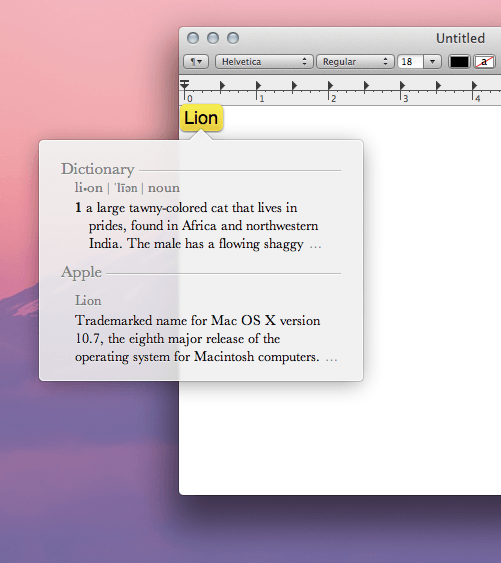
Did you know that in OS X Lion you can get a quick dictionary definition of any word with a simple trackpad gesture? In the past, you would have to look up a definition in Spotlight or through a right click menu.
In Lion, a quick definition is as easy as a three-finger double tap on your trackpad. Just mouse over any word and perform the gesture; a nice little, translucent window should pop up with a definition. No more Google searches when you’re typing in a word processor!

Alex Heath is a journalist who works for Tech Insider. He’s the former co-host of The CultCast. He has been quoted by the likes of the BBC, KRON 4 News, and books like “ICONIC: A Photographic Tribute to Apple Innovation.” He lives in Lexington, Kentucky. If you want to pitch a story, share a tip, or just get in touch, additional contact information is available on his personal site. Follow him on Twitter.

