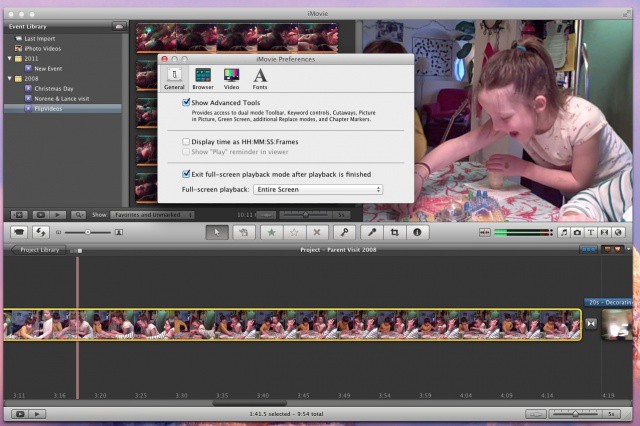
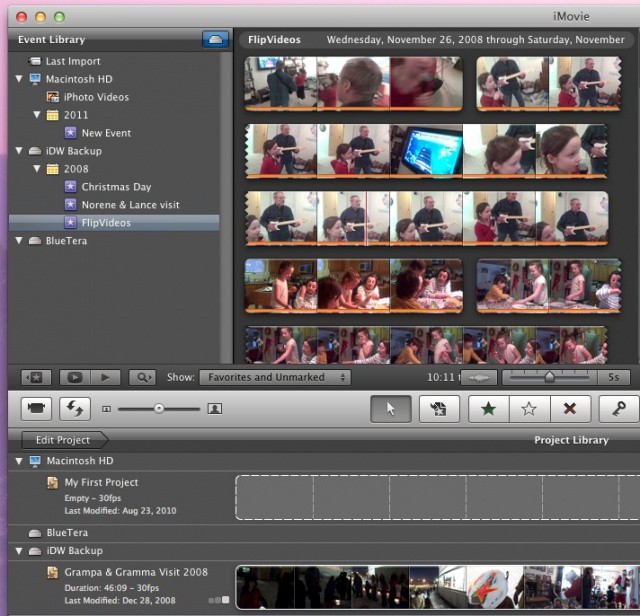
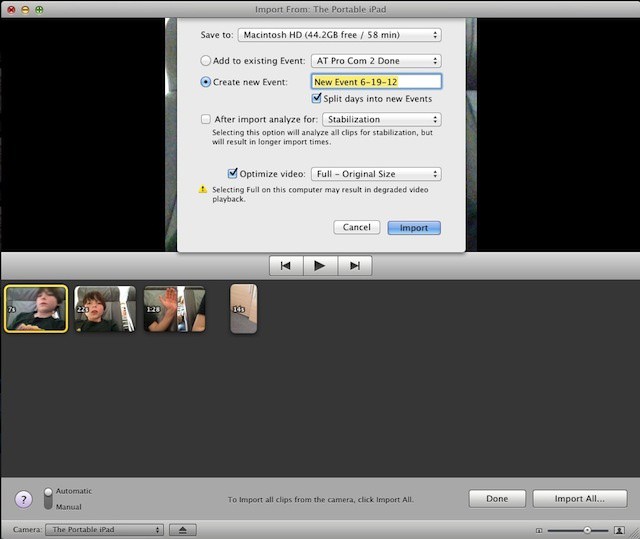
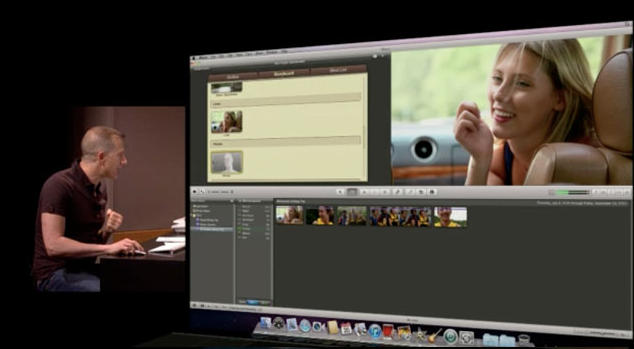
Sure, iMovie is now available on the iPhone, iPod touch and iPad, but nothing beats a big old screen to edit your video on. You no longer have to export the video from your iOS device to your iTunes or iPhoto, then import into iMovie. With iMovie ’11, you can bring it right into the app with no middle steps. How refreshingly simple! Here’s how.
Editing videos can lead to a great sense of fulfillment when you’re all done and showing off the fruits of your labors to a packed house of admirers, but you have to admit that the grunt work can be kind of a slog. Anything that makes the editing process a little faster or a little bit simpler has my vote for being a tip worth knowing about.
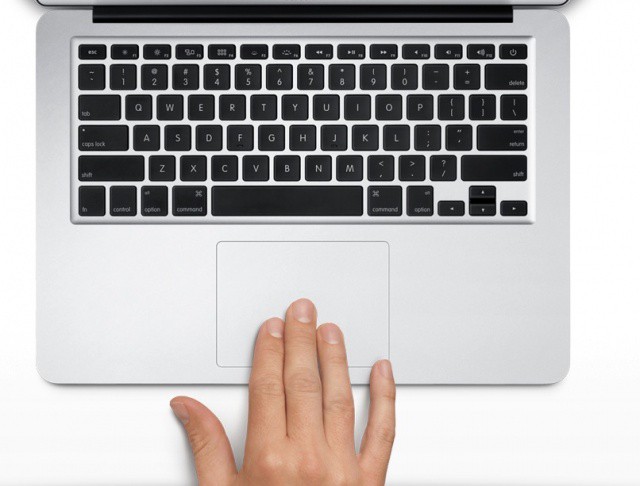
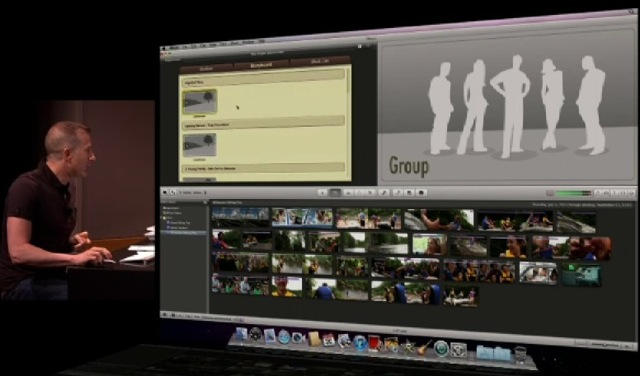
iMovie ’11 has a host of under-the-radar tricks that will help you take your editing workflow up a notch. One sweet trick that both saves time and impresses other video editors is using multitouch gestures right on the trackpad.
All of these apps have been freshly updated for the iPhone, iPod touch and iPad.
Apple released a slew of iOS app updates today in the App Store. iMovie, iPhoto, Garageband, Cards and iTunes U were all updated with various improvements and bug fixes.
All of the updates can be downloaded for free and are available now.
Reporters at USA Today and other Gannett outlets begin receiving iPhones for mobile reporting
News media conglomerate Gannett is making a big push for mobile reporting and they’ve decided that the iPhone 4S is the perfect tool to start with for journalists across the country. To that end, the company has equipped 1,000 print and broadcast reporters with new iPhones to use for on the spot reporting, editing, and broadcasting.
The initiative was announced in December and will eventually include iPads as well as iPhones, but it is just now rolling out after the company put journalists getting the handsets through intensive training in the use of the iPhone and of the handful of apps that Gannett has chosen for reporters to use.
If you’ve just upgraded from an iPad 2 to an iPad 3 a new iPad, no doubt you’ll be wanting to put the new device’s super powers – Retina screen, LTE wireless data, improved camera, and A5X processor – to the test.
Here’s a short list of apps that’ll help you do that.
A retina, surrounded by an eye. Photo Bodey Marcoccia (CC BY-SA 2.0)
The new iPad appears to be all upside: A retina display, 4G connection, no loss in battery life and a potentially great new camera. But there is a dark side lurking in there somewhere, one that you won’t see until developers start to update their apps to be retina ready, and those apps start to gobble up your 16, 32 or 64GB of storage by the Gigabyte.
What am I talking about? Bitmap images. When quadrupled in size to look nice on the hi-res screen, bitmaps bloat the apps containing them. For example, iMovie for iOS jumps from a merely large 70MB to a terrifying 404MB. That 16GB iPad is starting to look a little small, right?
Along with everything else in iLife for iOS (and iWork too), iMovie got an update at the new iPad announcement on Wednesday. The big new feature is trailers, which you may have used before on the desktop. Now you can make them on iPhones (4 or later) and iPads (2 or later).
We wanted to put the new iMovie through its paces, so here’s a trailer we made.
Adobe is just one of the big-name developers that was quick to embrace the Mac App Store when it launched earlier this year, and today it has increased its presence with the launch of two “special edition” applications called Photoshop Elements 10 Editor and Premiere Elements 10 Editor.
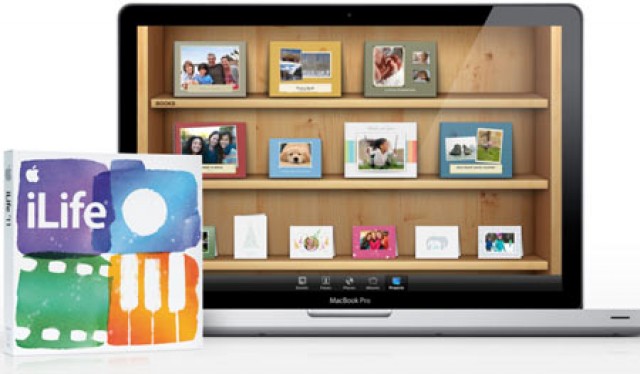
If you’ve ever dropped $14.99 on the Mac App Store for iPhoto ’11, iMovie ’11 or GarageBand ’11, you might want to check the update tab, because three large stability updates for the iLife trio have dropped. Here’s what is new.