All items tagged with "editing"

You’ve Got to Check Out CameraBag’s Stunningly Fantastic Mac Beta

We absolutely love the CamerBag iOS app; some of us, including me, believe it to be the best photo filter app on the iPhone. But take a look at the free beta version of CamerBag 2 for Mac, the desktop version’s forthcoming update — because it takes things to a whole new level of awesomeness.

Read the rest of this post »

Camtasia: Screencasting on the Mac with Style [Review]

Camtasia: Screencasting on the Mac with Style [Review]

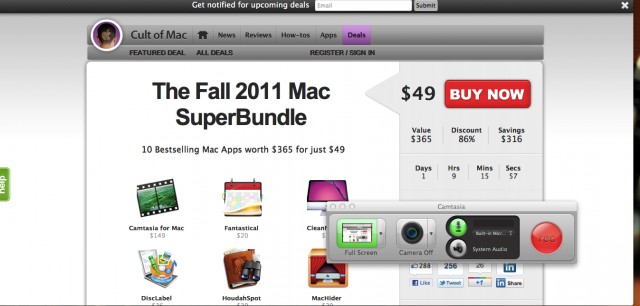
One of the apps available in The Fall 2011 Mac SuperBundle offered on the Cult of Mac Deals page is Camtasia by TechSmith ($149 regularly/$99 introductory pricing, in the Mac App Store. Camtasia is a screen recording application for the Mac that has generated a lot of buzz over the years on the Windows platform, and has started to make some noise on the Mac front as well.

Camtasia is laden with features like simultaneous webcam and screen recording, contains a wide selection of effects and filters, and offers online video tutorials to help you through the process of putting together a great screencast. If you’ve ever wanted to put together a screencast, Camtasia is an incredibly simple — and yet powerful — tool to get the job done. But it’s not without its flaws.

Read the rest of this post »

Seriously?! Nik Software’s Outstanding Snapseed Photo Editing App Free [Daily Freebie]

Seriously?! Nik Software’s Outstanding Snapseed Photo Editing App Free [Daily Freebie]

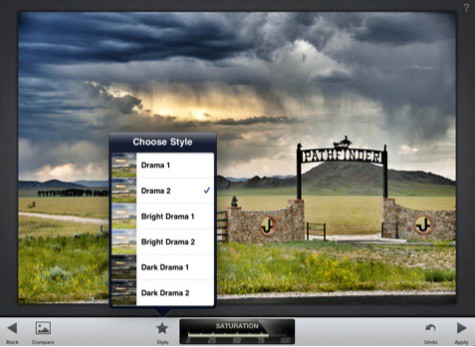
I was seriously shocked when I saw this: Snapseed, probably the most elegant iOS photo editing app at the App Store, has been knocked down from $5 — to zero. It’s free.

Read the rest of this post »

Get More Out Of QuickTime X [Video How-To]

Get More Out Of QuickTime X [Video How-To]

When Apple released QuickTime X with Mac OS X Snow Leopard, it seemed like little more than another version of QuickTime with a new User Interface. In reality though, there are quite a few features either new to QuickTime X, or previously only available in the Professional version, that make it much more than just a media player. In this video, you’ll see how you can get more use out of QuickTime X.